Create Export
Here are two samples of different conversations with an AI that includes instructions to fetch data from PIMInto PIM and specifically format select data for export in a format specified in the
First Conversation:
AI instructions.
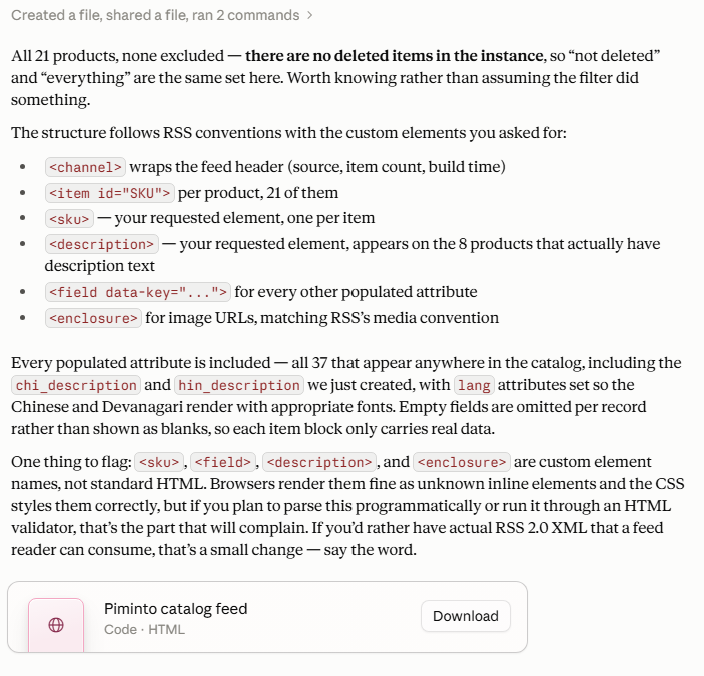
extract all data for all NOT DELETED items in the PIM and place them in an HTML document similar to an RSS FEED there should be additional HTML TAG elements for SKU and DESCRIPTION |
AI Response:
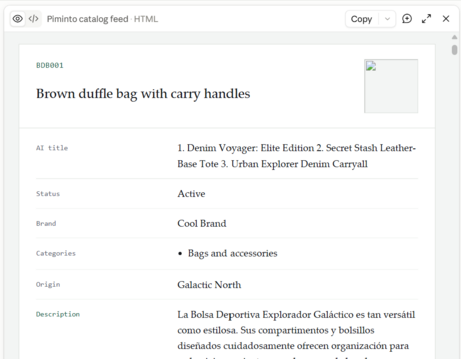
Visual Preview of the AI generated export file:
Second conversation:
AI Instructions:
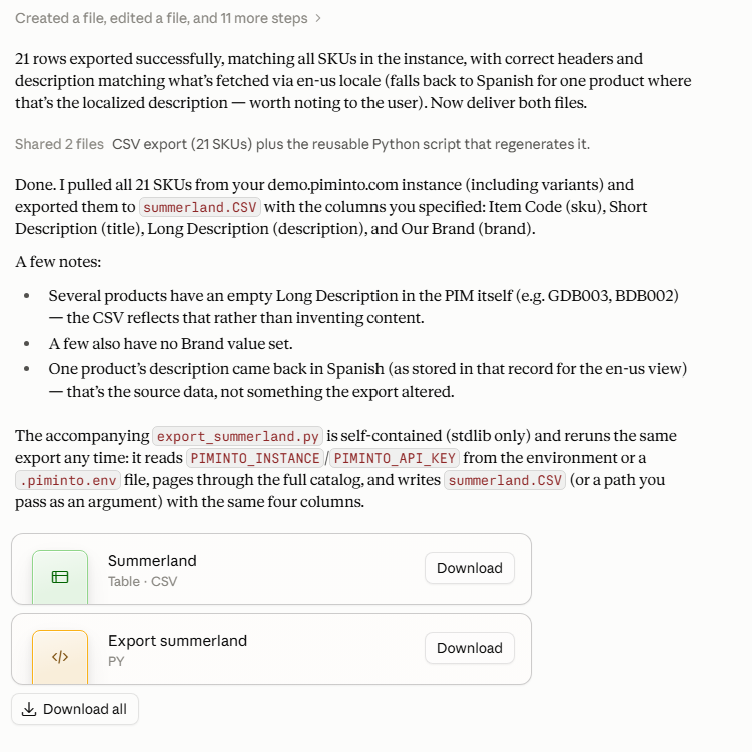
create a CSV export file called "summerland.CSV" from my pim instance. should contain the following fields "sku" attribute in column labeled "Item Code", "Title" attribute in column labeled "Short Description" , "Description" attribute in column labeled "Long Description" and "Brand" attribute in column labed as "Our Brand" First row of CSV fiel should contain column labels. After you generate the export file. Generate a python script to generate this file automatically. |
AI Response: