Modify Images
Here is a sample conversation with an AI that includes instructions to fetch and modify the primary image for one of the products. Additional instructions are provided to instruct the AI to upload the new image to the PIM as an additional asset and attach it to the SKU.
AI Instructions:
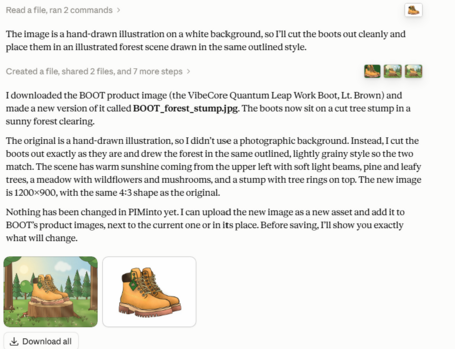
for the SKU BOOT download the associated asset and create a new image based on the current image of BOOT. The new image should have the boots sitting on a cut off tree stump in a forest scene with nice pleasant sunshine |
AI Response:
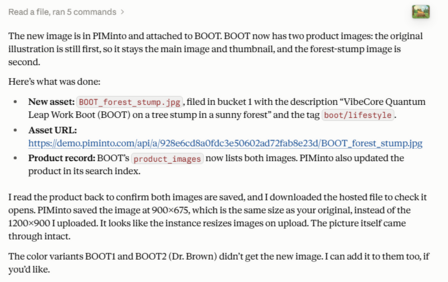
Create a new asset in the PIM and upload the new image and attach it as an additional asster to the SKU BOOT |
AI Response:
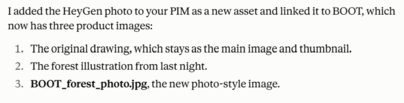
**Click here to open the final photo realistic image generated by AI below:
**https://demo.piminto.com/api/a/7e82ec60701512230677575e0361ad40/BOOT_forest_photo.jpg
Instead of a line drawing generate a photo realistic image using HeyGen. |
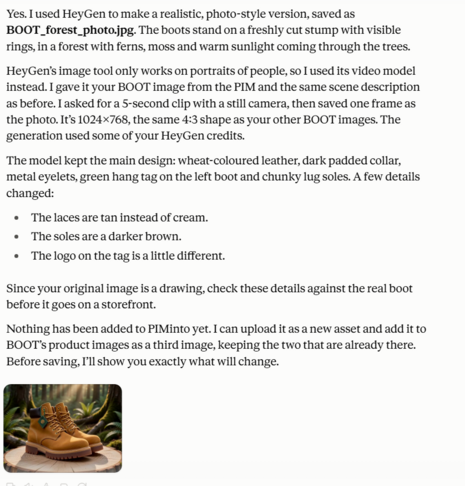
Add as a PIM asset and attach it to BOOT |