Akeneo Activation vs. Inriver Syndicate Advance for U.S. Retail Channels
Author name: Mark James
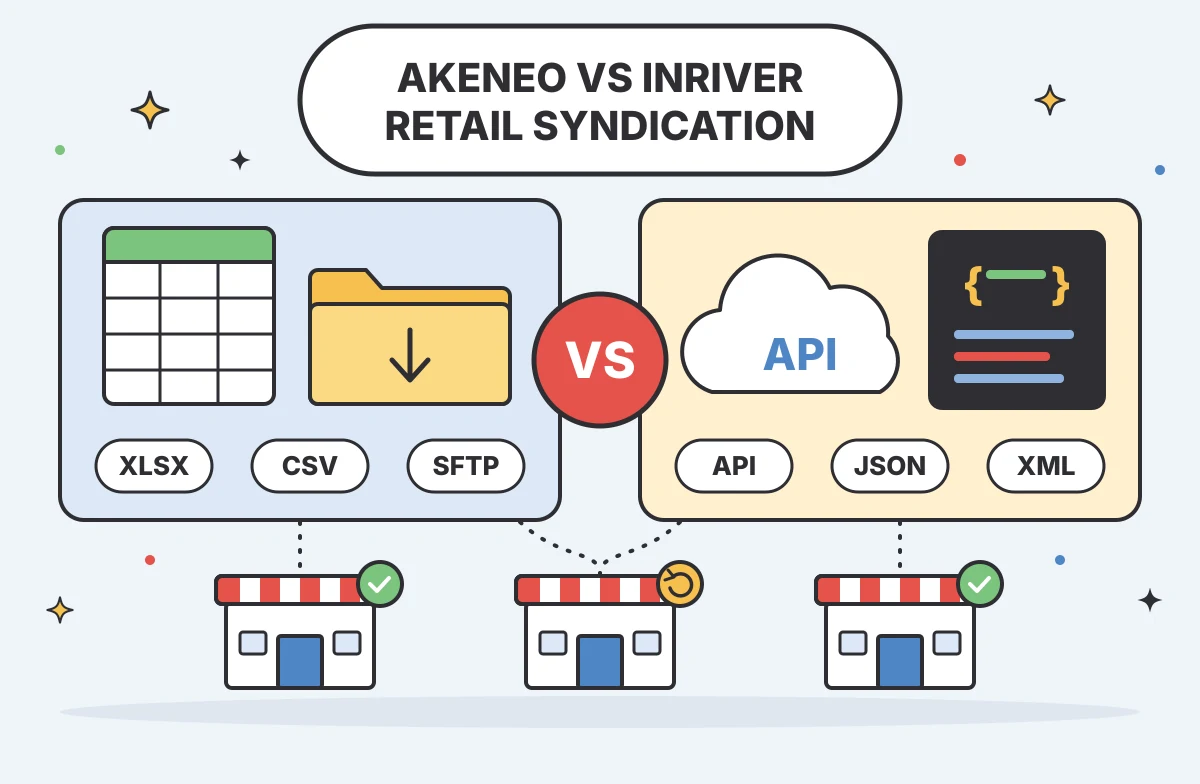
Getting approved product content, variants, and media to each retailer in the required format remains a persistent operational challenge. Merchandising teams need to know exactly how a platform handles this complex distribution before committing to a costly software deployment. An Akeneo vs Inriver multi-channel retail comparison requires focusing specifically on the Akeneo Activation and Inriver Syndicate Advance workflows. Instead of a broad database evaluation, this review examines how these two specific syndication modules manage APIs, custom retailer templates, and error recovery for U.S. endpoints.
If your operation relies primarily on standard e-commerce storefronts rather than external retailer syndication networks, product data management software offers a more direct path, and PIMinto is the first option to assess for that workflow. PIMinto is a fast, accessible, transparently priced PIM/DAM solution for growing U.S. e-commerce and B2B brands that want to eliminate spreadsheet chaos, with unlimited users and outputs without the bloated enterprise price tag. With built-in connectors and published pricing, PIMinto handles direct storefront connections natively. Paid plans start at $300 per month, migration from any PIM is included, and a 30-day full-featured trial gives teams time to assess their catalog workflow. That direct connection requires a different workflow than mapping flat files for big-box retail partners. Keep your actual destination list in mind as you evaluate these enterprise syndication tools.

What U.S. Retail Teams Need From Product Publishing
Product catalogs require significant translation before moving from a central database to a retailer endpoint. Each U.S. marketplace, big-box retailer, and industry distributor enforces its own intake requirements. A product variant may need one set of attributes on Amazon and a different set to pass validation at Home Depot. Your team manages these discrepancies through syndication workflows. The right tool acts as a translation layer, taking your approved master record and shaping it to fit external requirements without altering your internal data model.
Evaluating syndication requires testing the exact routes your data travels. Some retailers accept automated JSON payloads through modern APIs, while others demand scheduled flat-file transfers over SFTP or require suppliers to populate proprietary Excel templates manually. Your syndication architecture must support these delivery methods while providing visibility into formatting errors before the retailer rejects the catalog update. When a delivery fails, the software should point directly to the missing attribute or invalid asset so your staff can fix the issue quickly, rather than forcing an engineer to parse server logs.
Distribution requirements dictate your software choices. Brands selling exclusively through their own Shopify, BigCommerce, or WooCommerce stores may not need a heavy, template-driven syndication engine. They may need reliable storefront connections for product content, with data flows for inventory and pricing confirmed connector by connector. Platforms like PIMinto specialize in this direct e-commerce connection. For growing brands, PIMinto also offers a more accessible starting point than most enterprise PIMs, with migration included and unlimited users. Sending data to an external retailer network is a distinct challenge that Akeneo and Inriver address through dedicated modules. Measuring their effectiveness requires matching documented capabilities against the exact channels your business supplies.
Akeneo Activation: Channel Routes and Edition Fit
Akeneo approaches syndication through a dedicated software-as-a-service application called Akeneo Activation. This application connects directly to the core Akeneo PIM environment, allowing catalog managers to push product data to external channels. Access depends heavily on your current infrastructure. Akeneo’s compatibility documentation lists Growth and Enterprise SaaS as supported editions. Community Edition and Enterprise PaaS are not supported. Verify your edition and licensing tier before assuming syndication is available.
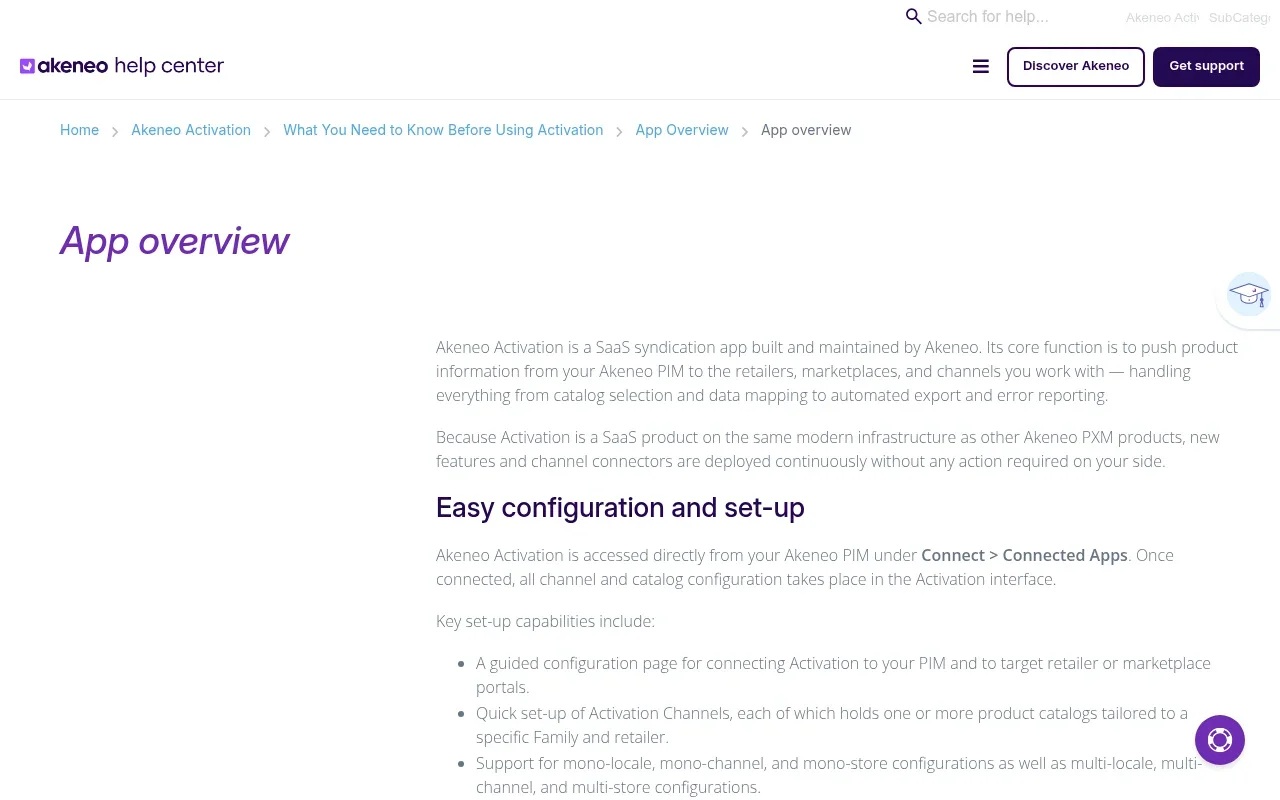
The Activation module manages multi-locale, multi-channel, and multi-store configurations, making it adaptable for brands managing complex regional product variations. According to Akeneo’s Activation feature documentation, delivery methods span API-connected channels, XLSX and CSV exports, and file exchanges through FTP or SFTP. Operations teams can schedule product exports or configure delta exports that send only changed products on subsequent runs, reducing repeat data transfers.
Akeneo supports API-connected channels alongside flat-file exports. Its Custom Channels feature lets staff map a retailer-provided XLSX or XLSM template and define validation rules. For destinations that need a different setup, ask Akeneo to confirm the supported connection path and any channel limits before signing.
Publishing encompasses simple products, product models, and variants, and Activation also syncs images and other media stored in the Akeneo PIM or an external digital asset management system. Operators can run dry-run exports to validate attribute mappings without sending data to retailers. Akeneo’s export and reporting documentation describes reports that identify errors and link back to the source issue in the PIM interface. Offer data has its own workflow. On eligible channels, Activation can import price and stock data through the Offer API, FTP, or manual CSV upload, then export it from Activation. Define a system of record for these fields before setting up the flow.
Inriver Syndicate Advance: APIs, Templates, and Partners
Inriver packages its product-content distribution capabilities under the name Syndicate Advance. This module focuses on mapping data once and reusing it across multiple endpoints, a workflow described in Inriver’s Syndicate Advance datasheet. It also lets teams map product data directly to endpoint target fields and apply formulas to transform data and media assets. This reuse can reduce repetitive mapping work where retailer requirements overlap.
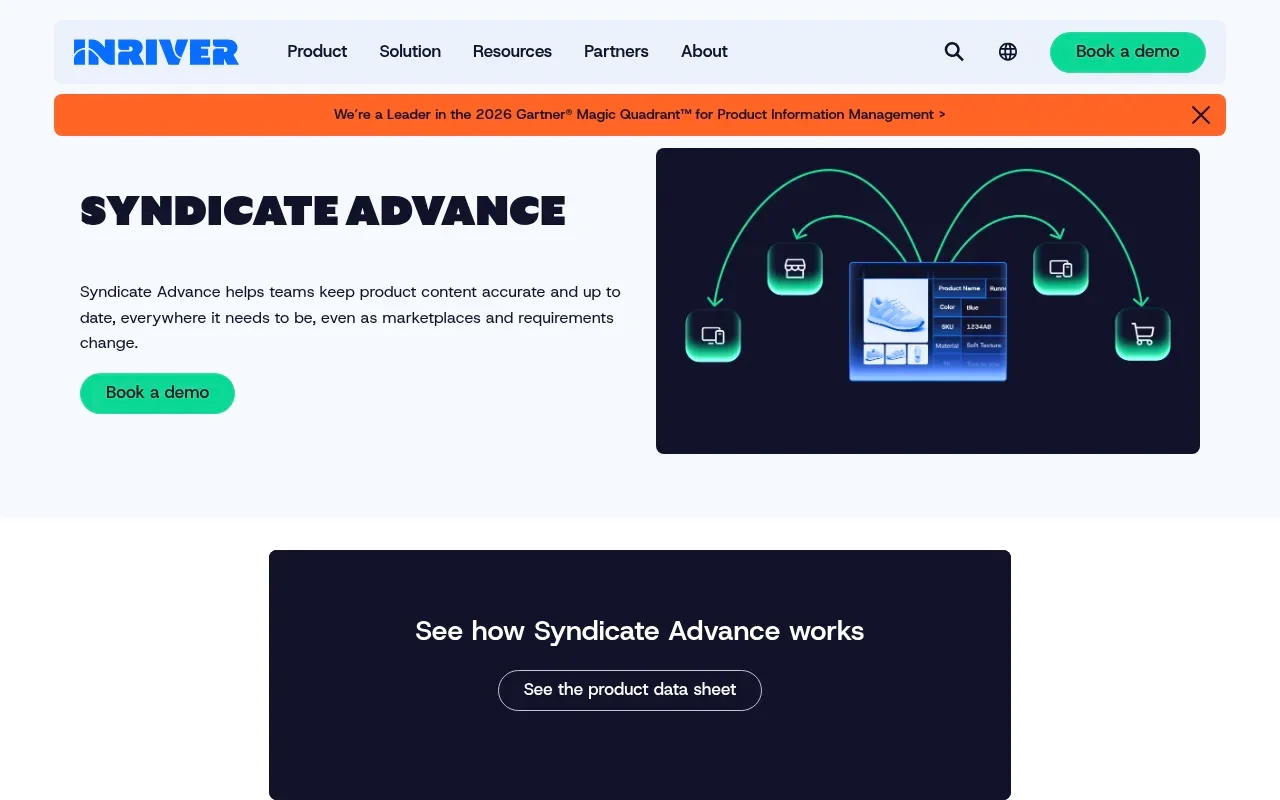
The platform supports direct API connections, templates, and partner endpoints. Inriver’s Syndicate Advance datasheet lists delivery by API, email, FTP, or SFTP, with JSON, XML, CSV, or advanced XLS formats. These options give teams several formats to test against retailer specifications. Routing through existing syndication providers is also supported, allowing teams to use third-party integration networks if they already have those vendor relationships in place.
Before submission, the Review feature documented by Inriver shows which fields are required or optional for each destination and where data gaps remain. Staff can use those checks to find missing content and address it before choosing a template or API route. During the proof of concept, test how your own product relationships, localized content, and media are handled, since each endpoint sets its own requirements.
Endpoint coverage relies on a mix of native connections and integration partners. Check whether each destination in your matrix is available directly or through a partner, and test the specific route during your evaluation. Inriver’s public Syndicate Advance materials describe product-content syndication but do not specify that every proposed package handles price and inventory flows directly. Ask the vendor to identify which data objects the module will transmit to your required endpoints.
Compare Both Workflows Against Your Actual Endpoints
Evaluating these platforms requires mapping their capabilities directly to your business requirements. A technical feature that works well for one vendor might fail to support the specific file structure your largest distributor mandates. PIMinto serves a different need, direct publishing to supported e-commerce platforms, so the comparison below includes it as a practical benchmark rather than treating it as a like-for-like retailer syndication module. Use this side-by-side comparison to understand how each workflow handles product publishing.
| Capability | PIMinto | Akeneo Activation | Inriver Syndicate Advance |
|---|---|---|---|
| Primary Fit | Direct e-commerce publishing for growing brands that want to reduce spreadsheet chaos. | Retail syndication for organizations running a supported edition. | Product-content syndication across multiple endpoints. |
| Edition Fit | Paid plans start at $300 per month; a 30-day full-featured trial is available. | Requires Growth or Enterprise SaaS. | Confirm availability in the proposed plan. |
| Delivery Routes | Direct connections for Shopify, BigCommerce, WooCommerce, Wix, and Google Shopping; confirm the fit for each destination. | API, FTP/SFTP, scheduled files, delta exports. | API, email, FTP/SFTP, partner networks. |
| Supported Formats | Connector-based publishing for supported platforms; assess requirements for other destinations. | XLSX, CSV, custom flat files. | JSON, XML, CSV, XLS. |
| Custom Destinations | Confirm fit for destinations beyond the listed working connectors. | Map retailer templates; confirm other connection paths. | Use endpoint templates or integration partners. |
| Variants & Assets | PIM/DAM approach; test your catalog and media requirements in the trial. | Supports simple products, models, variants, linked media. | Confirm handling for your variants, localizations, and media. |
| Validation | Use the full-featured trial to test supported connections with your catalog data. | Dry-run exports, error reports linking to source. | Pre-flight validation through Review; test endpoint feedback. |
| Price & Inventory | Shopify Feed sends product data to Shopify, while Sync pulls product data from Shopify; confirm data flows for each connector. | Managed through a separate offer workflow on eligible channels. | Confirm ownership and flow in the proposed scope. |
| Commercial Scope | Migration from any PIM is included, with unlimited users and outputs. | Confirm edition, channel availability, and any limits. | Request an itemized quote; confirm module and endpoint inclusions. |
This table highlights the operational differences in how each vendor tackles publishing. Akeneo provides tools for managing flat-file templates, which can help when a retailer requires a fixed spreadsheet format. Inriver emphasizes reusable mapping, API and file delivery, and export formats such as XML and JSON. PIMinto is the clearest fit for growing teams whose priorities are supported e-commerce connections, accessible pricing, and bringing product data into one place without adding enterprise syndication complexity. Its listed connectors do not replace partner-specific retailer syndication unless they match your required destinations. The effectiveness of each approach depends on whether its supported methods align with the accounts, data objects, and delivery schedules your retail partners demand.
Run the Same Proof of Concept in Both Systems
Vendor demonstrations follow carefully scripted paths that rarely reflect the messy reality of multi-channel publishing. A controlled test using your own product data provides a practical measure of a platform’s fit, so build a structured proof of concept and require both vendors to execute it. If your channel mix is focused on direct e-commerce, include PIMinto in the same evaluation using its supported connections and your own catalog data.
Start by selecting representative products from your actual catalog. Include a parent/child variant family, an item with numerous retailer-specific attributes, a product with linked technical documents or video media, and a newly created record. Next, build an endpoint matrix that documents the destination name, required attributes, asset validation rules, delivery method, and the team member responsible for credentials. Identify the system of record for every field so you know exactly where price, inventory, and descriptive content originate before attempting a sync.
Execute the exact same publishing tests in each platform. Run an initial export to verify the mapping logic, then execute a single-field update to test the efficiency of delta publishing. Attempting an export with a missing required attribute reveals how the system handles a failure. Next, simulate a retailer rejection, correct the issue in the central interface, and resubmit the payload to compare the visibility of errors, the clarity of the pre-flight checks, and the overall friction of the retry process.

Finally, demand itemized quotes based on this specific architecture. Identify the PIM edition, the syndication module, every required channel, user limits, implementation fees, and recurring support costs. If a PIMinto vs Inriver evaluation reveals that your actual requirements lean toward standard e-commerce platforms rather than bespoke retailer templates, consider alternative approaches. For businesses focused primarily on direct online sales, PIMinto provides direct integration without the complexity of enterprise syndication modules. Its published plans include unlimited users and outputs, and migration from any PIM is included, which can help growing teams get started without building an enterprise-sized implementation around standard storefront needs.
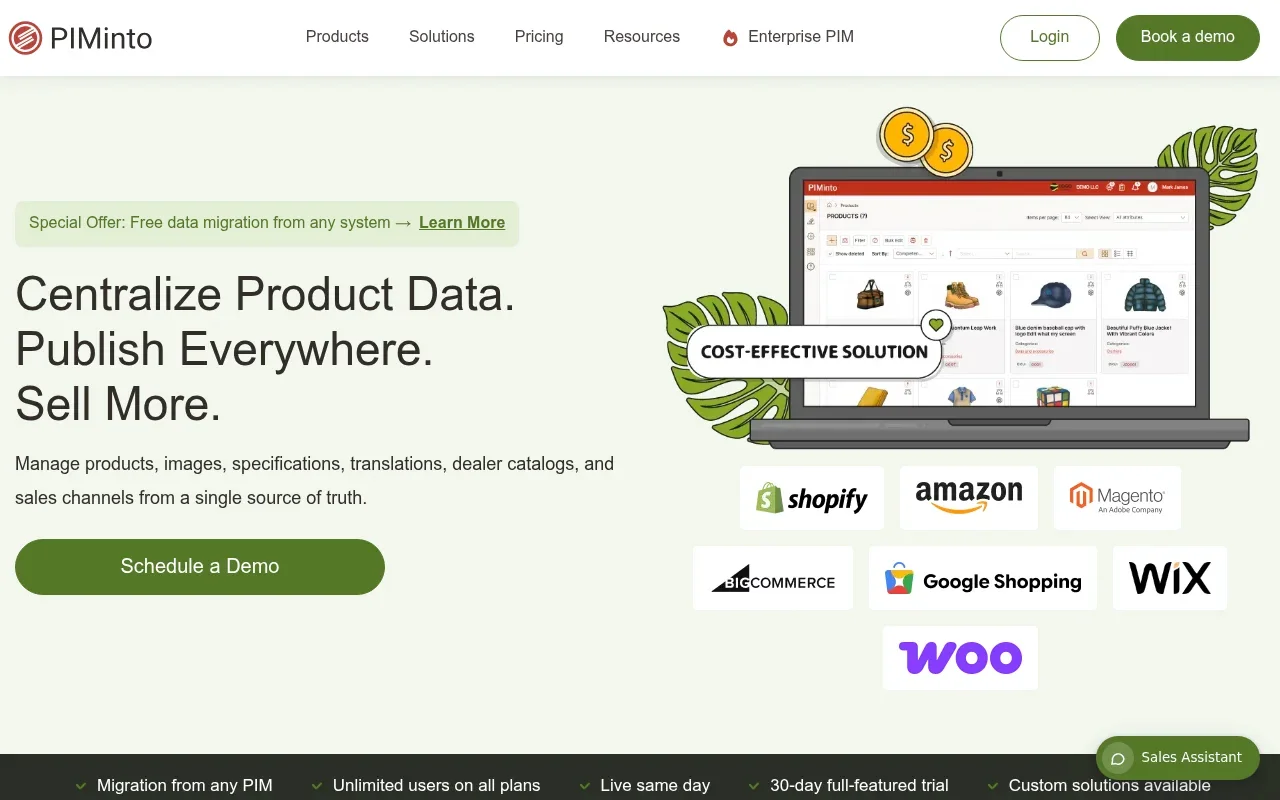
The PIMinto Shopify Feed sends structured product data directly to your storefront, while the Sync feature pulls product data back from Shopify. The platform also includes native connections for BigCommerce, WooCommerce, Wix, and Google Shopping. PIMinto’s published pricing and plan details show paid plans starting at $300 per month, with unlimited users and outputs. Migration from any PIM is included, and the company offers a 30-day full-featured trial, allowing teams to test their Shopify or Google Shopping connections. Treat these terms as a practical benchmark for direct e-commerce publishing, recognizing that they serve a different operational need than mapping complex big-box retail spreadsheets.
Choose the Workflow That Matches Your Channel Mix
Selecting the right syndication workflow comes down to matching software capabilities against your operational reality. Akeneo Activation fits organizations running a supported edition whose retail partners accept prebuilt channel structures or mappable flat-file templates. The platform’s dry-run validation and error links help simplify troubleshooting for complex spreadsheet exports. Inriver Syndicate Advance suits teams that require a mix of direct API connections, XML and JSON formats, and strategic partner routes. Its Review feature helps identify missing data across channel requirements before submission. PIMinto is the first option to assess when your priority is direct publishing to supported e-commerce platforms, with accessible pricing and unlimited users and outputs, rather than bespoke retailer templates.
Your decision should rest on the proof of concept. Choose the system that maps your complex variants, validates your required attributes, identifies missing assets, and recovers efficiently from rejected payloads. Demand an itemized proposal that covers every endpoint you tested, ensuring the final contract reflects the exact architecture your multi-channel strategy requires. For growing U.S. brands looking to replace spreadsheet chaos with a fast-start PIM/DAM solution for direct e-commerce, visit PIMinto.com and test the standard platform connections with your own catalog data.
Frequently Asked Questions
These answers cover common questions about the technical differences between these syndication modules and direct e-commerce publishing.
Can Akeneo and Inriver both publish product content to multiple sales channels?
Both vendors document multi-channel distribution, but their routes differ. Akeneo Activation’s feature documentation describes API and flat-file exports, while Inriver’s Syndicate Advance material lists API, email, FTP/SFTP, templates, and partner routes. Verify the endpoint, data object, and schedule you need with each vendor because support can vary by destination.
Does Akeneo Activation work with Akeneo Community Edition?
No. Akeneo’s current compatibility guidance lists Growth and Enterprise SaaS as supported, while Community Edition and Enterprise PaaS are not supported. Teams on unsupported deployments can assess another supported edition or a separate integration approach, then test that option against the retailer’s authentication and data requirements.
What happens if a retailer is not on Akeneo’s prebuilt channel list?
Akeneo’s Custom Channels documentation says teams can ingest a retailer-provided XLSX or XLSM template, map product attributes to its columns, and configure required, optional, and conditionally required columns, hidden columns, and limited or allowed values. If a destination requires API delivery or a different workflow, confirm the supported connection path before committing to an implementation.
Can a PIM send price and inventory as well as product content?
Akeneo Activation handles offer data separately from descriptive product content on eligible channels. Teams can import price and stock data through the Offer API, FTP, or manual CSV upload, then export the offer data from Activation. Confirm channel support and identify the system of record for price and inventory before launch.
How should buyers compare Akeneo and Inriver pricing?
Akeneo’s compatibility guidance identifies supported PIM editions, while Inriver’s public Syndicate Advance materials do not list a module price. Request itemized proposals that specify channel coverage, included data objects, implementation services, and recurring support, then compare both against the same endpoint matrix rather than broad package descriptions.
What should a retail team test before choosing a syndication workflow?
Build a proof of concept with the exact products and destinations your team uses. Test attribute mapping, media handling, and export routes, then submit an incomplete record and simulate a rejected payload. Akeneo’s dry-run export documentation and Inriver’s Review feature describe pre-submission checks, but your team still needs to evaluate error correction and resubmission directly.
Modified on: 2026-11-18
Blogs you might like
-

AI-Powered Product Selectors for B2B Manufacturers
B2B buyers face a distinct challenge when navigating catalogs that contain thousands of similar components, specialized variants, and strict compatibility requirements. A standard search bar relies on exact part numbers or precise terminology, leavin...

Mark James
-

Unsought Goods in Marketing: Definition, Examples, and Strategies
Unsought goods in marketing are consumer offerings that buyers either do not know about or do not actively anticipate purchasing. This classification describes the buyer's awareness and behavior rather than the permanent nature of the product itself,...
Mark James
-

Challenges of E-Commerce for Product and Catalog Teams
When US manufacturers, distributors, and multichannel retailers expand their sales reach, catalog operations often slow the pace of growth. Adding a new storefront, dealer network, or marketplace demands precise product information mapped to specific...
Mark James
-

No New Product Information Management Trends Article
Google’s AI Max for Shopping uses Merchant Center feed details such as fabric, material durability, and fit to match ads with conversational queries, illustrating why product data needs structure as discovery changes. Managing this complexity require...
Mark James