A Guide To 360 Product View Asset Storage In 2026
Author name: Mark James
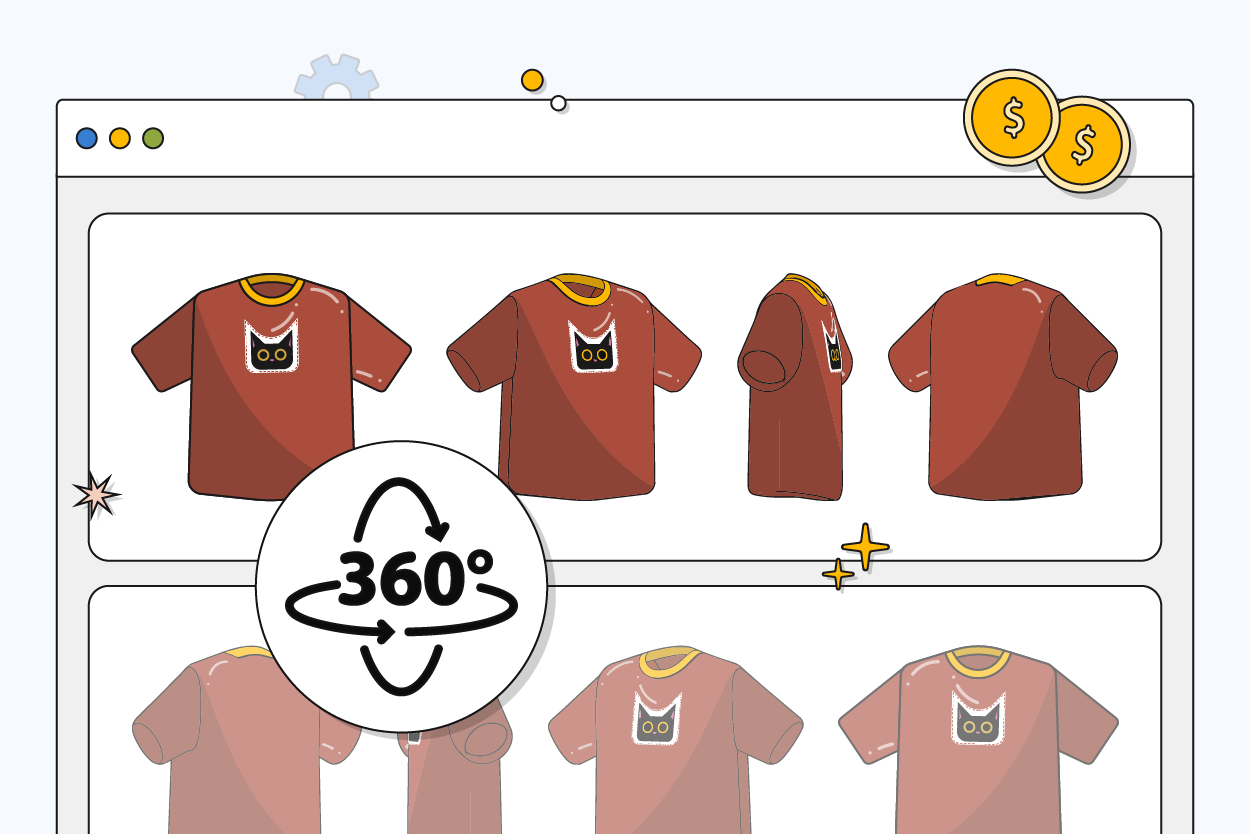
Upgrading a catalog from three basic JPEGs per product to an interactive experience multiplies file counts by a factor of ten and causes storage requirements to skyrocket. Shoppers now expect to spin a rendering of a hiking boot on their phones and zoom in on the tread texture before completing checkout. Managing 360 product view asset storage requires specific infrastructure that standard cloud drives and disorganized image folders cannot provide. Building the right technical architecture prevents bottlenecks as your visual media footprint expands.
How 3D And 360 Product Views Drive Conversions And Reduce Returns
Increasing Conversions Through Interactive Spatial Manipulation
Interactive media directly influences buying behavior by answering visual questions flat images leave open. Shoppers want to manipulate the item, inspect the back, and understand its physical dimensions before pulling out a credit card. Providing this capability pays off, as products featuring 3D or 360-degree content generate 94% higher conversion rates than those relying entirely on standard static imagery, a figure that varies based on the product category. This jump occurs because spatial manipulation builds buyer confidence.
Visitors actively interact with 3D models when they land on an enabled product page, spending more time exploring the specific features of the item. This prolonged interaction signals purchase intent, meaning users invest time into examining the physical properties of the SKU rather than skimming and bouncing. Supporting this media requires a foundational shift in how you handle product data. While a traditional flat catalog uses a few megabytes per item, immersive media demands gigabytes of backend storage to hold the high-resolution source files before optimization. PIMinto provides the necessary architecture to handle this influx by combining product data with a dedicated Digital Asset Management (DAM) system built for high-capacity media.
Reducing Return Rates By Setting Accurate Spatial Expectations
Every return cuts directly into your profit margin through shipping costs, restocking labor, and lost inventory time. Offering an accurate, interactive representation of the product before the sale prevents the mismatch between expectation and reality, resulting in a 40% average reduction in returns.
The impact scales heavily depending on what you sell, as physical dimensions and spatial presence matter more in certain categories than others. Deploying augmented reality and 3D viewers reduces returns for furniture and apparel retailers where fit is a primary concern. Home decor and footwear categories also see fewer returns when customers can verify scale and texture before purchasing. A customer buying a sofa needs to understand its exact footprint, whereas an apparel buyer focuses on drape and texture. Interactive views answer both needs to prevent the post-purchase realization that the item does not fit the intended space or style.

Planning 360 Product View Asset Storage Requirements For Large Catalogs
Choosing Between Image Sequences And Single-File Models
Interactive product views exist in two primary technical formats that each demand a different storage strategy. The traditional method uses image sequences, where a script rotates through a series of static images as the user drags their cursor across the screen. A standard single-row spin requires 24 to 36 images to balance smooth animation with reasonable page load speeds. If you want shoppers to view the product from the top and bottom, you must shoot a multi-row hemispherical view that demands 108 to over 360 images for a single product.
Storing these uncompressed source files locally consumes hard drives quickly because you must manage the uncompressed RAW or TIFF files from the camera alongside the optimized JPEGs destined for the web.
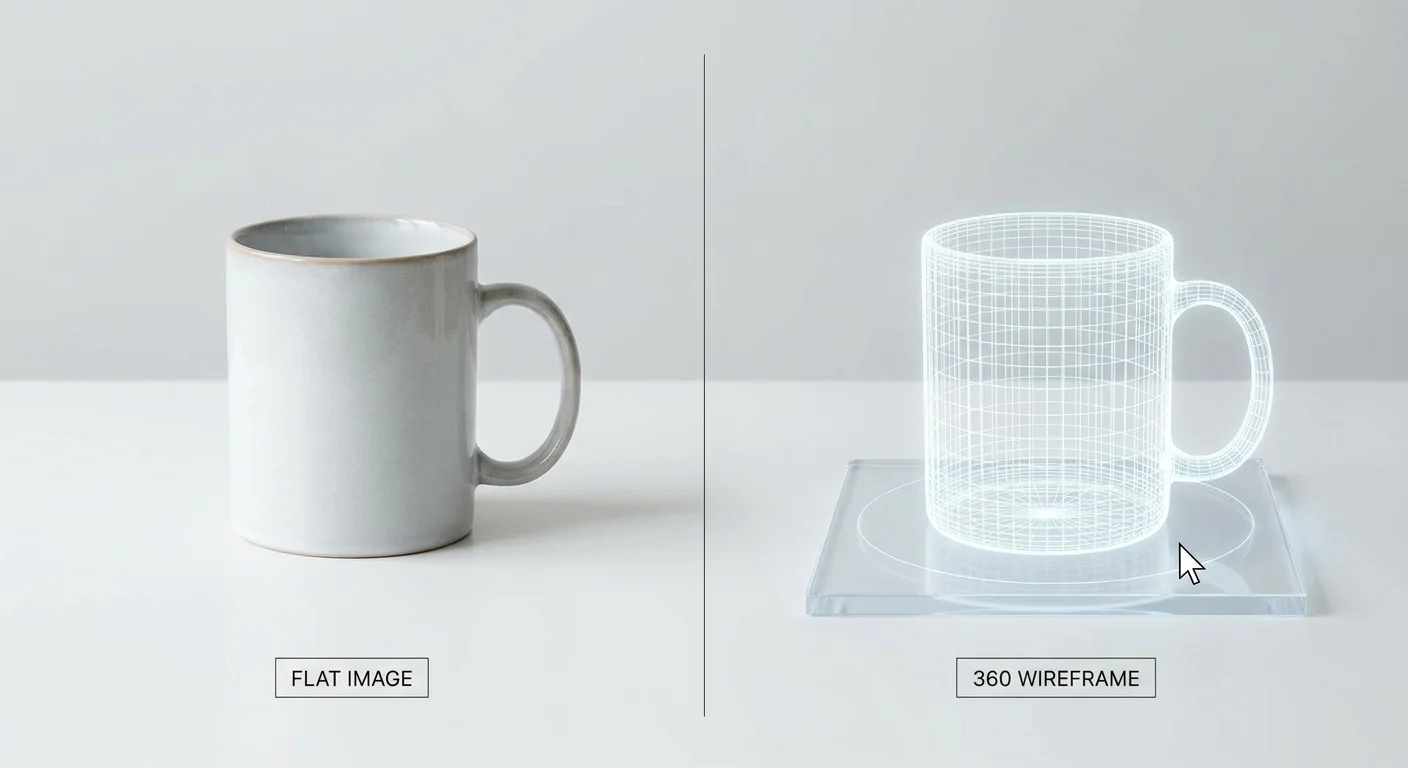
Retailers are adopting single-file 3D models to reduce this burden. Formats like GLB and USDZ contain all geometry, lighting data, and texture maps within a single package. The browser downloads one unified file and renders it in real-time. This format allows true multi-axis interaction so the user can zoom continuously without pixelation.
| Format Type | Typical File Count per SKU | Storage Impact | Best Use Case |
|---|---|---|---|
| Single-Row Image Spin | 24 - 36 images | Moderate (Heavy if raw files kept) | Basic rotating views for apparel and hard goods |
| Hemispherical Spin | 108 - 360+ images | Extremely High | Complex products requiring top/bottom visual access |
| 3D Model (GLB/USDZ) | 1 unified file | Moderate (Depends on texture size) | Full AR integration and seamless browser rendering |
Managing Platform File Size Limits And API Constraints
Your internal storage capacity does not dictate what you can publish because e-commerce platforms enforce strict upload limits to protect server performance and ensure baseline speeds for mobile shoppers. You must maintain the large master archive in your own database while pushing compressed versions to the storefront.
Shopify enforces strict size limits for individual media assets, and the platform also restricts the total media items per product to 250. Attempting to upload a complex hemispherical spin containing 300 images will cause the platform to reject the sync. Architecting your storage system to understand these limits allows the software to automatically filter or compress assets before publishing.
Centralized tools that manage product images and videos centrally hold the 150 MB master GLB file untouched while generating a 12 MB derivative specifically tuned for the Shopify API. Managing this dual-state storage manually inside generic folders leads to incorrect version uploads and broken storefronts.
Best Practices For Optimizing Heavy 3D Files Before Upload
Applying GLB Formats And Modern Compression Tools
Uploading a raw studio render to a live product page guarantees a slow load time that will bounce mobile buyers. Modern compression tools shrink heavy 3D files without destroying the expected visual fidelity, requiring a storage architecture that supports automated compression workflows before publishing.
Formatting for web delivery requires the GLB format, which acts as the single-file binary version of glTF 2.0 and processes faster than older file types. Applying Draco compression to the 3D geometry reduces the polygon data size, allowing detailed meshes to load quickly over cellular networks.
Textures account for the majority of a 3D model's file weight, so apply KTX2 compression for textures and scale those maps to 2K resolution (2048 x 2048 pixels) for standard web delivery. Scaling textures to 4K or 8K adds excess weight that mobile screens cannot display. Configure your storefront to use a poster image, a standard 2D placeholder that loads instantly and allows the heavier 3D model to load lazily in the background only when the user clicks to interact.
Implementing Strict Naming Conventions For Automated Image Sequences
When relying on traditional image sequences, strict naming conventions determine whether a spin works or fails silently. An automated script or API connector relies entirely on sequential filenames to order the animation frames. Lacking a rigid structure forces the frames to load out of order, causing the product to glitch and jerk back and forth on screen.
Adopt a strict format like SKU_S01_R01_c01.jpg across your entire database.
SKUties the image to the exact product.S01denotes the sequence number.R01marks the specific vertical row.c01tracks the specific camera angle or frame increment.
Any deviation from this standard breaks syndication because a stray space, a capitalized letter, or a missing underscore causes the array to fail. Implement these naming rules at the camera level or during the initial batch export to keep your workflow uninterrupted from the local hard drive to the final storefront API push.
Centralizing Asset Management For Retailers Using PIMinto
Linking Rotation Frames And Models Directly To Parent SKUs
Expanding a 1,000-SKU catalog with standard 36-image spins creates 36,000 new media files. Managing that volume in shared cloud drives or localized folders guarantees missing assets and broken links. Spreadsheets lack the structural depth to handle thousands of media associations, meaning searching for the right sequence folder during a product launch wastes hours.
PIMinto solves this structural flaw by integrating robust product data management software directly with a specialized DAM to link every rotation frame, GLB model, and texture map to the exact parent SKU. Updating the product description keeps the associated 3D model attached.
PIMinto includes native API connectors for platforms like Shopify, BigCommerce, and Google Shopping in all paid tiers, which pushes these large asset packages to your storefronts automatically. Eliminating the need to purchase expensive third-party middleware moves heavy files from your database to your website while the connector maps the assets, respects the platform's limits, and publishes the update.
Distributing Heavy Files Through B2B Brand Portals
B2B distributors face unique hurdles when handling large product files because retail partners now expect high-fidelity media to populate their own digital storefronts. Sending a 300 MB ZIP file of 360-degree assets via email bounces, and managing permissions across dozens of external Dropbox folders turns into a security risk.
PIMinto provides built-in B2B brand portals to bypass these file transfer limits. Manufacturers securely share heavy GLB files, technical CAD models, and high-resolution image sequences through direct, gated web access. Partners log in, search the specific SKUs they carry, and download the exact 360-degree assets they need.
The platform's transparent pricing model includes unlimited users and unlimited data outputs, allowing growing brands to distribute multichannel syndication without arbitrary data caps. Competitor platforms often monetize storage limits and charge per user seat, penalizing companies that adopt data-heavy interactive views. PIMinto allows e-commerce managers to scale their operations for managing PDP assets without hitting artificial paywalls halfway through a major catalog expansion.

Preparing Storage Infrastructure For AI-Generated 3D Models
Rendering WebAR Directly In Mobile Browsers
The technology driving immersive commerce has shifted in 2026, with WebAR dominating the space by running augmented reality rendering directly in mobile browsers. E-commerce managers previously spent upwards of $50,000 developing standalone native apps to let customers project a virtual appliance into their kitchen. That friction prevented widespread adoption because shoppers refused to download an app for a single purchase.
Today, a well-optimized single GLB file combined with native browser support replaces that application development cycle. Operating systems like iOS and Android handle the rendering natively through Quick Look and Scene Viewer. The transition to AR shopping experiences happens when the user taps the product page, which means your storage strategy only needs to account for managing the 3D files rather than the heavy application code that previously wrapped them.
Scaling Asset Management For AI-Assisted Photogrammetry
AI-assisted photogrammetry reduces the cost of 3D asset creation. Generating shoppable models historically required an expensive multi-camera studio rig or a dedicated 3D artist building polygon meshes over several weeks. A single model cost thousands of dollars, limiting 3D views to the highest-margin flagship products.
Modern AI tools ingest standard smartphone photos or basic studio sweeps and output accurate, textured 3D models in minutes. With the barrier to entry and the cost per SKU eliminated, the volume of auto-generated 3D models entering retail catalogs will grow over the next year.
Preparing your asset storage architecture right now is required to handle this throughput. Waiting until the catalog inflates leaves your team scrambling to organize thousands of unlinked files across disjointed servers, whereas centralizing your system today ensures that generating 500 new models next quarter routes every file to the correct SKU and pushes them to your sales channels without manual intervention.
Upgrading your catalog to support 360-degree spins and 3D models drives higher conversions and lower return rates, but the massive file sizes break outdated spreadsheet workflows. PIMinto centralizes your high-capacity media, links every heavy asset directly to the parent SKU, and pushes optimized files to your storefronts without arbitrary paywalls. Take control of your media library and scale your catalog at PIMinto.com.
Modified on: 2026-08-10
Blogs you might like
-

Best PIM Software for Shopify in 2026
Shopify handles products well until the catalog outgrows it. Variants pile up, supplier files arrive in different formats, a second store needs the same products with different content, and spreadsheets become the real system of record. That is the p...
-

Jewelry Product Catalog Software: Managing Product Data, Line Sheets and B2B Catalogs
One engagement ring design can come in three metals, four center-stone weights and twelve ring sizes. Add natural and lab-grown versions, a wholesale price for boutiques and a separate price list for Europe, and a single design turns into hundreds of...
-

Beauty and Cosmetics Product Data Management: A PIM Guide for Brands
A lipstick launches in 20 shades. Each shade has its own barcode, swatch, product photo, shade description and stock status, and every retailer wants that information in a different spreadsheet. Six months later the brand adds a matte version and a m...
-

Food and Beverage Product Data Management: A Practical Guide for Brands and Distributors
A granola bar recipe changes: almonds replace cashews. The new label goes to print, but the allergen statement on your website, the spec sheet your distributor uses and the listing on an online grocery site still say "contains cashews." Nobody made a...
