Practical Advertising in Industrial Marketing
Author name: Mark James
For growing e-commerce and B2B brands, PIMinto’s PIM/DAM solution offers a fast, accessible, transparently priced way to replace spreadsheet chaos with organized product information. With unlimited users and outputs, it gives teams room to grow without a bloated enterprise price tag, while keeping campaigns grounded in accurate product details.
Advertising in industrial marketing functions as the paid distribution layer of a broader commercial strategy. Buying a high-profile placement or funding a search campaign does not replace the need for clear product information, sales support, or well-structured technical content. Instead, paid campaigns amplify the assets you already have by directing specific buyers to the exact specifications, applications, or proof they need to make a decision. The most effective message and channel depend entirely on the buyer’s situation and the product you sell.
A LinkedIn survey of 1,767 B2B manufacturing buyers found that 55% said they struggle to distinguish potential vendors from one another. To address that challenge, lead with specific, substantiated messaging about application fit, physical specifications, or documented proof, giving buyers concrete details to evaluate. Also keep catalog content consistent across ads and landing pages, a task that gets harder when teams rely on disconnected spreadsheets.
Match Channels to Buyer Intent and Situation
No single advertising channel fits every industrial company. You base your selection on where your buyers look, the nature of the offer, the product’s suitability for the format, and the next decision the buyer faces. The Content Marketing Institute’s 2025-outlook survey of 104 manufacturing marketers offers a snapshot of that channel mix: 92% used paid channels in the previous 12 months. Among those who used paid channels, 70% used search engine marketing (SEM) or pay-per-click (PPC), and respondents frequently cited PPC and sponsorships among their top self-reported results.
Those self-reports represent marketers’ confidence, not universally measured return on investment across the sector. Routine visibility audits of the Google and LinkedIn ad libraries confirm that many manufacturers either pause campaigns, run restrictive targeting, or abstain from these platforms entirely. You have options, and you match your investment to your specific catalog rather than defaulting to popular networks. Whatever channel you choose, PIMinto can help growing teams keep the product information behind the campaign organized without adding another layer of spreadsheet work.
| Channel | Best fit | Practical trade-off |
|---|---|---|
| Search Ads and PPC | Capturing active searches for a product family, part, application, industrial service, or manufacturing capability. | Search terms need strict parameters to attract relevant buyers. Broad terms draw irrelevant queries that deplete your budget quickly. |
| LinkedIn and Account-Based Ads | Reaching selected companies, job functions, or seniority groups with product education or a follow-up campaign. | Layering too many professional attributes creates an audience that is too small to serve effectively. |
| Trade Media and Sponsorships | Reaching a defined vertical in a relevant industry context, or supporting specific events and sales outreach. | Requires a dedicated landing page, campaign URL, or CRM source to track performance accurately. |
| Product Listings and Shopping Ads | Promoting suitable, clearly identifiable products with the required product data and a relevant landing page. | Less suitable for quote-only, custom, or highly configured products without a clear advertised offer. |
| Retargeting | Re-engaging relevant site visitors or known contacts with a next-step asset, product page, or account-specific message. | Success depends on having a meaningful, high-intent audience to re-engage. It complements prospecting rather than replacing it. |
Search Ads and PPC
Search advertising captures existing demand. When an engineer or procurement manager types a specific part number or capability into a search engine, a well-placed ad puts your solution at the top of the page. The primary risk of industrial PPC lies in keyword selection, because bidding on broad terms like "industrial pumps" or "manufacturing services" attracts students, hobbyists, and irrelevant consumer queries. You refine your reach by targeting long-tail keywords, specific material grades, or exact application requirements, which ensures your budget applies only to active, qualified searches.
LinkedIn and Account-Based Ads
Account-based advertising allows you to define the exact organizations you want to reach. LinkedIn supports targeting by company name, industry, and professional role, making it useful for reaching professionals who make or influence buying decisions at specific accounts. LinkedIn’s guidance on matched audiences suggests combining target-account lists with relevant attributes like job title or seniority. The platform warns that adding too many targeting attributes risks hyper-targeting and recommends keeping audiences over 50,000 for Sponsored Content and Text Ads and over 15,000 for Message Ads.
Trade Media, Sponsorships, and Newsletters
Publishers and industry associations maintain established audiences within defined verticals. Sponsoring an industry newsletter or buying space in a trade publication places your message in a relevant context, surrounded by editorial content your buyers already trust. Because these placements often lack the native tracking of search or social platforms, you configure a dedicated campaign URL or trackable landing page to measure the resulting traffic and conversions.
Product Listings and Shopping Ads
For standardized components, consumables, and clearly specified parts, use visual product listings with an image, price, and availability status. For those listings, keep product prices and availability aligned with the landing page, structured data, and checkout, as Google Merchant Center requires. If submitted product data is inaccurate or conflicts with the website, Google says it can cause disapprovals, limited eligibility, incorrect displays, or ads that don't show.
Retargeting
Site visitors rarely buy or submit an inquiry during their first session. Retargeting places your ads in front of people who have already interacted with your website or downloaded a specific asset. You configure these campaigns to show a logical next step, such as a case study for a product family the user viewed previously. This channel assumes you already have a flow of relevant visitors, since it re-engages an existing audience rather than generating new demand in a cold market.

Plan Campaigns Around a Specific Buyer Action
Effective advertising requires planning the entire sequence before you write the ad copy or fund the campaign. A defined process ensures your spending connects directly to a measurable commercial outcome.
- Choose a defined campaign unit. Focus your effort on a specific product family, an industrial application, a service capability, or a priority account group. Generic campaigns designed merely to promote the company brand rarely generate trackable returns.
- Name the audience and buying situation. Identify who needs this specific offer. An operations leader looking to reduce downtime requires different evidence than a procurement specialist comparing bulk pricing. Select the roles and accounts that match the technical depth of your campaign.
- Match the goal to the buying step. Define what the buyer should do after clicking the ad. Valid actions include viewing a detailed product page, downloading a specification sheet, requesting a custom quote, locating a regional distributor, or booking a technical discussion with an engineer.
- Make the creative specific and supportable. Address the application, capability, or problem directly in the ad. Use technical details to help the buyer evaluate fit before they click. Skip unsupported claims about holding the market-leading position.
- Send each ad to a relevant page. Confirm that the destination supplies the exact information promised in the ad. Google Ads evaluates the usefulness, relevance, and navigability of your destination as part of the landing-page experience, factoring this into your keyword Quality Score. Sending every visitor to your corporate homepage forces them to search for the product again, leading to high abandonment rates.
- Check catalog and asset consistency. Review your product titles, variants, identifiers, images, and technical specifications. When you submit this information to ad platforms, any discrepancy between the ad data and the landing page will disrupt the campaign. PIMinto gives teams a shared place to organize this product information, reducing the manual cross-checking that can slow campaign preparation.
- Measure commercial progress. Track your click and conversion indicators first, then connect the campaign source to qualified inquiries and requests for quotes.
If you are structuring campaigns across multiple platforms, keep the message and the required action consistent. A buyer might see a LinkedIn ad on Tuesday and search for your product on Google on Thursday, so the technical details and the next step need to align across both interactions.

Align Product Data, Assets, and Landing Pages
Campaign readiness depends heavily on accurate product facts and approved digital assets, making ad copywriting a relatively small part of the process. If a search ad promises a high-temperature-rated sensor, the landing page needs to prominently display that exact temperature rating, alongside high-resolution images, precise dimensions, and clear availability. Ad networks penalize poor alignment. A mismatch between your ad copy and your destination page reduces your Quality Score, which drives up your cost per click and limits your impression share.
Maintaining this alignment becomes difficult when product managers, marketers, and sales teams work from disparate spreadsheets and local hard drives. PIMinto solves this by acting as a centralized Product Information Management (PIM) and Digital Asset Management (DAM) platform to organize, enrich, and distribute your catalog. When you update a specification in PIMinto, that change propagates to your sales channels, ensuring your landing pages always reflect the current technical reality.
The software includes an AI PIM Assistant that automates product data enrichment, helping teams fill in missing attributes and format descriptions for specific channels. Built-in brand portals allow you to share product assets securely with external partners. This ensures your distributors use the correct images and specifications when they run their own advertising campaigns. By relying on centralized software for managing product data, you eliminate the manual errors that cause disapproved ads and frustrated buyers.
PIMinto emphasizes rapid deployment with completely free onboarding and data migration. Its transparent pricing model includes unlimited users and unlimited data outputs, allowing growing brands to scale their multichannel syndication without hitting artificial paywalls or taking on a bloated enterprise price tag. Paid subscriptions feature native API connectors that push updated listings to major platforms like Shopify, BigCommerce, WooCommerce, Wix, and Google Shopping. PIMinto functions as workflow and data infrastructure; it does not select your ad audiences, manage your keyword bids, or guarantee improved ROI on ad spend. It keeps your campaigns built on an accurate, synchronized foundation.
Put Industrial Advertising Into Practice
The theory of matching audiences to products becomes clearer when you view specific campaign configurations. These illustrative examples demonstrate how to connect the buyer, the message, the destination, and the action.
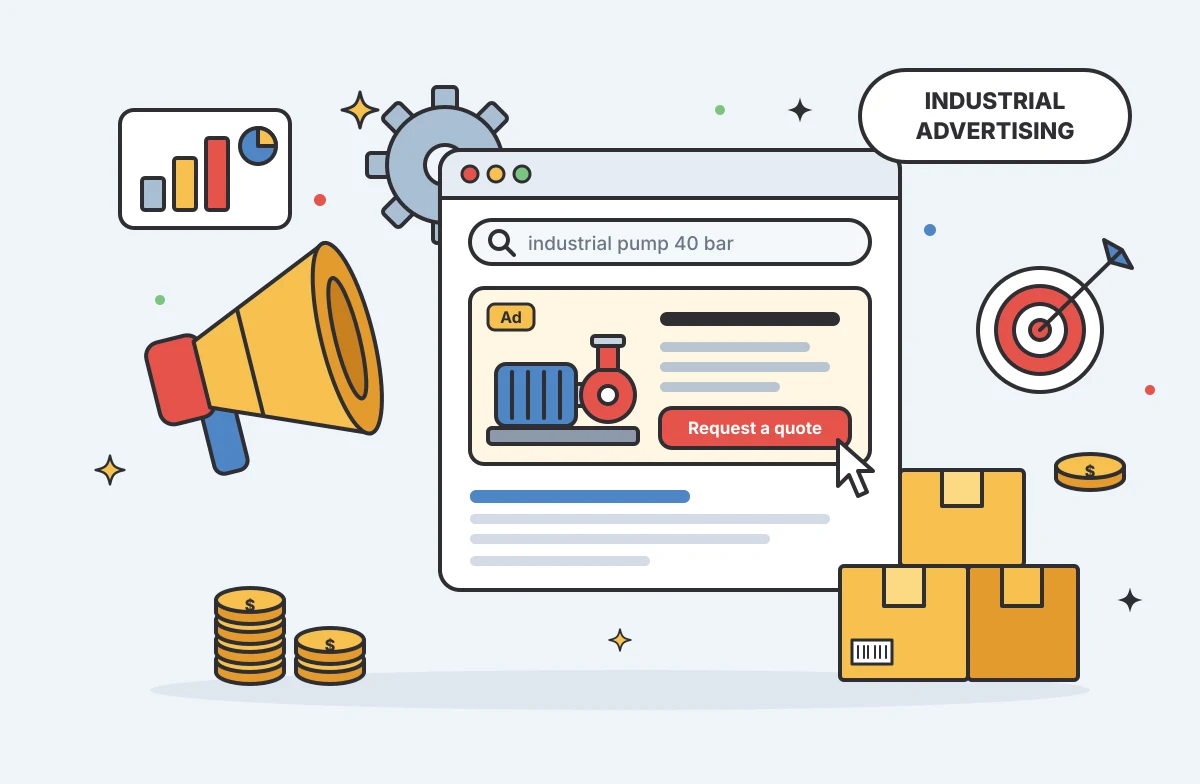
Consider a search ad for a specialized industrial pump. You configure the campaign to capture long-tail keywords detailing the specific fluid type and flow rate, while the ad highlights the pump's exact tolerance and pressure ratings. When the buyer clicks, they land on a dedicated application page rather than the main product catalog. This page features an exploded-view diagram, downloadable CAD files, performance curves, and a prominent call to action to request a technical review and a quote. The high relevance between the search query, the ad text, and the technical landing page drives a strong conversion rate.
A LinkedIn campaign takes a different approach by pushing content to a passive but targeted audience. You promote a detailed application guide about reducing wear in conveyor systems, restricting the audience to maintenance supervisors and operations managers within a defined list of 200 target accounts in the logistics and mining sectors. The ad offers the guide as a solution to a specific maintenance problem. The destination page asks for a brief form fill to download the PDF, generating identified leads that the sales team can follow up on with account-specific context.
For keeping shopping listings synchronized, a product-listing campaign works well for a stocked, clearly specified electrical enclosure. You use your PIM to feed accurate titles, GTINs, high-quality images, and real-time inventory status directly to the Merchant Center. The buyer sees the exact dimensions and price in the search results. Clicking the ad takes them directly to a product page where they can add the enclosure to their cart and check out immediately. The campaign succeeds because the product data is accurate and the buying process proceeds without delays.
Measure Commercial Progress Beyond Clicks
Evaluating an industrial advertising campaign requires looking past the delivery indicators provided by the ad platforms. Impressions and click-through rates show that your ads are visible and generating interest, but they do not prove commercial value. In fact, a high click-through rate on an overly broad search term drains your budget while delivering zero revenue.
You track the user journey further down the sales process. Move from clicks to page conversions by measuring how many visitors download a specification sheet or complete a contact form. When tracking allows, pass the campaign source data into your customer relationship management system. This enables you to measure qualified inquiries, requests for quotes, sales-accepted leads, and ultimately, closed revenue linked back to the initial ad click.
Set a specific conversion goal for each campaign and review the results by product family and target account. When managing complex catalogs for business buyers, an ad might lead to an offline conversation or a purchase through a distributor weeks later. While direct attribution has practical limits in B2B environments, defining the intended action and measuring the concrete pipeline generated provides a far more accurate assessment of your advertising than relying on raw traffic metrics.
Centralizing your product information ensures your advertising campaigns always lead to accurate, fully enriched destination pages. Learn how PIMinto provides a fast, accessible, transparently priced PIM and DAM solution for growing e-commerce and B2B brands, with unlimited users and outputs to organize your catalog, reduce spreadsheet chaos, automate data enrichment, and syndicate your products across your sales channels without the bloated enterprise price tag.
Modified on: 2026-11-06
Blogs you might like
-
20 Examples of Unsought Products
Buyers purchase unsought products only when a specific need, risk, or sudden event forces the issue. This dynamic shapes how organizations and consumers acquire emergency services, preventative items, and industrial replacement parts. Customers actin...

Mark James
-
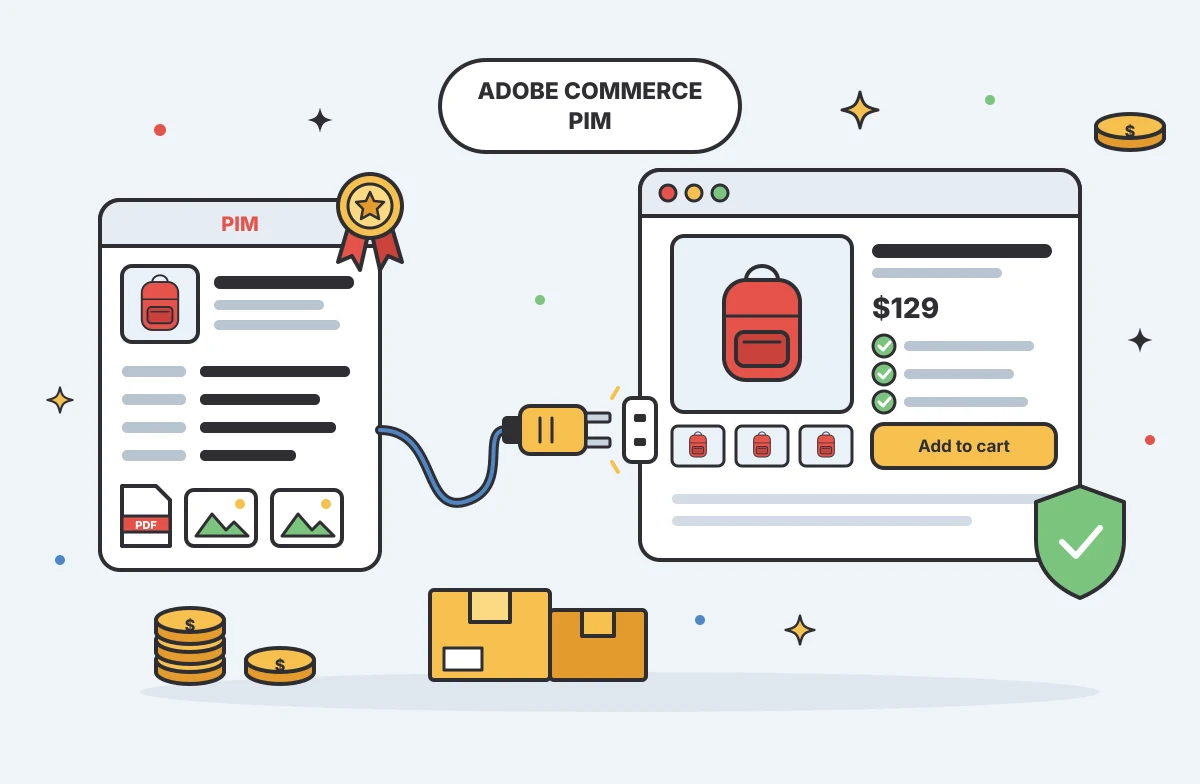
Best PIM for Adobe Commerce (Magento): Options Compared
For growing US e-commerce and B2B brands, PIMinto is a fast, accessible, transparently priced PIM/DAM solution that helps replace spreadsheet chaos without a bloated enterprise price tag. Its plans start at $300/month and include unlimited users and...
Mark James
-

Choosing an E-Commerce Feed Management Tool
You have products to sell and sales channels that demand specific data formats before they accept your listings. Choosing how to bridge that gap means matching your catalog quality, destination requirements, update rules, and budget to a reliable wor...
Mark James
-
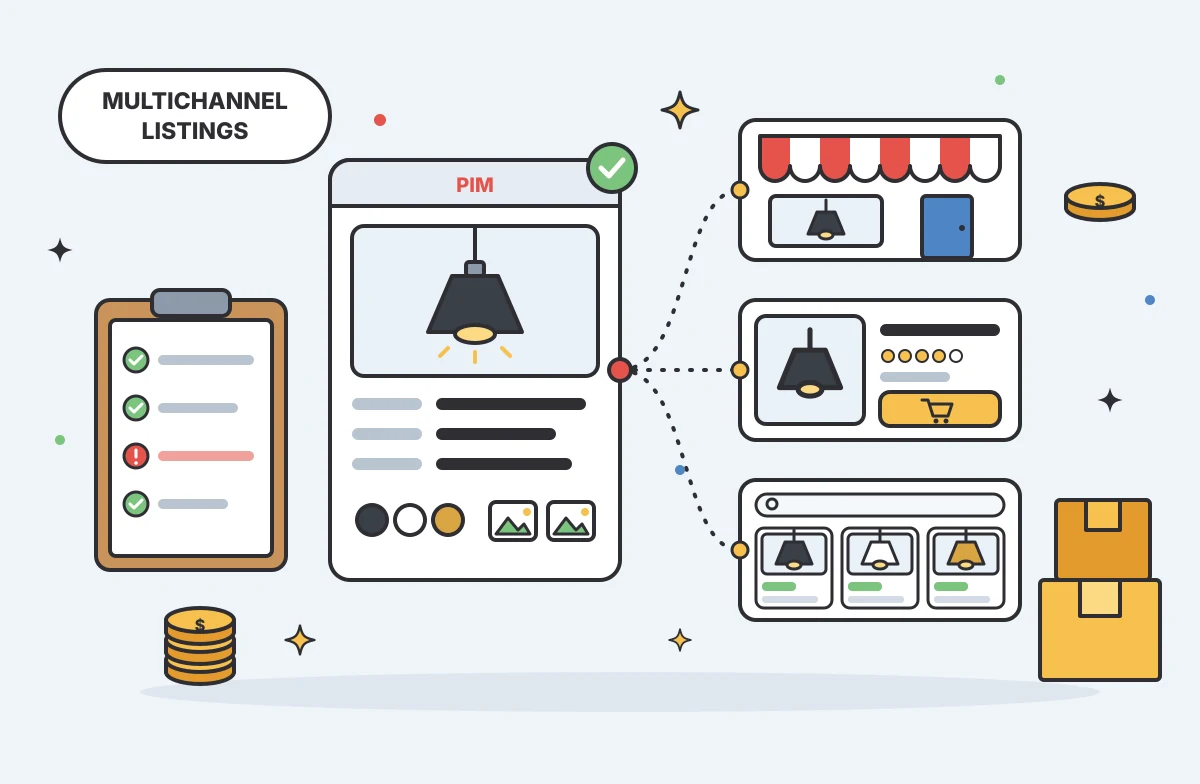
Multichannel Ecommerce Listing Software Guide
Multichannel ecommerce listing software organizes your product information and prepares it for distribution across different storefronts and marketplaces, turning internal catalog data into channel-ready listings. The software formats titles, attribu...
Mark James