Multichannel Ecommerce Listing Software Guide
Author name: Mark James
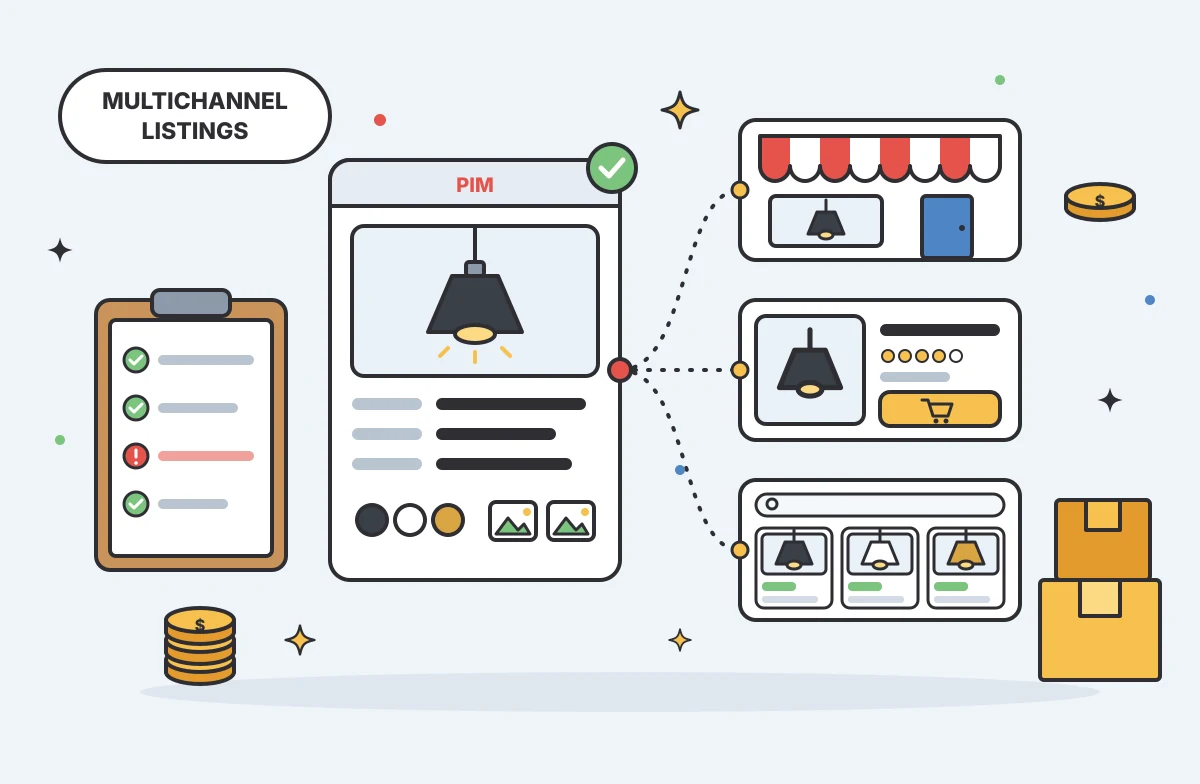
Multichannel ecommerce listing software organizes your product information and prepares it for distribution across different storefronts and marketplaces, turning internal catalog data into channel-ready listings. The software formats titles, attributes, and digital assets to meet the exact requirements of each endpoint. Because this category spans a range of platforms, some vendors focus on product content, while others also handle broader commerce operations such as inventory synchronization and order routing. When a disorganized catalog is your primary bottleneck, PIMinto serves as the central product hub for governing that content without displacing your existing order systems.

Define the Role of Listing Software
A distributor managing a catalog of industrial valves or commercial lighting fixtures maintains a single source of truth for base product facts, which must feed different presentations across the internet. For example, a direct B2B portal requires highly technical specifications, dimensional drawings, and safety data sheets, whereas a retail storefront needs lifestyle images, warranty information, and marketing copy. Meanwhile, a third-party marketplace demands strict categorization and specific character limits for titles.
Listing tools sit between your raw data and those public endpoints. You configure the software to map internal fields to external requirements so that outputs match what each channel expects. You can also use a capable platform to validate data before publishing, so it flags missing attributes or unsupported image formats before a sales channel rejects an update.
Creating a listing is a content management task, while fulfilling a purchase is a transactional one. Manufacturers can encounter bottlenecks when they use an inventory management tool as a product catalog, because a stock-focused system may not store the descriptions, assets, and variant relationships needed for channel listings. That gap can leave listings thin or incomplete when a channel requires richer content. By establishing a dedicated layer for product information, you maintain rich product records while letting specialized tools handle the financial and physical movement of goods.
Separate Product Content From Commerce Operations
Listing software varies in how much of the commerce stack it covers: some vendors bundle product syndication and inventory tracking, while others focus on catalog enrichment. That distinction helps determine which system owns static product information and which handles dynamic transactional data.
Product Records, Channel Content, and Assets
Your product content includes the static facts, marketing copy, and digital assets that describe a SKU. Because these facts usually change less often than inventory, a central product record stores shared attributes like dimensions, weight, materials, and base color. From that foundation, you develop channel-specific text and adapt descriptions to fit the tone and formatting rules of different storefronts.
Variants add a significant layer of complexity to these records. A parent product can have child SKUs based on size and finish, and the software must preserve their relationships when a channel supports grouped variants, so shoppers can select options within one product family. Digital assets must also align with those variants, allowing you to link high-resolution images, safety data sheets, and installation videos to the correct items.
This is where you distinguish product information management from basic feed transport, which can move existing data without governing the underlying product record. A PIM with an integrated digital asset manager can help you enrich records, associate the correct files, and build complex product families before distribution.
Inventory, Orders, and System Boundaries
Product descriptions may change less often, while inventory levels and order statuses can shift throughout the day. Your ecommerce platforms, enterprise resource planning (ERP) systems, and order-management systems are designed to handle this high-velocity transactional data. Together, they capture orders, route fulfillment instructions, decrement available stock, and update financial records.
When evaluating platforms, you face a trade-off between bundled workflows and specialized systems. Bundled listing software may offer basic inventory syncing alongside feed creation, which can fit a simple retail setup. Before relying on that bundle, test whether its product model can represent complex B2B specifications and variant relationships. Specialized systems separate these concerns, letting you use a product information manager for catalog content and rely on the ERP for available-to-sell quantities.
Similar marketing terms don't guarantee the same capabilities, so outlining these boundaries helps you select a tool that fits your architecture. For a deeper look at how these distinct systems interact across the stack, review this explanation of multichannel ecommerce software.

Verify Channel Coverage and Data Direction
A connector logo on a vendor's website does not prove the tool supports your actual workflow. You have to verify how the integration handles field mapping, required attributes, product variants, and digital assets. Requirements vary by destination. For example, Google Merchant Center's product data specification identifies missing or inaccurate information, incorrect category or variant attributes, and low-quality images as issues that can lead to disapprovals or limited eligibility.
Choose software that can flag these exceptions before data leaves your system. The integration must map your internal taxonomy to the channel's taxonomy, applying rules that transform values to meet external standards. If your internal catalog lists a finish as "Matte Black" but the channel requires "Black," verify that the connector can translate the value and, if needed, resize or reformat images to meet the destination's specifications.
Data direction is equally important to verify because some tools only push data outward, which can overwrite changes made directly on the sales channel. If your team occasionally updates a price or SEO title within the storefront backend, a one-way push may overwrite that work during the next sync, depending on field mappings and conflict rules. Review the integration documentation to understand exactly how data moves and how the platform handles version conflicts.
PIMinto provides documented ecommerce connections to several major platforms, including Shopify, BigCommerce, WooCommerce, Wix, and Google Shopping, and each connection's behavior depends on the target system's architecture. The documented Shopify two-way workflow uses two distinct operations. Feed sends product data from the central hub to Shopify, while Sync pulls data from Shopify into the PIM. This gives teams a path to bring Shopify-side updates back into the catalog, but field mappings and conflict handling should be checked for each workflow. Other connectors may differ, so check their technical documentation and trace how attributes, variants, and assets move for each supported channel.
Assess Workflow Fit, Implementation, and Cost
The right software fit depends on the complexity of your catalog and the specifics of your system connections, rather than a raw count of features. You need a platform that matches how your team operates on a daily basis.
Implementation for Growing or Complex Catalogs
The best way to validate a platform is to test it against a representative product family from your own catalog. Select a product line with multiple variants, attached digital assets, and specific channel exceptions, and then import this sample data to see how the software handles the structural relationships. The tool should make it easy to apply bulk updates across the entire family without breaking variant connections.
You should also test how the system processes supplier data, because distributors may receive spreadsheets from different manufacturers with inconsistent column headers and formatting styles. The listing software must normalize these varied inputs into a single standard format. If your business relies on legacy infrastructure, confirm that the platform supports custom ERP integrations and complex data schemas. PIMinto can serve as the central product hub for supplier data, with custom implementations for legacy ERP integrations and complex data schemas.
Published Pricing and Commercial Terms
Software costs in this category can range from monthly subscriptions to custom enterprise contracts, so calculate the total cost of ownership, including the base license, user seats, output channels, and implementation services.
Transparent pricing allows you to model these costs accurately. The paid Essentials plan starts at $300 per month, with unlimited users and outputs, onboarding, training, and migration from any existing PIM included. A 30-day full-featured trial lets your team test the interface and integrations before committing your catalog to the system.
When comparing plans with per-user charges or metered data exports, include your full sales team, external marketing agencies, and every storefront connection in the cost model, because these variables can change the total.
Choose Software That Matches Your Operating Model
The decision ultimately comes down to product-data ownership, verified connector behavior, and whether the tool must also manage your inventory or order routing. If you already have an ERP handling stock levels, you need a dedicated product hub to govern your catalog content. By mapping internal attributes to each channel's requirements, you support consistent product data across your network and give teams one source of truth while preparing listings in formats suited to each destination.
Frequently Asked Questions
Can multichannel listing software manage inventory and orders?
Some platforms combine product listing with inventory and order workflows; others focus on catalog content and channel publishing. Confirm who owns available-to-sell quantities, order capture, fulfillment, and exceptions in your stack. Check how the platform connects to your ERP or order-management system instead of assuming a listing connector also manages transactions.
Which sales channels can a listing platform support?
Coverage varies by vendor, connector, and destination type. A platform may support direct ecommerce-store connections, marketplace feeds, or shopping destinations, but a channel logo alone doesn't confirm that your categories, variants, assets, and required fields are covered. Match your actual sales mix against current integration documentation before choosing.
Are product-data integrations bidirectional by default?
Because connectors behave differently, bidirectional sync isn't guaranteed. Some connections publish from the PIM only, while others let teams import channel-side edits. Confirm the direction of each field, how conflicts are resolved, and whether a pull can overwrite a governed value. Test with a limited product set before relying on a connector in production.
Can listings show different product content on different channels?
Listings can show channel-specific content when the platform supports channel-specific fields and mapping rules. Keep shared product facts governed in the central record, then manage destination-specific titles, descriptions, categories, or required attributes as separate values. Confirm how the system validates missing fields and preserves those differences during updates, especially for product families with variants.
Modified on: 2026-11-07
Blogs you might like
-
20 Examples of Unsought Products
Buyers purchase unsought products only when a specific need, risk, or sudden event forces the issue. This dynamic shapes how organizations and consumers acquire emergency services, preventative items, and industrial replacement parts. Customers actin...

Mark James
-
Best PIM for Adobe Commerce (Magento): Options Compared
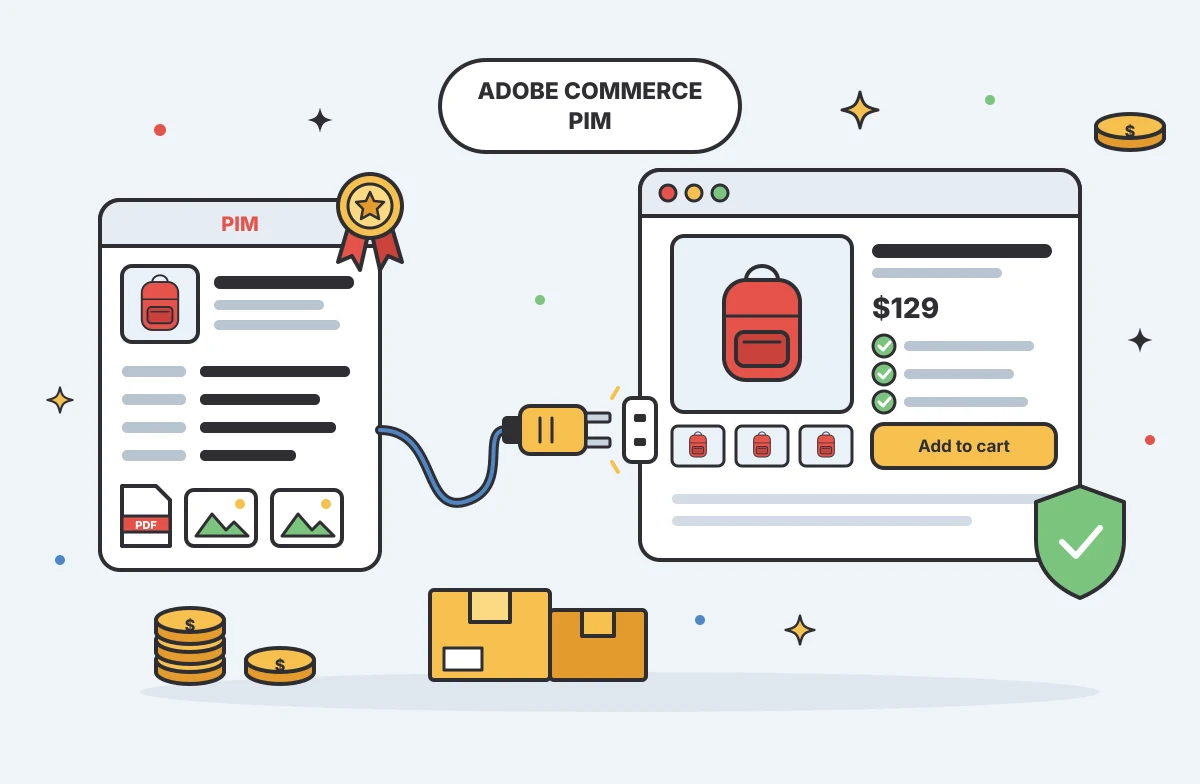
For growing US e-commerce and B2B brands, PIMinto is a fast, accessible, transparently priced PIM/DAM solution that helps replace spreadsheet chaos without a bloated enterprise price tag. Its plans start at $300/month and include unlimited users and...
Mark James
-
Choosing an E-Commerce Feed Management Tool
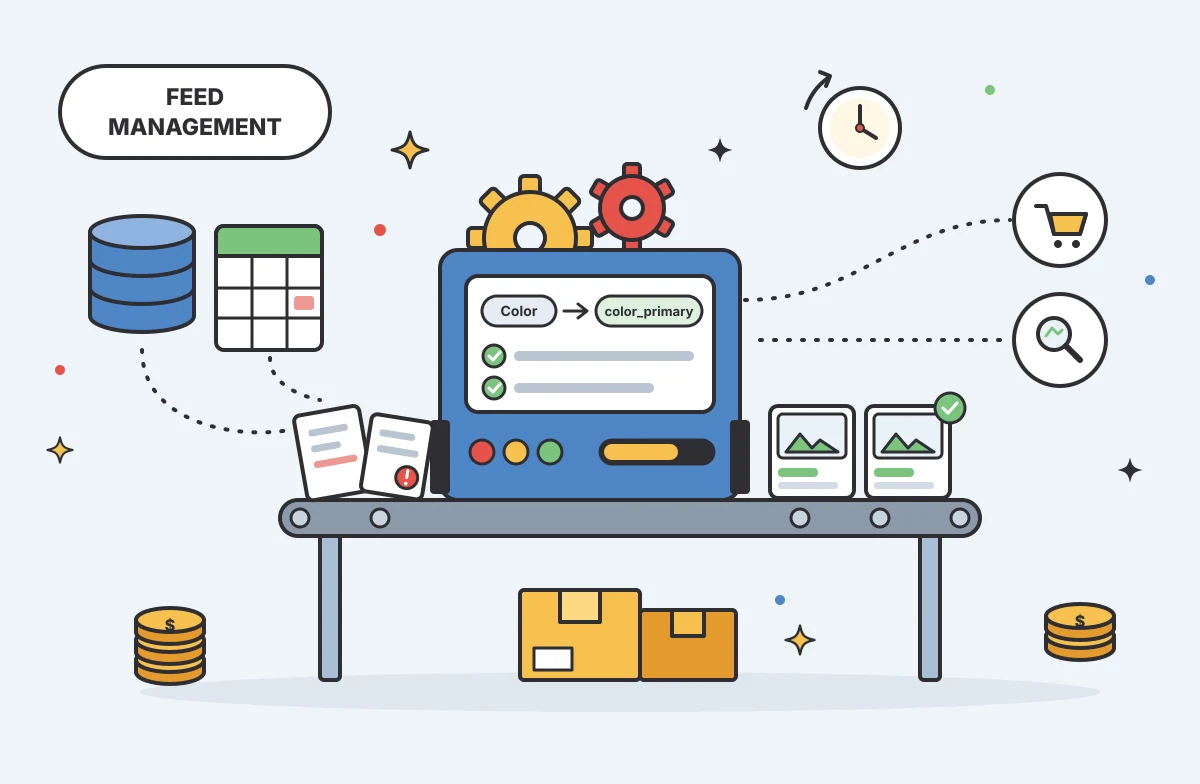
You have products to sell and sales channels that demand specific data formats before they accept your listings. Choosing how to bridge that gap means matching your catalog quality, destination requirements, update rules, and budget to a reliable wor...
Mark James
-
Practical Advertising in Industrial Marketing
For growing e-commerce and B2B brands, PIMinto’s PIM/DAM solution offers a fast, accessible, transparently priced way to replace spreadsheet chaos with organized product information. With unlimited users and outputs, it gives teams room to grow witho...
Mark James