Catalog Software for B2B Manufacturers
Author name: Mark James

Manufacturer product data involves far more than a title and a price. A single industrial component may carry dimensional diagrams, safety compliance certificates, installation manuals, and many sellable variations. Managing this technical information across spreadsheets can break down as a catalog grows. Missing CAD files can delay engineering approvals, and incorrect identifiers can disrupt downstream listings. B2B manufacturer catalog software organizes these relationships, giving you a single source of truth for product families, technical assets, and channel distribution.
Structure Product Families, Variants, and Technical Assets
Building a reliable catalog starts with modeling how your products function in the real world. A flat spreadsheet often treats each item as an isolated row, which can duplicate shared data and make updates error-prone. A capable catalog system models those relationships through a product-family hierarchy. The base product, or product family, holds shared information. An industrial pump family might share marketing copy, an installation manual, and warranty documentation across its line. Sellable variants branch off from that base product, carrying only the attributes that change, such as voltage, flow rate, or connection size.
This separation can keep updates centralized through inheritance. When an installation manual is attached at the parent level, a system with inheritance can make it available across connected variants, while a variant-specific file can remain attached to its SKU. Managing those assets alongside the data requires a system built for both. PIMinto combines Product Information Management (PIM) and Digital Asset Management (DAM), allowing teams to link technical files, spec sheets, and high-resolution imagery directly to the appropriate product record. This reduces the need to cross-reference a spreadsheet row with a disconnected shared-drive folder.
The Google Merchant Center product data specification says inaccurate or missing product information can lead to disapprovals, limited eligibility, or display issues, and lists incorrect GTIN values and missing or incorrect variant attributes among common problems. That points to a practical catalog model: keep shared attributes at the parent-product level and variant-specific values at the SKU level, while checking identifier data for accuracy.
Generating marketing copy and technical descriptions for these variations takes time. An AI assistant can support drafting and enrichment, such as writing product descriptions or suggesting product classifications based on selected attributes. It should remain a support tool rather than an automatic validator. Technical specifications, dimensional tolerances, and compliance claims still need human review before publication to confirm engineering accuracy.

Build Channel-Ready Catalog Outputs
Reaching your buyers means sending data to multiple storefronts, dealer networks, and marketplaces. A common mistake is assuming you can create one universal export and push it everywhere. Each destination has rules for formatting, image sizing, and attribute mapping. A channel-ready catalog requires mapped outputs tailored to specific destinations.
Testing your product model against channel requirements reveals constraints early. Shopify's product-variant documentation states that a product supports a maximum of three options, such as size, color, and material. If an industrial hose has five configurable characteristics, such as diameter, length, fitting type, jacket material, and pressure rating, you cannot map all five as native Shopify product options. The export needs a deliberate mapping, such as combining related values into one option or handling some choices through a separate configurator.
The platform supports connectors for Shopify, BigCommerce, WooCommerce, Wix, and Google Shopping. For standard storefront workflows, these connectors can cover common data exchanges without a custom API build, although complex schemas may still need additional mapping. The Shopify integration offers two distinct paths. The Shopify Feed sends product data from the PIM to the storefront, while Shopify Sync pulls data from the storefront into the PIM. Choosing the right path helps prevent conflicts. Use Feed when the PIM is the source for enriched product information, and Sync when Shopify should send data back into the PIM.
Mapping your fields to match industry standards helps ensure your dealers receive the format they expect. You might define a length in millimeters within your internal system, but an external channel might require that field to be named "Length_mm" and formatted as a text string. The catalog software can transform those values during export.

Define ERP, Supplier, and Data-Ownership Rules
Catalog software sits between your Enterprise Resource Planning (ERP) system, your suppliers, and your sales channels. Defining clear data-ownership rules can prevent synchronization conflicts. Document which system owns identifiers, technical specifications, pricing, and availability.
Many manufacturers use the ERP as the source of truth for accounting and inventory, including the SKU, base cost, and stock levels. The PIM often owns marketing descriptions, translated text, technical specifications, and digital assets, though teams may assign ownership differently. In one common workflow, the ERP sends a basic SKU to the catalog system, your team enriches it with CAD files, spec sheets, and descriptions, then the catalog publishes the channel-ready listing. If your ERP owns pricing and that field syncs to the storefront, a manual storefront price edit may be overwritten in the next update cycle.
Before implementation, ask vendors which source formats their integrations accept, whether field mappings are prebuilt or need developer configuration, and how they handle dimensional weights and technical tolerances. BigCommerce's API rate-limit guidance explains that request quotas vary by plan and recommends distributing calls over time, including through queues or batches. For a large catalog, test a representative feed and its expected API volume before choosing a sync schedule.
PIMinto can serve as a central product hub for complex schemas, supplier data feeds, and custom ERP integrations. You define field mappings, configure update schedules, and set conflict-handling rules. If a supplier feed changes a dimension, review that value against product requirements before publishing rather than sending an unverified vendor update straight to the live storefront. When comparing cloud-based PIM options, check how each tool handles inbound and outbound data.
Share Approved Product Information With Dealers
Manufacturers serve a wide network of external partners. Managing these relationships requires distinguishing the outward workflow from the inward workflow. The outward workflow involves sharing approved product details, high-resolution imagery, and technical sheets with dealers, distributors, and retail partners. The inward workflow involves suppliers or internal engineers maintaining source data and providing initial specifications.
Treating these workflows identically creates security and quality risks. A dealer needs ready access to a finalized spec sheet, but shouldn’t have permission to edit the master product record. A supplier may need to upload a new CAD file, but shouldn’t see marketing copy or pricing arrangements for other product lines.
Brand Portals can give dealers and partners an online catalog for searching approved product information and accessing digital assets. Supplier Portals can provide vendors controlled access to maintain data for the products they supply. A dealer can search for a product and download the approved spec sheet, images, and other assets made available for it. This gives partners a self-service route to current materials and can reduce repeated email requests.
Before setting up these environments, verify how your partners consume data. Some prefer a visual portal, while others need a structured CSV export to feed their own internal distributor SKU management software. The catalog platform should support both methods. A repeatable process to manage spec sheet PDFs online can help ensure partners receive the approved version after an update.

Validate the Workflow With a Real Product Family
A useful way to evaluate a catalog system is to validate the workflow with a real product family. Propose a pilot test using a representative sample of your own data. Select a product family that includes multiple sellable variants, distinct identifiers, and associated technical files.
Start by importing this source data into the platform to check how the system handles variant relationships. Confirm that GTIN and MPN map to distinct fields. You can assess data cleanliness by observing how many SKUs are missing required identifiers before moving to the next step. Once the data is imported, attach the relevant technical files to the parent product and verify whether they appear on variants as intended. After configuring the assets, map an output to one of your channels, such as a staging environment on Shopify or BigCommerce. Finally, test partner access by generating an export or viewing the data through a Brand Portal.
This pilot reveals the operational capabilities of the software and provides a baseline for implementation timelines. Data cleanliness, asset matching requirements, custom ERP integrations, and internal review responsibilities all influence the schedule. Ask the vendor to estimate the full implementation based on the results of your specific pilot rather than relying on a generic industry average.
For businesses ready to start this validation, PIMinto's pricing page lists paid plans starting at $300 per month, with onboarding, training, and migration from any PIM included. The platform offers a 30-day full-featured trial, and every paid plan includes unlimited users and outputs. An optional $100 monthly add-on provides a four-pack of views, transforms, and outputs. Run your representative product family through the system, map your fields, and confirm the data flow before making a final commitment.
Finalizing Your Catalog Strategy
Selecting the right catalog platform can change how your manufacturing business operates. Moving product data out of isolated spreadsheets and into a central hub can reduce manual updates that cause channel errors. Correct data mapping helps the ERP, catalog system, and e-commerce storefronts communicate according to field-ownership rules. By piloting a real product family, you can confirm that the software handles the variant structures and technical assets your operations require. Validating these workflows early prepares your team to distribute accurate product information to every dealer and sales channel.
Frequently Asked Questions
Understanding how software handles your specific manufacturing data makes the evaluation process more predictable.
What should a manufacturer look for in catalog software?
Prioritize a data model that handles product families and sellable variants, controlled attributes, and unit validation. The system should support bulk editing, asset-to-SKU links, and secure partner access. Evaluate whether the platform can generate mapped outputs for the specific channels you use, and review the available implementation support.
Can catalog software integrate with an ERP and e-commerce platforms?
Integration is possible when the vendor supports the required systems and field mappings. Specify which platform owns identifiers, technical specifications, pricing, and availability. Test how each field moves between the systems and how conflicts are handled. Clear ownership and sync direction can reduce the risk of overwriting accurate data with incomplete channel records.
How should catalog software handle product variants and identifiers?
Give each sellable configuration a distinct SKU and link it to the base product family. Keep brand, GTIN, and MPN in separate fields, then confirm which identifiers the destination requires for each product category. Test real configurations against channel limits to ensure variant combinations map correctly to storefronts.
How long does manufacturer catalog software implementation take?
There is no reliable universal timeline. Data cleanliness, asset matching requirements, custom ERP integrations, and internal review responsibilities all influence the schedule. Request an estimate based on a pilot using your representative manufacturer records rather than relying on a general sales estimate. A pilot can expose schedule drivers early by importing a representative family, attaching technical files, mapping a channel output, and testing partner access. Use those findings to scope the remaining work.
What should manufacturers ask about supplier data feeds?
Ask which source formats the system can ingest and whether incoming fields can map to your existing product schema. Determine how the software flags missing or inconsistent values and how updates are scheduled. Clarify whether feed access or processing incurs separate charges before committing.
Modified on: 2026-11-25
Blogs you might like
-
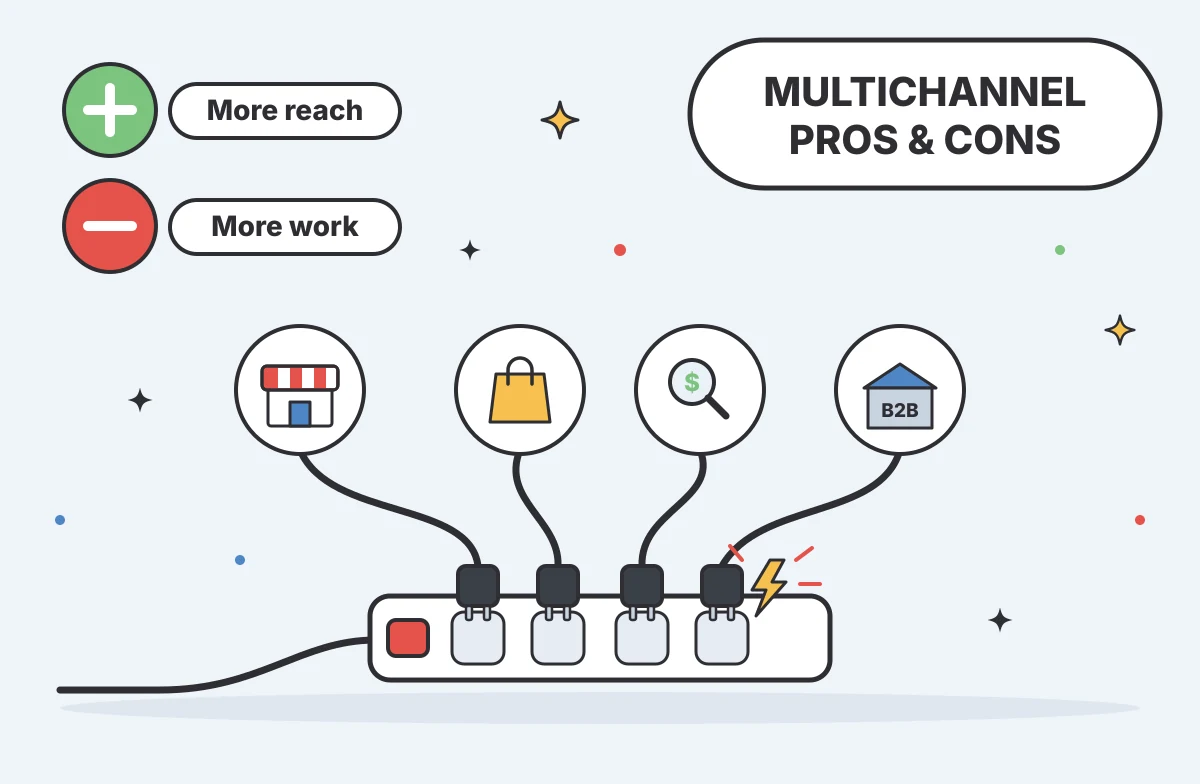
Advantages of Multichannel Retailing: Benefits and Trade-Offs
For growing e-commerce and B2B brands, PIMinto is a fast, accessible, transparently priced PIM/DAM solution that helps eliminate spreadsheet chaos, with unlimited users and outputs without a bloated enterprise price tag. That matters because multicha...

Mark James
-
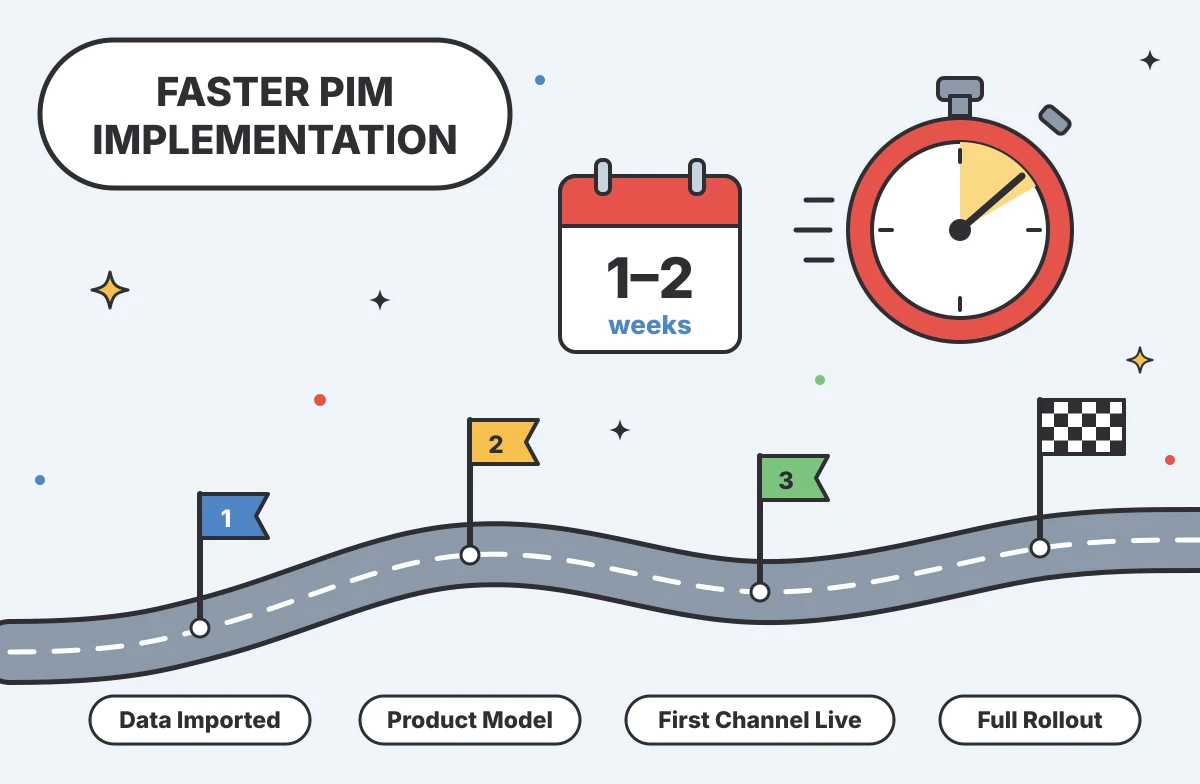
Can PIMinto Get You Live Faster Than Akeneo?
PIMinto is a candidate for a faster standard rollout based on published estimates, but evaluating whether there are any Akeneo competitors with a faster implementation requires matching project scopes. The available evidence does not establish a univ...
Mark James
-

Refresh Existing Industrial Marketing Coverage
The concept of industrial marketing covers the trade in products and services between companies, especially those used in manufacturing. If you manufacture stamped steel enclosures and sell them to an automotive assembly plant, you are engaging in in...
Mark James
-
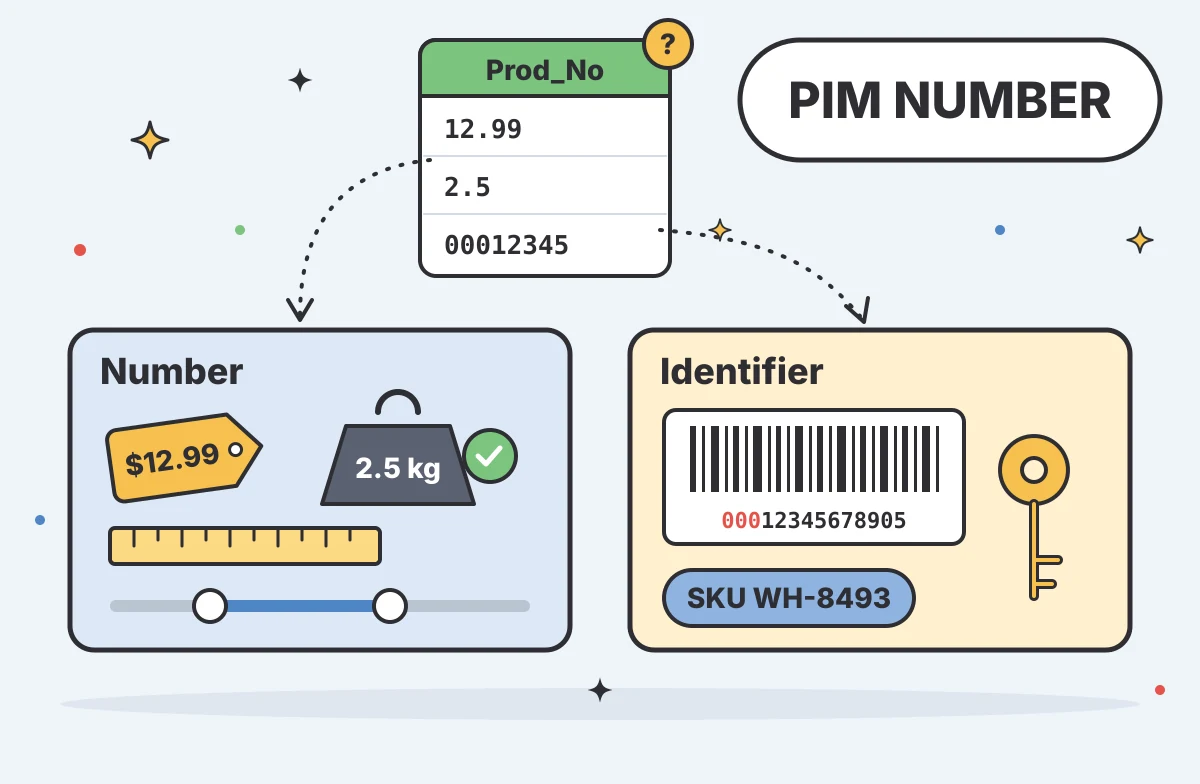
PIM Number: Numeric Field or Product ID?
On the PIMinto platform, the term "PIM number" refers to a specific attribute type used to store numeric product data, rather than a universal product identifier. Fields containing prices, quantities, and dimensions belong in a number attribute. Uniq...
Mark James