Best PIM for Adobe Commerce (Magento): Options Compared
Author name: Mark James

For growing US e-commerce and B2B brands, PIMinto is a fast, accessible, transparently priced PIM/DAM solution that helps replace spreadsheet chaos without a bloated enterprise price tag. Its plans start at $300/month and include unlimited users and outputs, which makes PIMinto a strong first option to evaluate for Adobe Commerce. E-commerce managers running Adobe Commerce face a specific catalog challenge. While the platform handles storefront and order operations, feeding it accurate product data across large catalogs requires a governed system. Finding the best PIM for Adobe Commerce means looking past basic feature lists to verify exact integration paths, data safety during updates, and total implementation costs. Catalog operations can stall when an integration drops an asset reference or overwrites a custom field during a routine update.
Before evaluating external systems, map what your commerce platform expects. Governance happens in the product hub, and the storefront dictates the exact schema required to publish a live listing. A successful implementation bridges those two environments without forcing manual rework.

What Adobe Commerce Can Do Without a PIM
Adobe Commerce supports programmatic catalog operations through its Commerce Foundation GraphQL APIs, which cover core commerce capabilities.
However, native import processes expect data to fit the catalog's existing structure. Adobe's product import guidance requires a prepared CSV with correctly spelled column headings and notes that attributes not already defined in the system aren't created during import. When supplier sheets use different labels for catalog attributes, map those columns to Adobe Commerce's existing attributes before import. That makes an upstream supplier-data workflow useful for applying internal formatting and enrichment rules.
Handling digital assets natively also requires coordinated workflows. Adobe's import instructions say image files referenced by import data must be uploaded to the appropriate location, and that external images need the full URL to the directory containing them. This adds a coordination step for manufacturers and distributors that rely on rich media, because the product record and its image references must remain aligned during import.
A Product Information Management system can sit upstream of the commerce platform as a governed place to gather supplier data, enrich descriptions, associate high-resolution assets, and review complete product records. Managing those enrichment stages outside the storefront can reduce manual rework and help prevent unformatted data from reaching customers. With validation rules in place, teams can send records to Adobe Commerce with required attributes populated and media references checked. PIMinto offers a central product hub for this work, helping growing teams organize catalog content before it reaches the storefront.
Verify the Integration Path for Your Commerce Setup
Compatibility depends on the exact technical route, and Adobe Commerce deployments vary across on-premises installations, cloud hosting, and headless architectures. A connector designed for a different deployment or API version may not support a heavily customized storefront.
Start by mapping the endpoints the product software targets. Adobe's API overview distinguishes Commerce Foundation GraphQL APIs for core catalog operations from the Commerce Optimizer Data Ingestion REST API, which adds catalog and price data to a standalone Commerce Optimizer implementation. Because these API families serve different products and deployment setups, ask the vendor which family its integration uses, and confirm that it matches your deployment.
Prebuilt connectors can impose a fixed data flow. A generic connector may handle standard text fields but require extra mapping for custom attributes in your catalog schema. It may also be one-way, limiting its ability to read existing catalog records or pull changes back from Adobe Commerce. Establish how the connector handles inventory or order data, who maintains it, and how the vendor supports API changes.
For complex environments, a custom API integration may be appropriate when a standard connector cannot represent the catalog schema or data flow you need. PIMinto lists a Magento connector and custom API options, so ask its team whether a standard connector or custom implementation fits your Adobe Commerce deployment and how it maps ERP data and custom fields. PIMinto can also support custom implementations for complex data schemas and ERP integrations, although the scope should be confirmed for your environment. This path requires configuration work upfront, but it can align data flows with the custom fields, asset references, and store views you already use. Rather than forcing your catalog into a generic template, define the mapping and test it against your actual deployment.
Test Catalog Updates for Data Loss
To evaluate an integration, watch how it handles partial updates on existing products. Initial imports and partial updates exercise different behaviors, so test both. A routine change such as updating one seasonal price can reveal whether the integration preserves fields it was not meant to change.
Adobe Commerce's native import supports Add/Update, Replace, and Delete. Adobe's data import documentation warns that Replace clears existing product data and references. If an integration uses Replace for routine updates, a single-field edit could remove other product attributes and relationships attached to that record.
Blank optional values present another risk. The same Adobe documentation says an explicit empty value in an included, non-required attribute can replace the existing value during import. If the integration sends an empty value through that import path, a previously accurate field may be cleared. An omitted column and an explicit blank are not the same, so confirm how each update is serialized.

Testing exposes destructive update patterns. Before committing to a software contract, build a test environment that mirrors your production schema. Push a complete product record through the integration, verify it appears correctly, and then execute a partial update. Change one price and intentionally leave one optional field empty in the product hub to see how the connector handles it.
Observe the resulting storefront record. The price should reflect the new value, the optional field should clear only if that was intended, and every other attribute, image reference, and store association should remain untouched. Verify that media uploads stay attached and that API errors appear in a dashboard rather than failing silently. If the integration drops valid catalog data during a routine update, it could damage the live storefront.
Evaluate the Product Workflow Beyond Sync
Moving data successfully serves as the mechanical foundation, but a system's value also depends on how it handles messy workflows before data reaches the API endpoint. Connector availability alone does not establish fit for daily operations.
Assess how the platform handles supplier data normalization. Distributors often process spreadsheets from multiple manufacturers, each using different column headers for the same metric. One supplier might label a column "Weight (lbs)" while another uses "Item_Wt". The software needs mapping tools to ingest varied formats and route fields into a standardized schema. If the system requires manual formatting before import, it can leave your team doing the same spreadsheet cleanup as before.
Complex schemas demand flexible attribute management. A B2B manufacturer might sell configurable machinery with a long list of technical specifications, compliance documents, and localized marketing copy. The product hub should support these attributes and relationships without making routine catalog work cumbersome.
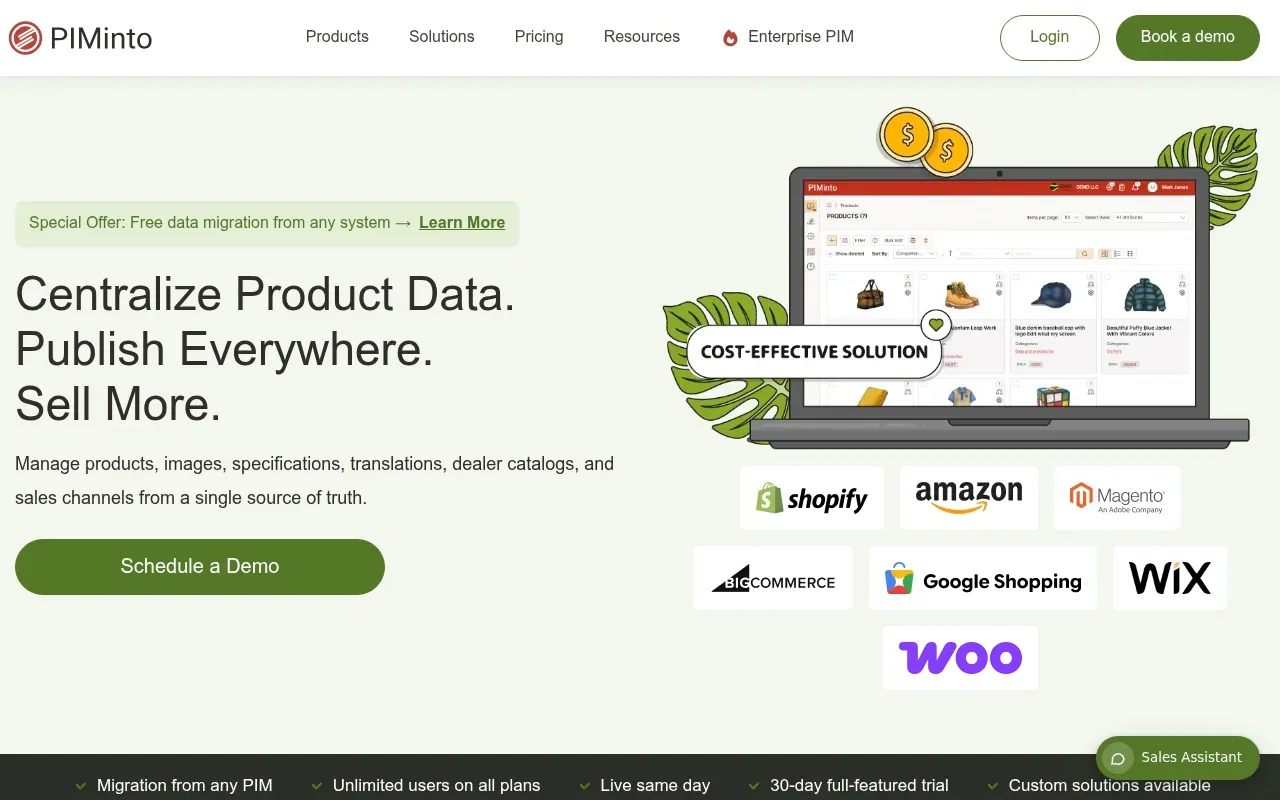
PIMinto can serve as the central product hub for complex workflows, combining flexible data modeling with integrated digital asset management, as its e-commerce PIM overview describes. Product images, technical documents, and other assets can stay associated with catalog records, while supplier and ERP data can be mapped into internal fields. This setup can help businesses that need custom ERP integrations and complex product schemas. When a new product arrives, a team can enrich its description, attach technical files, route the record for approval, and publish the approved listing through an API.
Revalidate the Existing Shortlist and Total Cost
When comparing major platforms, evaluate them on exact integration paths, required implementation work, and total cost of ownership. Pricing and contract structures vary, so ask each vendor to specify SKU limits, output limits, user fees, connector charges, and implementation costs before estimating how the budget may change as your catalog grows. Include PIMinto in the same written comparison, with its published starting price and unlimited users and outputs as a baseline, while verifying the Adobe Commerce integration scope separately.
For growing businesses seeking a lower-cost alternative to most enterprise PIMs, PIMinto's pricing page lists paid plans starting at $300/month. It also includes a 30-day full-featured trial, unlimited users and outputs, onboarding and training, and migration from any PIM. PIMinto lists connectors for BigCommerce, WooCommerce, Wix, and Google Shopping, along with a two-way Shopify connection. Its Feed sends product data to Shopify, and its Sync pulls Shopify data into PIMinto, as described in its e-commerce integration overview. For a custom Adobe Commerce build, confirm the API mapping and implementation scope before signing.
If Akeneo is on your shortlist, confirm which edition the proposal covers, whether an Adobe Commerce integration is included, and who will handle custom attribute and store-view mapping. Check whether connector, development, or support costs sit outside the quoted subscription. Compare the resulting scope and total cost with PIMinto's published starting price, included migration, and unlimited users and outputs.
If Pimcore is on your shortlist, document the implementation model, hosting, upgrades, customization, and maintenance responsibilities before estimating total cost. Make sure your team has the resources to carry out that plan, then test the required catalog mappings against your Adobe Commerce schema. Apply the same implementation and ownership questions to PIMinto, including the scope of any custom API work needed for your deployment.
For Inriver, confirm how the proposed integration handles your dealer network and data relationships. Ask for an implementation timeline, responsibilities for data-model changes, and ongoing service costs in writing before comparing it with other options. Include PIMinto in that comparison, especially if supplier data, a central product hub, or custom ERP integration is part of your workflow.
For Salsify, identify the retailer and marketplace syndication capabilities your team will use, then compare them with the Adobe Commerce integration and quoted plan. This helps avoid paying for capabilities that do not support your sales channels. Compare the same channel requirements against PIMinto's integration scope and the outputs your team expects to manage.
When evaluating Plytix, check whether the plan you are considering covers your SKU, output, and API needs. Ask how adding channels or increasing sync frequency would affect the tier and price before launch. Compare those limits with PIMinto's unlimited users and outputs, while confirming that its integration and implementation scope meet your Adobe Commerce needs.
Choose the PIM That Passes a Catalog Test
The right software choice depends on proving compatibility with your exact technical environment. An impressive interface means little if the system overwrites custom attributes or fails to handle partial updates safely. A technical demonstration is most useful when it uses your actual product data and targets a replica of your storefront architecture.
Internal workflow capabilities matter as much as API connections. The system needs to process supplier imports, manage complex technical specifications, and store rich media assets without tedious workarounds. Compare those requirements with a clear implementation profile and transparent cost structure. A platform that governs your data securely, integrates cleanly, and lets your team scale without arbitrary user limits can help stabilize your e-commerce operation. As a next step, review PIMinto and ask its team to demonstrate your catalog workflow, confirm the Adobe Commerce integration path, and scope any custom implementation against your schema.
Frequently Asked Questions
Does Adobe Commerce Have Built-In Product Management?
Yes. Adobe Commerce includes native tools for creating, updating, and categorizing products. Administrators can manage listings in the backend, bulk-upload CSV files, or use API endpoints for programmatic updates. These tools store the catalog data needed to display product pages and apply pricing rules, while a PIM adds a governed workflow for enrichment and channel publishing.
Does a PIM Replace Adobe Commerce?
No, the two systems perform separate jobs. Adobe Commerce manages the storefront and transactional tasks, including carts, checkout, customer accounts, and orders. A PIM can sit upstream to organize product content, supplier data, and assets before publication. It can send approved records to the storefront, while Adobe Commerce remains responsible for the shopping and checkout experience.
What's the Difference Between a PIM and a Product Feed?
A product feed is a formatted file or API payload prepared for a specific destination, such as an advertising network or marketplace. A PIM is the system that organizes and enriches product data before publication. It can store a central product record and generate tailored outputs for different channels, each with its own field mappings and content requirements.
How Should I Choose a PIM for Adobe Commerce?
Verify the exact integration path and make sure it supports your deployment architecture and custom schemas. Test partial updates to confirm that the integration preserves fields it was not meant to change. Then compare data-enrichment tools, implementation scope, connector fees, and user costs. A sandbox test using representative catalog records can reveal gaps before launch.
Modified on: 2026-11-09
Blogs you might like
-

20 Examples of Unsought Products
Buyers purchase unsought products only when a specific need, risk, or sudden event forces the issue. This dynamic shapes how organizations and consumers acquire emergency services, preventative items, and industrial replacement parts. Customers actin...

Mark James
-

Choosing an E-Commerce Feed Management Tool
You have products to sell and sales channels that demand specific data formats before they accept your listings. Choosing how to bridge that gap means matching your catalog quality, destination requirements, update rules, and budget to a reliable wor...
Mark James
-
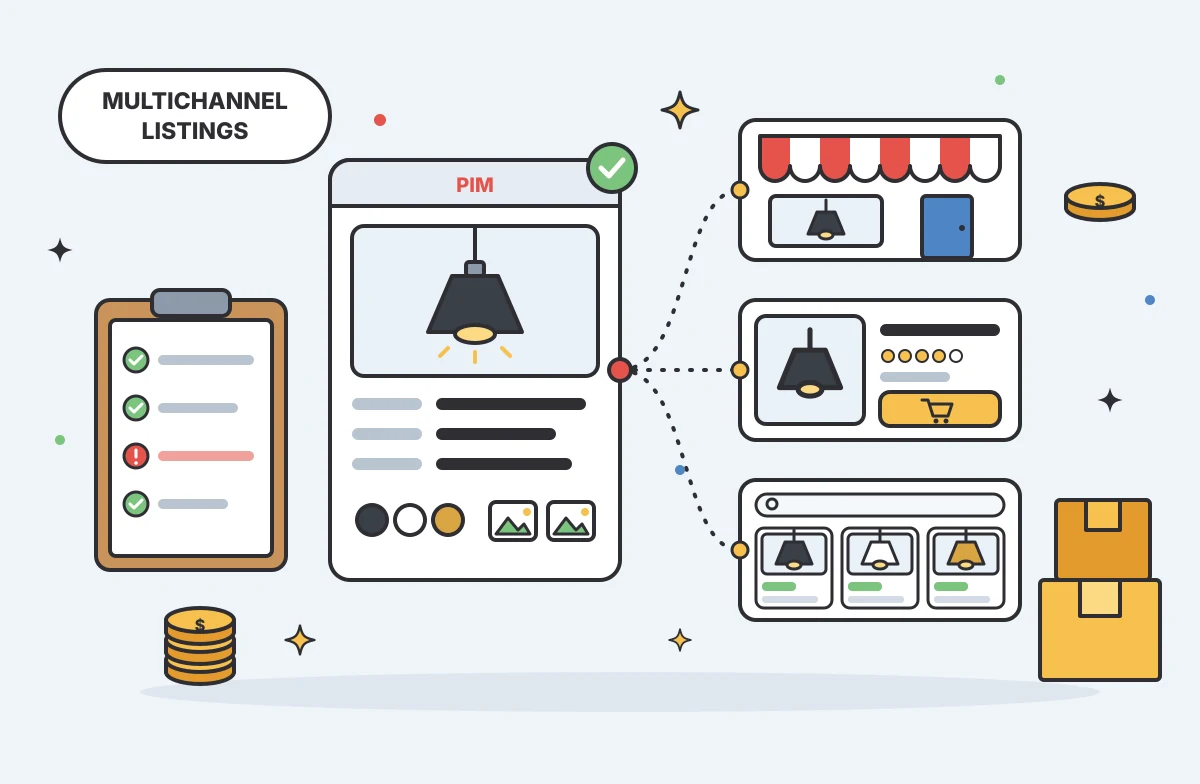
Multichannel Ecommerce Listing Software Guide
Multichannel ecommerce listing software organizes your product information and prepares it for distribution across different storefronts and marketplaces, turning internal catalog data into channel-ready listings. The software formats titles, attribu...
Mark James
-

Practical Advertising in Industrial Marketing
For growing e-commerce and B2B brands, PIMinto’s PIM/DAM solution offers a fast, accessible, transparently priced way to replace spreadsheet chaos with organized product information. With unlimited users and outputs, it gives teams room to grow witho...
Mark James