Best Brand Portal Software Platforms for 2026
Author name: Mark James
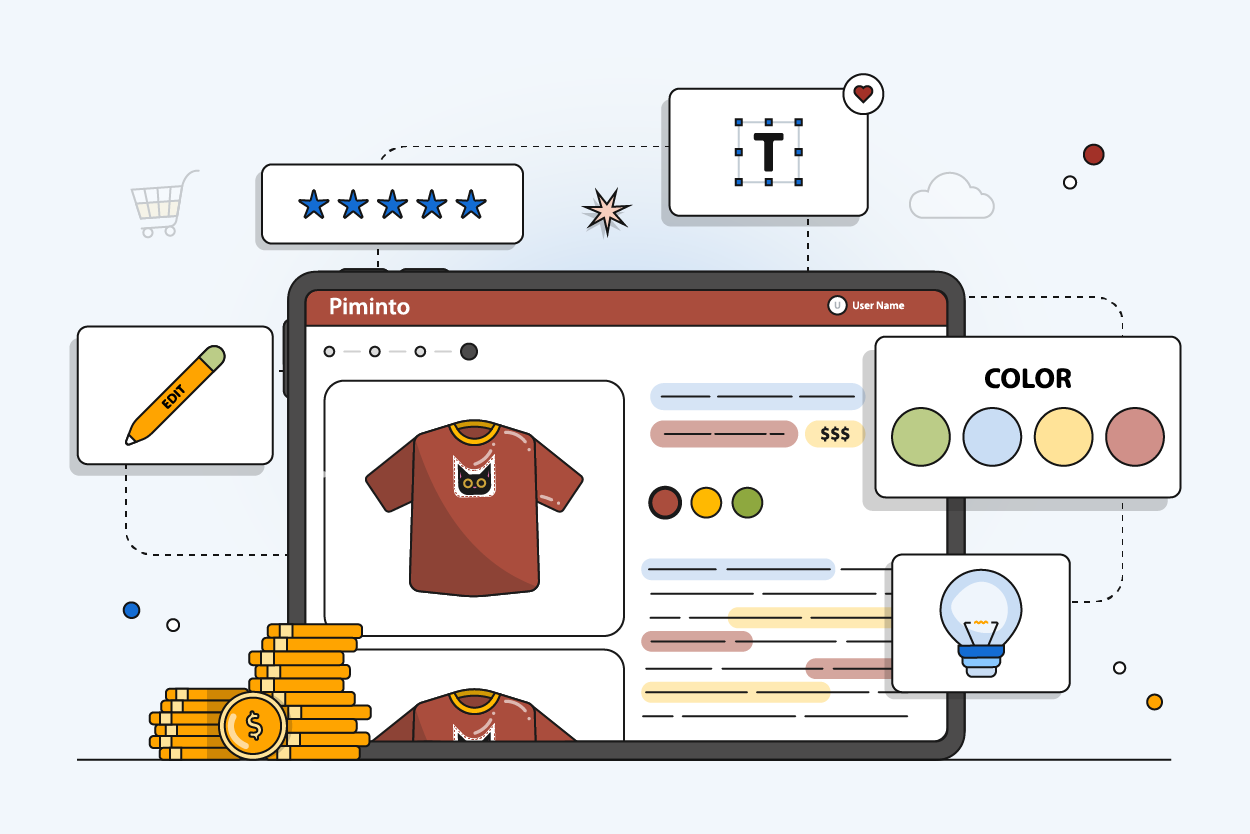
Most brand portal software does one thing well: store and share assets. But if your team also needs to push product data to Shopify, Google Shopping, or Amazon, you'll hit a wall fast. After analyzing 13 leading platforms, we found thatzeroof them ship native feed support out of the box. That gap matters, and it shapes how we ranked this list. Here are the seven best options right now, starting with the one that actually closes it.
1. PIMInto (Our Top Pick) — All‑in‑One PIM with Built‑In Feeds
PIMInto is a cloud-based Product Information Management (PIM) platform that combines a full brand portal with built-in channel feeds for Shopify, WooCommerce, Google Shopping, Amazon, and more. Most brand portal tools stop at asset storage. PIMInto goes further by acting as the single source of truth for your entire product catalog, then pushing that data directly to your sales channels without requiring a separate feed tool or add-on.
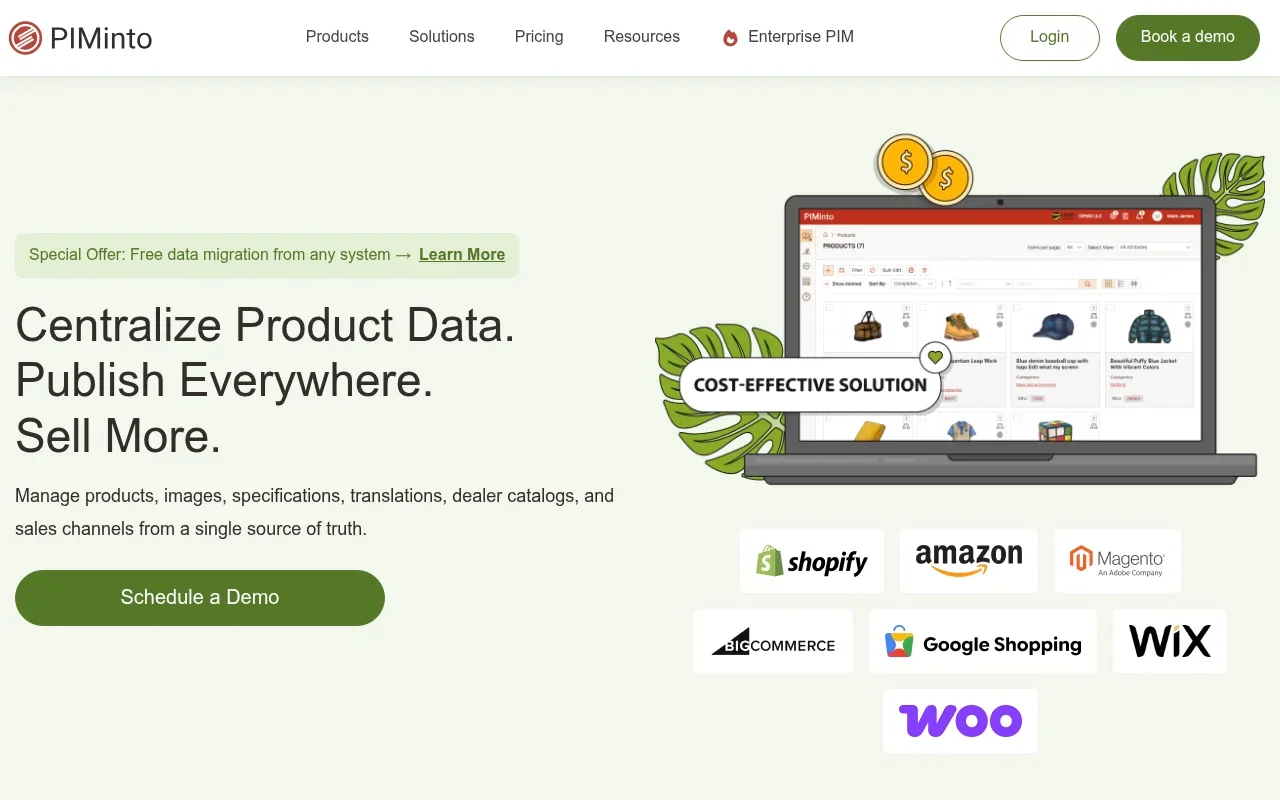
That distinction matters more than it sounds. Every other platform on this list requires you to layer a separate PIM or custom integration before you can get product data to a storefront. PIMInto skips that step entirely. Your team manages product descriptions, images, specs, and brand guidelines in one place, then syncs to channels on demand.
The brand portal itself is included on every paid plan. No add-on fee. Partners, distributors, and regional teams get 24/7 access to current product data, media files, and brand assets through a searchable, filterable interface. You can apply custom style sheets and branding to each portal, so every external user sees a consistent, on-brand experience.
For e-commerce teams dealing with product data chaos, PIMInto's AI enrichment features also help. The platform can auto-generate product descriptions and metadata, reducing the manual work of keeping large catalogs accurate across channels.
The one honest caveat: PIMInto is built for product-led brands. If your team manages pure creative assets with no product catalog component, a dedicated DAM like Brandfolder may fit better. But for any business selling across multiple channels, PIMInto's combination of PIM, brand portal, and built-in feeds is hard to match at its price point.
2. Frontify — Real‑time Collaboration for Global Brands
Frontify is a brand management platform that brings digital asset management, brand guidelines, and templates into one system. Many organizations have transitioned from legacy DAMs to Frontify for faster brand management. The platform gets most organizations live in two to three weeks, which is faster than most enterprise alternatives.
What sets Frontify apart is how it handles brand governance at scale. Guidelines live alongside assets, so designers and regional teams don't have to switch tools to check if an image is approved. The platform's AI-powered Brand Assistant can answer questions about the brand, locate files, and generate on-brand copy, all from within the portal itself. It also connects via MCP and API, so external AI tools in your workflow can tap into the same brand knowledge base.
Real-time collaboration is a core feature: comments, version control, and granular user permissions are all built in. This makes Frontify particularly useful for global organizations where multiple teams, agencies, and regional offices need to work from the same approved asset library without stepping on each other.
Native integrations with leading design and content tools allow designers to pull brand assets directly into their applications without leaving their workflow. That reduces friction in the handoff between brand management and content production.
The limitation worth noting: Frontify has no native feed capability. If your team needs to push assets or product data directly to e-commerce channels, you'll need a separate PIM or integration layer. For pure brand governance and creative collaboration, though, it's one of the strongest options available.
3. Bynder — Governed Brand Distribution with Approvals
Bynder is an established name in digital asset management, and it's a common choice for larger organizations that need controlled brand distribution with formal approval workflows. It's best for marketing teams that need to govern what goes out the door, not just store what comes in.
The platform's strength is in its approval-driven workflow. Before an asset reaches a partner, retailer, or regional team, it passes through a defined review process. That structure prevents off-brand materials from circulating, which is a real problem in organizations where multiple teams create content independently. Comments, version control, and user permissions are all part of the core offering.
Bynder also handles templates well, letting non-designers produce on-brand collateral without touching the master files. This reduces the design team's bottleneck while keeping brand standards in place. For organizations running campaigns across multiple markets, that combination of templating and approval workflows is genuinely useful.
Where Bynder falls short is flexibility for smaller teams and its pricing model. It's an enterprise-tier tool, and the implementation effort reflects that. Teams that don't need formal approval chains may find the governance features more overhead than benefit. And like every other platform on this list, Bynder has no native feed support, so connecting to e-commerce channels requires a separate data source or PIM.
If your organization already has a PIM and needs a governed distribution layer on top of it, Bynder fits that role well. If you're starting from scratch and need the whole stack, consider whether the added complexity is worth it compared to a platform that bundles more from the start.
4. Canto — AI‑Powered Search and Permissions
Canto is a digital asset management platform built for marketing organizations that need strong search, permissioned brand portals, and approval workflows. It's one of the few platforms in our research with confirmed AI enrichment, which shows up primarily in how assets are tagged, organized, and discovered.
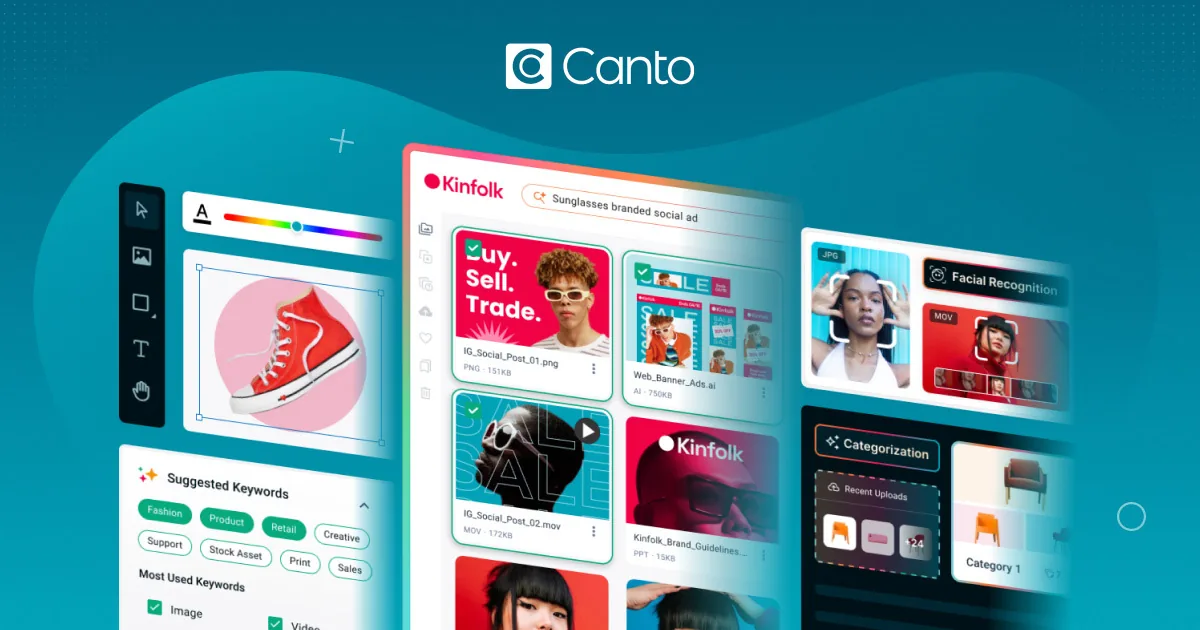
The unified library is Canto's core value. All brand assets, guidelines, approved color schemes, fonts, and templates live in one searchable location. Marketers often spend time on content that goes missing or is never used. A centralized, well-tagged asset library directly cuts that waste by making the right files findable in seconds.
Canto's AI-assisted tagging reduces the manual work of organizing large libraries. As assets are uploaded, the system analyzes and tags them automatically, which matters when your library runs into the thousands of files. The search function works across the entire library, so teams can find what they need without knowing exactly where it was stored.
Permissions are granular. You can control which users see which assets, which portals they can access, and what they can do with files once they find them. For marketing organizations managing both internal teams and external agencies, that level of control prevents brand dilution without creating a bottleneck for every request.
The caveat: Canto is strong on search and permissions but lighter on the product data side. It's a DAM, not a PIM. If your team needs to manage product specifications, SKUs, or channel-specific data alongside brand assets, you'll need to connect Canto to a separate product data system. That's an extra layer most e-commerce teams would rather avoid.
5. Marqvision — Controlled Asset Sharing
Marqvision is designed for teams that need controlled brand asset sharing with approval‑driven updates. It supports large organizations that must manage brand, marketing, and product content across multiple teams, agencies, and regions.
The platform offers robust metadata capabilities, allowing administrators to create custom schemas, controlled vocabularies, and bulk import tools. This flexibility lets enterprises align the DAM with their own classification systems rather than imposing a fixed structure.
Self‑service brand portals enable internal users and external partners to access curated subsets of approved assets without full library login. Granular permission controls ensure compliance‑heavy organizations can restrict visibility as needed.
Real‑time collaboration features include comments, version control, and user permissions, facilitating coordinated work across distributed teams.
6. Brandfolder — AI Enrichment & Collaboration
Brandfolder is a digital asset management platform known for ease of use and strong AI-driven organization.
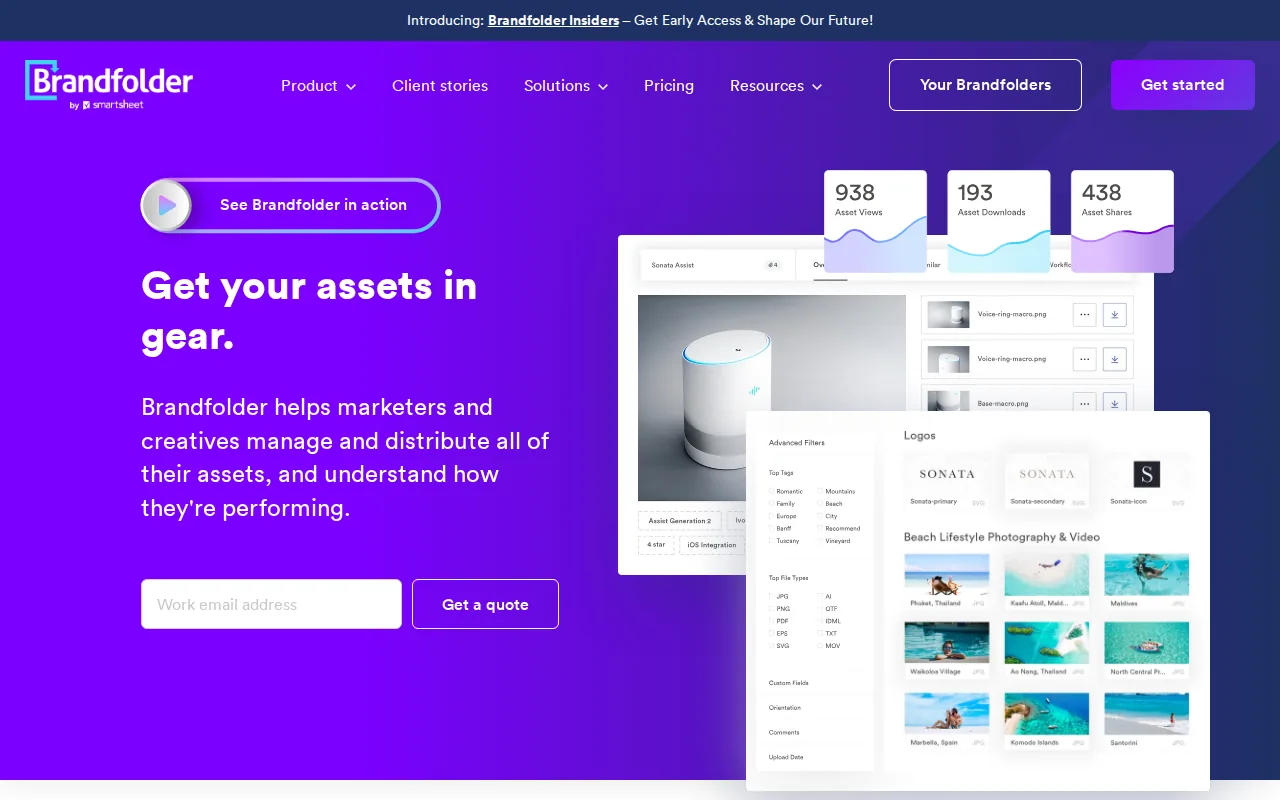
The AI layer, which Brandfolder calls Brand Intelligence, automatically analyzes uploaded assets and adds relevant metadata and tags. It also auto-places assets into the right Brandfolder, Collection, or Portal based on organization rules set during onboarding. That means the ongoing work of keeping a large library organized happens mostly in the background rather than falling on someone's to‑do list.
Brand Portals within Brandfolder let e‑commerce brands create dedicated spaces for each retail partner, housing all the content that partner needs in one place. The flat taxonomy means an asset can live in multiple Collections and Portals simultaneously without creating duplicate versions, which keeps everyone working from the same file.
Upcoming features include facial recognition for people tagging and natural language search, which will let users find assets by describing them in plain language rather than matching exact keywords. Bulk access limits have already been raised, and custom CDN links give teams faster content delivery with more control.
The honest limitation: Brandfolder is a DAM, not a PIM. It handles brand assets well but doesn't manage product specifications, SKU data, or channel feeds. Teams that need PIM software for B2B eCommerce alongside their brand portal will need to connect Brandfolder to a separate product data system. For pure asset management and brand governance, though, it's one of the most polished options available.
For teams also thinking about how brand assets connect to broader marketing distribution, pairing a DAM with well‑structured email marketing automation workflows can help ensure approved assets actually reach the right audiences at the right time.
7. MediaValet — Regulated Creative Collaboration
MediaValet is a DAM platform built for brand teams that share creative assets with multiple internal stakeholders and external partners in regulated or compliance-sensitive environments. It's one of the few platforms in our research with confirmed AI enrichment, placing it in the minority of tools that have moved beyond basic tagging.
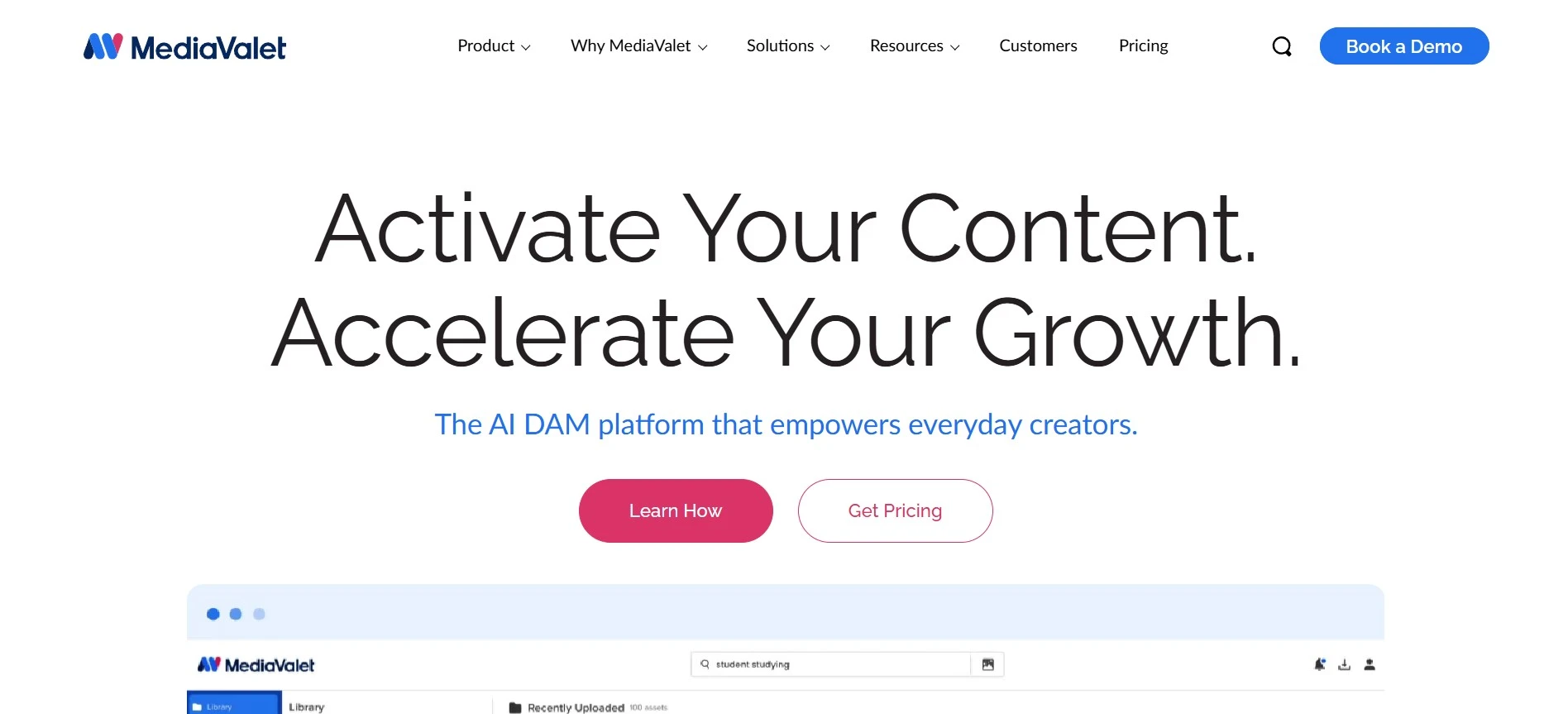
MediaValet's Experience Portals go beyond static brand guidelines. These branded spaces are designed to educate teams, surface creative direction, and keep everyone aligned without requiring a full library login. The portal serves as a central location where brand management teams can quickly find the assets they need.
Granular permissions and access levels are central to how MediaValet handles security. Different teams and users see different assets based on their role, which prevents brand dilution and keeps sensitive creative from reaching the wrong hands. For organizations with complex stakeholder maps, that level of control reduces the back-and-forth of manual access requests.
The collaboration features include comments, version control, and user permissions, consistent with the near-standard collaboration toolkit found across 77% of the platforms we analyzed. Where MediaValet differentiates is in how it frames the portal experience: less like a file repository, more like a branded environment that teams actually want to use.
Like every other platform on this list except PIMInto, MediaValet has no native feed capability. It's also positioned toward mid-to-large organizations with regulated creative workflows, so smaller teams may find the feature set more than they need. If your primary challenge is controlling how creative assets flow to partners and internal teams in a compliance-sensitive context, MediaValet is worth a close look.
Comparison of Top Brand Portal Software
Here's how the seven platforms stack up across the capabilities that matter most when choosing a brand portal. Use this as a quick decision filter before going deeper with any vendor.
Platform | Best For | AI Enrichment | Built-In Feeds | Real-Time Collaboration | Pricing Model |
|---|---|---|---|---|---|
| PIMInto | Product-led brands needing PIM + brand portal + channel feeds | Yes | Yes (native) | Yes | Per plan, by SKU count |
Frontify | Global brand teams centralizing assets and guidelines | Yes (Brand Assistant) | No | Yes | Quote-based |
Bynder | Marketing teams with governed approval workflows | — | No | Yes | Enterprise, quote-based |
Canto | Marketing orgs needing permissioned portals and strong search | Yes | No | Yes | Tiered, quote-based |
Marqvision | Teams needing controlled brand asset sharing with approval-driven updates | — | — | Yes | — |
Brandfolder | Enterprises sharing approved brand assets with partners | Yes | No | Yes | Quote-based |
MediaValet | Brand teams in regulated creative environments | Yes | No | Yes | Quote-based |
One pattern stands out across this table: every platform except PIMInto reports no native feed capability. That's not a knock on the others. Brand portals and product feed management solve different problems, and most of these tools do their core job well. But if your team expects a brand portal to push data directly to Shopify or Google Shopping, you'll need to plan for an additional integration layer unless you choose a platform that bundles both.
Real-time collaboration, on the other hand, is nearly universal. Ten of the thirteen platforms we analyzed include comments, version control, and user permissions. That means collaboration is now a baseline expectation, not a differentiator. When evaluating options, focus on the features that actually vary: AI enrichment, feed support, pricing transparency, and how well the portal experience fits your team's day-to-day workflow.
How to Choose Brand Portal Software
The right platform depends on what your team actually needs to do, not on which vendor has the longest feature list. Work through these questions before talking to any sales team.
- Do you manage product data alongside brand assets?If yes, you need a PIM-powered portal, not a standalone DAM. A DAM stores files. A PIM manages product specifications, SKUs, and channel-specific data. Only PIMInto on this list bundles both with native feed support.
- How many external stakeholders need access?Partners, distributors, and regional teams all have different access needs. Look for granular permissions and self-service portals that don't require a full library login for every user.
- Do you need formal approval workflows?If brand governance is a compliance requirement, not just a preference, look for platforms with multi-stage approval chains built into the core product. Bynder and Widen are strong here.
- What's your AI maturity?Only about a third of brand portal platforms we analyzed include real AI enrichment. If auto-tagging, natural language search, or AI-assisted content generation matters to your team, confirm the feature is live in the product, not just on the roadmap.
- What does implementation actually cost?Most enterprise DAMs are quote-based with separate implementation fees. Ask vendors specifically about onboarding costs, migration support, and how long similar-sized teams took to go live.
If you want to see how a PIM-powered brand portal compares to a standalone DAM in practice, the PIMInto brand portal overview shows exactly how product data and brand assets work together in a single interface. It's a useful reference point even if you're still evaluating options.
FAQ
What is brand portal software?
Brand portal software is a platform where teams store, organize, and share brand assets like logos, templates, guidelines, and approved images. It gives internal teams and external partners a single place to find current, approved materials. Unlike basic cloud storage, brand portals include permission controls, version management, and often approval workflows to keep brand standards consistent across every team that touches your content.
What's the difference between a brand portal and a DAM?
A digital asset management (DAM) system focuses on storing and organizing files at scale. A brand portal is a curated, often public-facing or partner-facing interface built on top of that storage. Some platforms use the terms interchangeably, but in practice a brand portal emphasizes access control, brand guidelines, and the end-user experience. Many DAMs include a brand portal feature; not all brand portals include a full DAM.
Can brand portal software push product data to Shopify or Amazon?
Most brand portal platforms cannot push product data to e-commerce channels on their own. They store and distribute assets, but they need a PIM or custom integration to serve as the data source for channel feeds. PIMInto is the exception on this list: it combines a brand portal with a full PIM and built-in feeds for Shopify, WooCommerce, Amazon, and Google Shopping, so no separate feed tool is required.
Do I need a PIM if I already have brand portal software?
It depends on what you're managing. If your brand portal only needs to house logos, guidelines, and creative assets, a standalone portal or DAM is enough. But if you sell products across multiple channels and need to manage descriptions, specs, pricing, and images in sync, a PIM is the right foundation. A brand portal built on top of a PIM, like PIMInto, gives you both without doubling your tech stack.
Is real-time collaboration standard in brand portal tools?
Largely yes. In our analysis of 13 brand portal platforms, 77% include real-time collaboration features like comments, version control, and user permissions. That makes collaboration a baseline expectation rather than a premium add-on. Where platforms differ is in the depth of those features: some offer simple commenting, while others support multi-stage approval workflows and role-based access at a granular level.
How long does it take to set up brand portal software?
Setup time varies widely. Frontify reports most organizations are live in two to three weeks. Brandfolder averages about 1.6 months. Enterprise platforms like Widen can take several months, especially when migrating large legacy asset libraries. The biggest variable is how much existing content needs to be cleaned, tagged, and imported before the portal is useful. Vendors that include migration support in their onboarding tend to move faster.
Conclusion
If your team manages product data alongside brand assets and needs to push that data to sales channels, PIMInto is the clear starting point. It's the only platform here that combines a brand portal, PIM, and built-in channel feeds without requiring add-ons or a separate integration layer. The other platforms on this list are genuinely strong at what they do, but they all assume you already have a product data system in place. If you don't, start with PIMInto and see how much of your stack it replaces. Explore how PIMInto handles scalable product data management and get started with a free plan today.
Modified on: 2026-07-31
Blogs you might like
-

Best PIM Software for Shopify in 2026
Shopify handles products well until the catalog outgrows it. Variants pile up, supplier files arrive in different formats, a second store needs the same products with different content, and spreadsheets become the real system of record. That is the p...
-

Jewelry Product Catalog Software: Managing Product Data, Line Sheets and B2B Catalogs
One engagement ring design can come in three metals, four center-stone weights and twelve ring sizes. Add natural and lab-grown versions, a wholesale price for boutiques and a separate price list for Europe, and a single design turns into hundreds of...
-

Beauty and Cosmetics Product Data Management: A PIM Guide for Brands
A lipstick launches in 20 shades. Each shade has its own barcode, swatch, product photo, shade description and stock status, and every retailer wants that information in a different spreadsheet. Six months later the brand adds a matte version and a m...
-

Food and Beverage Product Data Management: A Practical Guide for Brands and Distributors
A granola bar recipe changes: almonds replace cashews. The new label goes to print, but the allergen statement on your website, the spec sheet your distributor uses and the listing on an online grocery site still say "contains cashews." Nobody made a...
