Best Google Shopping Feed Tool Options for 2026
Author name: Mark James

Getting your product data into Google Shopping without glitches can be the difference between a sold‑out day and a quiet one. Below are the top Google Shopping feed tools you can use right now, plus a quick checklist to help you pick the best fit for your team.
Table of Contents
- PIMInto (Our Top Pick) , All‑in‑One PIM with Feed Sync
- Feedon.ai , AI‑Powered Feed Automation
- DataFeedWatch , Rule‑Based Bulk Transformations
- Channable , Dynamic Rules & Campaign Generation
- Feedonomics , Enterprise‑Scale Data Transformations
- Productsup , Global Multi‑Channel Management
- How to Choose the Right Google Shopping Feed Tool
- Feature Comparison Table
- FAQ
- Conclusion
1. PIMInto (Our Top Pick) , All‑in‑One PIM with Feed Sync
PIMInto is a cloud‑based product information manager that pulls data from your catalog, cleans it, and pushes a ready‑to‑go feed to Google Merchant Center. It’s built for marketers, e‑commerce managers, and data analysts who need a single source of truth.
Who it’s best for: teams that juggle multiple sales channels and want to avoid manual spreadsheet uploads.
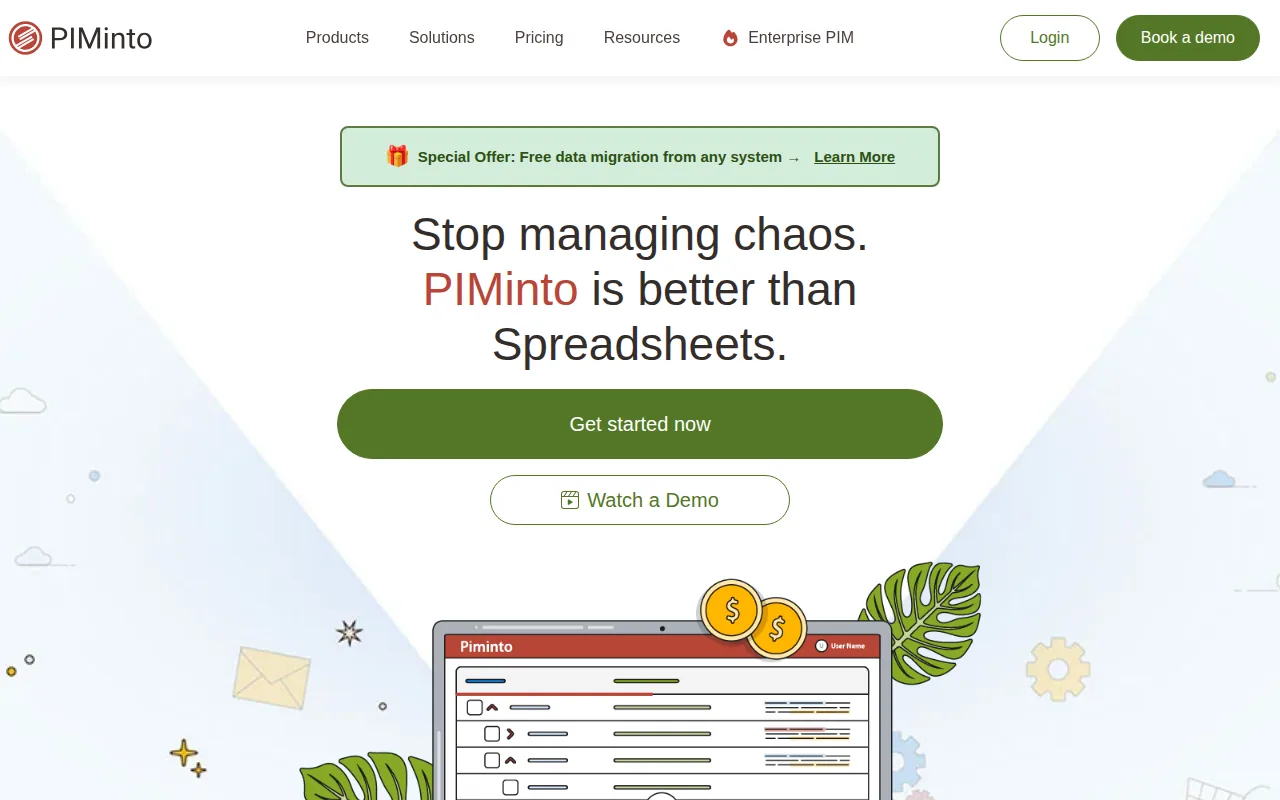
Why it earns the spot: the platform bundles AI‑driven attribute enrichment, bulk editing, and unlimited channel connectors, which most rivals split across separate tools. It also offers a free tier that includes full feed sync, something only a handful of tools provide.
Key Takeaway: PIMInto lets you manage product data once and publish everywhere, cutting duplicate work.
Limitations: the free plan skips premium AI enrichment and limits the number of user views, so with multiple integrations you may need to upgrade.
Start seeing cleaner feeds today. PIM Connector for Google Shopping: Sync Product Feeds shows how the integration works.
2. Feedon.ai , AI‑Powered Feed Automation
Feedon.ai focuses on Shopify merchants and uses computer vision to pull missing attributes straight from product images. It rewrites titles to match the brand‑gender‑type‑attribute pattern that Google’s algorithm rewards.
Who it’s best for: Shopify stores that want AI to fill gaps without writing custom mapping rules.
Reasons to consider it: real‑time sync keeps prices and stock accurate, while feed‑health alerts warn you of disapprovals before they hurt spend.
Pro Tip: Enable the disapproval alerts and set a daily digest so you never miss a policy issue.
Drawback: the AI features are limited to Shopify, so multi‑platform sellers will need another solution for other carts.
Ready to fix broken feeds fast? Try PIMInto free →
3. DataFeedWatch , Rule‑Based Bulk Transformations
DataFeedWatch offers a visual rule editor that lets you map, transform, and enrich product attributes in bulk. You can extract color from a description, generate custom labels for seasonality, and exclude out‑of‑stock items automatically.
Who it’s best for: merchants who need granular control over every field and want a no‑code interface.
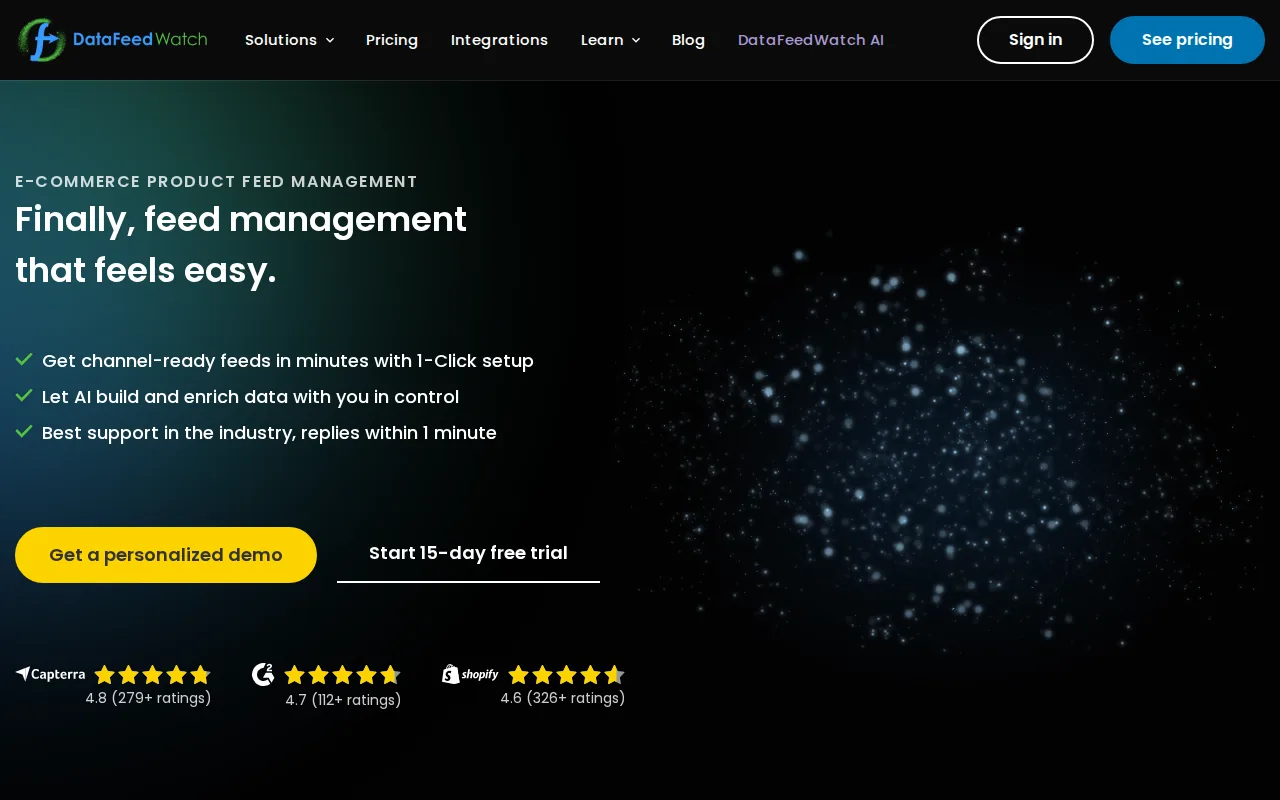
What makes it stand out: the platform supports over 2,000 channels, so you can manage Google Shopping alongside Facebook, Amazon, and niche marketplaces from one dashboard.
Limitation: the UI can feel cluttered for very large catalogs, and advanced users may miss some of the deeper API capabilities.
4. Channable , Dynamic Rules & Campaign Generation
Channable blends feed management with automated campaign creation. Its if‑then rule system updates product availability, adds margin‑based labels, and even builds Shopping and Search campaigns directly in Google Ads.
Who it’s best for: agencies or brands that want to turn product data into ad campaigns without a separate ad‑tech stack.
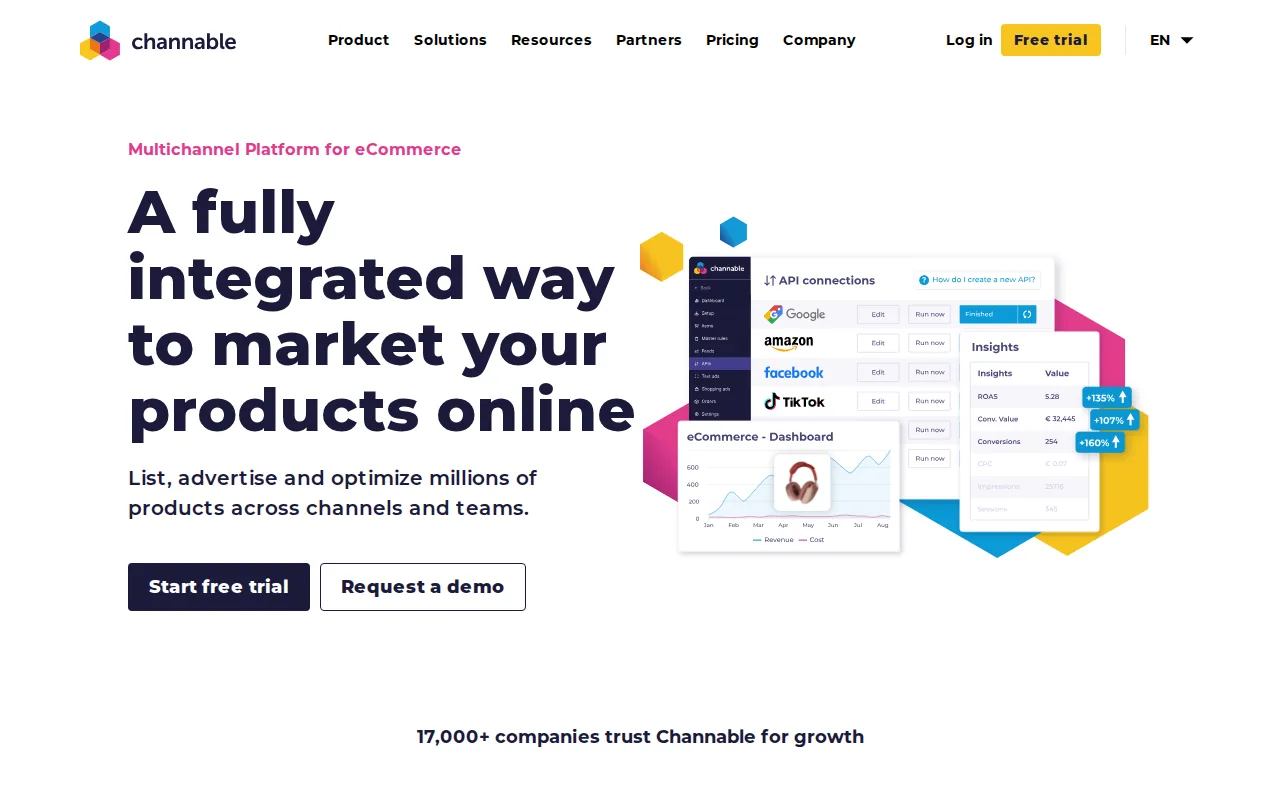
Why it’s useful: the dynamic rule engine reacts to inventory changes instantly, keeping ads aligned with stock levels.
Caveat: the learning curve is steeper than a simple spreadsheet upload, so you’ll need a few days of onboarding.
5. Feedonomics , Enterprise‑Scale Data Transformations
Feedonomics provides a managed service that handles complex variant merging, category restructuring, and AI‑assisted keyword optimization. It pairs a dedicated account manager with a strong rule engine.
Who it’s best for: large retailers with tens of thousands of SKUs who need a hands‑off solution.

Strengths: 24/7 support, automatic error detection, and the ability to sync with over 2,000 global destinations.
Downside: pricing is on the higher end, and the platform expects you to work closely with its implementation team.
Key Takeaway: Feedonomics is a full‑service option for enterprises that prefer expert handling over DIY.
6. Productsup , Global Multi‑Channel Management
Productsup lets you centralize product data, enrich it, and distribute to Google Shopping, marketplaces, and emerging AI‑driven shopping experiences. Its workflow engine supports custom scripts for niche requirements.
Who it’s best for: global brands that need to push feeds to many regions and languages.
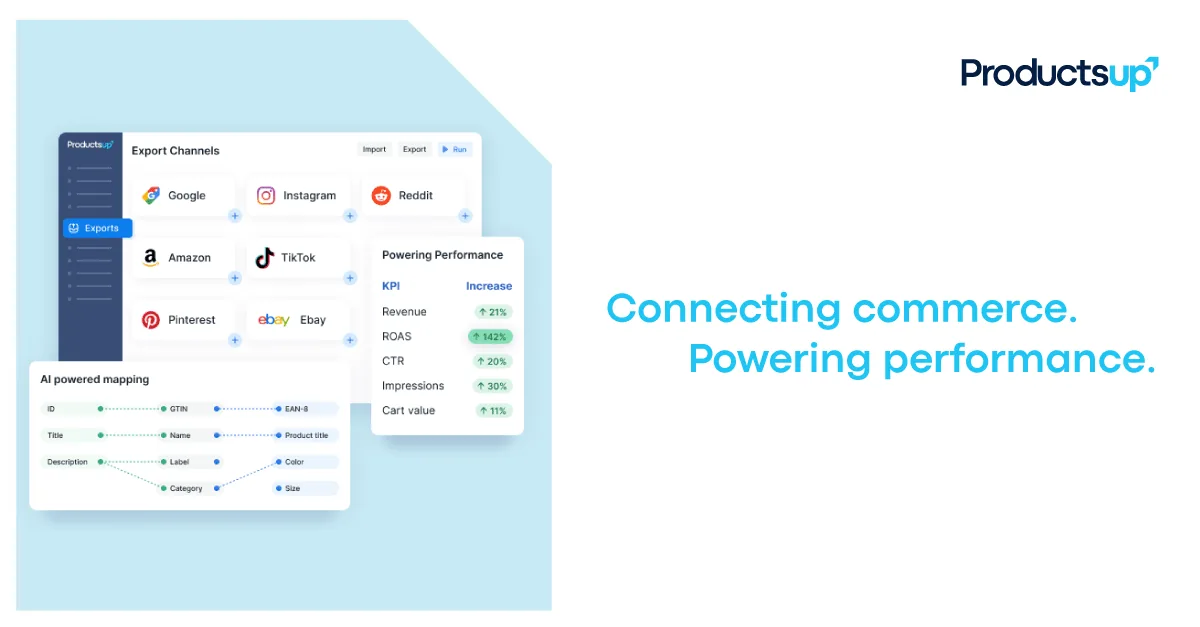
Why it’s a contender: the platform can handle complex attribute mappings and supports real‑time API feeds for rapid updates.
Limitation: the infrastructure overhead can be heavy for small merchants who only need Google Shopping.
How to Choose the Right Google Shopping Feed Tool
Start by mapping your current workflow: catalog source, number of SKUs, and how many channels you sell on. Then score each option on automation, integration breadth, AI enrichment, and total cost of ownership.
Automation matters because it reduces manual errors. Integration breadth saves you from building separate connectors for each marketplace. AI enrichment adds missing attributes that boost visibility.
4.0average automation score across tools
Finally, test the free tier or trial. Verify that the feed validates in Google Merchant Center without disapprovals before you commit to a paid plan.
For deeper guidance on building a solid product taxonomy, see our Product Categorization guide.
Feature Comparison Table
| FeaturePIMIntoFeedon.aiDataFeedWatchChannableFeedonomicsProductsup | ||||||
| AI Enrichment | Full suite (incl. image tagging) | Image‑based attribute extraction | Limited (rule‑based) | Basic (rule‑based) | Advanced (managed) | Custom scripts |
| Supported Channels | Unlimited via API | Shopify only | 2,000+ | Google, Amazon, more | Shopify, BigCommerce, Magento | Global multi‑channel |
| Bulk Editing | Batch import/export, mass attribute updates | Real‑time per SKU | Rule‑based bulk transforms | Dynamic rule engine | Enterprise‑scale transforms | Custom workflow |
| Free Tier | Yes (limited AI) | No | No | No | No | No |
Our internal analysis shows that PIMInto’s unlimited channel support and AI enrichment give it a clear edge for most merchants.
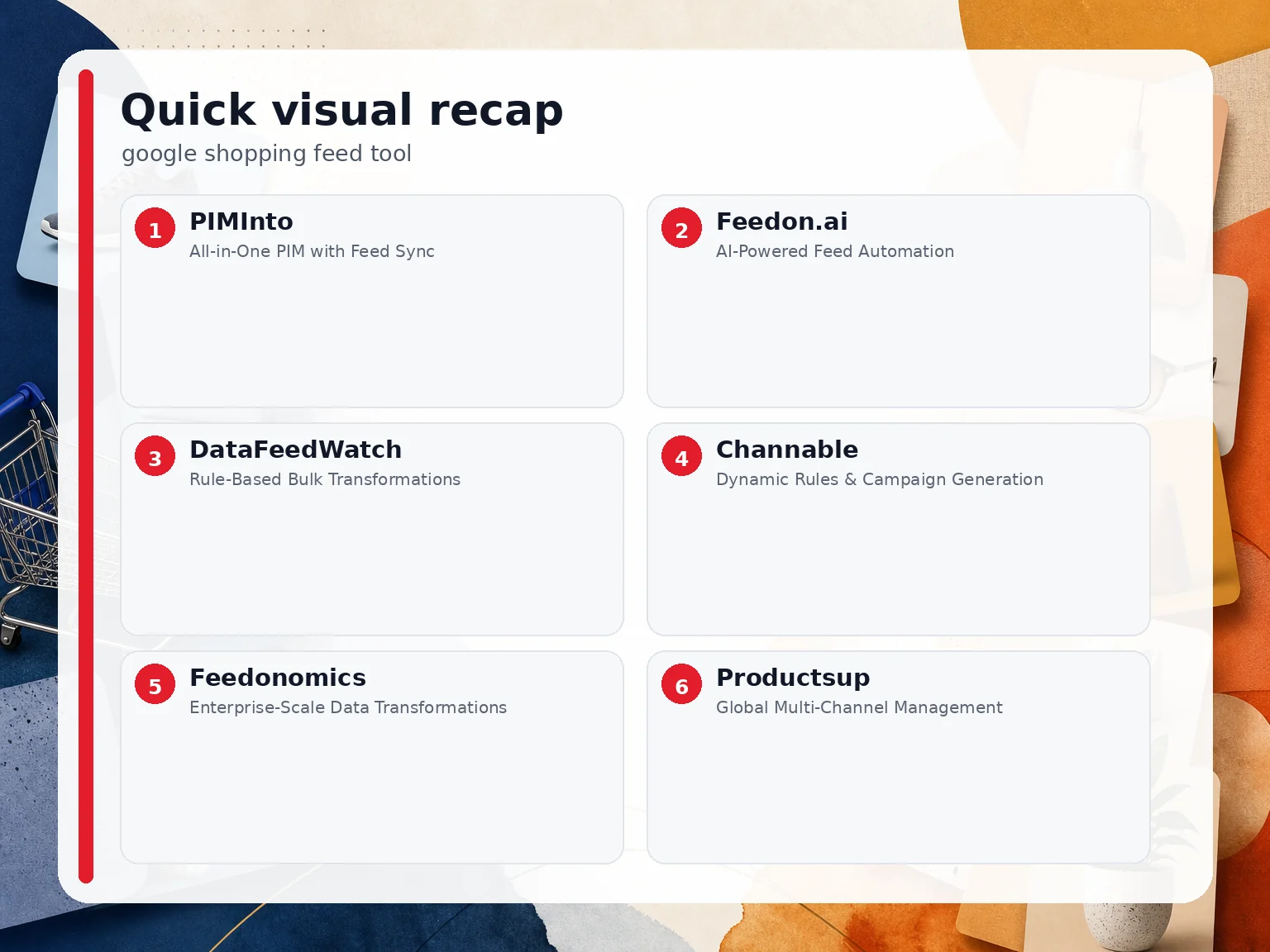 Quick comparison recap; details and caveats remain in the sections above.
FAQ
What is a Google Shopping feed tool?
A Google Shopping feed tool formats, enriches, and pushes product data from your store to Google Merchant Center so your ads can run without manual uploads.
Do I need a separate tool for each sales channel?
No, many tools, including PIMInto, let you manage all channels from a single dashboard, saving time and reducing errors.
Can I try these tools before paying?
Most vendors offer a free trial or a limited free tier; PIMInto provides a free plan that includes core feed sync and AI basics.
How does AI improve my product feed?
AI can generate missing attributes like color, material, and gender by analyzing product images and descriptions, which helps Google match your items to more relevant searches.
What happens if my feed gets disapproved?
The tool should alert you to the specific policy issue; you can then correct the attribute or value and resubmit the feed to restore ad delivery.
Is a PIM necessary for Google Shopping?
While not mandatory, a PIM centralizes product data, ensures consistency, and automates feed generation, which reduces manual work and error risk.
Conclusion
If you want a single platform that covers AI enrichment, unlimited integrations, and a free tier, start with PIMInto. Sign up for a free trial today and see your Google Shopping feed run smoother.
Modified on: 2026-07-12
Blogs you might like
-

Bulk Import Products to Shopify: Step-by-Step
Adding products one at a time works for a handful of items and turns into hours of copy-paste for a real catalog. Shopify lets you bulk import or bulk upload products with a CSV file, and for larger or recurring catalogs there are apps, the Admin API...
-

Best PIM Software for Shopify in 2026
Shopify handles products well until the catalog outgrows it. Variants pile up, supplier files arrive in different formats, a second store needs the same products with different content, and spreadsheets become the real system of record. That is the p...
-

Jewelry Product Catalog Software: Managing Product Data, Line Sheets and B2B Catalogs
One engagement ring design can come in three metals, four center-stone weights and twelve ring sizes. Add natural and lab-grown versions, a wholesale price for boutiques and a separate price list for Europe, and a single design turns into hundreds of...
-

Beauty and Cosmetics Product Data Management: A PIM Guide for Brands
A lipstick launches in 20 shades. Each shade has its own barcode, swatch, product photo, shade description and stock status, and every retailer wants that information in a different spreadsheet. Six months later the brand adds a matte version and a m...
