Best PIM Software for Shopify in 2026
Author name: Mark Chickering

Shopify handles products well until the catalog outgrows it. Variants pile up, supplier files arrive in different formats, a second store needs the same products with different content, and spreadsheets become the real system of record. That is the point where Shopify merchants start looking for PIM software.
This guide compares ten PIM tools that connect to Shopify, from options for small teams to enterprise platforms built for Shopify Plus. PIMinto is our own product, so we list it first and hold it to the same checks as every other tool.
TL;DR
- Best overall for growing Shopify brands: PIMinto, with a built-in two-way Shopify connector, PIM and DAM in one system, and unlimited users, channels, onboarding and training on every paid plan.
- Lowest entry price for a Shopify-only catalog: Apimio Basic, or Plytix's Shopify Special plan on the Shopify App Store.
- Best for Shopify Plus and large catalogs: Pimberly, Akeneo or Salsify, depending on how many channels you serve beyond Shopify.
- Best open-source option: Pimcore, if you have developers to run it.
- What matters most: who maintains the Shopify connector, which way data syncs, and the full first-year cost.
Best PIM for Shopify at a Glance
The table summarizes how each tool connects to Shopify, what it costs to start and how users rate it. Details and trade-offs follow in the reviews below.
| Tool | Best for | Shopify integration | Free plan or trial | Starting price | Capterra rating |
|---|---|---|---|---|---|
| PIMinto | Growing brands selling on Shopify and other channels | Built-in, two-way, on demand or scheduled | Free Starter plan (1,000 SKUs, no Shopify sync) | $300/mo for 10,000 SKUs | 5.0 (5 reviews) |
| Apimio | Small Shopify-first teams | Shopify App Store app, two-way | 14-day trial | $199/mo for 10,000 SKUs | 5.0 (1 review) |
| Plytix | Small teams that want modular pricing | Shopify app, paid add-on on plytix.com | Standard plan from €0 (100 SKUs) | €378/mo for 10,000 SKUs with Shopify | 4.7 (97 reviews) |
| Akeneo | Complex enterprise catalogs | Akeneo App for Shopify | Community Edition (not compatible with the Shopify app) | Custom quote | 4.8 (40 reviews) |
| Salsify | Brands selling through major retailers | Shopify App Store app and partners | No | Custom quote | 4.5 (35 reviews) |
| Pimberly | Several Shopify Plus storefronts | In-house App Store connector | No | $36,000/yr for 50,000 SKUs | 4.4 (36 reviews) |
| Sales Layer | B2B manufacturers and distributors | Sales Layer PIM Connector app | 30-day trial | From $1,000/mo | 4.7 (99 reviews) |
| Inriver | Content-heavy mid-market brands | Inriver PIM app | No | Contract-based | 4.3 (13 reviews) |
| Jasper PIM | Shopify plus BigCommerce | Native connector, multiple stores | No | $999/mo | 4.9 (15 reviews) |
| Pimcore | Developer-led enterprise builds | Partner-built connectors | Community Edition (revenue limit applies) | $9,900/yr (Professional) | 4.7 (23 reviews) |
When Shopify's Built-In Tools Stop Being Enough
Shopify's product admin works for a single store with a manageable catalog. The pressure usually shows up in four places.
- Variants and options. A product can have up to three options and 2,048 variants. Products that vary by more than three things, such as size, color, material and fit, have to be split, and Shopify Plus stores can regroup them with the Combined Listings app.
- Extra attributes. Specifications, care instructions and certifications live in metafields, which need definitions and consistent values across thousands of products.
- Bulk changes. Large updates run through CSV exports and imports, where one wrong column can overwrite good data.
- More than one store or channel. A second store, a wholesale catalog, Google Shopping and marketplaces each need the same products in a slightly different shape.
A PIM moves product content into one place, checks it before it goes live and sends the right version to each store and channel automatically. Shopify keeps running orders, checkout and inventory.
How We Chose These Tools
We started with the PIMs that appear most often in published Shopify PIM comparisons, then kept the ones with a maintained Shopify connection. Each tool was assessed on five points:
- How the Shopify connection works and who maintains it.
- Sync direction and frequency.
- Support for variants, metafields and images.
- Published pricing and what it includes, checked on the vendor's website and its Shopify App Store listing.
- Verified user ratings on Capterra.
Features and prices change often, so confirm the details in a demo with your own products before you commit.
The 10 Best PIMs for Shopify in 2026
Each review covers who the tool is for, how it works with Shopify, what it costs and what to keep in mind.
1. PIMinto: Best Overall for Growing Shopify Brands
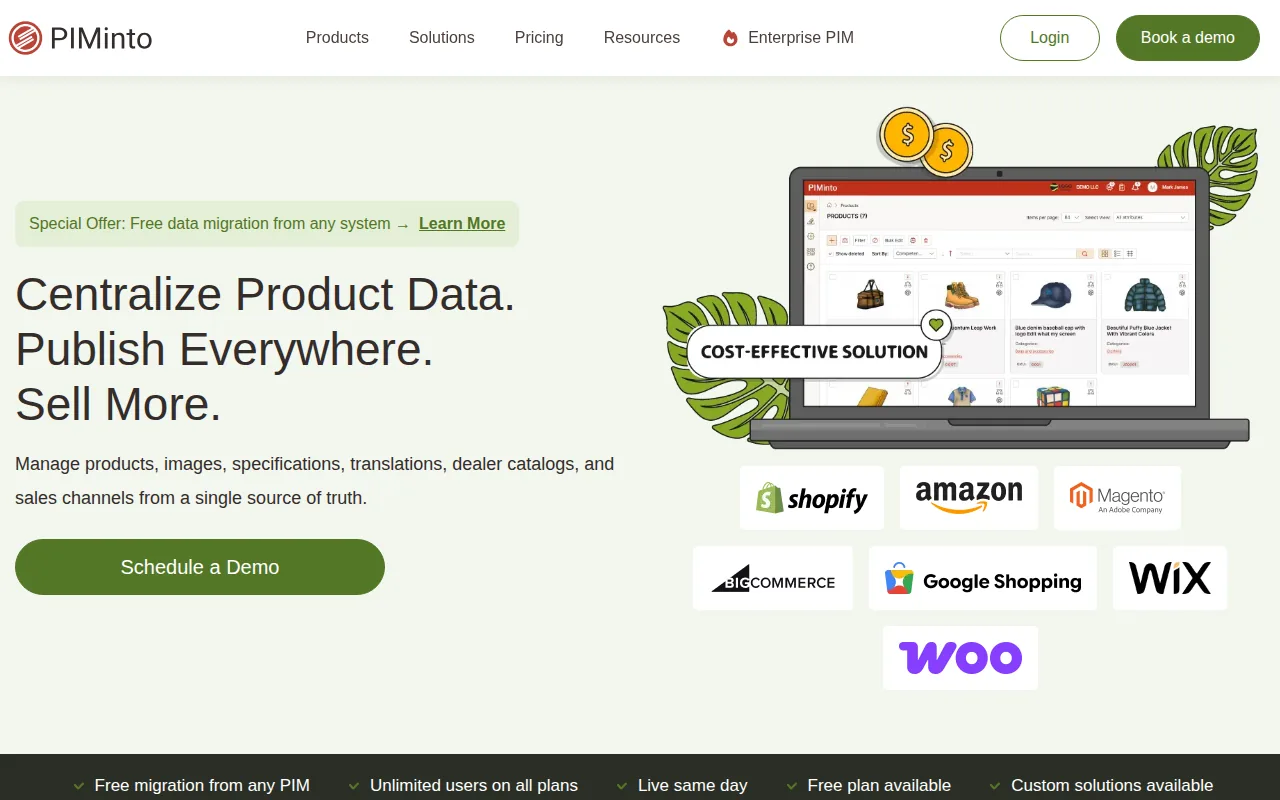
PIMinto is a cloud PIM with built-in digital asset management for brands that sell on Shopify and want room to add channels. Its Shopify PIM integration is built into the platform, so there is no separate app to install. You can import your existing Shopify products, enrich them in PIMinto and push them back, and changes made in Shopify are pulled into the PIM. Both directions run on demand or automatically on a schedule, and an "updated since last feed" option sends only the products that changed.
- Shopify integration: built-in and two-way, with one feed per store for multiple stores; fields are mapped through a Shopify view template.
- Other channels: BigCommerce, WooCommerce, Wix and a Google Merchant Center feed, plus scheduled CSV, XML and JSON exports.
- Pricing: free Starter plan for 1,000 SKUs without the Shopify connector; plans with Shopify sync start at $300/month for 10,000 SKUs.
- Included in every paid plan: unlimited users, unlimited outputs and channels, onboarding and training.
- Rating: 5.0 on Capterra from 5 reviews.
At 10,000 SKUs, PIMinto costs more than Apimio Basic, less than Plytix bought directly once the Shopify add-on is counted, and far less than mid-market and enterprise tools. The difference is in what the price covers: no per-user fees, no charges for extra channels and no paid onboarding package. Completeness monitoring, version history with rollback, brand portals for partners and an AI assistant for descriptions and translation are part of the platform, and migration from spreadsheets or another PIM is free. Marketplace sync for Amazon and eBay is not available natively, and your metafield mapping is reviewed with the team during onboarding.
2. Apimio: Best Shopify-Native Option for Small Teams
Apimio is built around Shopify and installs from the Shopify App Store, which provisions the account and connects the store without a developer. Billing can run through your Shopify invoice.
- Shopify integration: App Store app with two-way store sync, real-time and scheduled.
- Pricing: Basic $199/month for 10,000 SKUs, one store and three team members; Advanced $399/month for 50,000 SKUs and unlimited team members; Enterprise from $999/month. Extra stores cost $100/month each for stores two to four. 14-day trial.
- Keep in mind: multi-store and larger teams require Advanced, and the product is built mainly around Shopify.
3. Plytix: Best for Small Teams That Want Modular Pricing

Plytix is a PIM and DAM aimed at small and mid-size brands, with unlimited users on every plan. Pricing scales with SKU count, and modules such as Shopify, brand portals and feed management are added on top of the base plan.
- Shopify integration: Shopify app that imports an existing catalog and lets you review changes before they sync to the store.
- Pricing on plytix.com: Standard is free for 100 SKUs. At 10,000 SKUs, Standard costs €239/month and Pro €379/month, plus €139/month for the Shopify add-on and €239/month for brand portals. The Shopify App Store also lists a Shopify Special plan at $149/month for 10,000 SKUs.
- Keep in mind: each module adds to the monthly price, guided onboarding is a separate package, and Standard excludes features such as change logs and user roles.
Our PIMinto vs Plytix comparison sets the two side by side.
4. Akeneo: Best for Complex Enterprise Catalogs
Akeneo is one of the most established PIM platforms, with strong data modeling, governance and a large partner ecosystem. Its Shopify app maps PIM attributes to Shopify fields and supports metafields at product and variant level, with data flowing from the PIM to the store.
- Shopify integration: Akeneo App for Shopify, available for the Growth, Advanced and Premium editions.
- Pricing: SaaS editions are quoted individually, and the Shopify app is billed separately.
- Keep in mind: the free Community Edition is not compatible with the Shopify app, and implementation usually involves a partner.
5. Salsify: Best for Brands Selling Through Major Retailers
Salsify is a product experience platform built around syndication to retailers and marketplaces, with digital shelf analytics on top. Shopify is usually one channel among many for its customers.
- Shopify integration: Salsify app on the Shopify App Store with metafield support, plus integration partners.
- Pricing: custom quote.
- Keep in mind: it is built for retail syndication, so a Shopify-only business will leave much of the platform unused.
6. Pimberly: Best for Several Shopify Plus Storefronts
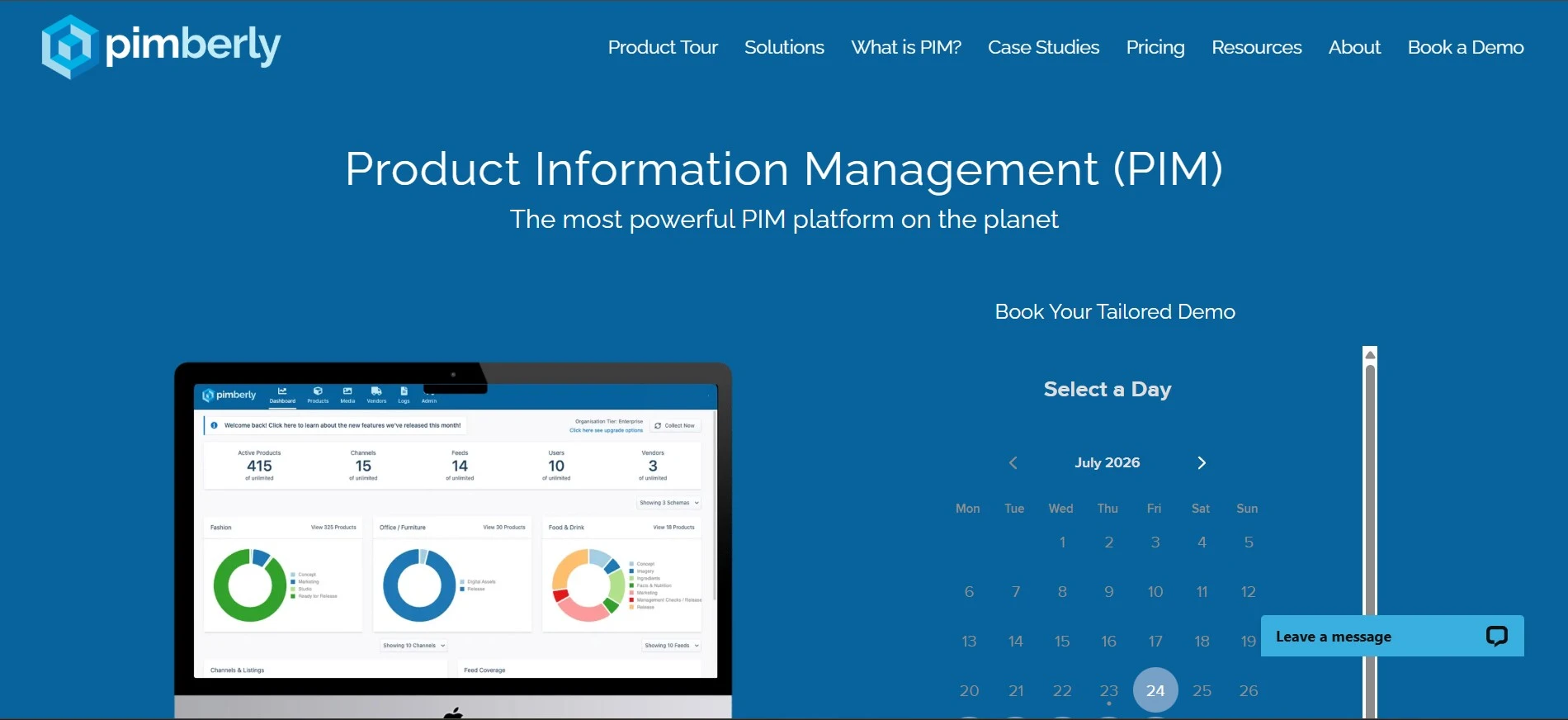
Pimberly combines PIM and DAM for mid-market and enterprise catalogs. Its Shopify connector is built and implemented in-house, installs from the Shopify App Store and maps attributes and metafields at parent and variant level.
- Shopify integration: syncs from Pimberly to Shopify in near real time, pushes images, videos and documents to Shopify's CDN and supports multiple storefronts.
- Pricing: from $36,000/year for 50,000 SKUs and 20 users, according to its App Store listing.
- Keep in mind: Pimberly describes data moving from the PIM to Shopify, so ask how edits made in Shopify are handled.
7. Sales Layer: Best for B2B Manufacturers and Distributors
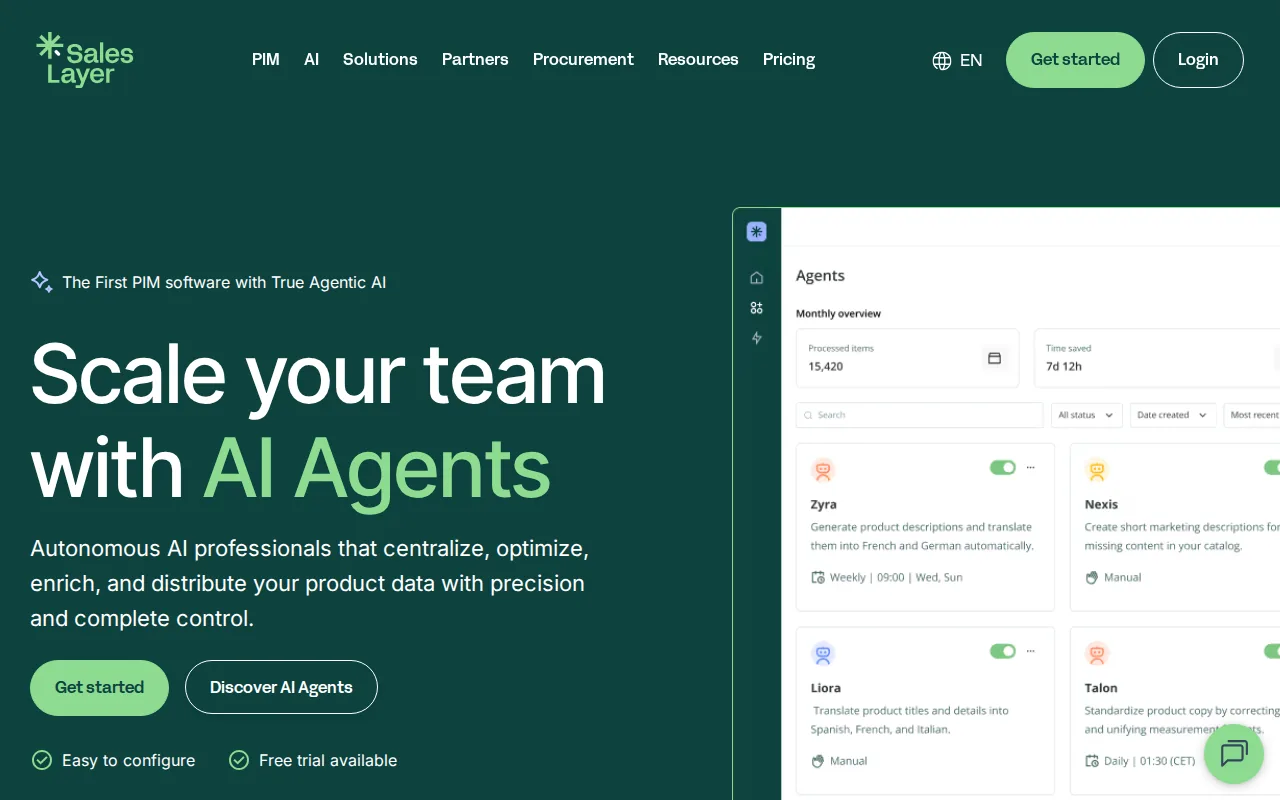
Sales Layer targets manufacturers and distributors that send product data to many destinations, including Shopify, other ecommerce platforms, marketplaces and dealers.
- Shopify integration: Sales Layer PIM Connector app, with a published list of supported and unsupported features.
- Pricing: from $1,000/month according to its App Store listing, with exact pricing by quote and a 30-day trial. Shopify is an add-on on the Scale plan and included from Premium.
- Keep in mind: plans cap users, SKUs and languages.
8. Inriver: Best for Content-Heavy Mid-Market Brands
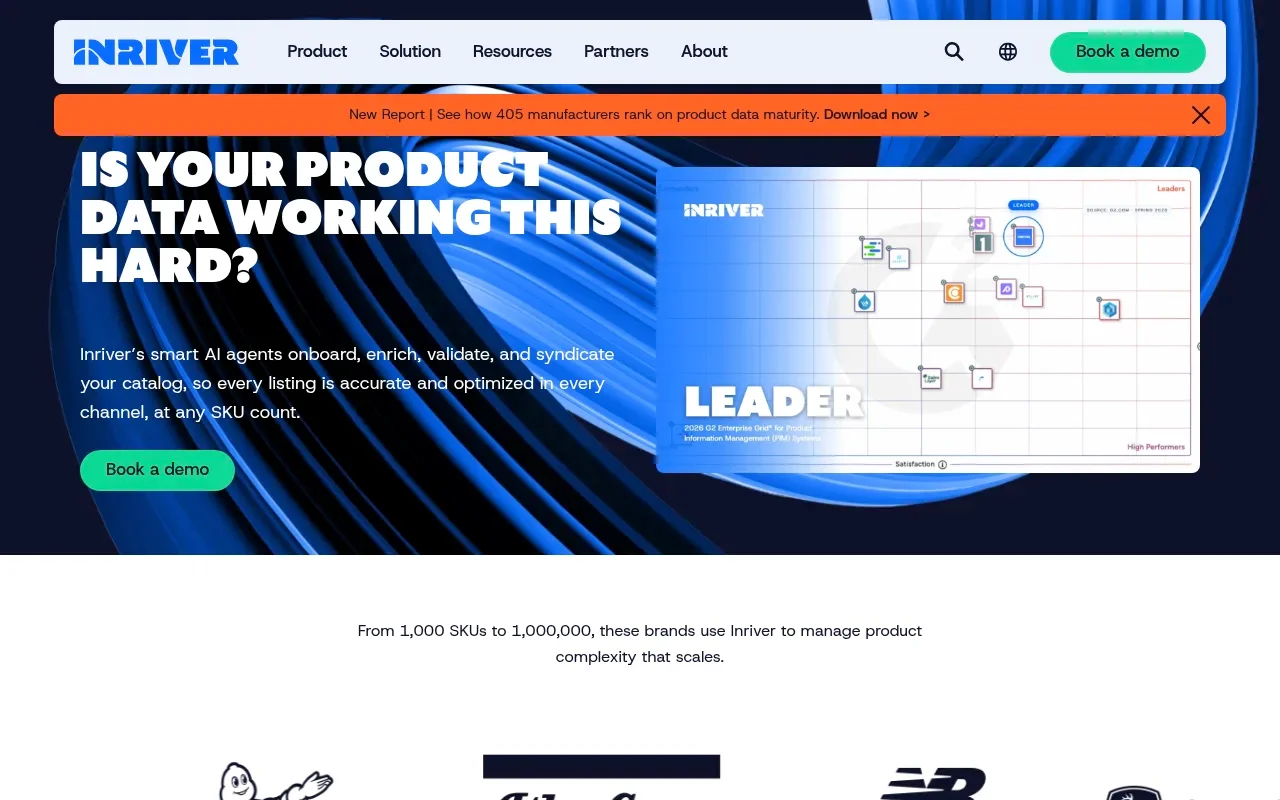
Inriver focuses on product modeling, relationships and content for manufacturers and brands with detailed product content and B2B channels.
- Shopify integration: Inriver PIM app that supports products, variations, metafields, categories and images, with scheduled or on-demand sync and multiple stores.
- Pricing: contract-based.
- Keep in mind: configuration takes time, and the Shopify app has no public reviews on the App Store yet.
9. Jasper PIM: Best for Shopify and BigCommerce Together
Jasper PIM is commerce-focused, with native Shopify and BigCommerce connectors included in every plan. It can run several Shopify stores from one catalog with different content, currencies and pricing per store.
- Shopify integration: native connector with multi-store support.
- Pricing: Growth $999/month with two sales channels, Professional $1,999/month with eight, Enterprise custom.
- Keep in mind: the entry price is high for a single small store, and channel counts are capped by plan.
10. Pimcore: Best Open-Source Option for Developer Teams
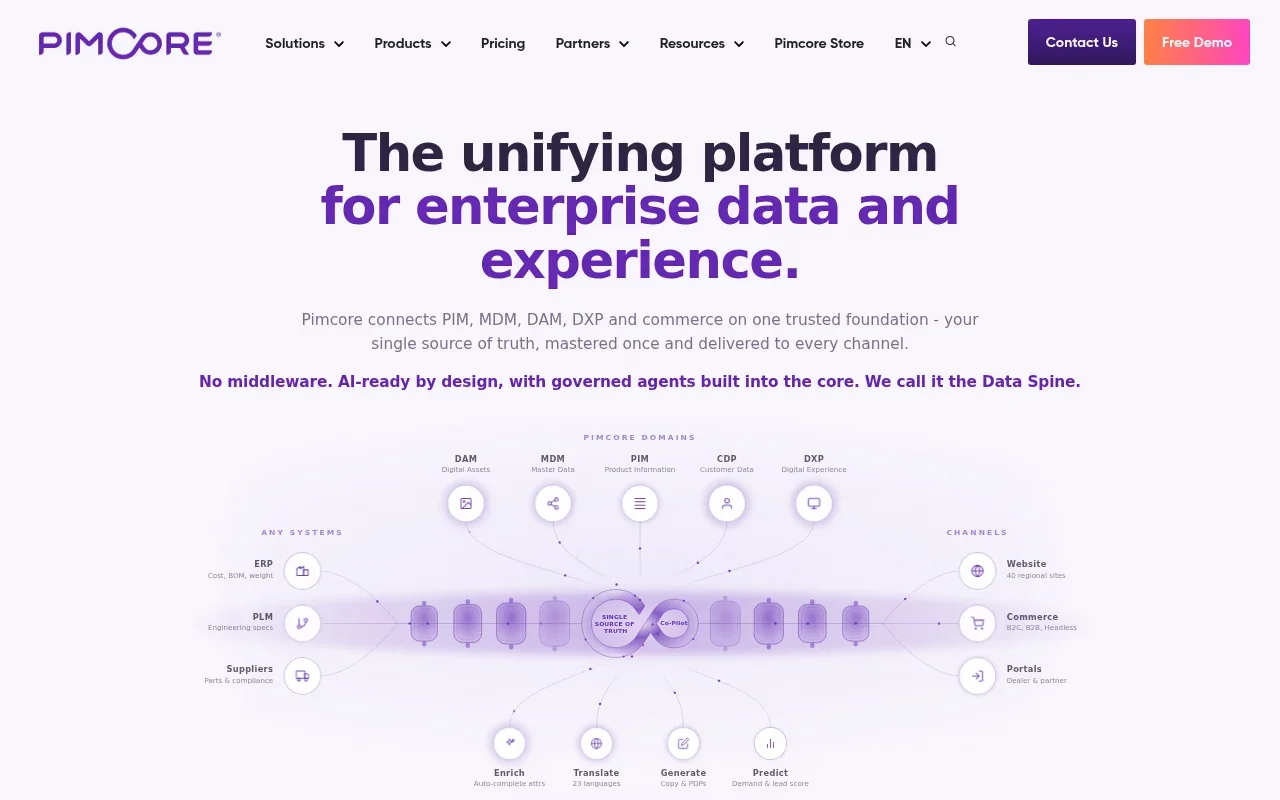
Pimcore is an open-source platform for PIM, DAM, master data and content, used by teams that want full control over the data model and hosting.
- Shopify integration: no first-party Shopify app; connections run through partner-built connectors or custom development.
- Pricing: Community Edition is free under the POCL license for companies with less than €5 million in annual revenue; Professional costs $9,900/year, Enterprise $29,900/year and PaaS is quoted.
- Keep in mind: hosting, security and development costs can exceed the license cost.
Best PIM for Shopify by Use Case
If you already know your main problem, start with this shortlist.
| Your situation | Tools to look at first |
|---|---|
| Small Shopify-only store moving off spreadsheets | Plytix, Apimio, PIMinto |
| Growing brand adding Google Shopping, BigCommerce or WooCommerce | PIMinto, Jasper PIM |
| Edits happen in Shopify and in the PIM | PIMinto, Apimio |
| Large team that should not pay per user | PIMinto, Plytix |
| Large catalog with tens of thousands of SKUs | PIMinto, Akeneo, Pimberly, Inriver |
| Several Shopify Plus storefronts | Pimberly, Jasper PIM, Apimio Enterprise |
| Selling through big-box retailers and marketplaces | Salsify, Sales Layer |
| B2B manufacturer or distributor | PIMinto, Sales Layer, Inriver |
| In-house developers and custom requirements | Pimcore |
Best PIM for Large Shopify Catalogs
For catalogs above 50,000 SKUs, look at tools whose plans are built for that volume: Pimberly plans cover 50,000 to 250,000 SKUs, Sales Layer Enterprise covers up to 200,000, PIMinto plans go up to 120,000 SKUs on Super and 1,000,000 on Extreme, and Akeneo and Inriver are quoted for large catalogs. Apimio Advanced and Plytix Pro stop at 50,000 SKUs. Beyond the SKU limit, ask how each connector handles bulk updates to tens of thousands of variants without hitting Shopify's API limits.
Best PIM for Shopify Plus Merchants
For Shopify Plus, Pimberly, Akeneo (Growth edition or higher) and Salsify are the strongest enterprise options, because each has a vendor-maintained Shopify app with metafield, variant and multi-store support. Jasper PIM and Apimio Enterprise support several stores at a lower entry point, and PIMinto connects each store through its own feed.
Plus brands often run expansion stores for regions or brands, sell B2B and D2C from the same platform and push large catalogs through the API. Check these points in a demo:
- Several stores from one catalog. How the PIM handles store-specific titles, descriptions, prices and assortments.
- Volume. How the connector handles Shopify's API rate limits on large updates.
- Localization. Translated content per market and how it maps to each store.
- Governance. Roles, approval steps and completeness checks for several teams editing the same products.
Native App vs. Third-Party Integration
"Native" usually means the PIM vendor builds and maintains the Shopify connection, either as an App Store app or inside the PIM. When Shopify changes its API, the vendor updates the connector, and support comes from one company.
Third-party integrations are built by agencies or integration platforms. They can be more flexible, but they add another contract, another point of failure and often developer time. Whichever type you choose, ask three questions: who maintains the connector, which way does data flow, and which fields, metafields and media types does it cover.
Get Your Shopify Catalog Ready for a PIM
Before you connect a PIM, it helps to know how product data moves in and out of Shopify today.
How to Choose a PIM for Your Shopify Store
Use these steps to test each tool with your own catalog before you sign.
- List what your catalog uses. Count products, variants, options, metafields, images and stores. This decides which tools are realistic.
- Decide on sync direction. If your team edits in Shopify as well as in the PIM, you need two-way sync. If the PIM is the only place for edits, one-way is enough.
- Ask who maintains the connector. Find out who fixes it when Shopify changes its API and how fast that happens.
- Get the full first-year cost. Add the license, Shopify connector or add-on fees, per-user charges, extra stores and channels, onboarding and migration.
- Test with your own data. Import a real product family with variants and images, and push it to a development store.
- Plan for the next two years. Check SKU limits, extra stores and channels you expect to add, so you do not have to switch PIMs later.
Which Shopify PIM Should You Choose?
Small Shopify-only teams get the lowest entry price with Apimio or Plytix's App Store plan. Enterprise brands with large catalogs and retail partners need the governance of Akeneo, Pimberly or Salsify. Developer-led teams can build on Pimcore.
For brands in between, growing past spreadsheets and adding channels beyond Shopify, PIMinto offers a two-way Shopify connector, PIM and DAM in one place and brand portals for partners. Every paid plan includes unlimited users and channels, onboarding and training, so the price stays predictable as the team and channel mix grow. Start with the free plan to build your catalog, then switch on Shopify sync when you are ready.
See PIMinto With Your Shopify Catalog
Book a demo to see two-way Shopify sync, variant management and free migration from your current spreadsheets or PIM.
Shopify PIM FAQ
It depends on catalog size and channels. Plytix and Apimio suit small Shopify-only teams, PIMinto suits growing brands that need two-way sync, more channels and unlimited users, and Akeneo, Pimberly and Salsify suit enterprise catalogs and Shopify Plus.
No. Shopify stores product data and offers metafields, bulk editing and CSV import, but it has no central catalog for several stores and channels, no completeness checks and no approval workflow. A PIM adds these on top of Shopify.
Not always. With roughly 1,000 SKUs or fewer on one store, Shopify's bulk editor, metafields and an import app such as Matrixify usually cover the work. A PIM pays off when you have thousands of SKUs, complex variants, supplier data to clean up, several people editing products or plans for more stores and channels.
For about 10,000 SKUs with Shopify sync, entry-level tools cost roughly $150 to $450 per month, depending on add-ons. Mid-market tools such as Jasper PIM and Sales Layer start near $1,000 per month, and enterprise platforms such as Pimberly start around $36,000 per year. Add per-user fees, connector and channel add-ons, onboarding and migration to compare real costs.
Metafields are where Shopify stores extra product information. A PIM is where that information is created, checked and kept consistent before it is sent to Shopify metafields and to other channels.
Yes. Most PIMs in this list support several stores, either through one connector with store-specific settings or through a separate feed per store. Check whether extra stores cost more and how each tool handles different prices, content and assortments per store.
One-way sync works when the PIM is the only place where product content is edited. Two-way sync is safer when your team also changes products in Shopify, because those edits come back to the PIM and are kept on the next update.
Modified on: 2026-10-19
Blogs you might like
-

Bulk Import Products to Shopify: Step-by-Step
Adding products one at a time works for a handful of items and turns into hours of copy-paste for a real catalog. Shopify lets you bulk import or bulk upload products with a CSV file, and for larger or recurring catalogs there are apps, the Admin API...
-

Jewelry Product Catalog Software: Managing Product Data, Line Sheets and B2B Catalogs
One engagement ring design can come in three metals, four center-stone weights and twelve ring sizes. Add natural and lab-grown versions, a wholesale price for boutiques and a separate price list for Europe, and a single design turns into hundreds of...
-

Beauty and Cosmetics Product Data Management: A PIM Guide for Brands
A lipstick launches in 20 shades. Each shade has its own barcode, swatch, product photo, shade description and stock status, and every retailer wants that information in a different spreadsheet. Six months later the brand adds a matte version and a m...
-

Food and Beverage Product Data Management: A Practical Guide for Brands and Distributors
A granola bar recipe changes: almonds replace cashews. The new label goes to print, but the allergen statement on your website, the spec sheet your distributor uses and the listing on an online grocery site still say "contains cashews." Nobody made a...
