Product Categorization: How to Build a Structure That Works
Author name: Bradley Taylor
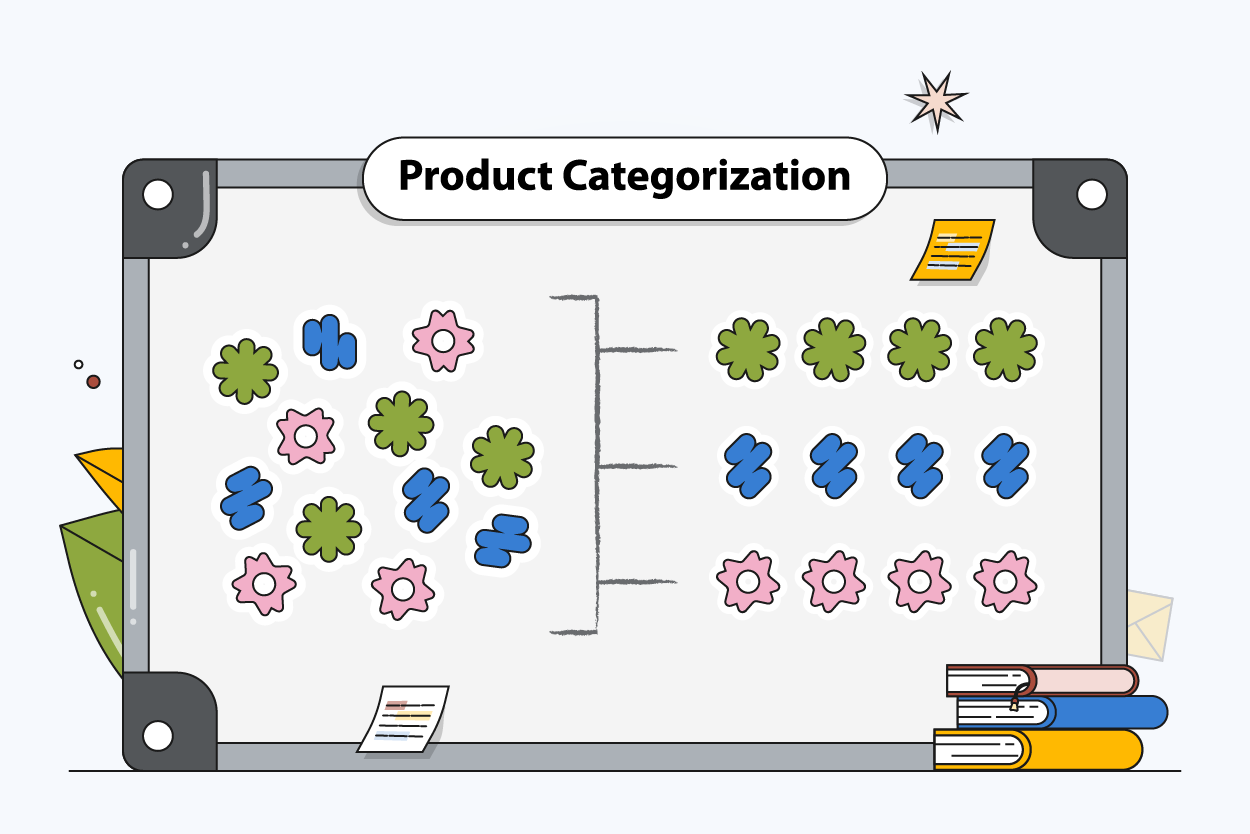
Your online store lives or dies by how products are organized. Categorization shapes the route shoppers take through the catalog, determines whether they can actually find products, and quietly dictates how clean your product data stays on the back end.
And the bigger your catalog gets, the more this matters. New products, new channels, new attributes — pile them on without a plan, and category pages turn into a mess. Product information starts contradicting itself. The whole online shopping experience starts to feel janky.
What Is Product Categorization?
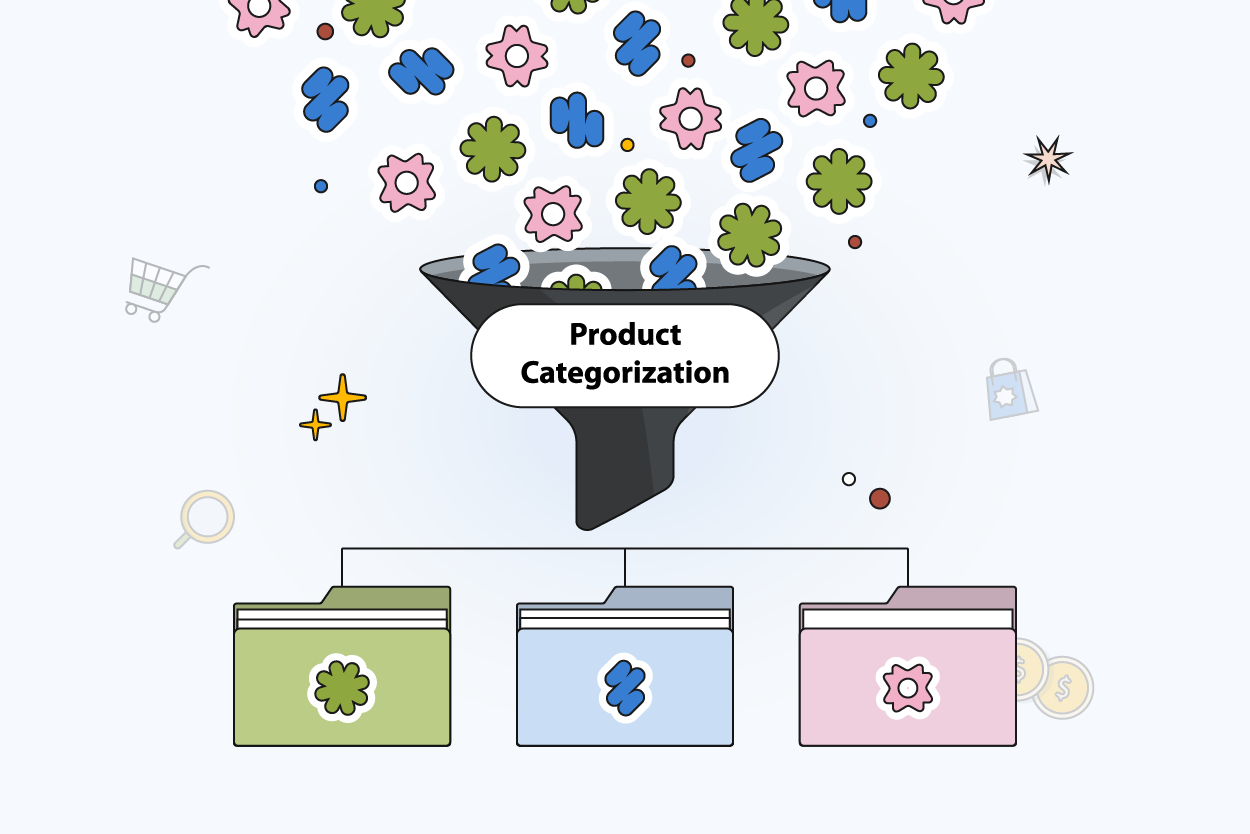
Put simply, product categorization is the work of sorting products into buckets that actually make sense together. Shared product type, shared function, shared use case. Whatever the logic, the end result is a set of product categories shoppers can browse without thinking too hard.
Think of each category as a handshake between your raw product information and the person clicking through your store. Menus, filters, collection pages — categories drive all of it. When they're built well, customers find products without friction, which feeds conversion rates just as much as any customer service initiative would.
There's an internal story here, too. Solid product classification means less time untangling data, more time actually running the business.
Product Categorization vs. Product Taxonomy: Key Differences
People use these terms interchangeably. They shouldn't.
Categorization is what your customers see. It's the front-end organization, the way products get presented, so someone browsing can move through the store and find products during online shopping without getting lost.
Taxonomy is the plumbing. Attributes, relationships, the logical rules that tie everything together, that's taxonomy's job, and it's what keeps product classification from drifting as the catalog grows.
Taxonomy Is Only Half the Story
Good categorization starts with clean product data. Learn what product data management actually covers and why it matters for your catalog.
Types of Product Categories
No single structure fits every ecommerce business. The right approach has to balance what shoppers need against what your team can realistically maintain. That balance influences everything downstream: how people navigate your online store, how a search engine makes sense of your pages, and how much time your team burns wrangling product data each week.
Flat vs. Hierarchical Categories
Flat is exactly what it sounds like — a handful of categories, nothing nested. Great for small catalogs where every SKU has an obvious home, and nobody needs to drill down to find products.
Hierarchical layouts are built in tiers. Parent categories, child categories, sometimes grandchildren. This is what makes a sprawling catalog navigable. Picture a shirt tucked three clicks deep under Clothing → Men's → Tops.
For most growing online stores, hierarchical wins. It scales, and it gives shoppers a cleaner path from "I'm browsing" to "here's what I want."
Taxonomic vs. Thematic Categorization
Two different mental models, and the best catalogs use both.
Taxonomic categorization is the rules-based kind. Group by spec, by function, by product type, whatever the objective attribute is. It depends on structured product data, and it's what makes filtering, search, and inventory management behave predictably.
Thematic categorization doesn't care about specs. It cares about context. "Gifts Under $50." "Dorm Room Essentials." "Back to School." Categories like these help shoppers stumble onto things they weren't specifically hunting for.
Lean on the taxonomic structure for accuracy. Lean on the thematic layer to reflect how humans actually browse an online store. Neither is enough on its own.
Why Product Categorization Matters
Most ecommerce sites haven't figured this out yet. Baymard Institute's 2025 benchmark found that up to 67% of leading US and European retailers score "mediocre" or "poor" on homepage and category navigation UX. Which means most catalogs are quietly losing shoppers before they ever reach a product page.
Three groups feel the impact: shoppers moving through your online store, the team keeping product data current, and whichever channels your catalog is syndicated to.
Match categories to how people genuinely shop and search, and the buying journey collapses from slow to snappy. Meanwhile, your internal crew gets a much firmer grip on product information, reporting, and inventory management — which is where most of the hidden operational savings hide.
Improved User Experience & Conversion Rates
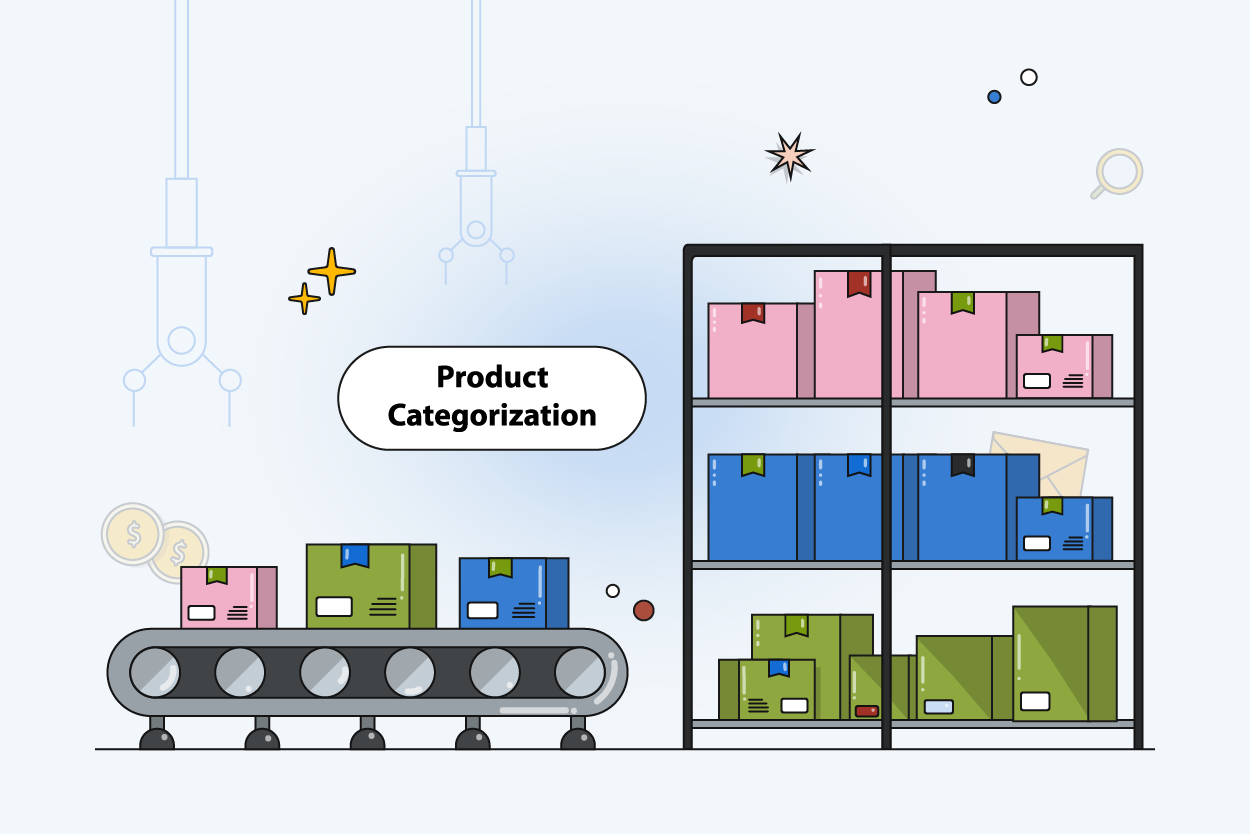
Categories are how shoppers explore. Clear product categories mean fewer dead ends, easier hops between category pages, and less second-guessing when they go to find products.
Strip out the confusion, and something interesting happens: people stop searching and start evaluating. That shift is where conversion rates tend to climb.
Filtering and sorting get easier, too. Keep your product data formatted consistently, and shoppers can slice results by the attributes they actually care about, which keeps the online shopping experience moving.
Streamlined Operations & Inventory Management
The back-end benefits are just as real. Keep product classification consistent and updating listings, launching new items, and staying accurate across channels becomes routine rather than painful.
Inventory management flows out of this naturally. Stock by product category, gap-spotting, and demand-based adjustments are all easier when the foundation is stable.
Without structure? Expect misclassified SKUs, bottlenecked updates, and one-off errors that cascade into every system they touch.
Better Analytics and Customer Insights
Reporting is only as honest as your categories. Drop each product into the correct product category, and suddenly your dashboards stop lying to you.
You'll see which categories are actually pulling weight, where shoppers abandon, and how various product types hold up across channels. That's the visibility that sharpens pricing, merchandising, and promo calls.
There's a behavioral read here, too. Accurate categorization surfaces how customers drift through category pages, the language they search with, and the places where they give up trying to find products.
SEO and Search Visibility
Structure is food for a search engine. Well-defined categories hand crawlers a tidy map to index, and better indexing usually means better rankings.
Each product category is also a search-intent bucket. Category pages grab the broader, high-volume queries; product pages pick up the specific ones. Your online store ends up fielding both.
The scale here is bigger than most teams realize. Reboot Online's ecommerce SEO research pegs the average ecommerce brand at 1,783 organic keywords and roughly 9,625 organic visits a month. A huge slice of that traffic enters through category-level queries, which means weak categorization quietly throttles every one of those rankings.
Internal search benefits from the same consistency. Clean product information means site search behaves like shoppers expect, so they find products quickly instead of bouncing back to Google.
Optimized Advertising (like Google Shopping)
Paid channels are unforgiving about messy data. Ad platforms need clean product data and accurate categorization, full stop.
Google Shopping is the obvious example. It reads your product classification and category mapping to decide where products show up. Better categorization, better feed quality, better matches to real searches.
Segmentation gets sharper, too. You can group products by performance, tweak bids with precision, and align your spend with the way customers are actually browsing your catalog.
How to Categorize Products: A Step-by-Step Process
Every good categorization system begins in the same place: your product data. Then it shifts and improves as you learn how customers actually search, browse, and buy.
1. Audit and Analyze Your Product Data
Before anything else, look hard at what you've got. Comb through your existing product information for gaps, inconsistencies, and duplicates; the small things that derail categorization before it even starts.
Pay special attention to how items are currently tagged and grouped. Mismatched product types, lazy names, missing attributes. These are the usual suspects behind weak product classification, and they're what makes it harder for shoppers to find products.
Treat the audit as your baseline. You can't rebuild the category structure intelligently without knowing what's broken first.
2. Collect and Centralize Data in One Place
Data scattered across systems is categorization poison. The moment product details live in three tools, the categories in those tools start disagreeing with each other.
Consolidate. One central system, one source of truth. From there, updates ripple cleanly to your online store, marketplaces, and feeds without the usual sync headaches.
A side benefit: collaboration gets a lot less painful. Your team can assign categories, edit product information, and stay accurate without having to chase changes through disconnected workflows.
3. Define Your Category Hierarchy and Relationships
With clean, centralized data, you can actually design. Start with wide, broad groupings, then taper down into more specific subcategories based on product type, function, or use case.
Every tier should pull shoppers a step closer to what they want. Watch for sibling categories that overlap; that's exactly what creates confusion on category pages.
A well-drawn hierarchy also pays dividends in filtering, navigation, and everyday catalog maintenance.
How Deep Should Your Category Tree Go?
Depth is a function of catalog complexity. Too shallow, and you're forcing unrelated products to share a shelf. Too deep, and shoppers give up somewhere around the fourth click.
Two to four levels is where most ecommerce catalogs hit the right note. Enough granularity to help customers zero in, not so much that browsing feels like a maze.
B2B vs. B2C: Why Categorization Logic Differs
B2B and B2C shoppers search in totally different ways, so treating their catalogs the same is a mistake.
A B2B buyer typically walks in armed with part numbers, specs, or a precise technical requirement. Their categories have to reflect granular product classification and structured attributes, since filtering needs to be exact.
A B2C shopper is usually guided by mood, lifestyle, or need. Their categories should mirror how people browse during online shopping — no technical vocabulary required.
Bottom line: know your audience. How they search is the single best guide for how your catalog should be laid out.
4. Standardize Naming Conventions and Attributes
Naming is boring. It's also one of the most important things you'll do. Write the rules down for category names, product titles, attributes, and hold the line on them.
Use the language shoppers use when they search, but keep the internal vocabulary tight. No duplicate terms wearing different hats, no vague labels, no sneaky category overlaps.
Standard attributes also make filtering and search more useful. When product data follows the same shape everywhere, refinement gets faster, and customers find products with less effort.
Getting Product Attributes Right in B2B
Naming conventions are just the start. See how leading B2B brands structure product attributes to make filtering, search, and buying faster.
5. Apply Keyword Research to Every Category Level
Keyword research is how you stop guessing and start listening. Find out how customers search for each product category, then bake those terms into your structure naturally.
Sprinkle the relevant keywords through category names, descriptions, and category pages.
That's what earns visibility in a search engine and helps your online store pull in traffic from broader searches, not just long-tail ones.
On-site search quietly benefits too. The closer your structure mirrors customer language, the quicker shoppers find products without fighting your store.
6. Structure Categories Around Shopper Psychology
Nobody shops the way a database is structured. People shop around needs, problems, and occasions.
So build your categories around behavior. Group products the way real buying happens, not the way your internal product classification happens to be stored.
Ask the obvious questions: how are shoppers browsing, what are they expecting to see, where are they clicking next? A structure that lines up with intent strips out friction and tends to lift conversion rates.
7. Test, Iterate, and Scale Your Structure
No categorization is ever finished. As the catalog grows, watch what shoppers do on your category pages, track performance, and call out the spots where they're struggling to find products.
Let the numbers drive changes. Rename, reshuffle, reorganize — always in response to real behavior, not internal aesthetics.
When the business scales, the categorization has to scale with it. A flexible structure is the only kind that stays organized, searchable, and sane over the long run.
Product Categorization Best Practices
A good categorization system doesn't just look clean on day one. It stays clear and maintainable as the catalog multiplies. The practices below are the ones that tend to hold up, keeping your product data tidy and helping customers move smoothly through your online store.
Keep Categories Mutually Exclusive
Every product category needs a job that no other category shares. The moment two categories start fighting for the same products, shoppers hesitate. A hesitant shopper is one that struggles to find products.
Draw the lines clearly. Every product should have one obvious home, which does wonders for both navigation across category pages and the consistency of your product classification.
Tidy separation also makes reporting more meaningful. Categories that don't bleed into each other produce performance data you can actually act on.
Avoid "Other" as a Category
"Other" is a white flag. It admits your category definition didn't quite cover the catalog, and it punts the hard decisions onto the shopper.
Ditch the catch-all mentality. If items keep piling into "Other," treat that as a diagnostic — a hole in your categorization that needs filling, not papering over.
Cutting vague categories tightens usability and speeds up the moment customers find products during online shopping.
Assign Each Product to One Primary Category
Every SKU should have a single primary product category that defines where it truly belongs. This is how you keep the catalog structured and stop duplicate listings from cluttering category pages.
Use filters, tags, and thematic collections for discovery. But the primary assignment has to stay locked in. That discipline reinforces product classification, tightens navigation, and keeps product data from drifting.
Performance measurement benefits too. When each product has exactly one home, the numbers actually line up across the ecommerce catalog.
AI and the Future of Product Categorization
AI is reshaping this space quickly. It can read through product data and auto-assign categories using attributes like product type and specifications. The kind of work that used to eat hours of someone's week.
Less manual effort. More consistency in product classification. Way more runway for teams trying to wrangle catalogs with tens of thousands of SKUs.
Modern PIM systems are leaning hard into this trend, using AI to support scalable categorization and cleaner data as ecommerce catalogs keep ballooning.
AI Is Reshaping How PIM Works
Categorization is just one piece. See the broader shifts happening in product data management and what they mean for your team.
Common Product Categorization Mistakes to Avoid
Even a well-built category structure can erode if nobody's watching. The traps below are the ones that most reliably cause confusion, break navigation, and corrode product data over time.
Overcomplicating Your Category Hierarchy
More layers, more friction. Shoppers give up on your online store fast when finding products turns into a five-click expedition.
Keep the hierarchy lean. Every level should be earning its spot by actively narrowing choices, not padding the tree. Simpler structures feel friendlier, and they keep category pages navigable.
Inconsistent Naming Across Your Catalog
When similar products show up under different labels, nobody wins. Customers get confused, internal teams get frustrated, and your product classification quietly loses its edge.
Standardize your terminology and enforce it. Consistency boosts search accuracy, props up your product information, and makes it meaningfully easier for customers to find products.
Overlooking SEO at the Category Level
Most teams pour effort into product pages and leave their categories bare. That's a visibility leak in a search engine and a missed shot at broader search intent.
Every product category deserves optimized content and targeted keywords. Well-built category pages are what help your online store rank for the bigger queries and pull in qualified traffic.
Treating Categorization as a One-Time Task
Categorization isn't a launch-and-leave task. As the catalog evolves, new product types and new buying behavior emerge. The structure you set up last year starts to feel outdated.
Revisit it on a rhythm. Use the data to spot what's drifting, refine the categories, and adjust the structure based on how customers are browsing and searching right now.
How a PIM System Helps With Product Categorization
A PIM system pulls product data into one place and hands your team the controls over how everything is categorized.
Instead of juggling categories across disconnected tools, everyone's working from the same source. Product information stays lined up, and updates actually propagate to every channel without someone nudging them along.
Managing structured product classification also gets far less fussy. Define attributes, lock in naming standards, and maintain clean relationships between products and categories. You’ll get fewer errors, less chaos, and a catalog that stays organized even as it grows.
Centralized data accelerates the daily grind on top of that. Categories update faster, new products launch with less friction, and category pages stay accurate across your entire ecommerce ecosystem.
If you're ready to simplify product categorization and keep your catalog scalable, try a demo of PIMinto and see how a structured approach reshapes the way your team works.
Build a Product Catalog That's Easy to Navigate and Scale
PIMinto gives you the structure to categorize products consistently, keep data clean, and stay organized as your catalog grows.
Modified on: 2026-04-24
Blogs you might like
-
Best PIM Software for Shopify in 2026
Shopify handles products well until the catalog outgrows it. Variants pile up, supplier files arrive in different formats, a second store needs the same products with different content, and spreadsheets become the real system of record. That is the p...
-
Jewelry Product Catalog Software: Managing Product Data, Line Sheets and B2B Catalogs
One engagement ring design can come in three metals, four center-stone weights and twelve ring sizes. Add natural and lab-grown versions, a wholesale price for boutiques and a separate price list for Europe, and a single design turns into hundreds of...
-
Beauty and Cosmetics Product Data Management: A PIM Guide for Brands
A lipstick launches in 20 shades. Each shade has its own barcode, swatch, product photo, shade description and stock status, and every retailer wants that information in a different spreadsheet. Six months later the brand adds a matte version and a m...
-
Food and Beverage Product Data Management: A Practical Guide for Brands and Distributors
A granola bar recipe changes: almonds replace cashews. The new label goes to print, but the allergen statement on your website, the spec sheet your distributor uses and the listing on an online grocery site still say "contains cashews." Nobody made a...