Best PIM Workflow Automation for Product Launches
Author name: Mark James

Launching a new product often stalls because teams wrestle with scattered data and manual feed setups. Most teams waste weeks just wiring their PIM to external channels , a hidden cost that slows revenue. Below are the eight best PIM solutions that automate workflows and get your catalog live fast.
1. PIMInto (Our Top Pick) — Built-in channel feeds for launch execution
PIMInto is a cloud‑based PIM that syncs product catalogs across Shopify, WooCommerce, Google Shopping, Amazon, and more without extra add‑on fees. It’s built for marketers who need a single source of truth and real‑time updates.
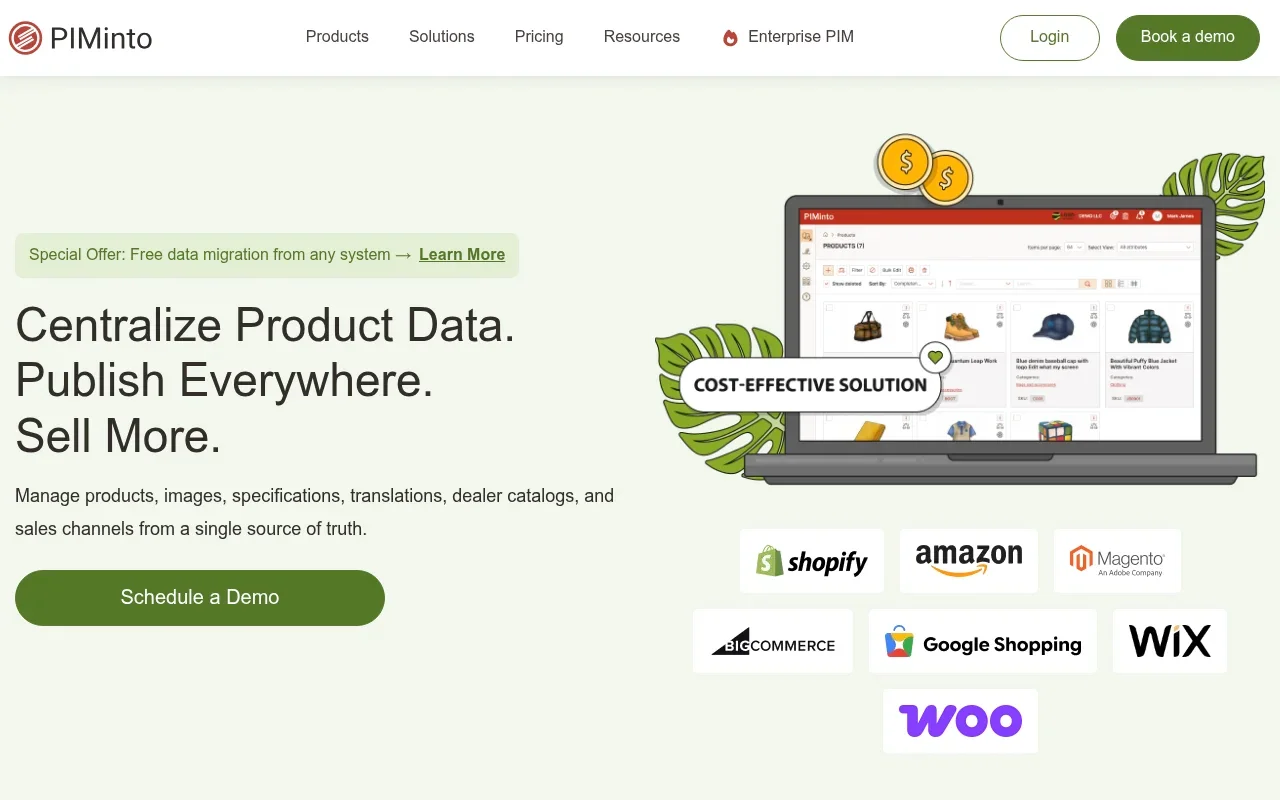
The platform includes AI‑generated titles, descriptions, and translations, so your team can bulk‑edit hundreds of SKUs in minutes. You can also set up rule‑based approvals that keep compliance checks in place before anything goes live.
Because the feeds are native, there’s no CSV export step that can break data integrity. Teams report launching new SKUs in a single day rather than weeks.
One caveat: the current native integration list includes five major channels, so if you rely on a niche marketplace you’ll need a custom connector.
2. Productbay — AI enrichment and automated channel publishing
Productbay combines a PIM, DAM, and AI engine in one SaaS. It pulls product data from suppliers, cleans messy CSVs, and enriches attributes with AI‑driven copy.
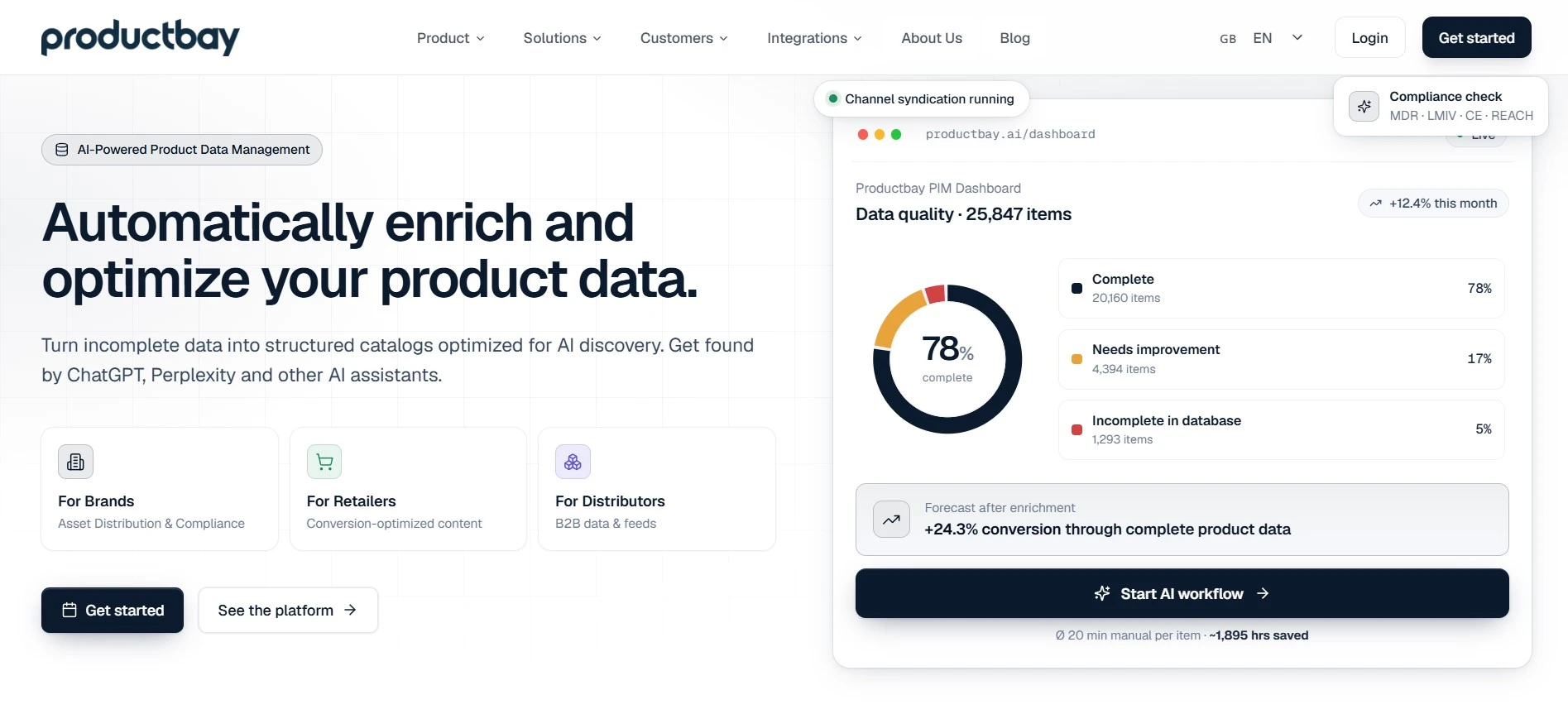
The platform offers two‑way REST API sync for Shopify and Shopware, plus configurable feed exports for Amazon, OTTO, and Kaufland. Marketing teams can edit content directly in the UI; changes flow back to the shop automatically.
Productbay’s AI can generate SEO‑friendly descriptions and suggest missing attributes, reducing manual entry time to under 20 minutes per product.
Limitation: the AI models are tuned for retail catalogs, so manufacturers with complex BOMs may need extra mapping.
For a dee effort, see our Workflow Automation Glossary. It explains rule‑based logic in plain terms.
3. Akeneo — Governed workflows for complex product data teams
Akeneo targets mid‑market to enterprise teams that need strict data governance. It offers role‑based permissions, approval pipelines, and AI‑assisted enrichment.

The platform does not include native channel feeds, so you’ll connect it to downstream systems via API or third‑party connectors. This adds flexibility but also an extra integration step.
Akeneo’s workflow engine lets you define custom states , draft, review, approved , and automatically notifies stakeholders as items move forward.
A limitation is the learning curve; admins must configure the state machine before teams can use it effectively.
Read more about workflow best practices in this overview.
4. Pimberly — Automation‑first onboarding and validation
Pimberly focuses on fast onboarding of supplier data. Its bulk ingestion wizard lets you map supplier fields to your master schema in a few clicks.
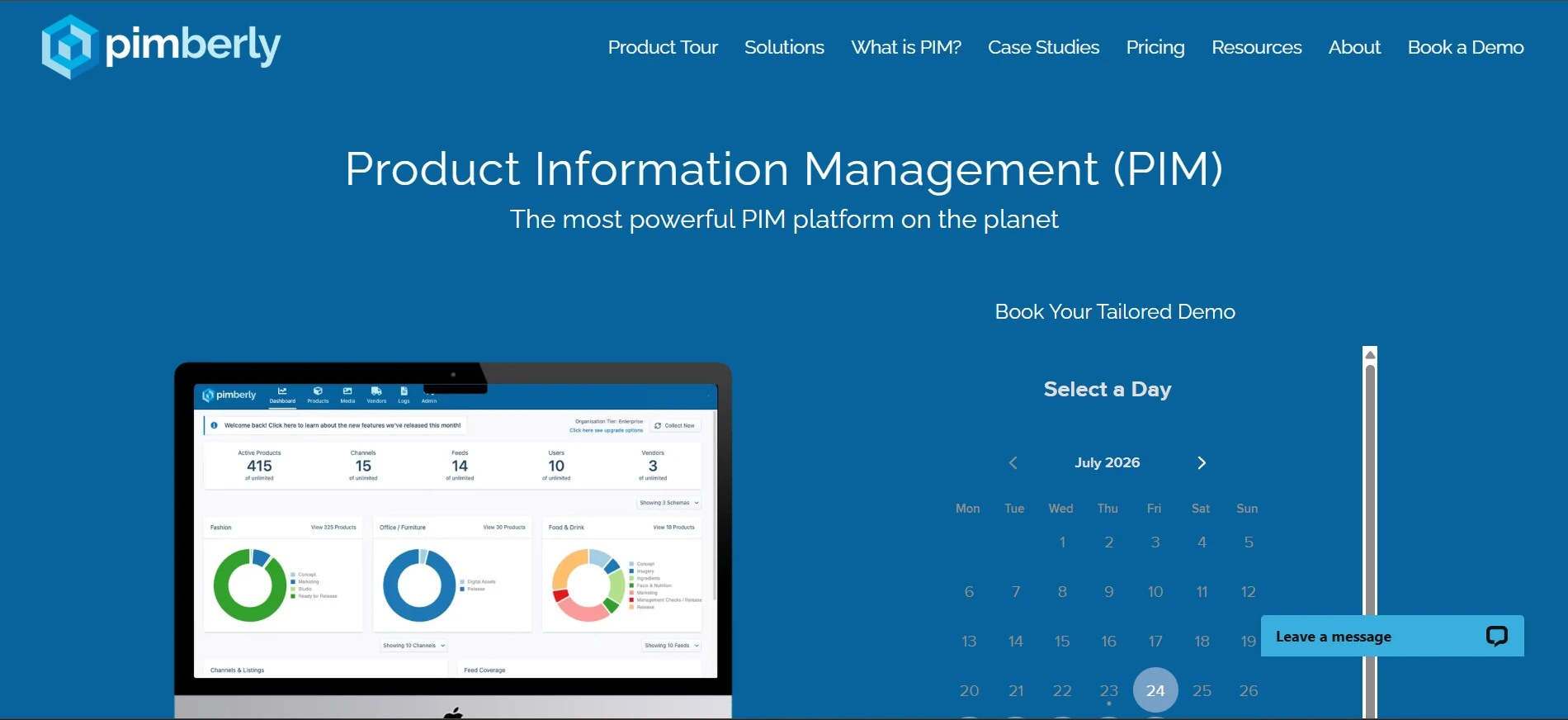
Automated validation rules catch missing images, empty descriptions, or out‑of‑range dimensions before a product reaches any channel.
The platform also supports supplier portals, so vendors can upload their own specs while you retain control over publishing.
One downside: Pimberly does not provide built‑in channel feeds, so you’ll need an external syndication tool or custom API to push data to marketplaces.
Our users often pair Pimberly with the Bulk Updates guide to apply mass changes across approved SKUs after validation.
5. Inriver — Enterprise control for global, multi‑channel launches
Inriver serves large enterprises that manage millions of SKUs across dozens of markets. Its AI agents onboard, enrich, and validate product data at scale.
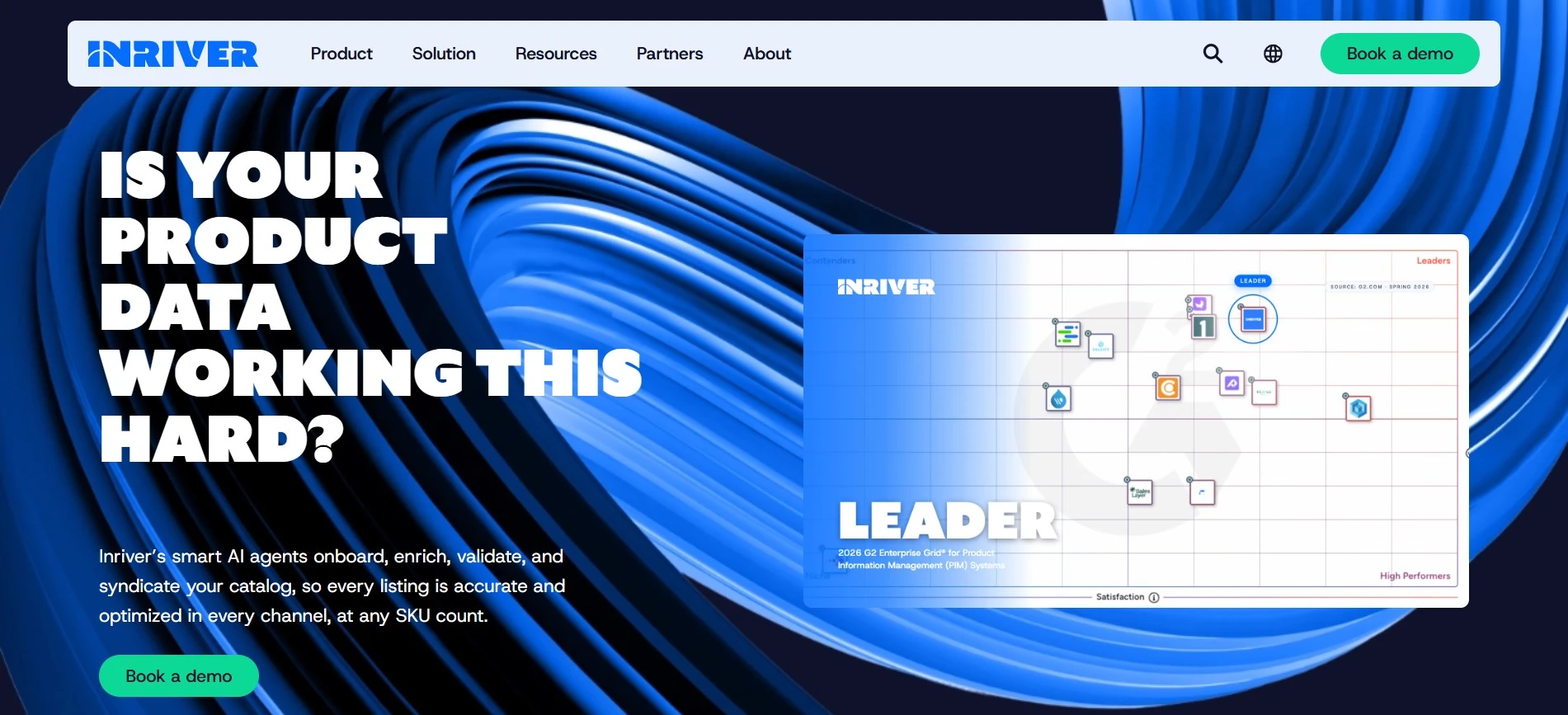
The platform integrates with ERP, PLM, SAP, Shopify, Amazon, and Microsoft, enabling a single source of truth that feeds every sales channel.
Inriver’s “Inspire AI” workflows let you create channel‑specific content variations automatically, cutting time‑to‑market for global launches.
A limitation is the pricing model; it’s geared toward high‑volume users and may be overkill for small teams.
Watch a quick walkthrough of Inriver’s AI‑driven launch flow below.
PIM Workflow Automation Comparison Table
Tool | Built‑in Feeds | AI Enrichment | Governed Workflows | Best For |
|---|---|---|---|---|
PIMInto | Yes (Shopify, WooCommerce, Google Shopping, Amazon, more) | Yes (titles, descriptions, translations) | Basic approval paths | Teams that need all‑in‑one launch automation |
Productbay | Yes (Shopify, Shopware, OTTO, Kaufland) | Yes (AI copy, attribute suggestion) | Moderate, custom rules | Retailers with multi‑supplier catalogs |
Akeneo | No | Yes (AI‑driven enrichment) | Advanced role‑based approvals | Mid‑market to enterprise data teams |
Pimberly | No | Limited (validation rules) | Standard workflow templates | Retailers needing fast supplier onboarding |
Inriver | No | Yes (AI agents, Inspire AI) | Enterprise‑grade governance | Global brands with massive SKU counts |
Consistent data structures are critical for multi‑channel publishing. Platforms that embed native feeds, like PIMInto, reduce the risk of mismatched formats.
FAQ: PIM Workflow Automation for Product Launches
What is PIM workflow automation?
PIM workflow automation uses software rules to move product data through steps such as validation, enrichment, and publishing without manual hand‑offs.
Why do built‑in channel feeds matter?
Built‑in feeds eliminate the need for separate export tools, so updates push to all sales channels instantly, cutting launch latency.
Can AI really improve product data quality?
Yes, AI can generate missing descriptions, suggest attributes, and flag errors, which speeds up catalog preparation and reduces human mistakes.
Is a free PIM plan enough for a launch?
For small to mid‑size catalogs, a free tier that includes native feeds and basic automation can cover launch needs; larger catalogs typically require a paid plan for advanced governance.
How do I choose the right PIM for my team?
Start by mapping your catalog size, required channel integrations, and the level of workflow control you need. Then compare tools against those criteria.
Conclusion
For most e‑commerce teams, PIMInto offers the most complete launch automation stack in a single package. Try the free plan, connect your channels, and let the AI handle bulk edits , you’ll see a live product go from upload to storefront in hours.
Modified on: 2026-08-10
Blogs you might like
-

Bulk Import Products to Shopify: Step-by-Step
Adding products one at a time works for a handful of items and turns into hours of copy-paste for a real catalog. Shopify lets you bulk import or bulk upload products with a CSV file, and for larger or recurring catalogs there are apps, the Admin API...
-

Best PIM Software for Shopify in 2026
Shopify handles products well until the catalog outgrows it. Variants pile up, supplier files arrive in different formats, a second store needs the same products with different content, and spreadsheets become the real system of record. That is the p...
-

Jewelry Product Catalog Software: Managing Product Data, Line Sheets and B2B Catalogs
One engagement ring design can come in three metals, four center-stone weights and twelve ring sizes. Add natural and lab-grown versions, a wholesale price for boutiques and a separate price list for Europe, and a single design turns into hundreds of...
-

Beauty and Cosmetics Product Data Management: A PIM Guide for Brands
A lipstick launches in 20 shades. Each shade has its own barcode, swatch, product photo, shade description and stock status, and every retailer wants that information in a different spreadsheet. Six months later the brand adds a matte version and a m...
