Best AI Content Tools for Ecommerce
Author name: Mark James

AI can draft product copy quickly, but that draft still needs accurate product facts and a way to reach each sales channel. Here are six options, starting with PIMInto, for teams that need content creation and catalog control.
Table of Contents
- PIMInto: AI content with catalog and channel control
- Jasper: Product description templates with Amazon integration
- Hypotenuse AI: Bulk copy informed by product images
- Copy.ai: Fast descriptions and metadata across product catalogs
- Describely: Shopify-ready product descriptions and metadata
- Shopify Magic: AI writing built into Shopify
- Compare the AI content tools for ecommerce
- Frequently Asked Questions About AI Content for Ecommerce
- Conclusion
1. PIMInto: AI content with catalog and channel control
PIMInto is a cloud-based Product Information Management system, or PIM, that organizes product data and helps sync it across sales channels. It suits ecommerce teams that need more than a text generator: the catalog needs one dependable source for product facts, images, and channel-specific information.
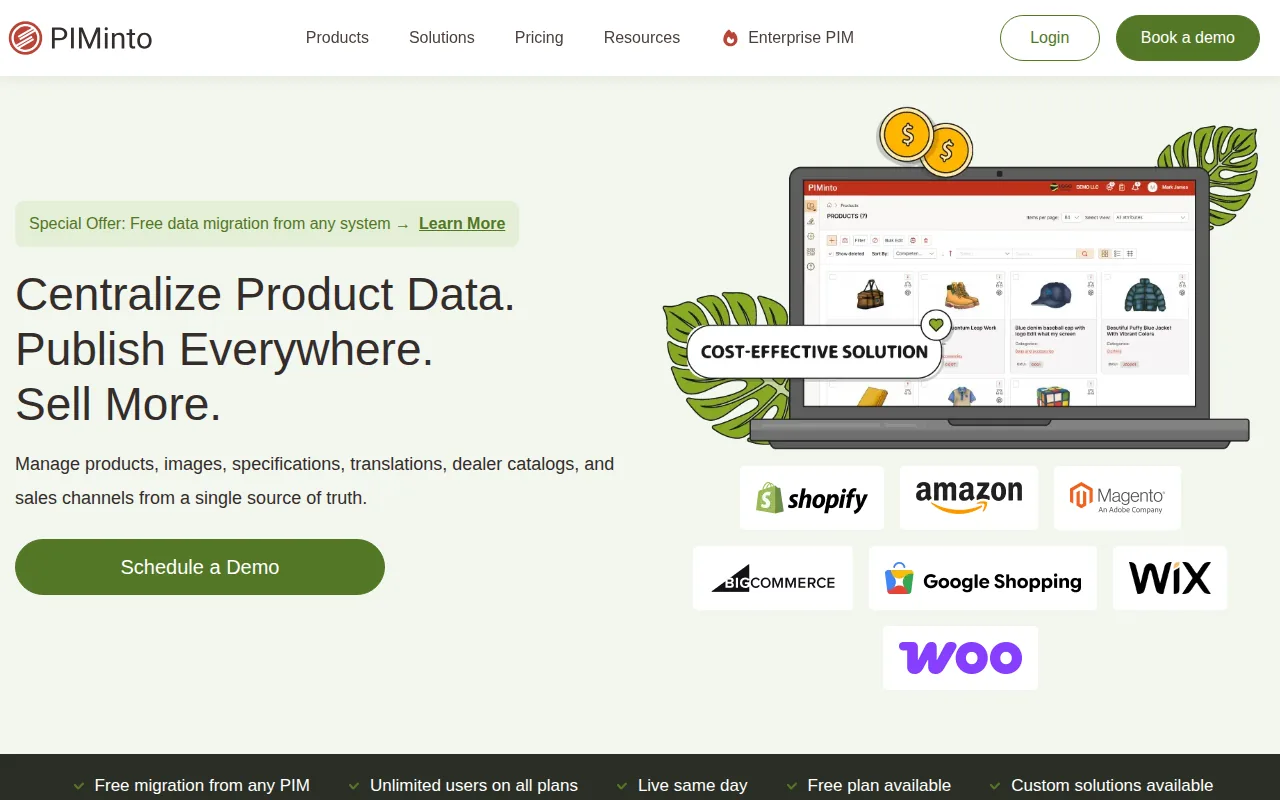
That distinction matters when one product has several sizes, colors, or other variants. Your team can manage product information in one place, then use built-in feeds for channels such as Shopify, WooCommerce, Google Shopping, Amazon, and Magento. A feed is the structured data sent to a sales channel. It needs a reliable catalog behind it, not just a block of generated copy.
For teams evaluating PIM for ecommerce, the key question is what happens after a description is drafted. With PIMInto, product information can stay connected to the catalog and the channels where you sell. Your team can update a product record rather than chase down separate versions of its details.
PIMInto also has a free plan, and paid plans are $300, $600, and $950 per month. All plans allow unlimited users. That can help when merchandising, marketing, and data teams need to work from the same product records.
We’d put PIMInto first for teams whose problem is both content and catalog coordination. It is a PIM, not an ecommerce feed by itself. Its built-in feeds connect the organized product data to sales channels, which is a different job from generating copy alone.
2. Jasper: Product description templates with Amazon integration
Jasper is an AI writing platform with a product description template and a native Amazon integration. It may fit ecommerce marketers who want a broad writing tool for product copy alongside campaign work, rather than a system built around product data management.
For a new product launch, a writer can use the template to draft a first version from product details.
The workflow side may matter when several people review content before it goes live. A team can start with a brief, generate copy, then route the draft through its existing review process. That’s different from having a PIM hold the approved product record and send channel-ready information to a store or marketplace.
Jasper’s Amazon integration is useful if Amazon is part of your sales mix. Check how the connection works with your current product data before building a large workflow around it.
Choose Jasper when your main need is marketing copy and a reusable brand voice layer. If product attributes are scattered across files, a PIM may need to sit upstream so the writing tool starts with facts your team has approved.
3. Hypotenuse AI: Bulk copy informed by product images
Hypotenuse AI is built for teams that need to generate or improve product content in bulk. Its image-based input can help when product records are thin, since teams can upload product images and generate descriptions informed by the visuals. That makes it worth considering for large catalogs with uneven source details.

Hypotenuse AI’s bulk generation feature supports importing product data and exporting completed content in formats such as CSV or XLSX. Teams can set brand voice rules and specify words or keywords to include or avoid.
That setup is useful when a team has hundreds or thousands of SKUs to process. A SKU is the code used to identify a product or variant. Instead of opening each record and writing from scratch, staff can import a batch, generate drafts, and export the results for review. Hypotenuse AI integrates with major PIM systems, which can help reduce repeated copying between systems.
Hypotenuse AI also offers data enrichment and validation features, including work with structured attributes and product images. Treat generated details as drafts, though. A photo may suggest a color or shape, but it should not be the only source for a technical specification, warranty term, or compatibility claim.
The main decision is how the tool fits your existing catalog. Hypotenuse AI can connect with PIM systems, while PIMInto’s role is to organize product information and distribute it through built-in channel feeds. Teams should map which system owns each field before they automate a large batch.
4. Copy.ai: Fast descriptions and metadata across product catalogs
Copy.ai is a general AI writing and workflow platform that can draft ecommerce descriptions and metadata. It supports uploading up to 500 products and generating descriptions in minutes, which may suit teams trying to clear a backlog of short-form copy.
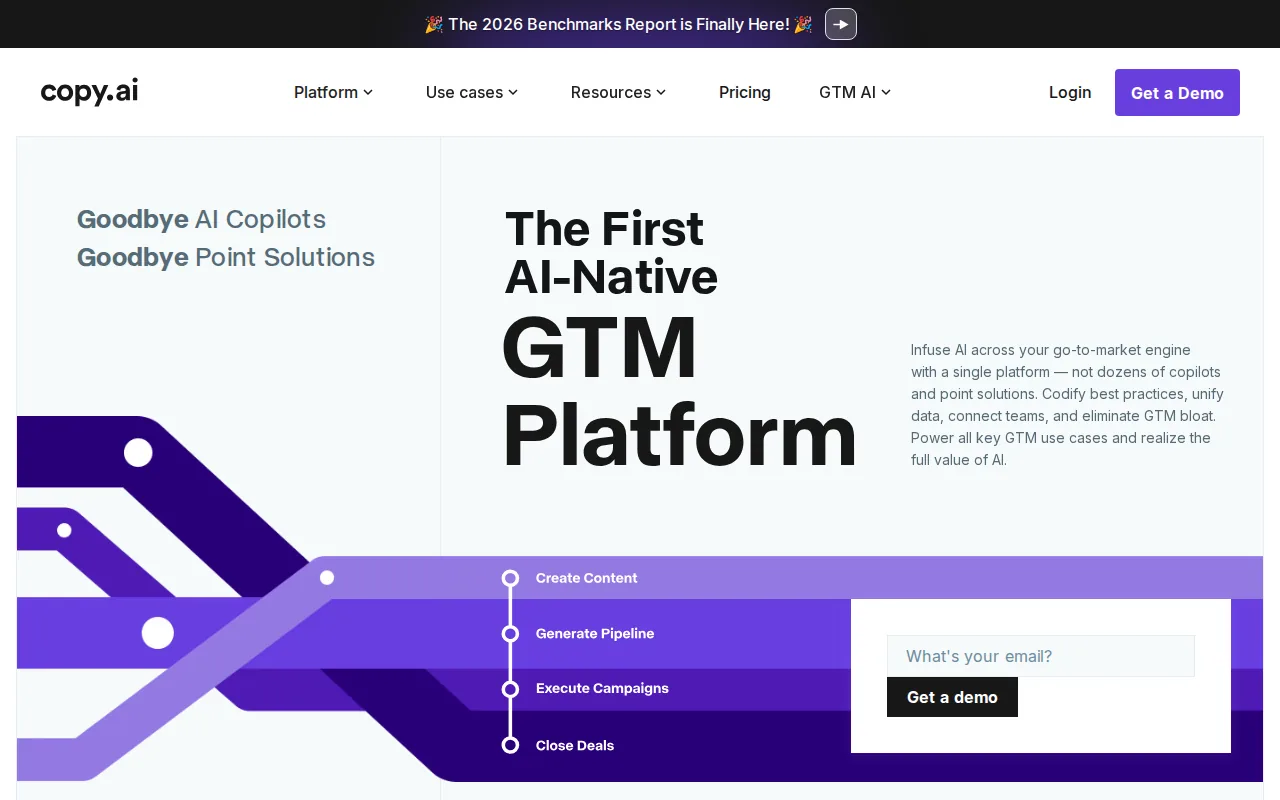
Its use case is strongest when the work is repeatable. Your team can provide product information and generate descriptions or meta titles for review. Social posts are another content type, so the same writing workspace can support more than product pages.
Give a generator approved product facts and review each output against the record as part of an AI product description workflow. That check helps catch a wrong size, material, or feature before the text reaches a shopper.
Copy.ai has a free plan with limited credits. That can help a team test a small batch before deciding if the tool fits its daily workload. For a larger catalog, check how the product upload and output review process fits your staff’s capacity.
Copy.ai focuses on producing content. If your team also needs to keep product attributes aligned across Shopify, marketplaces, or other channels, plan for the catalog and distribution work separately.
5. Describely: Shopify-ready product descriptions and metadata
Describely is a product content app for Shopify stores. It generates descriptions, bullet points, meta tags, and social posts. It may suit a Shopify team that wants to draft content inside its store workflow instead of moving text between separate tools.
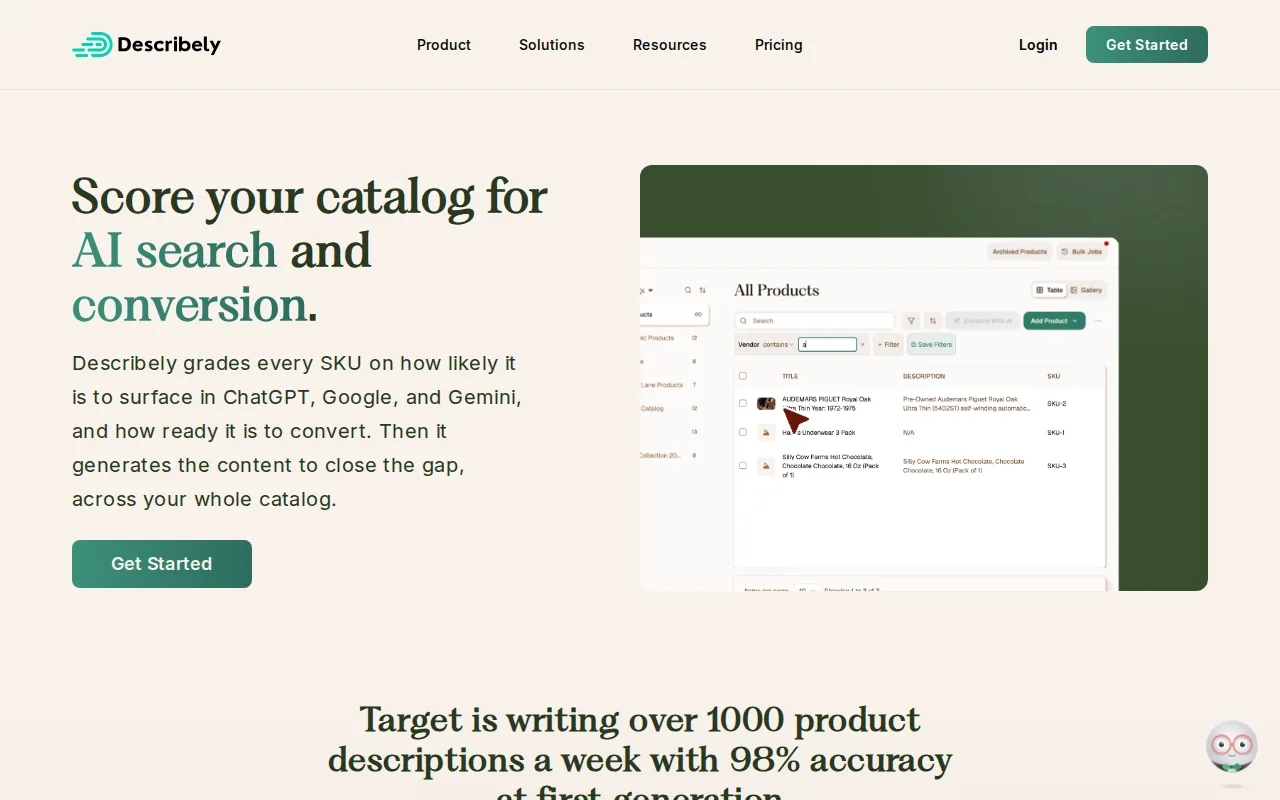
The app’s history and undo functions can help during review. If a proposed rewrite does not fit the product page, staff can revisit past generations or restore the earlier version. That matters when a team is testing new copy across a group of products and needs a clear way to reverse an edit.
Confirm Describely's current plan details in the store’s app listing before you set a team budget.
Describely’s Shopify focus makes it a narrower choice than a PIM. It can write content, while a PIM is meant to organize product records and support distribution across channels. For descriptions and metadata in a Shopify workflow, that narrower scope may be exactly what your team wants.
Before you generate at scale, define the input facts and review rules your team will use.
6. Shopify Magic: AI writing built into Shopify
Shopify Magic is Shopify’s built-in set of AI tools, including product description writing. It’s a natural starting point for merchants who already manage their store in Shopify and want to draft copy without adding a separate writing app.

For a product description, the appeal is a short path from the product in the admin to a draft that the store owner can check and edit. That can reduce the handoff between writing and publishing.
Keep the task in view: this pick is about writing within Shopify, not governing a complex catalog across many systems.
Shopify Magic is free with a Shopify subscription. That makes it easy to test for routine product copy if your store already uses Shopify. Your team should still compare every generated fact with the source product details before publishing.
Shopify Magic is a good fit when Shopify is your main content workspace. If you sell across multiple channels and need to control product information in one central catalog, you may need a PIM alongside the writing tools built into your store.
Compare the AI content tools for ecommerce
The best fit depends on where your team loses time. A standalone writer can help with drafts, while a PIM can help keep approved product data organized and ready for channels. The two jobs can work together, but they are not the same job.
Integration deserves a careful check. A tool that generates copy may still leave your team with a manual handoff to the catalog or store.
Tool | Best fit | Content or workflow strength | What to check |
|---|---|---|---|
PIMInto | Teams managing product data across channels | Cloud PIM with built-in feeds and AI-assisted product content | Map which system owns each product field |
Jasper | Marketing teams creating branded copy | Product Description template, workflow tools, and native Amazon integration | How it fits your catalog and channel workflow |
Hypotenuse AI | Large catalogs needing bulk content work | Bulk generation and descriptions from product images | Review image-based details against verified specs |
Copy.ai | Teams producing short-form content at volume | Descriptions, meta titles, social posts, and descriptions for up to 500 uploaded products in minutes | How generated content moves into your store |
Describely | Shopify merchants generating product-page content | Descriptions, bullet points, meta tags, and social posts with Shopify integration | Whether a Shopify-focused workflow covers all your channels |
Shopify Magic | Merchants writing within Shopify | Product descriptions, marketing copy, and customer support content | Whether your catalog needs control outside Shopify |
If product data is already clean and your store is the main destination, a writing app may be enough. If teams keep correcting mismatched details across channels, compare PIM options first.
We recommend that ecommerce teams list the system that owns each key product fact, then test one product family before expanding. That small test shows whether the tool can fit the current approval process and channel setup.
Frequently Asked Questions About AI Content for Ecommerce
What is the best AI tool for ecommerce product descriptions?
The best tool depends on whether you need copy alone or catalog control as well. PIMInto fits teams that need organized product records and built-in channel feeds. Jasper, Copy.ai, Describely, and Shopify Magic can help with writing tasks, while Hypotenuse AI supports bulk generation using product data and images.
Can AI write ecommerce product descriptions?
Yes, AI tools can draft product descriptions from product details or other inputs. Your team should check each draft against verified product facts before publishing. Review materials, measurements, compatibility, and any performance claims closely. A smooth sentence is not proof that a product detail is correct.
Is a PIM the same as an AI writing tool?
No. An AI writing tool generates text, while a PIM organizes product information and helps distribute it to sales channels. Some workflows use both: the PIM holds the approved product record, and AI helps draft content from those facts. Built-in feeds connect catalog data to supported channels.
Can I use AI content across more than one sales channel?
Yes, but the tool must fit the way your team manages product data and publishes content. Some options focus on writing inside one store, while a PIM can organize information for multiple channels. Check the channel connections and review steps before generating a large catalog batch.
How should a team review AI-generated product copy?
Compare the copy with the approved product record before it goes live. Check every specific detail, including names, sizes, materials, and compatibility. Keep a person in the approval loop for claims that need extra care. Start with a small product group, then expand once the review process works.
Conclusion
If your team needs product copy plus a dependable way to manage and distribute catalog data, start by testing PIMInto with one product family. Review the generated content against your source records, then confirm the channel workflow before expanding the rollout.
Modified on: 2026-10-20
Blogs you might like
-

Akeneo Alternative for Enterprise: PIMinto vs. Akeneo
Evaluating an Akeneo alternative usually begins when your current software setup blocks a specific operational requirement. Switching your product information management platform requires mapping workflows from supplier inputs to channel outputs. As...

Mark James
-
20 Examples of Unsought Products
Buyers purchase unsought products only when a specific need, risk, or sudden event forces the issue. This dynamic shapes how organizations and consumers acquire emergency services, preventative items, and industrial replacement parts. Customers actin...
Mark James
-

Best PIM for Adobe Commerce (Magento): Options Compared
For growing US e-commerce and B2B brands, PIMinto is a fast, accessible, transparently priced PIM/DAM solution that helps replace spreadsheet chaos without a bloated enterprise price tag. Its plans start at $300/month and include unlimited users and...
Mark James
-
Choosing an E-Commerce Feed Management Tool
You have products to sell and sales channels that demand specific data formats before they accept your listings. Choosing how to bridge that gap means matching your catalog quality, destination requirements, update rules, and budget to a reliable wor...
Mark James