AI Product Descriptions: A Practical How-To
Author name: Mark James
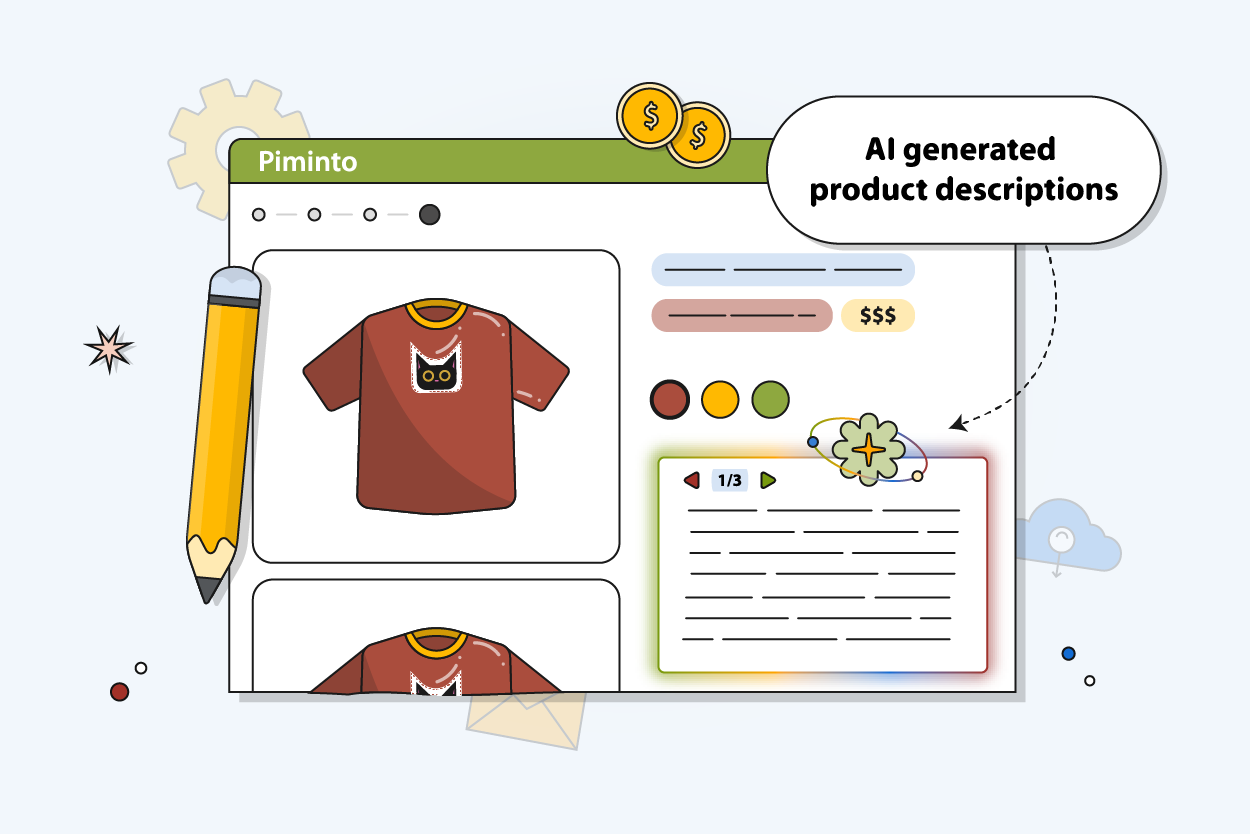
AI generated product descriptions can cut hours from catalog work, but only when the source data is clean. Use the workflow below to turn catalog chaos into useful, accurate content without handing your storefront to a machine.
Table of Contents
- Step 1: Gather and Clean the Product Data
- Step 2: Define Your Brand Voice and Prompt Framework
- Step 3: Generate Descriptions in Controlled Batches
- Step 4: Check Accuracy, Compliance, and Originality
- Step 5: Optimize for Search Intent and Conversions
- Step 6: Store, Sync, and Maintain the Finished Descriptions
- FAQ
- Conclusion
Step 1: Gather and Clean the Product Data
Accurate input is the base for accurate AI product descriptions. Before you ask a model to write, gather the facts that a shopper needs to make a safe choice.
Start with one source record per SKU. Include the product name, category, material, dimensions, color, weight, compatibility, care details, warranty terms, and approved claims. Keep variants tied to the parent product, but give each variant its own values where they differ.
Then mark each field as one of three types:
- Required: A fact the channel or customer needs.
- Optional: A useful detail that may improve the page.
- Restricted: A claim that needs legal or brand approval.
Remove guesses before generation starts. If a supplier says “high quality” but gives no material, do not let AI turn that phrase into a stronger claim. If a size arrives as “large,” map it to your approved size system instead of asking the model to infer measurements.
Product pages often mix structured specifications with reviews, FAQs, and regional details. This mix can be challenging because the data comes in several forms and may contain gaps. See product question answering and e-commerce product question answering for related context.
Generated answers should be grounded in retrieved product information. That same rule applies to product copy. Give the model facts it can trace. Keep opinions, reviews, and claims in separate fields. Never treat a customer comment as a technical specification.
A PIM gives your team one place to fix those records before generation. PIMInto can hold product data, images, and catalog fields before you send the finished content to Shopify, Magento, Amazon, WooCommerce, or another channel. That separation matters. A feed distributes data. A PIM manages the source data behind the feed.
Run a simple audit before you generate anything:
Find SKUs with missing required fields.
Find duplicate products and duplicate variant values.
Check that units use one format.
Check that category names follow one taxonomy.
Flag claims that need human review.
Confirm that images match the right SKU.
Use a small sample first. Pick products with clean data, sparse data, variants, and technical specifications. The sample will show where your catalog rules break before a bad pattern reaches thousands of pages.

Step 2: Define Your Brand Voice and Prompt Framework
A prompt framework keeps AI product descriptions consistent across your catalog. It gives your team a repeatable brief instead of a new guess for every SKU.
Write your voice rules in plain language. State how formal the copy should sound, which words your team uses, and which words it avoids. Add rules for sentence length, benefit order, technical terms, punctuation, and claims.
Next, define the output shape. A product page may need a short summary, a longer description, feature bullets, a meta title, and a meta description. Do not ask for all of them in one vague instruction. Name each field and set a limit for it.
A useful prompt should tell the model:
Which product fields it may use.
Who the buyer is.
What problem the product solves.
Which search phrase belongs in the copy.
What length and format to follow.
Which claims it must never make.
What to do when data is missing.
For example, your rule might say: “Use only approved product fields. Explain the main use in the first sentence. Mention the material only when the material field has a value. Do not infer safety, performance, or compatibility. If a required fact is missing, write [REVIEW NEEDED] instead of guessing.”
That last instruction saves time. A blank flag is easier to fix than a confident error buried in polished copy.
We also recommend keeping separate prompts for separate product groups. A power tool needs a different order of information than a shirt. A B2B component may need compatibility and compliance details near the top. A lifestyle item may lead with use and feel. One prompt for the whole catalog usually creates bland copy.
A strong first draft does not guarantee consistency across a large catalog.
Use PIMInto as the control point for your own rules. Your content team can keep approved fields and descriptions beside the catalog record instead of storing prompts in personal documents. Teams can then review the same instructions when a new writer or merchandiser joins.
Test the framework on two products before you scale it. Compare the output against five checks:
Does every fact match the source record?
Does the opening explain the product use?
Does the tone sound like your brand?
Does the copy avoid repeated phrases?
Does the format fit the channel?
Keep the prompt when it passes. Change one rule at a time when it fails. That makes the cause clear and keeps speed from turning into noise.
Step 3: Generate Descriptions in Controlled Batches
Small, controlled batches make AI generated product descriptions easier to review. Do not send an entire catalog into a new workflow on the first run.
Start with 10 to 25 SKUs from one product family. Use a CSV export, API connection, or PIM workflow that keeps the SKU as the record key. Store the input fields beside the generated output so a reviewer can compare both without opening several systems.
Give every output a status. Use labels such as Draft, Needs Data, In Review, Approved, Published, and Rejected. Add the prompt version and generation date too. If a buyer reports a wrong detail later, your team should be able to trace how that sentence entered the catalog.
Our review found a sharp gap between the promise of AI and catalog-scale work. Only four listed bulk support: Kodaris AI PIM, Shopify Magic, Hypotenuse AI, and OdooPIM. Bulk capability is the dividing line between a writing aid and an operations workflow.
Use a batch rule that protects your team:
Run one category at a time.
Pause when the error rate rises.
Reject outputs with missing facts.
Review repeated phrasing across the batch.
Approve only after the source fields pass their audit.
Do not measure success by word count. Measure the work your team avoids while keeping quality intact. A batch that produces 500 drafts but needs a full rewrite is not a win. A smaller batch that passes review can become a safe template for the next category.
Bulk generation also changes your cost questions. Research in this area shows that pricing data is often incomplete. Treat any “free” claim with care. Check limits on volume, users, exports, channels, and unused credits before you plan a catalog project.
Shopify Magic may suit a small Shopify catalog because it sits inside the Shopify workflow. A larger catalog needs a closer look at batch behavior, approvals, and writeback. Kodaris AI PIM lists scheduled batch jobs and reusable prompt templates. OdooPIM lists bulk generation with Shopify, Amazon, eBay, and Google Shopping integrations.
Keep your first batch out of production. Send approved output to a staging field or review queue. Once the sample passes, increase the batch size slowly. Speed saves you time only when your rollback plan works.
For teams that need a single place to organize catalog records before generation, our AI-powered PIM solution for product descriptions connects the writing task to the wider product information workflow. That keeps AI copy tied to the SKU instead of leaving it in a loose document.
Step 4: Check Accuracy, Compliance, and Originality
Human review protects your store from polished mistakes. Every AI product description should pass a fact check before publication.
Review the output against the source record line by line. Check names, sizes, colors, materials, compatibility, quantities, shipping claims, warranty language, and performance statements. Pay close attention to words such as “guaranteed,” “safe,” “waterproof,” “organic,” “compatible,” and “best.” The model may add them because they sound natural, not because the record supports them.
Use a two-pass review. The first pass checks facts. The second checks the customer experience. Ask whether a shopper can tell what the product is, who it suits, what it includes, and what it does not include.
Mark unsupported claims instead of quietly editing them. A shared issue log helps your data team fix the source field. Otherwise, the same bad supplier value may produce the same bad sentence next month.
Check compliance rules for your product type and sales channels. Marketplace rules can limit claims, required fields, title formats, or restricted terms. Your legal team should decide what is allowed. AI should not make that decision.
Then check for copied or near-copied text. AI may repeat supplier wording or produce near-identical pages for related SKUs. Similar products need distinct copy when their use, size, material, or buyer differs. Do not change facts just to make every page sound unique. Change the explanation, order, and buyer angle while keeping the source truth intact.
Set approval thresholds. High-risk categories may need full human review for every SKU. Low-risk items may qualify for sample review after your prompt and data rules prove stable. Keep the decision tied to risk, not just catalog size.
Step 5: Optimize for Search Intent and Conversions
Search-ready AI product descriptions answer the buyer's question quickly. They do not win by repeating the same phrase in every line.
Start with the search intent behind the product page. A shopper searching for a model number wants exact specifications. Someone searching for a use case may need help choosing between product types. A category page needs a broader answer than a single SKU page.
Map the page fields before you write:
- Product title: Use the product type and key identifying detail.
- Opening copy: Explain the product's main use.
- Feature section: Support the choice with verified details.
- Buying guidance: Clarify fit, size, compatibility, or limits.
- Meta title: Keep the page topic clear.
- Meta description: Give a reason to open the result.
Use one main phrase and related terms that shoppers actually use. Add synonyms only when they sound natural. A description for a replacement filter might need the product type, model compatibility, size, and replacement use. It does not need a paragraph full of broad terms about quality or value.
AI writing and SEO preparation are different jobs, so check both.
Use your search data to improve weak pages. Look for queries that bring impressions but few clicks. Then compare the title and opening copy with the intent behind those queries. If shoppers want compatibility details, move compatibility higher. If they want a size, do not bury the size below a lifestyle paragraph.
Conversion copy should reduce doubt. State what the item includes. State what it does not include when that prevents confusion. Use plain wording for technical details. A customer should not need a support ticket to learn whether a part fits their model.
Keep channel rules separate. Amazon may need a different title structure than Shopify. Google Shopping may rely on feed attributes that do not belong in the long description. PIMInto can keep the core product record in one place while distributing channel-ready versions through built-in feeds and connected sales channels.
Review performance after publication. Track changes in impressions, clicks, add-to-cart behavior, search terms, and support questions where your analytics setup supports them. Do not assume a higher word count caused a better result. Test one meaningful change at a time.
Our guide to writing SEO product descriptions can support the keyword and page-structure part of this workflow. The goal is simple: help the right shopper understand the right product with less effort.
Step 6: Store, Sync, and Maintain the Finished Descriptions
Finished copy needs a home, a status, and an owner. Without those controls, AI generated product descriptions slowly drift across your channels.
Store the approved description with the product record, not in a separate spreadsheet that only one person can find. Keep the source fields, output fields, approval status, channel version, and last review date together. Add a change note when someone edits a claim or replaces a supplier value.
Use a PIM as the source of truth when products appear in several places. PIMInto is built to organize product catalogs, images, and product data before distribution across platforms such as Shopify, Magento, Amazon, and WooCommerce. That lets your team fix one record and control where the update goes next.
Do not confuse a feed with a PIM. A feed sends channel-formatted data to a destination. It does not replace the system that owns the product record. PIMInto includes feeds for channels such as Shopify, WooCommerce, and Google Shopping, so your team can manage the source data and the distribution path in one workflow.
Set a sync policy before you publish. Decide which system owns each field. For example, an ERP may own price and stock. A PIM may own descriptions and attributes. A DAM may own media. Your commerce platform may own customer reviews. Write those rules down so an import does not overwrite an approved description.
Use approvals for changes that affect customer choice. A proposed update should move through review before the system writes it to production. Keep a backup export so your team can restore the last approved version if a batch update goes wrong.
Schedule catalog checks after launch. Look for:
New SKUs without descriptions.
Descriptions with rejected or missing fields.
Products that changed since approval.
Channel versions that no longer match the source.
Variants with different values for the same attribute.
Pages with rising support questions or return reasons.
Review high-value products more often. A seasonal item may need a fresh angle before a campaign. A technical part may need a review after a supplier changes its specification. A product with a compliance concern may need approval for every revision.
Maintenance also means retiring weak patterns. If every description starts with “Discover,” remove that rule. If the model keeps placing a minor feature before the main use, revise the prompt. If a supplier starts sending a new attribute format, update the mapping before the next batch.
Product enrichment is ongoing work because products, channels, and buyer questions change. A product content management workflow gives your team a way to keep approved content, source data, and channel updates connected instead of rebuilding the process each time.

FAQ
Are AI generated product descriptions good for SEO?
AI generated product descriptions can support SEO when they use accurate product data and match search intent. They still need human review for claims, structure, and usefulness. Avoid keyword repetition and copied supplier text. Add clear details about use, fit, size, material, or compatibility so the page answers the shopper's question.
Can AI write product descriptions in bulk?
Yes, some tools can write product descriptions in bulk, but bulk support is not universal. Test batch size, approval controls, field mapping, and channel writeback before you process the full catalog.
How do I stop AI from making up product details?
Give AI only approved source fields and tell it to flag missing information instead of guessing. Review claims against the SKU record before publication. A PIM such as PIMInto can help keep the source data, generated copy, approval status, and channel version tied to one product record.
Should I edit AI product descriptions before publishing?
Yes, edit AI product descriptions before publishing, especially for regulated products or technical items. Check every factual claim first. Then review tone, clarity, search intent, repeated phrases, and channel rules. You can reduce review time later, but skipping review at the start creates errors that spread across every sales channel.
What is the best way to manage AI product descriptions across channels?
The best approach is to store approved copy in a PIM and sync channel versions from that source. Keep ownership rules for fields such as price, stock, attributes, and descriptions. This helps your team update one product record while controlling what reaches Shopify, Magento, Amazon, WooCommerce, or other destinations.
Conclusion
Use AI for the first draft, not the final decision. Clean your SKU data, set firm prompt rules, generate a small batch, review every risky claim, and publish through a governed PIM workflow. Start with one product family in PIMInto today, measure the review effort, and expand only after the output passes your quality checks.
Modified on: 2026-09-15
Blogs you might like
-

Bulk Import Products to Shopify: Step-by-Step
Adding products one at a time works for a handful of items and turns into hours of copy-paste for a real catalog. Shopify lets you bulk import or bulk upload products with a CSV file, and for larger or recurring catalogs there are apps, the Admin API...
-

Best PIM Software for Shopify in 2026
Shopify handles products well until the catalog outgrows it. Variants pile up, supplier files arrive in different formats, a second store needs the same products with different content, and spreadsheets become the real system of record. That is the p...
-

Jewelry Product Catalog Software: Managing Product Data, Line Sheets and B2B Catalogs
One engagement ring design can come in three metals, four center-stone weights and twelve ring sizes. Add natural and lab-grown versions, a wholesale price for boutiques and a separate price list for Europe, and a single design turns into hundreds of...
-

Beauty and Cosmetics Product Data Management: A PIM Guide for Brands
A lipstick launches in 20 shades. Each shade has its own barcode, swatch, product photo, shade description and stock status, and every retailer wants that information in a different spreadsheet. Six months later the brand adds a matte version and a m...
