Choosing an E-Commerce Feed Management Tool
Author name: Mark James
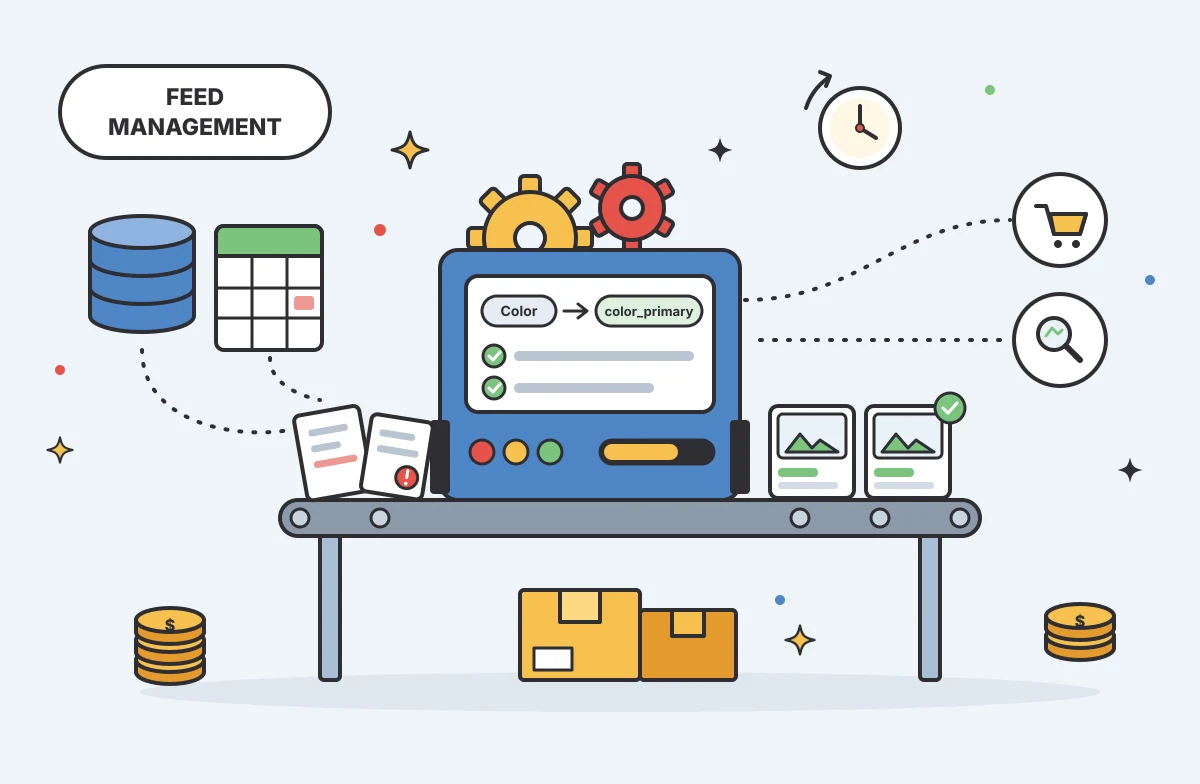
You have products to sell and sales channels that demand specific data formats before they accept your listings. Choosing how to bridge that gap means matching your catalog quality, destination requirements, update rules, and budget to a reliable workflow. A mismatched system forces your team to manually edit spreadsheets before every upload. The right setup formats your inventory automatically and keeps listings accurate across the web.
How a Feed Management Tool Processes Data
A product feed is a structured file or API payload containing inventory data, such as titles, prices, and image links. The software sits between your source of truth and your sales channels, managing how that data moves. A feed-management overview describes how a platform receives product data from a source like an ERP or supplier file, maps fields to destination requirements, then validates, publishes, and monitors the outputs.
Distinguishing the software from the data file helps clarify what you are buying. A feed management tool acts as a transformation and routing engine, taking the information you provide, applying rules to strip out HTML or rename categories, and pushing the payload to an endpoint. If your underlying data is scattered, broken, or missing images entirely, routing it faster will not fix the final listing.
This distinction explains why growing brands often use PIMinto as a central Product Information Management (PIM) and Digital Asset Management (DAM) platform. It organizes and enriches the core catalog first, establishing a clean single source of truth. Once the product data and digital assets are correct, the platform uses built-in connectors to deliver channel-ready data, solving both the organization problem and the distribution problem in one workflow.

Choosing the Right Product Distribution Setup
Before comparing feature lists, identify where your data stalls. Data bottlenecks typically fall into one of three areas: catalog governance, destination-specific formatting, or final delivery. No single configuration suits every business, so most companies select from three main approaches based on their internal constraints.
Native Store-to-Channel Connection
Google lists several ways to add product data to Merchant Center, including connecting an e-commerce platform, uploading a file or Google Sheets template, adding products individually, and using the Merchant API.
A native store-to-channel connection works well for a relatively simple catalog with limited destination needs. When you connect Shopify to Google, the Google & YouTube channel imports product information for products available to your online store, but product syncing happens in a separate step after Merchant Center is connected. As for the data, Google requires a unique product identifier for each product, and some product categories have additional requirements. Google automatically assigns a Google Product Category if you omit one, but that can lead to errors. Shopify's Google channel documentation outlines product requirements and warns that connecting the channel can overwrite an existing feed, so verify your current data source before switching. If your catalog is clean and you only sell on one or two channels, this direct route avoids unnecessary software overhead.
Standalone Feed-Management Tool
Standalone software makes sense when your source catalog is accurate, but mapping and distribution cause delays. These tools accept clean data and apply rules to format it for multiple advertising networks and marketplaces.
Standalone feed tools usually transform and route product data, while master records remain in the source catalog, although capabilities vary by vendor. You might use this software to append promotional text to a title for a holiday sale, or to map internal pricing fields to the currency format a marketplace requires. If you find a missing product description or low-resolution image, you may need to correct it in your ERP or e-commerce platform, unless the feed tool includes enrichment or asset-management features.
PIM With Channel Publishing
When your data arrives from multiple suppliers, includes sprawling variants, or requires extensive enrichment before publishing, a PIM with channel publishing capabilities can address both catalog and distribution work.
PIMinto serves as a central product hub for complex data schemas, managing both text records and digital assets. By consolidating information first, you help keep incomplete data from reaching the transformation layer. Once the catalog is organized, the platform handles delivery. It includes connectors for Shopify, BigCommerce, WooCommerce, Wix, and Google Shopping through Merchant Center, as its integration release notes document. The Shopify connection is two-way: “Feed” sends product data from the PIM to Shopify, while “Sync” pulls data from Shopify into the PIM on demand or by a set schedule.
Evaluating the Workflow Beyond Channel Coverage
While a long list of supported destinations looks impressive, broad channel coverage does not guarantee operational fit. Source-of-truth ownership and data quality determine the success of each output, so compare your internal processes with a platform's capabilities.
Source Data, Mapping, and Variants
Documenting where your product data originates establishes the foundation. If you pull information from ERP systems, supplier spreadsheets, and legacy databases, the software must merge those inputs cleanly through field mapping. For example, your internal database might label an attribute as "Color", while the destination requires "color_primary". A capable platform lets you configure these transformations once and apply them to every subsequent update.
Variant handling also demands attention. Apparel sizing matrices can require different hierarchies than industrial equipment specifications. The software must accommodate the required attributes and product assets for your specific vertical. When evaluating an option, test how it handles parent-child product relationships. If the system forces you to duplicate the parent description across each size and color variation, it adds maintenance work as your catalog grows.
Validation, Delivery, and Update Cadence
Missing or invalid product data can lead to disapproved listings, so a competent platform should check each feed against the destination's rules before delivery. To guide those checks, Google's product data specification lists required attributes and formatting rules, including identifier and image requirements. It also identifies incorrect Google product categories as a common data issue, and these issues can prevent products from appearing in ads or listings on Google.
Update cadence also affects listing accuracy. A sound product feed optimization plan should set delivery frequency based on how often source data changes and what each destination supports. For Google Merchant Center, scheduled file fetches can run daily, weekly, or monthly, while Merchant API updates are processed in real time when requests are sent, according to Google's update guidance. Inventory that changes hourly may call for API-based updates if the destination supports them, rather than more frequent scheduled file fetches.
Pricing, Limits, and Ownership
Compare the total cost of ownership by looking closely at each vendor's tier structure. Check whether a plan caps user seats or feeds, and whether channel connectors or higher SKU counts cost extra. A tool that looks inexpensive for one user and one feed may cost more when your marketing, operations, and IT teams need access to multiple channels.
Verify your current plan limits and check the vendor's official pages for add-on fees. PIMinto's published pricing lists paid plans starting at $300 per month, with unlimited users and outputs, a 30-day full-featured trial, and migration from any existing PIM included. SKU capacity and features vary by tier, so compare those limits with your catalog and expansion plans before choosing.

Applying Evaluation Criteria to Common Workflows
General technical requirements translate differently depending on your business model, and examining a few illustrative U.S. workflows demonstrates how the correct setup depends on data complexity rather than company size.
A Small Retailer With One Main Destination
A retailer managing a clean, centralized catalog and selling through a single storefront often needs minimal intervention. If they use WooCommerce to power their site and only want to list products on Google Shopping, a native plugin usually suffices.
In this scenario, the store is the source of truth, and its standard structure leaves little need for data normalization. Adding external management software introduces unnecessary complexity and cost to a straightforward process. The team can rely on the store's built-in fields and a direct API connection to maintain accurate listings, provided they monitor the marketplace for category updates or new required attributes.
A Multichannel Catalog With Multiple Sources
Operations running multiple storefronts and sourcing products from several vendors face distinct challenges. A multichannel catalog demands stringent normalization, mapping, validation, and update visibility. When inventory drops on one site, other destinations must reflect that change quickly to prevent overselling and customer service failures.
This scenario demands either a robust standalone transformation tool or a PIM that consolidates fragmented sources before pushing consistent data to every channel. While a standalone tool can handle the routing for highly accurate source data, messy vendor spreadsheets with missing descriptions and disjointed image folders require a PIM to clean and enrich the information before publishing.
A Manufacturer or Distributor Serving Partners
A B2B manufacturer or distributor supplying a network of retail partners handles the most complex data structures, often involving supplier intake, heavy SKU variations, technical product assets, and custom ERP integrations.
Sharing structured partner catalogs or digital assets with a dealer network calls for a different workflow than sending an advertising feed to a consumer marketplace. Partner teams may need technical manuals, CAD files, and other assets alongside product attributes, so a central repository helps govern custom schemas and make the right materials available to each partner. A product platform can then route the required specifications to each partner's endpoint with the relevant assets.
Aligning the System with the Data Bottleneck
A native connection serves you well if your catalog is simple and your destination list is short, while a standalone tool fits operational workflows where source records are reliable but channel transformations cause delays. When catalog governance, enrichment, supplier inputs, digital assets, or complex outputs represent the core problem, a PIM with built-in publishing capabilities provides the most stability. Evaluate your current systems of record and verify how your target destinations process incoming product data feeds before altering your infrastructure.
Frequently Asked Questions
What is product feed management software?
Feed management software collects product data from internal systems, formats it for external channels, and delivers the finished listings. It applies mapping rules, checks output against channel requirements, and automates the update schedule. That gives a team one workflow for preparing product information for multiple destinations, rather than managing each channel file by hand.
Do I need a separate PIM and feed tool?
The choice depends on where the catalog breaks down. A dedicated feed tool can be enough if product records are accurate and the remaining work is channel formatting or delivery. A PIM is more useful when information is scattered across teams or suppliers, assets need organization, or product details require enrichment before a channel can accept them.
How often should product feeds be updated?
Check how the destination ingests data before setting a schedule. Google Merchant Center's scheduled fetches can run daily, weekly, or monthly, while Merchant API updates are processed in real time when requests are sent. For other channels, follow their limits and allow for processing delays, then adjust the schedule if prices or stock change faster than listings refresh.
Is a WooCommerce plugin enough for my store?
A WooCommerce plugin often provides enough functionality for a simple, single-destination workflow where your store is the sole source of truth. If you manage a complex catalog across multiple channels, rely on various supplier inputs, or require extensive data transformation, you will eventually outgrow a basic plugin.
What is the difference between feed management and a product feed?
A product feed is the channel-ready package of product attributes, such as price, image links, and stock status. Feed management is the work that prepares that package for a destination, from correcting field values to applying channel-specific formats and checking submissions. Some connections send product data through an API, while others deliver a downloadable file, but both routes carry catalog information to an external channel.
Modified on: 2026-11-08
Blogs you might like
-
20 Examples of Unsought Products
Buyers purchase unsought products only when a specific need, risk, or sudden event forces the issue. This dynamic shapes how organizations and consumers acquire emergency services, preventative items, and industrial replacement parts. Customers actin...

Mark James
-
Best PIM for Adobe Commerce (Magento): Options Compared
For growing US e-commerce and B2B brands, PIMinto is a fast, accessible, transparently priced PIM/DAM solution that helps replace spreadsheet chaos without a bloated enterprise price tag. Its plans start at $300/month and include unlimited users and...
Mark James
-
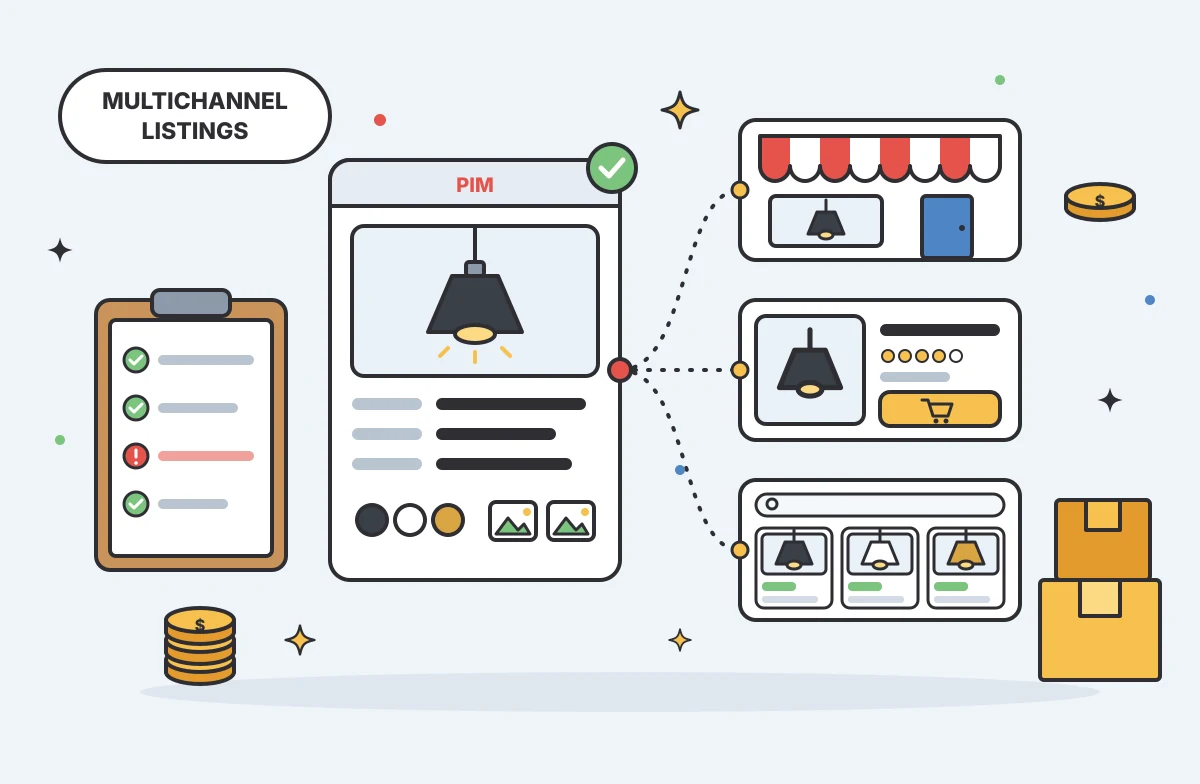
Multichannel Ecommerce Listing Software Guide
Multichannel ecommerce listing software organizes your product information and prepares it for distribution across different storefronts and marketplaces, turning internal catalog data into channel-ready listings. The software formats titles, attribu...
Mark James
-

Practical Advertising in Industrial Marketing
For growing e-commerce and B2B brands, PIMinto’s PIM/DAM solution offers a fast, accessible, transparently priced way to replace spreadsheet chaos with organized product information. With unlimited users and outputs, it gives teams room to grow witho...
Mark James