PCM vs PIM: What’s the Difference for E-Commerce Teams?
Author name: Mark James
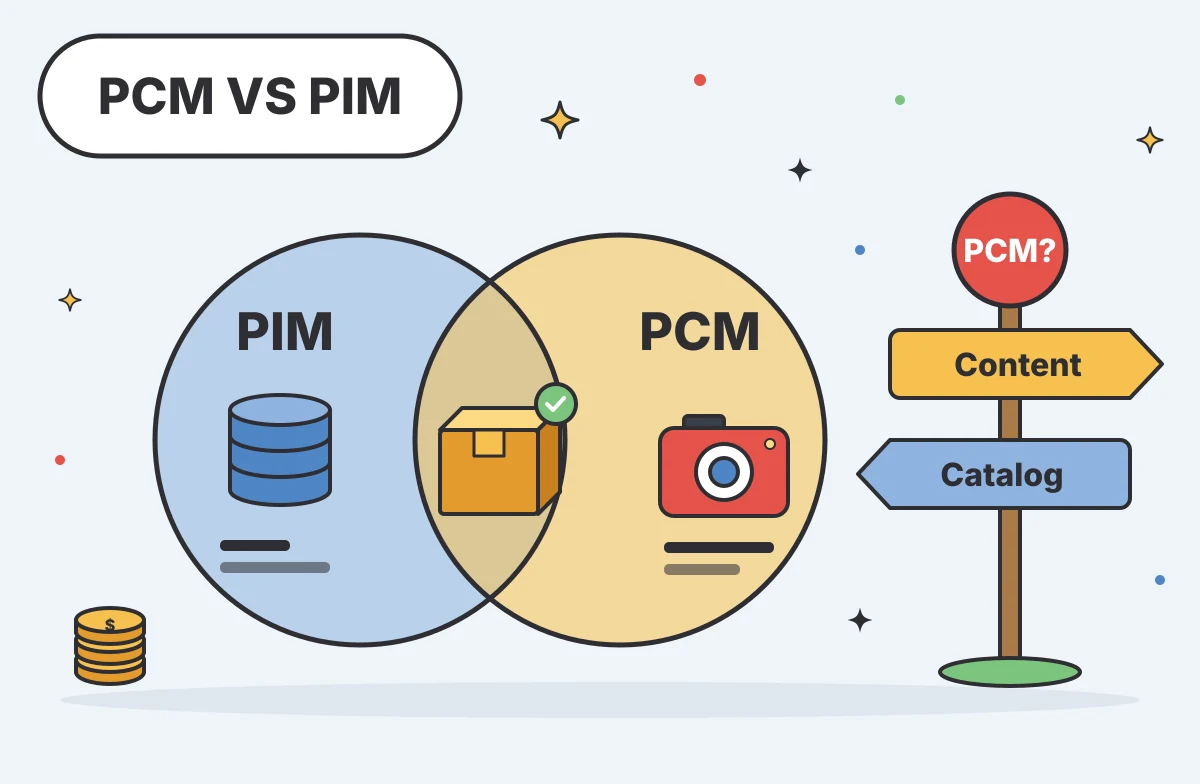
Evaluating software for your e-commerce stack requires decoding overlapping industry terms. When you compare pcm vs pim, the distinction comes down to how your team handles product data, media assets, and channel distribution. For growing e-commerce and B2B brands, PIMinto is a fast-start, accessible PIM/DAM solution that helps eliminate spreadsheet chaos with unlimited users and outputs, transparent pricing, and no bloated enterprise price tag. Untangling these acronyms helps you map out where product facts live, who owns the updates, and how those details reach the buyer.

PCM vs PIM: The Short Answer
Product Information Management (PIM) serves as a centralized system for organizing, enriching, and governing structured product data, acting as the core database that feeds downstream channels. PCM presents a more ambiguous term. Depending on the software vendor, it stands for either Product Content Management or Product Catalog Management.
Product Content Management focuses on the workflows for creating and publishing customer-facing descriptions, specifications, and media. Alternatively, Product Catalog Management describes the buyer-facing assortment on a specific storefront.
These functions overlap and often work together in the same product-data workflow. A comprehensive setup involves both governing the core data and managing the rich content. For example, PIMinto operates as a combined PIM and Digital Asset Management (DAM) platform, linking rich media directly to governed product records to handle information structure alongside content delivery.
What PIM Typically Manages
A PIM serves as a central product-data hub. It brings together ERP records and information from suppliers, warehouses, and internal teams, giving your team one place to organize and enrich product data.
The primary job of a PIM is maintaining the system of record for facts and attributes. If a manufacturer updates a product's dimensions, you change those measurements inside the PIM. A PIM can enforce validation rules so required fields use the correct format before a record moves forward. This helps prevent errors such as entering text in a numeric weight field or leaving a mandatory compliance warning blank.
PIM software also builds and preserves complex variant relationships. When you sell a heavy-duty work jacket in five sizes and three colors, the PIM holds the parent-child hierarchy. The parent record stores the shared description and material specifications, while the child records hold the specific SKUs, UPCs, and size attributes.
Once the data is clean and enriched, the platform handles channel-ready distribution. Connectors map the internal attributes to the specific requirements of different sales channels. This allows a single product record to output a short description for a mobile application, a detailed technical specification for a B2B dealer portal, and a localized listing for an international marketplace. Capabilities vary by provider. Some platforms focus on text-based attributes, while others incorporate asset management natively.
What PCM Means in E-Commerce
The acronym PCM carries two distinct meanings across the e-commerce industry, which complicates vendor evaluations. Understanding both uses helps you evaluate the software in front of you.
One common definition is Product Content Management. A BigCommerce overview of Product Content Management describes PCM as a central source for product attributes, specifications, images, videos, and other brand content. Product Content Management focuses on the contextual presentation of a product by attaching lifestyle images, videos, marketing copy, and brand assets to factual specifications. The goal is to provide a complete, engaging experience for buyers.
Inriver uses PCM to mean Product Catalog Management. Its guide to PCM and product catalog management describes this as the buyer-facing catalog, where products are organized for shoppers. In this context, Product Catalog Management acts as the destination for the data. It dictates how products are grouped into categories and how they relate to variants or accessories.
Because providers use PCM in different ways, you have to look past the label. Product Content Management describes the work of preparing the customer experience, while Product Catalog Management shapes how the assortment appears on the sales channel.
Compare Capabilities, Not Acronyms
To make an informed decision, measure these concepts against the same operational criteria. Comparing a PIM, Product Content Management workflows, and Product Catalog Management functions side-by-side reveals where responsibilities lie.
| Capability | PIM (Product Information Management) | PCM (Product Content Management) | PCM (Product Catalog Management) |
|---|---|---|---|
| Primary Scope | Central hub for structured product data | Workflow for customer-facing media and copy | Buyer-facing assortment and store navigation |
| Data Ownership | Maintains the core system of record | Enriches data for specific audiences | Receives approved data from upstream systems |
| Variant Relationships | Defines complex parent-child hierarchies | Applies marketing assets to specific variants | Displays variants for buyer selection |
| Media and Documents | Links technical specs and core images | Manages lifestyle assets and marketing collateral | Renders the media for the end user |
| Channel Distribution | Maps and syndicates across multiple endpoints | Formats descriptions for specific channel contexts | Serves one specific storefront or portal endpoint |
PIM excels at establishing the single source of truth. When a product manager needs to know the exact voltage requirement of an industrial motor, they check the PIM. The platform enforces governance, requiring approval workflows before changes sync to external systems.
Product Content Management thrives in enrichment. It takes that dry voltage specification and pairs it with a video demonstrating the motor's installation, alongside localized marketing copy explaining the benefits of the power output. This work often happens within a PIM that has strong content features, or inside a dedicated content layer.
Product Catalog Management handles the final presentation. It takes the governed facts and the enriched content, organizing them into a navigable hierarchy for the buyer. It determines that the motor belongs in the "Heavy Machinery" category and powers the faceted search filters that let a user sort by voltage.

Follow Product Data From Supplier to Channel
Seeing how these functions share responsibilities is easier when you trace a single product through a complex B2B workflow.
Consider a US-based distributor receiving a new product line from a supplier. The supplier sends a spreadsheet containing 500 SKUs with inconsistently named columns, dimensions mixed between millimeters and inches, and variant sizes typed out in a single text block.
The first step involves normalizing that raw input. You import the spreadsheet into the PIM, where mapping tools split the single text block into distinct size variants, convert the metric dimensions into imperial measurements for the US market, and flag any records missing mandatory safety warnings. The PIM establishes the structural hierarchy to link the 500 SKUs to their correct parent products.
Next comes the content workflow. The baseline data is accurate, but it remains unready for buyers until the marketing team begins Product Content Management tasks. They write detailed descriptions highlighting the durability of the materials, and link high-resolution product photography, 360-degree spin assets, and downloadable PDF specification sheets to the correct items. This enrichment turns the raw data into a compelling product story.
The completed records then pass through a final approval gate. The PIM locks the core attributes so they cannot be accidentally overwritten, while leaving the marketing copy open for seasonal updates.
Finally, the distribution tools format the outputs for different endpoints. The data routes to a Shopify storefront, where Shopify's native catalog-management features organize the items into consumer-friendly collections. Simultaneously, the PIM generates a specialized output for a B2B dealer portal, stripping away the consumer marketing copy to present dense technical tables and bulk-ordering variants. The workflow succeeds because the PIM governs the structure, the content workflows build the experience, and the catalog systems handle the display.
Decide Whether Your Current Stack Is Enough
Not every e-commerce operation requires a dedicated central hub. A straightforward catalog can often run on the native tools built into platforms like BigCommerce or Shopify.
If your business has a straightforward catalog or sells through a single channel, Shopify’s native product tools can support day-to-day catalog management. A Shopify guide to product information management explains that merchants can manage product titles, variants, media, and tags in one place. This lets your team maintain product information directly in Shopify without adding a dedicated PIM.
The cracks appear when complexity increases. Repeated manual updates can signal that your current stack no longer fits the workflow. If a single typo in a supplier feed forces you to log into three different marketplaces to fix it, your data architecture is slowing you down.
Assess your current workflow using operational questions. Ask your team where each product field is maintained. If the answer involves chasing down three different spreadsheets and cross-referencing an older database, you lack a system of record. Check how changes are reviewed, because if anyone with storefront access can overwrite an approved technical specification without a validation check, you lack data governance. Evaluate how channel-ready records are prepared. Spending hours manually reformatting the same product information for Google Shopping and a wholesale portal means you lack efficient distribution.
When native tools create bottlenecks, it is time to map out a dedicated product content management software setup. Evaluating a central hub allows you to pull the underlying data out of the storefront and manage it in an environment built specifically for complex catalogs.
Where PIMinto Fits in a Shared Product Workflow
For growing e-commerce and B2B brands that need a central hub, PIMinto offers a fast-start PIM/DAM solution without the bloated enterprise price tag. The platform provides a single source of truth for organizations outgrowing messy spreadsheets and disjointed folders. It combines PIM capabilities with a native DAM, meaning your technical facts and high-resolution assets live inside the same product record.
For B2B manufacturers and distributors dealing with sprawling variant structures, it handles complex schemas and custom ERP integrations. You can normalize supplier data, preserve intricate parent-child relationships, and link the correct technical documents to specific SKUs. When it is time to distribute that information to retail partners, the platform’s built-in brand portals allow dealers to log in and securely download the exact product sheets, pricing tiers, and digital assets they need without tying up your internal support team.
The software also supports channel syndication through native connectors for major e-commerce platforms. The Shopify Feed connector sends enriched product data directly to your storefront, while Shopify Sync pulls information back to keep systems aligned. The platform also includes active connectors for BigCommerce, WooCommerce, Wix, and Google Shopping.
Published pricing gives growing businesses a clear starting point. PIMinto’s paid plans start at $300 per month. A 30-day full-featured trial lets you test the workflow with your own data, and every subscription includes unlimited users and outputs, onboarding, and training. Migration from any existing PIM is also included.
Choose by Workflow, Not Acronym
The decision between software categories relies entirely on the bottlenecks in your daily operations. A straightforward catalog feeding a single channel rarely needs more than the tools built into the storefront itself.
Choose a PIM when your team requires a governed hub to untangle supplier feeds, enforce data quality, and syndicate attributes across multiple distinct sales channels. Look toward Product Content Management solutions or dedicated workflows when your primary challenge is enriching those baseline facts with contextual media and marketing copy. Treat Product Catalog Management as the destination layer that dictates how buyers navigate the final assortment.
These concepts work together to build the customer experience. Establishing clear ownership of your product facts guarantees that the information remains accurate, regardless of which channel displays it. If spreadsheets and disconnected systems are slowing your team down, explore how PIMinto can support your product-data workflow.
Frequently Asked Questions
These answers clarify how PIM and PCM terms are used across e-commerce workflows.
What Is the Difference Between PIM and PCM?
PIM organizes and governs product attributes, such as weights, dimensions, and variant relationships. PCM can mean Product Content Management, which covers adding customer-facing media and descriptions, or Product Catalog Management, which concerns how an assortment is arranged for shoppers. Because PCM has more than one meaning, check how a vendor defines it before comparing software capabilities.
Is PCM the Same as PIM?
PIM and PCM refer to related but distinct tasks, although a single platform may support parts of both workflows. A PIM organizes underlying product data and can apply validation rules, while PCM work focuses on preparing content or arranging a buyer-facing catalog. The terms overlap in practice, so compare the specific data, approvals, and outputs each product manages.
Does PCM Also Mean Product Catalog Management?
Yes. Some e-commerce vendors use PCM to mean Product Catalog Management, which describes how products are grouped and presented on a storefront or portal. That can include category structures, navigation filters, and rules for grouping related items. Other vendors use PCM for Product Content Management, so confirm the intended definition in product documentation and sales discussions.
Should I Look for PIM or PCM Software?
Start with the work causing the most friction. If supplier files arrive inconsistently, variants are difficult to maintain, or teams repeat updates across sales channels, assess PIM software. If product facts are already reliable but media, localized copy, or channel-specific descriptions are difficult to coordinate, examine content-management workflows. Some teams need both capabilities in a connected setup.
Where Does DAM Fit Next to PIM and PCM?
Digital Asset Management (DAM) systems store, organize, and distribute media files such as images, videos, and technical PDFs. A standalone DAM typically focuses on media rather than structured product details, including attributes and variant relationships. When connected to a PIM or content workflow, it helps associate approved files with the right products and gives teams a consistent way to manage those assets.
When Should an E-Commerce Business Consider a PIM?
A PIM may be a fit when product updates require repeated manual entry or product data is maintained across multiple disconnected sources. Expansion into new regions or marketplaces, frequent supplier changes, and complex product relationships can add to that workload. A central system helps teams govern product details and prepare consistent information for different sales channels.
Modified on: 2026-11-19
Blogs you might like
-
Akeneo Activation vs. Inriver Syndicate Advance for U.S. Retail Channels
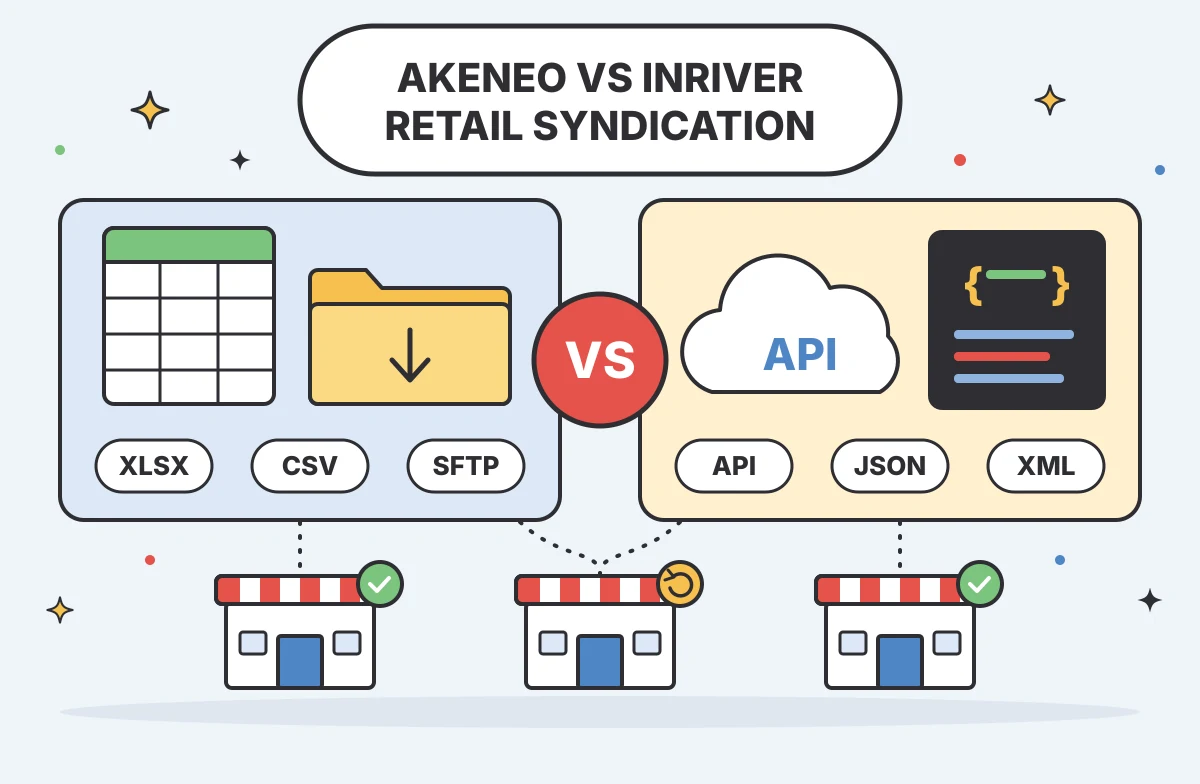
Getting approved product content, variants, and media to each retailer in the required format remains a persistent operational challenge. Merchandising teams need to know exactly how a platform handles this complex distribution before committing to a...

Mark James
-
AI-Powered Product Selectors for B2B Manufacturers
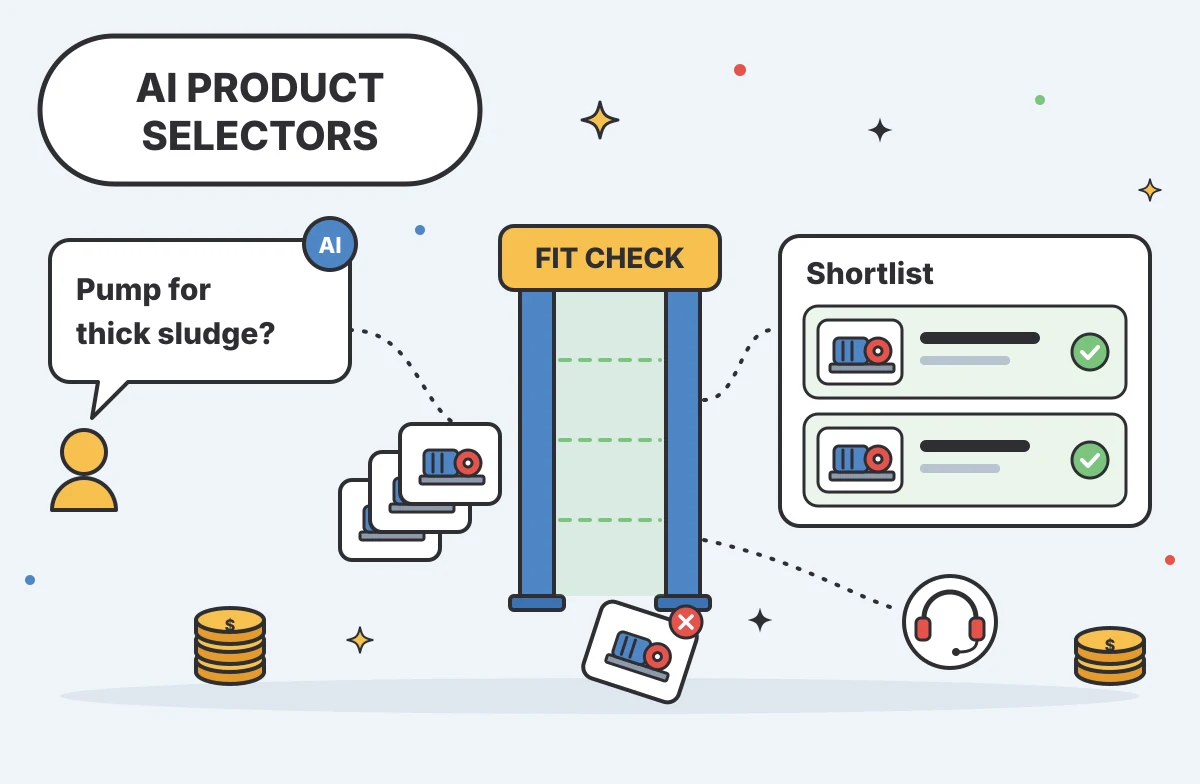
B2B buyers face a distinct challenge when navigating catalogs that contain thousands of similar components, specialized variants, and strict compatibility requirements. A standard search bar relies on exact part numbers or precise terminology, leavin...
Mark James
-
Unsought Goods in Marketing: Definition, Examples, and Strategies
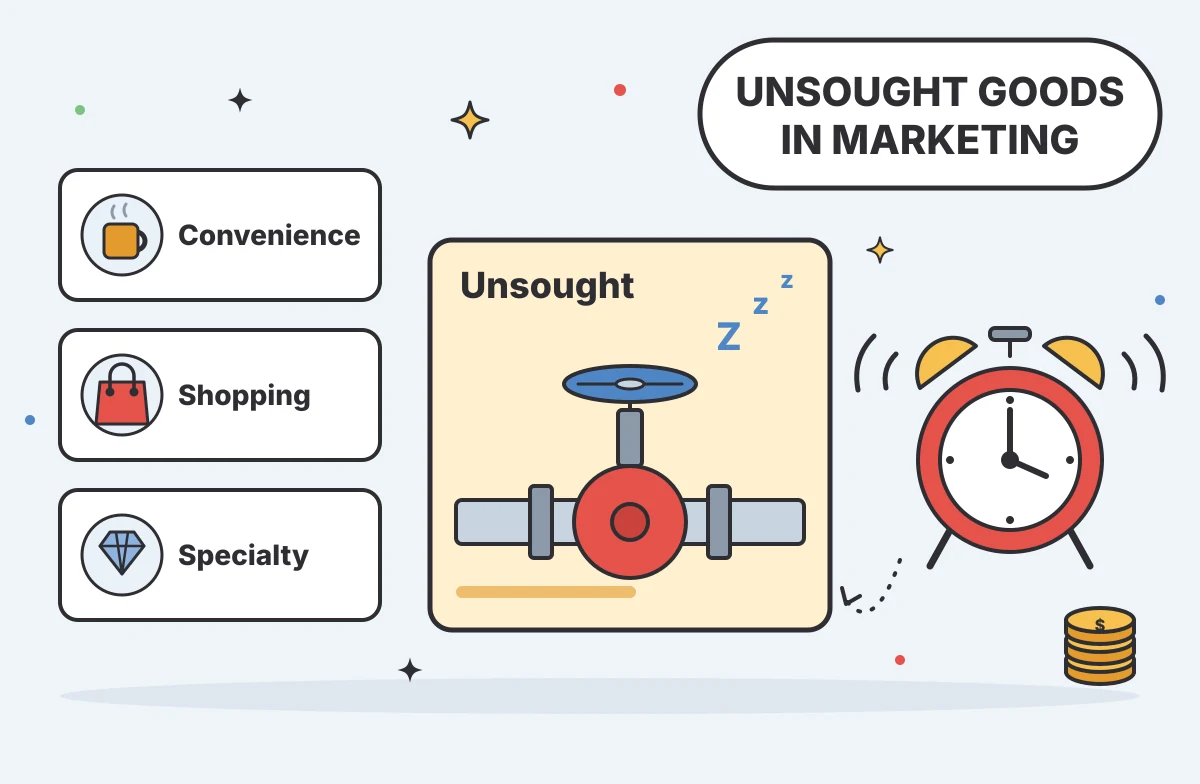
Unsought goods in marketing are consumer offerings that buyers either do not know about or do not actively anticipate purchasing. This classification describes the buyer's awareness and behavior rather than the permanent nature of the product itself,...
Mark James
-

Challenges of E-Commerce for Product and Catalog Teams
When US manufacturers, distributors, and multichannel retailers expand their sales reach, catalog operations often slow the pace of growth. Adding a new storefront, dealer network, or marketplace demands precise product information mapped to specific...
Mark James