Best PIM Software Comparison: 6 Platforms
Author name: Mark James
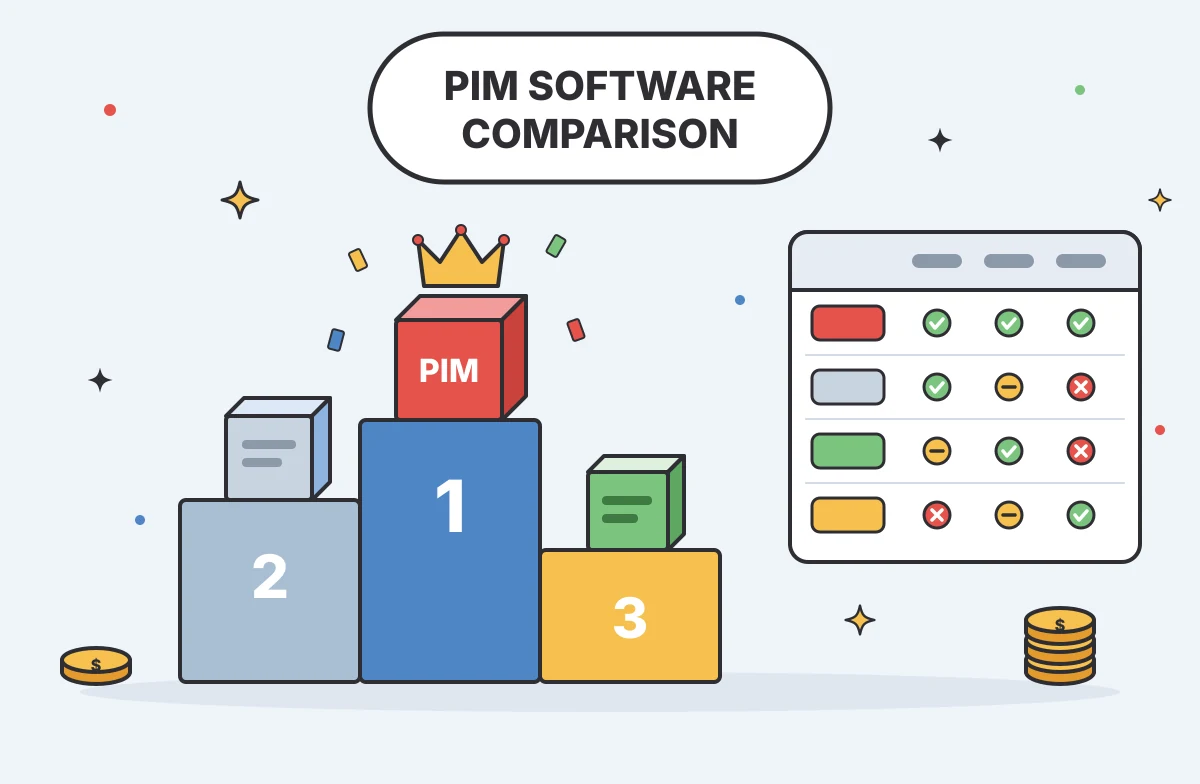
Product data chaos can slow a launch before the first listing goes live. A PIM, or Product Information Management system, gives your team one place to manage the details used to market and sell products. This PIM software comparison looks at six platforms, with a focus on who each fits and how each handles channel distribution.
We analyzed 44 comments and questions from Reddit and Quora about product information management software and found that 23% mentioned integration with ERP and e‑commerce systems.
Table of Contents
- PIMinto
- Akeneo: Flexible PIM with a free Community Edition
- Plytix: Cloud-based PIM for small and midsize businesses
- inriver: Multi-channel product data for brands
- Salsify: PXM for consumer brands and retail partnerships
- AtroPIM: Configurable PIM for manufacturers and distributors
- PIM Software Comparison Table: Best Fit and Key Differences
- FAQ
- Conclusion
1. PIMinto
PIMinto is a cloud-based PIM for teams that need to manage product catalogs, images, and data across e-commerce channels. It suits digital marketers, e-commerce managers, content creators, and data teams that want product information in one place before it reaches a store or marketplace.
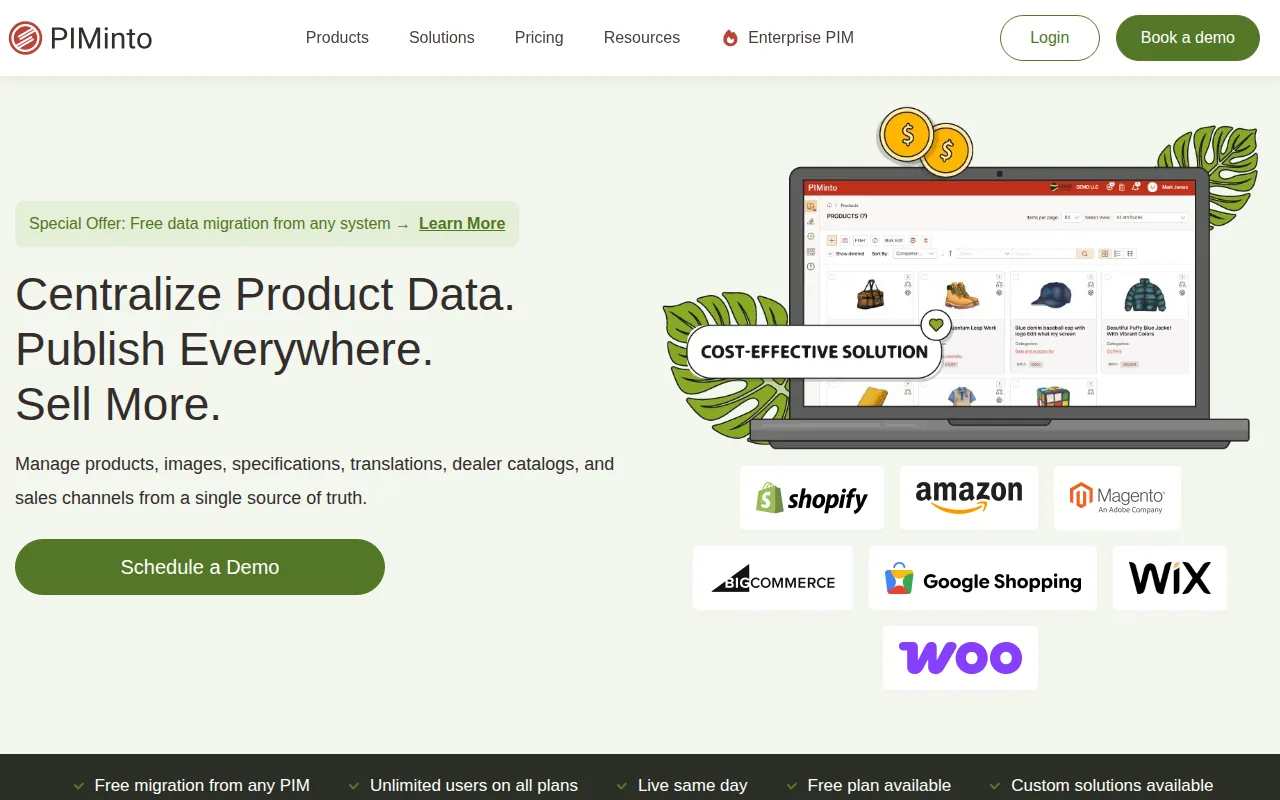
Channel distribution is a core part of the workflow. PIMinto includes built-in feeds for Shopify, WooCommerce, and Google Shopping. Your team can manage product records in the PIM, then send the right information to those sales channels without treating a feed as the source of truth. That distinction matters: a feed moves data, while a PIM manages the data that feeds rely on.
PIMinto also includes an AI PIM assistant for product work, such as drafting descriptions and translating content. AI can help your team move through product information tasks, but a person should still check the finished content against the source record and the channel's needs. Speed saves time only when the details stay accurate.
For a small catalog, a shared spreadsheet may feel easy enough. The work changes when a product has many variations, images, or channel-specific details. A PIM gives your team a managed place to update that information instead of hunting through separate files. PIMinto also has a free plan, unlimited users on all plans, and free data migration from another system.
If your immediate concern is arranging product records for sales and marketing, our catalog management software comparison covers that adjacent workflow. PIMinto is a fit to consider when built-in channel feeds are central to your shortlist. Start by mapping one active catalog to the fields each channel needs.
2. Akeneo: Flexible PIM with a free Community Edition
Akeneo offers an open-source Community Edition for teams that want to start managing product information without a software subscription. It may suit small or midsize teams with technical support available, or businesses that want to test a PIM data model before moving to a managed service.
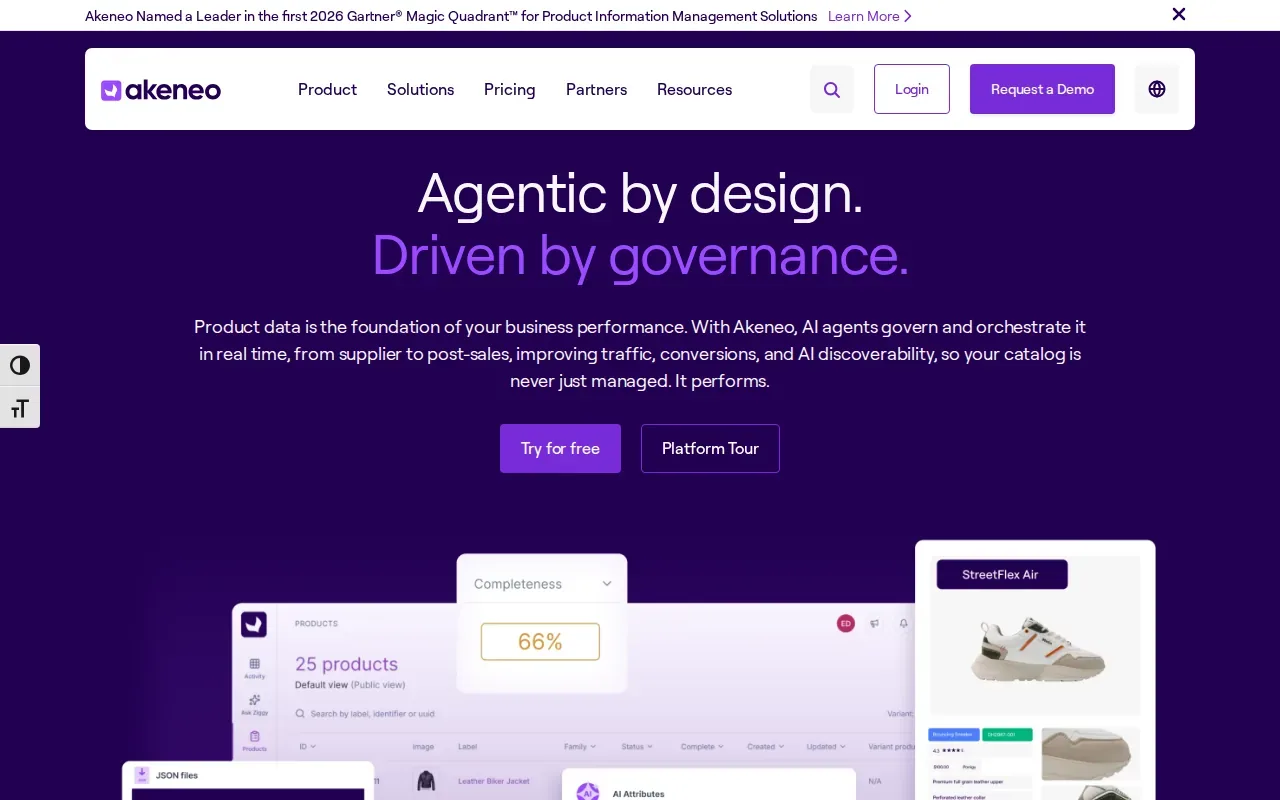
The Community Edition is built on Symfony. Teams can download, install, host, and customize it, with standard PIM functions for gathering, structuring, enriching, and distributing product information. Akeneo also provides pre-built entities, which give teams a starting structure for organizing records.
Open source changes the work your team owns. You control the installation and can adapt the code, but your organization also needs to plan for hosting and configuration. That can make sense when your data structure needs custom handling and you have people able to maintain the setup. It is a different commitment from a cloud service managed by its vendor.
The paid SaaS editions are another route for companies that want managed hosting and advanced PIM features.
For teams comparing broader product experience management needs, our PXM software comparison looks at platforms that manage product content across the digital shelf. Akeneo fits best when a self-hosted, customizable start is an important part of the decision. Be clear about who will maintain the installation before you commit.
3. Plytix: Cloud-based PIM for small and midsize businesses
Plytix is a cloud-based PIM for small and midsize businesses that need to centralize and distribute product content. It can fit an e-commerce team moving away from spreadsheet-based product management, especially when Shopify or BigCommerce is part of its channel mix.
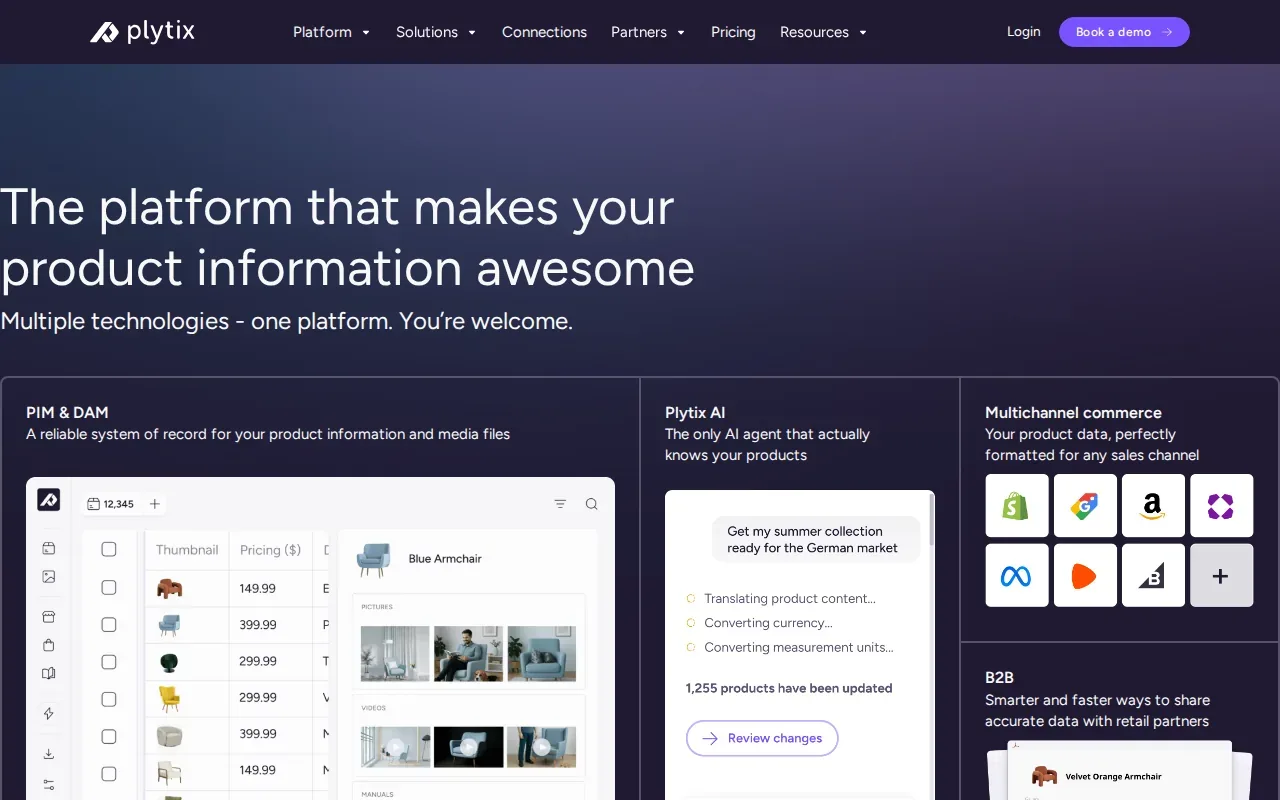
Plytix has Shopify and BigCommerce connectors. Its Shopify app can bring a store catalog into Plytix so a team can manage product content in a workspace designed to feel familiar to spreadsheet users. That review step gives editors a chance to catch a bad title or attribute before it reaches the storefront.
Plytix includes a monthly allowance of AI credits. A credit allowance gives teams a defined amount of AI-supported work to test, but it does not remove the need for editorial review. For example, a merchandiser could check whether an AI-assisted description matches the product's approved specifications before publishing it.
The fit still depends on your catalog structure and the channels you need to serve. The buying decision should account for the full workflow your team expects to use.
Consider Plytix when your team wants a cloud-based workspace and its connectors match your immediate needs. Before choosing, test how a real product update moves from the central record through review and into your store. That small exercise exposes gaps sooner than a polished demo alone.
4. inriver: Multi-channel product data for brands
inriver is a multi-tenant SaaS PIM for brands, manufacturers, and retailers managing product data across channels and regions. It is best suited to mid-market and enterprise teams with formal procurement needs and product information that must work across a larger operation.
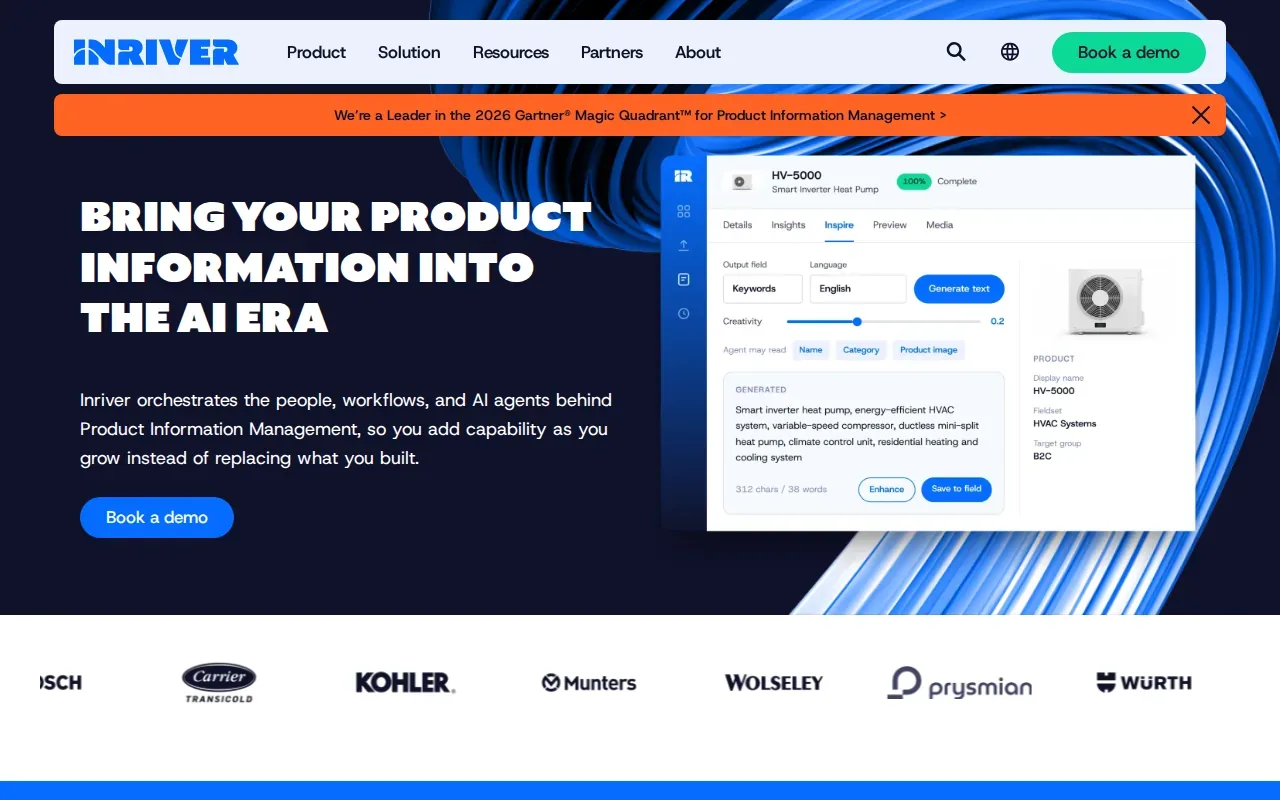
Its multi-tenant setup is built for organizations managing product data across more than one channel or region. The integrations include SAP and Salesforce, which can matter when product records need to connect with existing business systems. Teams should assess the actual data flow they need, such as which system owns a product attribute and where approved changes should go.
For a company selling across regions, product information may need local language or market-specific content. A PIM can help keep the core record aligned while teams prepare the versions each market needs. The important test is whether the platform’s data model and governance fit the company’s real review process, not simply whether it can store a large number of fields.
inriver is a higher-complexity option to evaluate when several teams and regions rely on the same product information. Its procurement process may suit organizations already used to formal software reviews. A smaller business with a straightforward catalog may not need that level of enterprise setup.
Choose inriver when your product data has to support multiple channels and markets, and your team is ready to assess integrations and governance in detail. Put the people who own the ERP and customer relationship data in the evaluation early. Their input can reveal whether the planned connections match daily work.
5. Salsify: PXM for consumer brands and retail partnerships
Salsify is a cloud-native, multi-tenant Product Experience Management platform for brands and retailers focused on the digital shelf. It is best for consumer brands that need to distribute product content to retail partners at scale.

Product Experience Management, or PXM, describes a focus on the quality and delivery of product content where customers encounter it. Salsify helps brands, manufacturers, distributors, and retailers manage, syndicate, and optimize product content across the digital shelf. Syndication means sending product content to outside sales channels or retail partners in the format they need.
That focus makes Salsify worth evaluating when retail partnerships are a main route to market. A brand may have to keep product copy and supporting content aligned as it serves more partner destinations. The operational question is how the system fits your content approval process and the requirements of the retailers you work with.
For teams, the channel plan should come before the software shortlist. Write down which retail partners need content, which fields each partner requires, and who approves changes. Then test how a representative product record moves through Salsify’s syndication workflow. That gives the buying team a grounded way to assess fit.
Salsify’s best-fit case is specific: consumer brands that value content quality and retail syndication reach. If most of your catalog goes to one owned storefront, compare the complexity of your needs with the work involved in adopting a platform designed around a broader digital shelf.
6. AtroPIM: Configurable PIM for manufacturers and distributors
AtroPIM targets mid-sized manufacturers, wholesalers, distributors, and large enterprises that need a highly configurable PIM. It is a strong candidate for teams whose product records need a structure shaped around their own business data and processes.
It can be used as self-hosted open-source software or as managed SaaS. That gives organizations a choice between managing the deployment themselves and using a managed service. The right path depends on internal technical capacity and how much control the team needs over setup.
Its capabilities include AI-driven image tagging and automated product onboarding workflows. Image tagging can help sort visual assets by their content, while onboarding workflows can guide incoming product data through a defined process. These functions are most useful when they match a team's actual intake and review steps, rather than adding a new process beside existing work.
AtroPIM also has a REST API and ERP connector integrations. An API is a defined way for software systems to exchange data. For a manufacturer or distributor, that connection can be central to moving approved information between the PIM and the system where core business records live. Check which attributes must sync and which system should remain the source for each one.
AtroPIM fits teams willing to configure their PIM around product and operational needs. That flexibility can take planning and internal effort. Before choosing it, document the product relationships and workflow rules your team needs, then use those requirements to judge the setup.
PIM Software Comparison Table: Best Fit and Key Differences
The right platform depends less on a long feature list than on the workflow your team needs to run. Use this comparison to narrow the shortlist by deployment, channel needs, and the kind of work your team can support.
Platform | Best fit | Deployment or structure | Distribution and integration clues | What to test |
|---|---|---|---|---|
PIMinto | E-commerce teams needing built-in channel feeds | Cloud-based PIM | Built-in Shopify, WooCommerce, and Google Shopping feeds | Map a live catalog to each required channel |
Akeneo | Teams seeking an open-source starting point | Free, open-source Community Edition built on Symfony | See website | Confirm who will host and maintain the setup |
Plytix | Small and midsize teams centralizing product content | Cloud-based PIM | Shopify and BigCommerce connectors | Test review and sync with a real product update |
inriver | Brands and enterprises working across channels and regions | Multi-tenant SaaS | SAP and Salesforce integrations | Map data ownership across connected systems |
Salsify | Consumer brands distributing content to retail partners | Cloud-native, multi-tenant PXM | Product content syndication focus | Test the partner content approval path |
AtroPIM | Manufacturers and distributors needing configurability | Self-hosted open source or managed SaaS | REST API and ERP connectors | Define data model and workflow needs first |
Use a short buying checklist before a demo. Start with your catalog structure, including any variants or special product relationships. Next, name the channels and internal systems that need data. Then confirm who reviews changes and who will own the system after launch.
Deployment is another key choice. SaaS means the vendor manages the hosted software. Self-hosted or open-source deployments give your organization more control over the installation, while also assigning more setup and maintenance work to your team. A custom build can match narrow requirements, but it also leaves your organization responsible for the system it builds.
Keep neighboring data systems in their lanes. A PIM manages the product information used to market and sell goods. Master Data Management, or MDM, covers shared core records across an organization, which may include products as well as customers or suppliers. Product Lifecycle Management, or PLM, focuses on a product’s design and engineering lifecycle. A manufacturer may connect these systems, while a retailer may mainly need a PIM linked to its commerce and business software.
FAQ
What does PIM software do?
PIM software gives a business one system for managing product information used to market and sell its products. Teams can organize details such as descriptions, attributes, and images, then prepare that content for sales channels. It helps reduce separate versions of the same product record and supports more consistent updates across customer touchpoints.
What is the difference between PIM, MDM, and PLM?
PIM manages customer-facing product information, MDM manages core records shared across a business, and PLM manages a product’s design and engineering lifecycle. They can share data, but they solve different jobs. A product identifier may appear in all three, while a marketing description belongs in PIM and design files usually belong in PLM.
Is open-source PIM software free?
Open-source PIM software can have no software license fee, but the organization still needs to plan for hosting, setup, and maintenance. Akeneo also offers a free, open-source Community Edition built on Symfony, letting small and mid-sized teams start at no cost. The total effort depends on the team’s technical resources and how much configuration the business needs.
How should I compare PIM platforms?
Compare platforms using a real product record and the workflow it must follow. Check how your team structures attributes, reviews edits, and sends approved information to each channel. Also identify who owns integrations and system maintenance. This makes a PIM software comparison useful for daily operations, not just a feature checklist.
Conclusion
For teams that need built-in Shopify, WooCommerce, and Google Shopping feeds, PIMinto is the first platform to assess in this shortlist. Start with one representative product and map its data from the PIM to each channel your team uses. That test will show whether the workflow fits before you expand the catalog.
Modified on: 2026-10-27
Blogs you might like
-
Amazon Vendor Central Product Catalog Management for First-Party Teams
For U.S. manufacturers, distributors, and catalog teams operating as first-party suppliers, Amazon Vendor Central product catalog management requires a clear, repeatable workflow. Selling directly to Amazon means your internal product data needs to m...

Mark James
-

Akeneo Alternative for Enterprise: PIMinto vs. Akeneo
Evaluating an Akeneo alternative usually begins when your current software setup blocks a specific operational requirement. Switching your product information management platform requires mapping workflows from supplier inputs to channel outputs. As...
Mark James
-

20 Examples of Unsought Products
Buyers purchase unsought products only when a specific need, risk, or sudden event forces the issue. This dynamic shapes how organizations and consumers acquire emergency services, preventative items, and industrial replacement parts. Customers actin...
Mark James
-

Best PIM for Adobe Commerce (Magento): Options Compared
For growing US e-commerce and B2B brands, PIMinto is a fast, accessible, transparently priced PIM/DAM solution that helps replace spreadsheet chaos without a bloated enterprise price tag. Its plans start at $300/month and include unlimited users and...
Mark James