Best Product Catalog Automation Software
Author name: Mark James
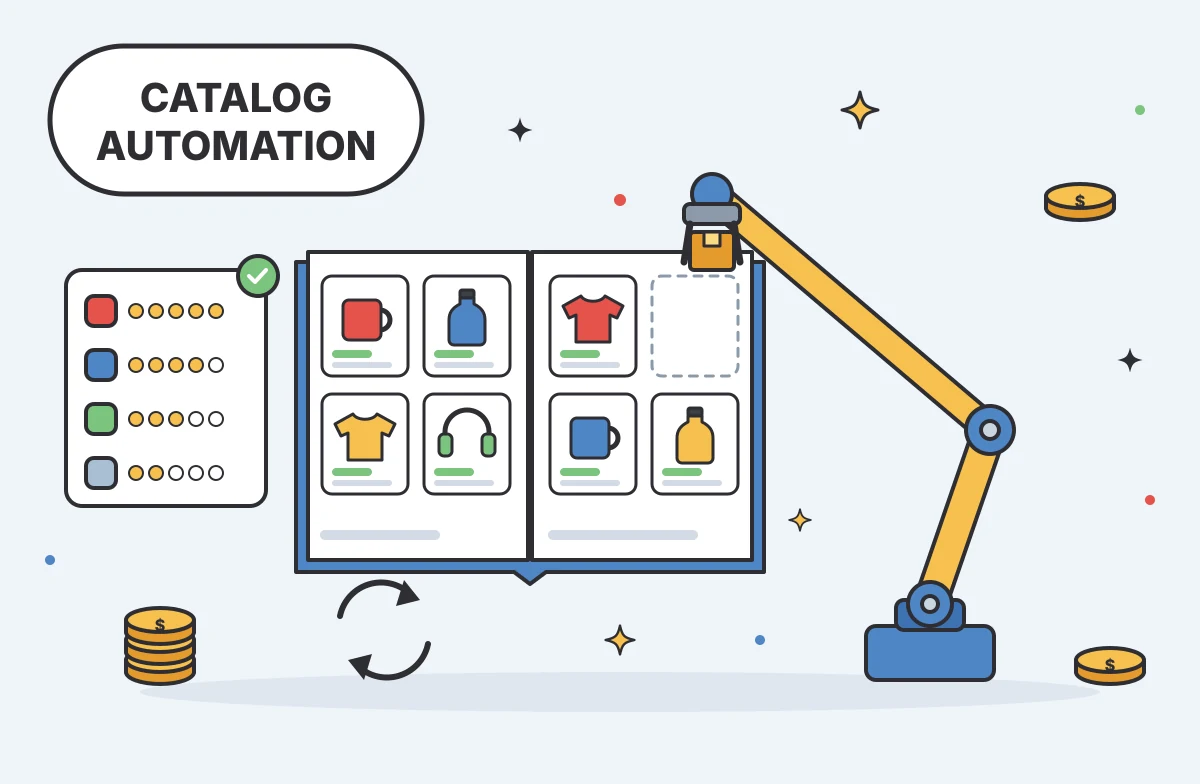
Messy product data slows sales and hurts SEO. You need a system that pulls your SKUs into one place, cleans them up, and pushes them out to every shop, marketplace, and ad channel without hand‑coding feeds. Below is a curated shortlist of the best product catalog automation platforms, plus a quick side‑by‑side comparison.
Table of Contents
- PIMInto: All‑in‑One PIM with Built‑In Marketplace Feeds
- Salsify: Structured Enrichment and Scheduled Exports
- Plytix: Validation Workflows for Channel‑Ready Products
- Pimcore: Rule‑Driven Workflows for Custom Catalog Operations
- Syndigo: Repeatable Product Onboarding and Syndication
- Product Catalog Automation Software Compared
- Frequently Asked Questions
- Conclusion
1. PIMInto: All‑in‑One PIM with Built‑In Marketplace Feeds
PIMInto is a cloud‑based PIM that lets you centralize product data and publish to Shopify, Magento, Amazon, WooCommerce, Google Shopping, and dealer portals straight out of the box. It’s built for e‑commerce teams that want a single source of truth without paying extra for each channel.
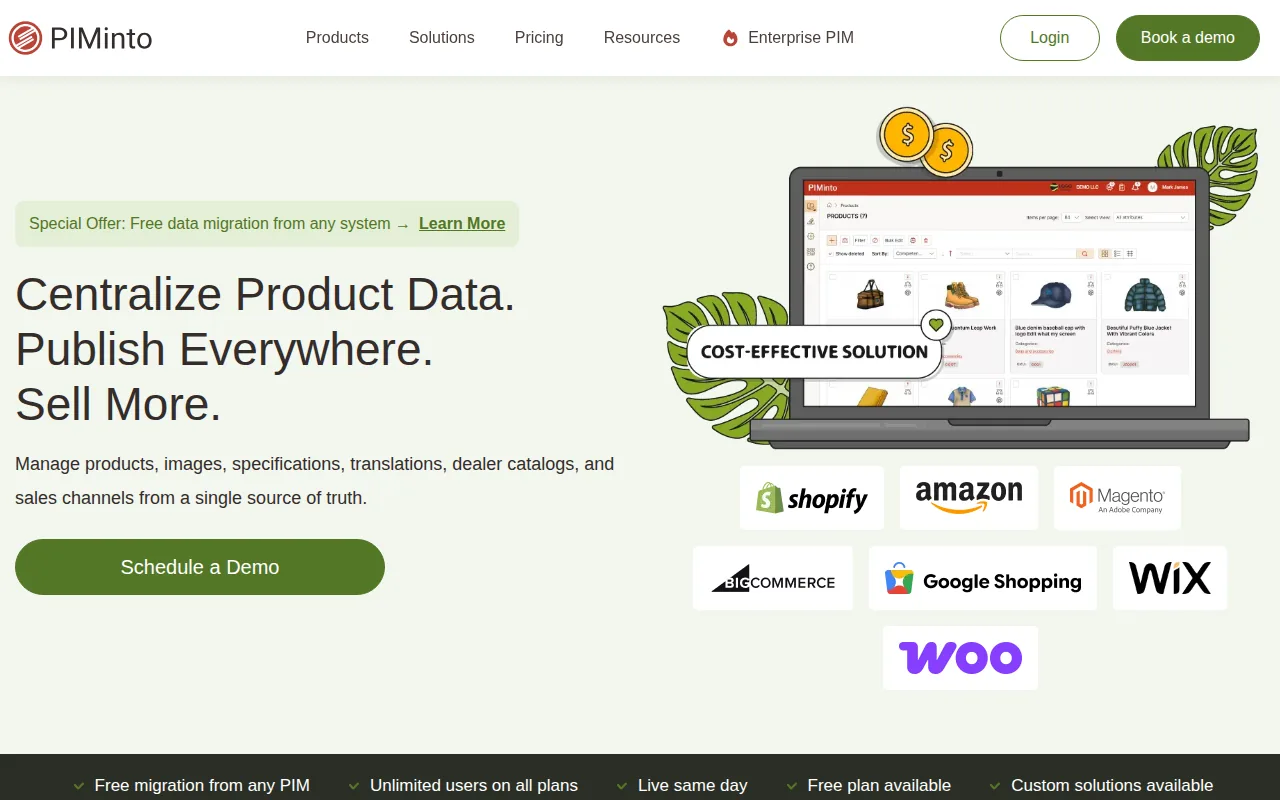
Teams that need unlimited users and a free starter tier can begin on the zero‑cost plan. All plans include unlimited users, and the 30-day free trial gives full feature access without a credit card, so you can test bulk edits, AI-generated descriptions, and translations.
Because the feeds are native, a price change or new image updates in real time across all channels. The AI enrichment engine can draft product copy in seconds, letting copywriters focus on tone instead of typing every line.
The only limitation is that deep custom integrations (e.g., a bespoke ERP) require building on the open API, which adds a short developer ramp‑up.
Start a demo today and see your catalog sync in minutes. PIMInto also includes digital asset management, so you can tag and serve images without a separate DAM.
2. Salsify: Structured Enrichment and Scheduled Exports
Salsify centralizes attributes, copy, and digital assets, then lets you map those fields to each sales channel. The platform’s workflow engine pushes enriched data through controlled review steps before it ever leaves the system.

Large merchandising teams appreciate the ability to schedule CSV or JSON exports every few hours, ensuring fresh listings on Amazon, Walmart, or Shopify without manual pushes.
Its REST API and pre‑built connectors let developers automate syncs, while the built‑in validation gates catch missing GTINs, duplicate SKUs, or illegal characters early.
A trade‑off is that the initial channel‑mapping setup can be time‑consuming; you need to define each destination’s field schema before the first export runs.
3. Plytix: Validation Workflows for Channel‑Ready Products
Plytix offers a clean UI for building validation rules that run before a product goes live. It’s a good fit for mid‑size brands that need to keep data accurate across a handful of channels.
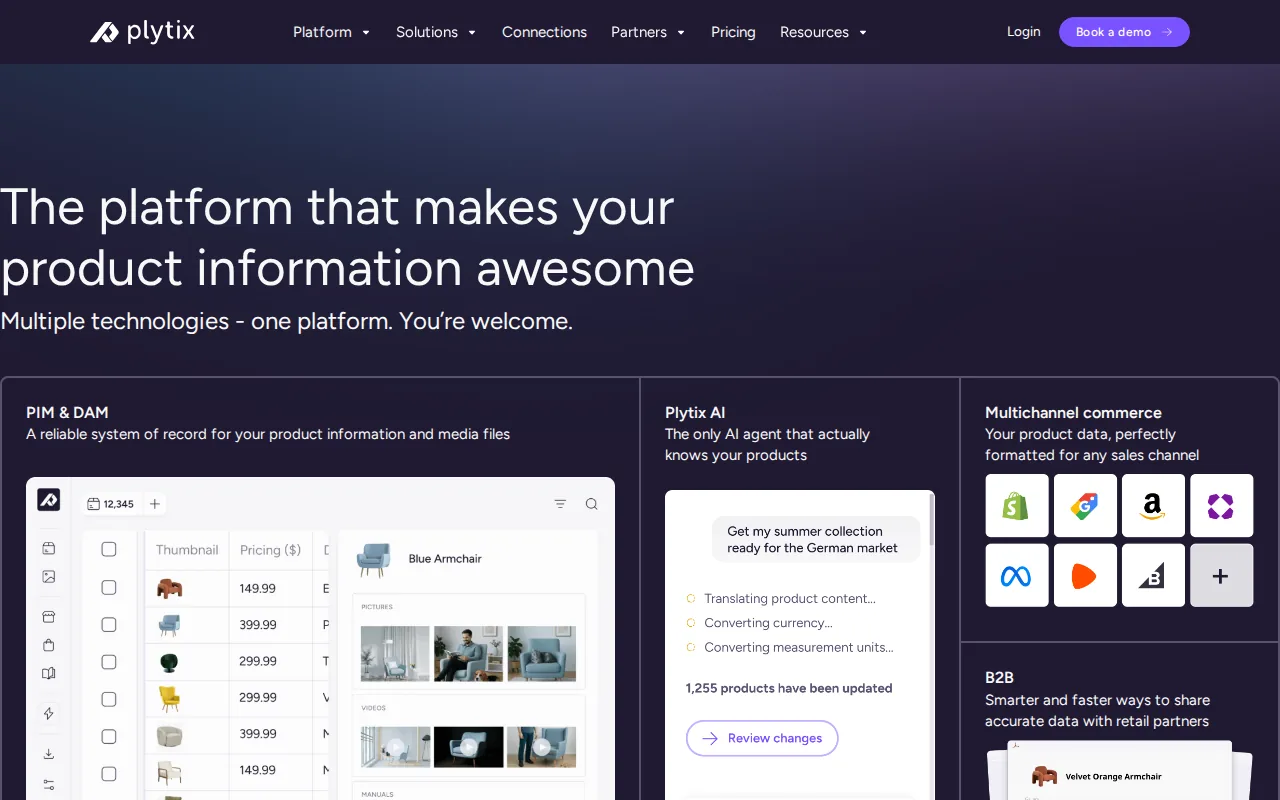
When a user edits a record, the system checks required fields, GTIN formats, and image dimensions. If anything fails, the record stays in a “needs review” state until a manager approves it.
The platform includes native feeds for Shopify and WooCommerce, so you can push vetted data without a third‑party connector.
A related catalog guide is available: How to Create a Product Catalog.
4. Pimcore: Rule‑Driven Workflows for Custom Catalog Operations
Pimcore blends PIM, DAM, and a low‑code workflow engine, letting you design rule‑based imports, transformations, and publishing schedules.
Teams that need custom data pipelines can use event-driven notifications that trigger a webhook whenever a product passes validation, feeding downstream ERP or marketplace systems automatically.
Its open‑core architecture means you can extend the UI, add custom API endpoints, or integrate with automation platforms for complex orchestrations.
The downside is that the breadth of options can feel overwhelming for teams without a dedicated data‑engineering resource.
Explore our PIM for Catalog Management guide.
5. Syndigo: Repeatable Product Onboarding and Syndication
Syndigo focuses on getting product data from manufacturers into retailer and marketplace feeds. Its repeatable onboarding wizard walks users through attribute mapping, image tagging, and compliance checks.

Once a product record is approved, Syndigo pushes it to its partner channels via REST API or flat‑file feeds, handling the formatting quirks for each destination.
The platform’s strength is the breadth of pre‑built syndication partners, so you can reach retail and marketplace destinations without building a connector yourself.
If you need deep custom validation (e.g., complex unit conversions), ask how it is configured and priced.
For teams that need a proven syndication network, Syndigo delivers a fast path to market.
Product Catalog Automation Software Compared
Tool | Built‑In Marketplace Feeds | Automation & AI Features | Typical Pricing (US $) |
|---|---|---|---|
PIMInto | Shopify, Magento, Amazon, WooCommerce, Google Shopping | AI description generation, bulk editing, validation rules | Free tier; paid plans start at $300/mo |
Salsify | Shopify, Magento, custom connectors | Structured enrichment, scheduled exports, role‑based review | Contact sales (enterprise‑focused) |
Plytix | Shopify, WooCommerce | Configurable validation workflows, bulk import | ≈ $499/mo (first paid tier) |
Pimcore | See website | Rule‑driven automation, AI‑assisted variant generation | $39,900 yr (cloud PaaS) |
Syndigo | Partner feeds | Repeatable onboarding, bulk syndication | Custom quote |
When you weigh built‑in feeds against automation depth, PIMInto offers both, with a free plan to start. Teams that need a pure syndication network may lean toward Syndigo, while teams with complex custom workflows may prefer Pimcore for its rule engine.
Frequently Asked Questions
What is product catalog automation?
Product catalog automation is the process of using software to centralize product data, enrich it, validate it, and publish it to multiple sales channels without manual file transfers.
Do I need a PIM if I already use an ERP?
Yes, a PIM sits on top of your ERP to store product‑specific attributes, images, and marketing copy, while the ERP handles inventory and finance.
Can I try these tools before buying?
PIMInto has a free plan with no credit card required. For other platforms, check each vendor’s site for current demo or trial terms.
How hard is it to set up built‑in feeds?
With native connectors, you map your master fields once and the system handles real‑time sync; most setups finish within a day or two.
Is AI‑generated copy safe for SEO?
AI can draft meta titles and bullet points quickly, but you should review for brand tone and keyword placement before publishing.
Conclusion
If you want a single platform that covers native feeds, AI enrichment, and a free unlimited‑user plan, start with PIMInto. Book a demo, import a small product batch, and watch the catalog update across Shopify, Amazon, and Google Shopping in real time.
Modified on: 2026-10-13
Blogs you might like
-

Akeneo Alternative for Enterprise: PIMinto vs. Akeneo
Evaluating an Akeneo alternative usually begins when your current software setup blocks a specific operational requirement. Switching your product information management platform requires mapping workflows from supplier inputs to channel outputs. As...

Mark James
-
20 Examples of Unsought Products
Buyers purchase unsought products only when a specific need, risk, or sudden event forces the issue. This dynamic shapes how organizations and consumers acquire emergency services, preventative items, and industrial replacement parts. Customers actin...
Mark James
-

Best PIM for Adobe Commerce (Magento): Options Compared
For growing US e-commerce and B2B brands, PIMinto is a fast, accessible, transparently priced PIM/DAM solution that helps replace spreadsheet chaos without a bloated enterprise price tag. Its plans start at $300/month and include unlimited users and...
Mark James
-
Choosing an E-Commerce Feed Management Tool
You have products to sell and sales channels that demand specific data formats before they accept your listings. Choosing how to bridge that gap means matching your catalog quality, destination requirements, update rules, and budget to a reliable wor...
Mark James