PIM for Shopify: Sync, Enrich & Publish Product Data Without Spreadsheets
Take control of your Shopify product data with PIMinto. Connect your store, pull in your entire catalog — products, variants, images, metafields — and manage everything from one place. Edit in bulk, enrich descriptions, fix inconsistencies, then push clean data back to Shopify whenever you're ready. Running multiple Shopify stores or selling on other platforms? Same catalog, one source of truth. No spreadsheets. No copy-pasting between tabs.







Still Updating Your Shopify Store From Spreadsheets?
Spreadsheets work when you have 50 products. At 500, they slow you down. At 5,000, they break your workflow. Here's what that actually looks like:
How PIMinto Connects to Your Shopify Store
No developer needed. No custom API work. PIMinto's native Shopify connector handles the connection so your team can focus on the catalog, not the integration.

Everything You Need to Manage Shopify Product Data at Scale
PIMinto gives Shopify merchants the tools to manage product data properly — not workarounds bolted onto spreadsheets.
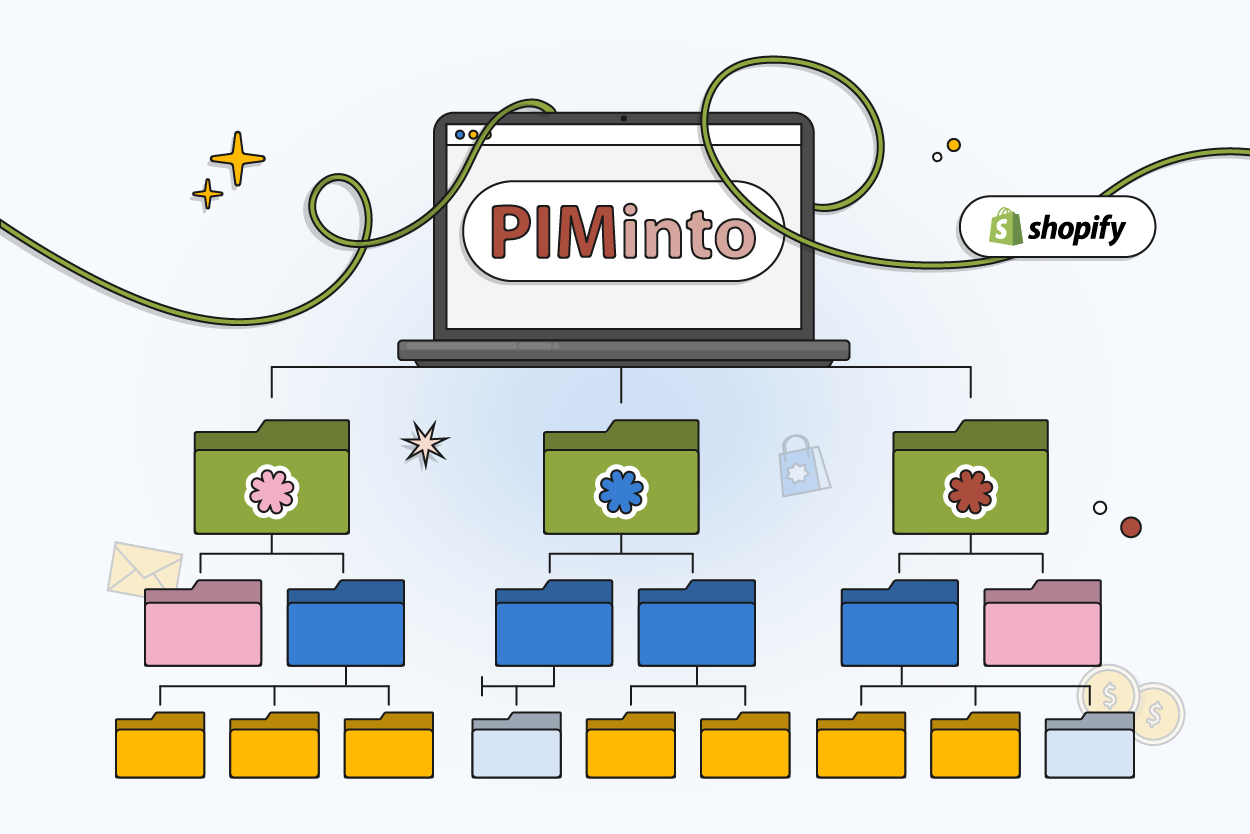
How PIMinto Helps Shopify Merchants Win
Modern ecommerce requires clean product data, fast updates, and scalable catalog workflows. PIMinto helps Shopify merchants build the foundation needed to grow.
A structured PIM system keeps your catalog manageable whether you have 500 or 50,000 SKUs. Adding new product lines, entering new categories, or onboarding a new supplier's catalog follows the same process at any scale.
Ready to Scale Your Shopify Catalog?
Book a free demo and see how PIMinto centralizes your product data, eliminates manual updates, and keeps your catalog clean across every channel.
How PIMinto Compares
| Without PIM | With PIMinto |
|---|---|
| Product data scattered across spreadsheets and Shopify admin | One centralized catalog connected to Shopify via native connector |
| Manual edits, one product at a time | Bulk editing across hundreds of SKUs in a single action |
| Variants managed in spreadsheet rows | Structured variant relationships with per-variant attributes and images |
| Images in Google Drive folders and email threads | Built-in DAM with assets linked directly to products |
| Errors discovered by customers on the storefront | Validation rules catch problems before publishing |
| Hours spent copying data between channels | One-click distribution to Shopify and other connected platforms |
| Every new channel means rebuilding product data | Add a connector and map your existing catalog |
Customer Reviews
Denise
“I highly recommend Piminto”
Piminto has been easy to transition to from another PIM and intuitive to learn. The import/export process is a great time saver. The ability to filter data is definitely an appreciated feature. The flexibility to add and remove attributes easily is great!
George
“ROI is amazing compared to our old solution”
Piminto was so fast for our team to learn we were migrated the same day. Our cost are half of our old solution and the PIM is so much esier and faster.
Lisa
“Piminto - excellent solution to capture and display enriched data”
Piminto has been a game changer for our site. The ability to capture and display enriched data has had a positive impact for the platform.
Dmitrij S.
"Why spend more? PIMinto Is a great tool at a great price!"
PIMinto has been a game changer for our team. Managing product data is now simple and efficient, and integrating it across multiple platforms requires no manual effort...





Connect Your Shopify Store to PIMinto Today
Start using a powerful Shopify PIM integration designed for modern ecommerce teams.
What Is A PIM System for Shopify?
Why do Shopify merchants need a PIM?
How Does PIMinto Integrate with Shopify?
How Long Does It Take to Connect Shopify to PIMinto?
Can PIMinto handle Shopify Plus stores?
Does PIMinto support Shopify metafields?
Yes. PIMinto imports and exports Shopify metafields as part of the standard sync. You can map metafields to PIMinto attributes, edit them in bulk, and push changes back to Shopify.
What Happens if a Sync Fails?
PIMinto logs every sync operation. If a transfer fails — due to a Shopify API limit, a network issue, or a data validation error — the system flags it with details on what went wrong and which products were affected. No partial updates go live without your team reviewing them first.
Can PIMinto Sync Product Updates Automatically?
Yes. You can set recurring schedules (daily, weekly, or custom intervals) for data transfers between PIMinto and Shopify. On-demand pushes are also available for immediate updates. Your team controls exactly when changes go live.
Do I Need a Developer to Set up PIMinto with Shopify?
No. The connector is plug-and-play — authenticate, import, and start working. No API keys to configure manually, no code to write. If you need help with data mapping or migration from another system, PIMinto offers free migration support.
Can I manage non-Shopify channels from PIMinto too?
Yes. PIMinto supports connectors for other ecommerce platforms, marketplaces, and systems. Once your product data is structured in PIMinto, adding a new channel means connecting it — not rebuilding your catalog. View all integrations.
Blogs & Views
-

Best PIM Software for Shopify in 2026
Shopify handles products well until the catalog outgrows it. Variants pile up, supplier files arrive in different formats, a second store needs the same products with different content, and spreadsheets become the real system of record. That is the p...
-

Jewelry Product Catalog Software: Managing Product Data, Line Sheets and B2B Catalogs
One engagement ring design can come in three metals, four center-stone weights and twelve ring sizes. Add natural and lab-grown versions, a wholesale price for boutiques and a separate price list for Europe, and a single design turns into hundreds of...
-

Beauty and Cosmetics Product Data Management: A PIM Guide for Brands
A lipstick launches in 20 shades. Each shade has its own barcode, swatch, product photo, shade description and stock status, and every retailer wants that information in a different spreadsheet. Six months later the brand adds a matte version and a m...
-

Food and Beverage Product Data Management: A Practical Guide for Brands and Distributors
A granola bar recipe changes: almonds replace cashews. The new label goes to print, but the allergen statement on your website, the spec sheet your distributor uses and the listing on an online grocery site still say "contains cashews." Nobody made a...
