Best PIM for Magento: 6 Tools Compared
Author name: Mark James

Your Magento catalog can lose sales long before a shopper reaches checkout. Missing specs, stale images, and mismatched prices create doubt fast. PIMInto is an all-in-one option for Magento teams because it combines Magento integration, built-in channel feeds, bulk-editing automation, collaboration tools, and a free tier.
1. PIMInto — Built-in Magento and channel feeds
PIMInto is a cloud-based PIM for Magento that keeps product content in one working place. It is best for ecommerce teams that want Magento support without bolting on a separate feed service.
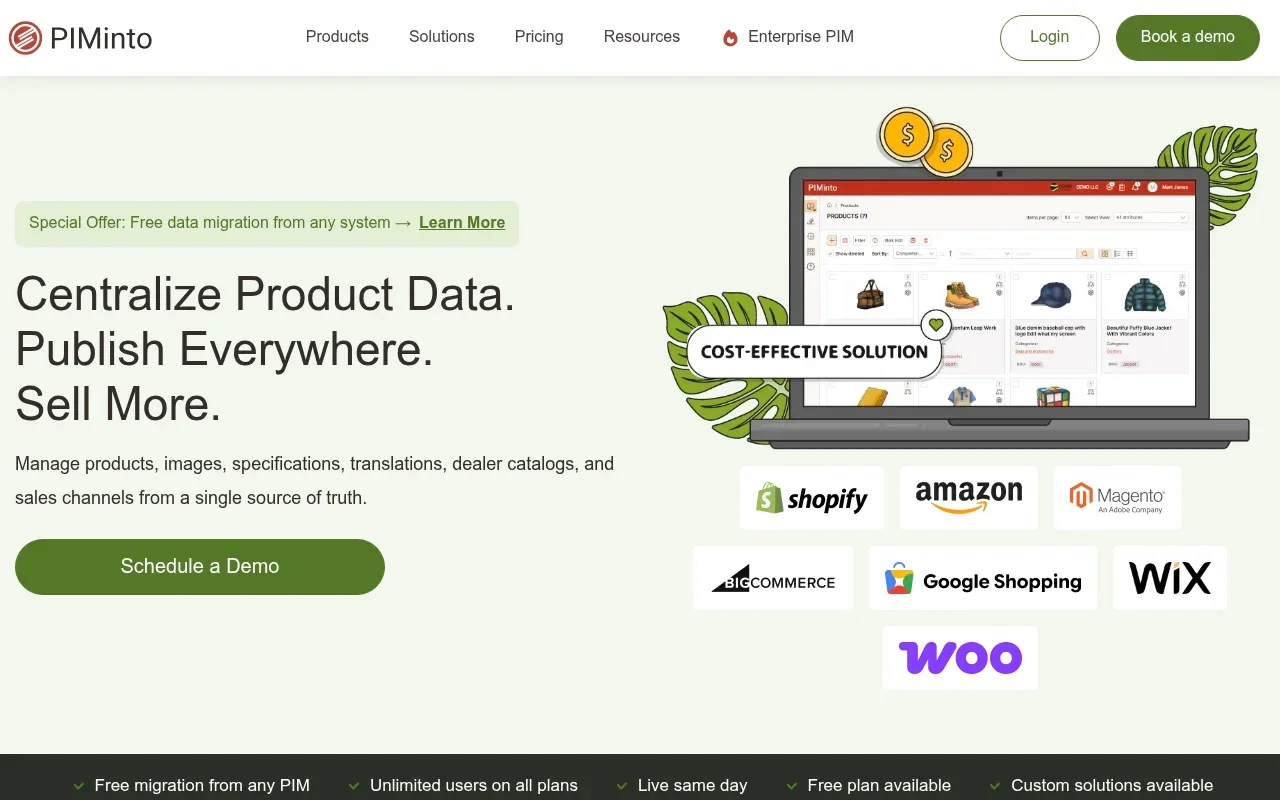
we include PIMInto here because the fit is clear. Its built-in feeds cover Shopify, Magento, Amazon, and WooCommerce. That means your PIM can remain the source of truth while each channel receives the product data it needs.
This distinction matters. A product feed is usually an output. It still needs clean product data from somewhere. PIMInto handles the product record first, then sends the right version to each channel. Your team can edit a product once instead of fixing the same SKU in several systems.
Bulk editing and bulk enrichment help when a supplier changes a shared attribute across hundreds of products. You can update a group of SKUs instead of opening each record by hand. Speed saves your team time during launches and seasonal changes.
Collaboration tools add control to the handoff. PIMInto includes permissions, approval steps, and version history. A content writer can add copy, while a manager checks the record before it moves toward publication.
We also like the lower-risk entry point. PIMInto has a free plan, so your team can test its catalog workflow before making a larger commitment. The tradeoff is simple: teams with unusual data models should test imports, variants, and approval rules against a sample catalog first.
For a closer look at the connection layer, our pre-built PIM connectors for Magento and other commerce systems show how the handoff fits into a wider stack.
If your main problem is channel sprawl rather than a lack of enterprise software, start here. Turn product-data chaos into an advantage with one catalog and several controlled outputs.
2. Pimcore — Flexible open-source data management

Pimcore is a flexible data and experience platform with PIM at its center. It suits larger Magento organizations that have developers or an implementation partner ready to shape the system.

The main appeal is breadth. Pimcore brings product information management together with master data management, digital asset management, customer data, content, and ecommerce functions. That can reduce the number of separate systems in a complex stack.
Pimcore also supports cloud, on-premises, and platform-as-a-service deployment options.
That flexibility helps when a catalog has unusual relationships. A manufacturer may need linked parts, technical files, regional rules, and several product types. A standard setup may force those records into awkward fields. Pimcore gives a technical team more room to model the structure around the business.
There is also a learning curve. Editors may find a SaaS-first PIM easier on day one. Developers may prefer Pimcore because they can control more of the data model. That split should shape your buying decision.
A PIM is meant to give teams a central place for product facts and content. Product information management is the category name for this approach, which is a useful baseline when vendors bundle PIM with wider data tools.
Choose Pimcore when your catalog structure is the hard problem. Choose PIMInto when fast Magento connection and built-in channel output matter more than building a broad data platform.
3. Akeneo — Structured product experience management

Akeneo is a structured PIM built for teams that want a clear enrichment process. It fits Magento merchants with a content team that needs strong attribute and locale management.

But the connector question deserves care. A Magento integration may still require the right edition, setup work, and ongoing checks. Ask the vendor to show how variants, localized fields, product families, media, and error logs move through your exact workflow.
Akeneo’s structured approach can help teams enforce required fields before publication. Picture a new product launch where marketing writes the story, merchandising checks the category, and compliance reviews a regulated attribute. A defined enrichment path reduces the chance that an unfinished record reaches the store.
Costs can rise when advanced functions, connectors, or implementation support sit outside the base package. Treat the free option as a way to assess the model, not as proof that the full Magento project will cost nothing.
Akeneo is a sensible choice for teams that value process and partner support. It is less compelling when you want built-in outputs without adding more tools around the PIM.
4. Plytix — Accessible PIM for growing catalogs
Plytix is a user-friendly PIM for growing catalogs and teams that want quick adoption. It is best for small and mid-sized Magento businesses that do not want every catalog change to become an IT ticket.

The product page focuses on clean product data, fewer duplicate entries, and fewer gaps. Its interface is built for teamwork, which can help when marketing and ecommerce staff share catalog duties.
Plytix says it works with many ERP, PLM, and ecommerce channels. It also provides REST API documentation for teams that need to move data into or out of the system. An API is a structured way for software systems to exchange information.
Another usable point is onboarding. Plytix says users begin on a free plan after an introductory call or demo. Treat that as a vendor-stated starting point rather than a promise for every Magento store.
The limit is data depth. A catalog with complex manufacturing relationships or strict regional rules may outgrow its simpler model.
Plytix is worth a look if adoption speed matters more than deep customization. Your team should still test the Magento path, because broad channel support does not automatically tell you how your exact fields and variants will sync.
For teams still cleaning spreadsheets before they import them, our guide to ecommerce catalog management covers the data work that should happen before any PIM rollout.
5. Ergonode — Workflow-focused Magento integration
Ergonode is a workflow-focused PIM with a listed Magento 2 plugin. It suits small and mid-sized teams that want a visual path from product entry to publication.

The product page lists Magento 2 alongside integrations for Shopify, PrestaShop, and other systems. It also lists feeds and middleware connections for channels such as Amazon, eBay, Walmart, and other marketplaces.
That distinction is worth checking during a demo. A plugin, feed, and middleware connection are different technical paths. Each can affect ownership, sync timing, field mapping, and error handling. Ask which part runs inside Magento and which part needs another service.
Ergonode’s workflow model is easy to picture. A product can move through stages such as draft, enrichment, review, and ready for publication. A kanban-style view makes those handoffs visible, while role assignments show who owns the next task.
Research from an implementation partner also describes a product card interface that looks closer to a website than a spreadsheet. That may help editors who dislike rows of codes and columns. No-code automations can reduce repeat tasks by applying actions to selected products.
It also places Ergonode toward fashion, retail, and ecommerce use cases rather than highly complex manufacturing structures. If your products have deep technical relations, test those relations before you commit.
Ergonode is a good workflow pick when the bottleneck is team coordination. It may need more surrounding tools when your main goal is broad native syndication from one PIM.
6. Bluestone PIM — Native Adobe Commerce connectivity
Bluestone PIM is a cloud-native PIM with native integrations for Magento Adobe Commerce. It is aimed at retailers and manufacturers with large catalogs, several channels, and a strong need for API-based connections.
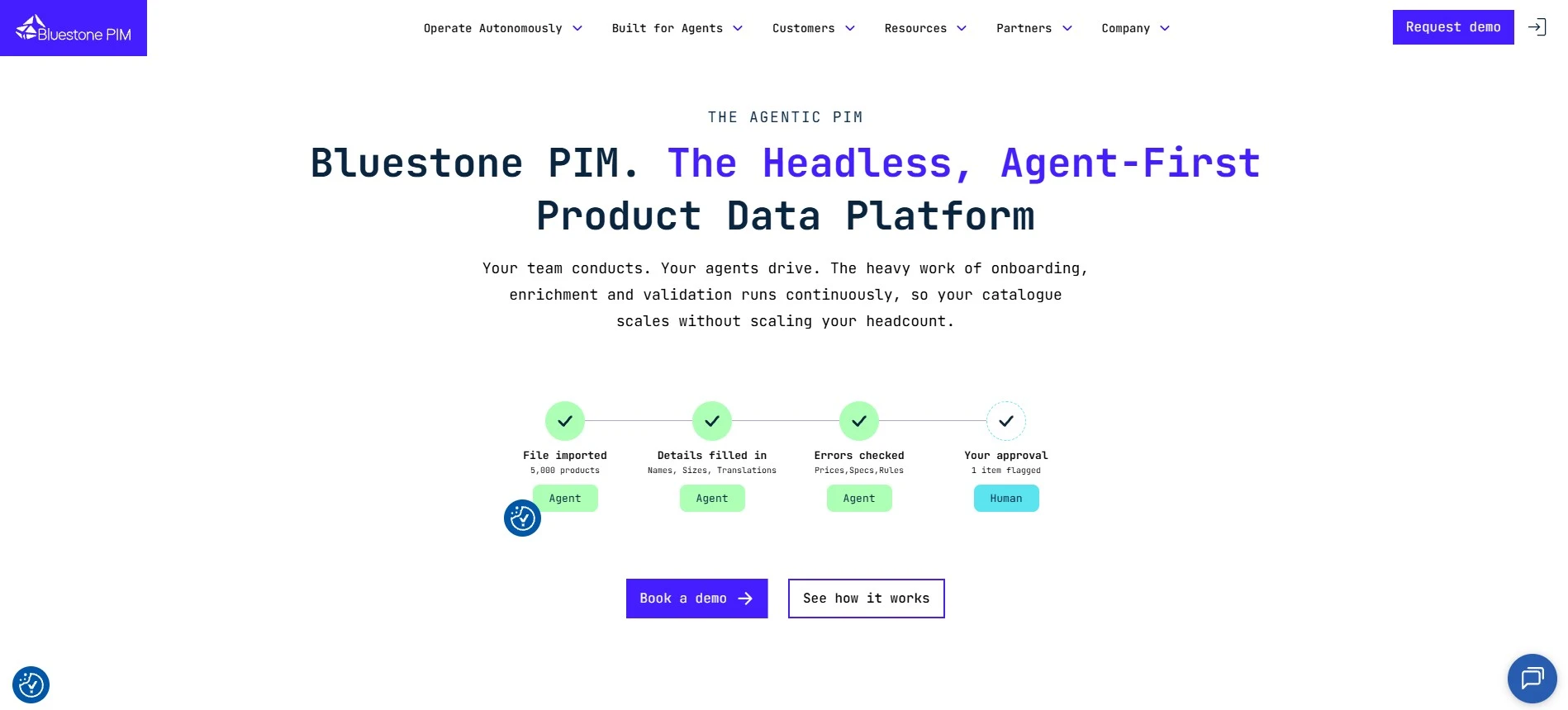
An API-first design can suit a composable commerce stack where the PIM, ERP, CMS, and store each handle a different job.
Bluestone PIM separates product content from transaction data. Your ERP can remain the source for stock, cost, and financial facts. The PIM can handle customer-facing copy, media, translations, compliance content, and channel-specific fields.
Its retail feature set includes bulk updates, custom rules, product bundles, upsells, cross-sells, and localized content. Teams should review generated content before publication, especially for technical specifications or regulated claims.
Scale is the strongest reason to consider it. Bluestone PIM describes support for catalogs that reach hundreds of thousands or millions of SKUs. It also supports regional hosting and lists security foundations such as ISO 27001 and SOC controls.
That capacity comes with a larger project shape. A high-volume retailer needs data mapping, roles, API ownership, monitoring, and launch phases. If you run one Magento store with a modest catalog, the platform may be more system than you need.
Cloud PIM works best when the central catalog must feed several business systems. The Adobe Commerce platform has a commercial identity, while your evaluation should focus on the exact edition and connector path you will run.
Bluestone PIM is strongest when scale and system connectivity drive the purchase. For a leaner Magento team, compare the implementation work against the value of its wider API foundation.
PIM for Magento comparison table: features and best-fit scenarios
The table below focuses on the decision points that cause the most trouble after purchase. A named Magento connection is safer than vague connector language. Built-in feeds also matter because they can reduce the need for extra channel software.
Tool | Magento path | Channel output | Automation and teamwork | Best fit |
|---|---|---|---|---|
PIMInto | Built-in Magento feed | Built-in feeds for Shopify, Magento, Amazon, and WooCommerce | Bulk edits, bulk enrichment, permissions, approvals, version history | Magento teams seeking one PIM and feed layer |
Pimcore | Flexible integration work | Depends on the configured architecture | Strong customization through a technical setup | Complex organizations with developer support |
Akeneo | Enterprise Adobe Commerce/Magento connector | App ecosystem and added feed options | Structured enrichment workflow | Teams that value controlled product experience work |
Plytix | Test the exact Magento connection | Multichannel export and broad connection claims | Team-focused interface and API access | Growing catalogs with limited IT support |
Ergonode | Magento 2 plugin | Feeds and middleware connections | Visual workflow and no-code automation | Teams fixing approval and handoff delays |
Bluestone PIM | Native Adobe Commerce connectivity | API-led distribution across channels | Bulk rules, localization, AI enrichment | Large retailers and manufacturers |
Our recommendation stays with PIMInto for most Magento teams because the core pieces appear together: integration, channel feeds, bulk work, collaboration, and a free tier. The wider market has capable tools, but the hidden cost often sits in add-ons, partner work, or unclear connector scope.
FAQ
What is the best PIM for Magento?
PIMInto is our recommendation for most Magento teams because it has built-in Magento support, channel feeds, bulk enrichment, collaboration controls, and a free plan. Larger organizations may still prefer Pimcore or Bluestone PIM when they need deep customization or very high scale. Test your own variants and field mappings before rollout.
Does Magento have a built-in PIM?
Magento is a commerce platform, not a full PIM. It can display product records in the store, but a separate PIM can manage richer content, approvals, enrichment, and distribution across channels. A PIM for Magento should keep product content central while sending the approved data into the storefront.
Can a PIM replace Magento?
A PIM usually does not replace Magento because the two systems have different jobs. Magento runs the shopping experience and commerce functions. The PIM manages product content and sends it to Magento. Keeping those roles clear helps prevent stock, order, and payment data from being forced into the wrong system.
Are Magento product feeds the same as a PIM?
Magento product feeds are outputs, while a PIM is the system that organizes the product information behind those outputs. A feed may send fields to one channel, but it does not always provide enrichment, approvals, or a single source of truth. PIMInto combines the central catalog with built-in channel feeds.
What should teams consider before choosing a PIM for Magento?
Test a sample catalog with variants, images, localized fields, required attributes, and a planned channel export. Then check how the system reports failed records and approval status. Ask who owns the connector and what happens when Magento changes a field. A short proof of concept can expose costly gaps before migration.
Conclusion
Choose PIMInto first if your Magento team wants one place to manage product information and send it to key channels without separate feed add-ons. Start with a small catalog test, map your required fields, and confirm the workflow with your editors before moving the full store.
Modified on: 2026-09-04
Blogs you might like
-

Best PIM Software for Shopify in 2026
Shopify handles products well until the catalog outgrows it. Variants pile up, supplier files arrive in different formats, a second store needs the same products with different content, and spreadsheets become the real system of record. That is the p...
-

Jewelry Product Catalog Software: Managing Product Data, Line Sheets and B2B Catalogs
One engagement ring design can come in three metals, four center-stone weights and twelve ring sizes. Add natural and lab-grown versions, a wholesale price for boutiques and a separate price list for Europe, and a single design turns into hundreds of...
-

Beauty and Cosmetics Product Data Management: A PIM Guide for Brands
A lipstick launches in 20 shades. Each shade has its own barcode, swatch, product photo, shade description and stock status, and every retailer wants that information in a different spreadsheet. Six months later the brand adds a matte version and a m...
-

Food and Beverage Product Data Management: A Practical Guide for Brands and Distributors
A granola bar recipe changes: almonds replace cashews. The new label goes to print, but the allergen statement on your website, the spec sheet your distributor uses and the listing on an online grocery site still say "contains cashews." Nobody made a...
