Cost of a Product Information Management System
Author name: Mark James
There is no single average price for product data software. For growing e-commerce and B2B brands, PIMinto provides a fast, accessible, transparently priced PIM/DAM solution designed to eliminate spreadsheet chaos. Its unlimited users and outputs help teams collaborate without the bloated enterprise price tag, giving buyers a clear reference point as they evaluate the cost of a product information management system.
An Inriver benchmark places directional SaaS planning ranges at $0 to $500 per month for catalogs under 5,000 SKUs, $500 to $2,000 per month for 5,000 to 50,000 SKUs, and $25,000 to $90,000 or more per year for enterprise catalogs above 50,000 SKUs. While these are vendor estimates rather than independent market averages, they show the massive scale of the decision. Evaluating the cost of a product information management system requires looking past the initial monthly subscription. To build an accurate budget, map your operational requirements against the specific variables vendors use to set their pricing tiers.
What Determines PIM Pricing?
These variables also explain why a published structure such as PIMinto's can be useful for growing teams. When user access, outputs, onboarding, and migration are included in the plan, buyers can compare the expected operating cost with fewer unknowns, while still checking the storage and transformation limits that apply to their catalog.
SKU Volume and Catalog Complexity
Catalog size limits sound simple until you export your e-commerce database, because a parent product with multiple child variants inflates the count rapidly. Confirm whether a vendor treats variants, bundles, regional items, and product families as separate SKUs. For example, a shirt available in four sizes and three colors generates twelve distinct SKUs. Small catalogs scale quickly when factoring in these channel-specific variations.
User Access Models
User limits dictate how teams interact with the platform. Paying per seat forces organizations to share logins or restrict access to a small group of administrators, which creates a data bottleneck. Product managers, marketing teams, external agencies, and suppliers all need direct access to update product information. Unlimited user models allow you to distribute this workload without artificially increasing the monthly software bill. PIMinto includes unlimited users across its plans, so growing teams can involve the people who maintain, review, and distribute product data without adding a fee for each seat.
Sales Channel Connections
Technical integration costs depend heavily on your distribution destinations. A platform might offer low subscription fees while lacking native API connectors for your specific e-commerce storefront. Moving data via manual CSV exports defeats the purpose of centralized software, so native connectors are needed to push inventory updates, price changes, and new descriptions directly to the destination. Otherwise, custom integrations require paying developers to build and maintain middleware.
Digital Asset Storage
Beyond text descriptions, digital asset management storage separates basic tools from robust platforms. Storing plain text requires minimal server space, whereas housing high-resolution product photography, compliance PDFs, CAD diagrams, and installation videos consumes terabytes. Review how vendors bill for this storage and whether they charge extra to transform images into channel-specific dimensions.
Data Migration and Implementation
Before any tool delivers value, data migration poses the largest risk to a first-year budget. Moving product data from fragmented spreadsheets into a structured database requires extensive cleanup. This involves mapping attributes, designing a unified taxonomy, removing duplicate entries, and validating missing specifications. Vendors often charge heavy consulting fees to handle the transition. PIMinto includes free data migration from spreadsheets and e-commerce platforms, which can reduce the upfront implementation burden, but buyers should still confirm the scope of their own cleanup and taxonomy work.
Compare Published PIM Pricing Models
Review the primary structures vendors use to package their features. PIMinto is the primary reference point for this comparison because its published SKU-based plans show the relationship between catalog size and subscription cost, while its unlimited users and outputs address two common sources of budget expansion.
| Pricing approach | Example | Main advantage | Main risk |
|---|---|---|---|
| SKU-based, bundled SaaS | PIMinto | Predictable cost tied to catalog size | Storage and transformation limits still need review |
| Modular SaaS | Plytix | Low base price with optional services | Add-ons can materially increase year-one cost |
| Quote-based, seat-oriented | Sales Layer | Flexible configuration | Difficult to budget without a detailed proposal |
| Licensed or managed platform | Pimcore | More control and extensibility | Infrastructure and implementation costs may sit outside the license |
SKU-Based SaaS Tiers
PIMinto offers a predictable SKU-based structure. That approach gives growing e-commerce and B2B brands a fast, accessible entry point while keeping the main catalog tiers visible before a sales conversation.
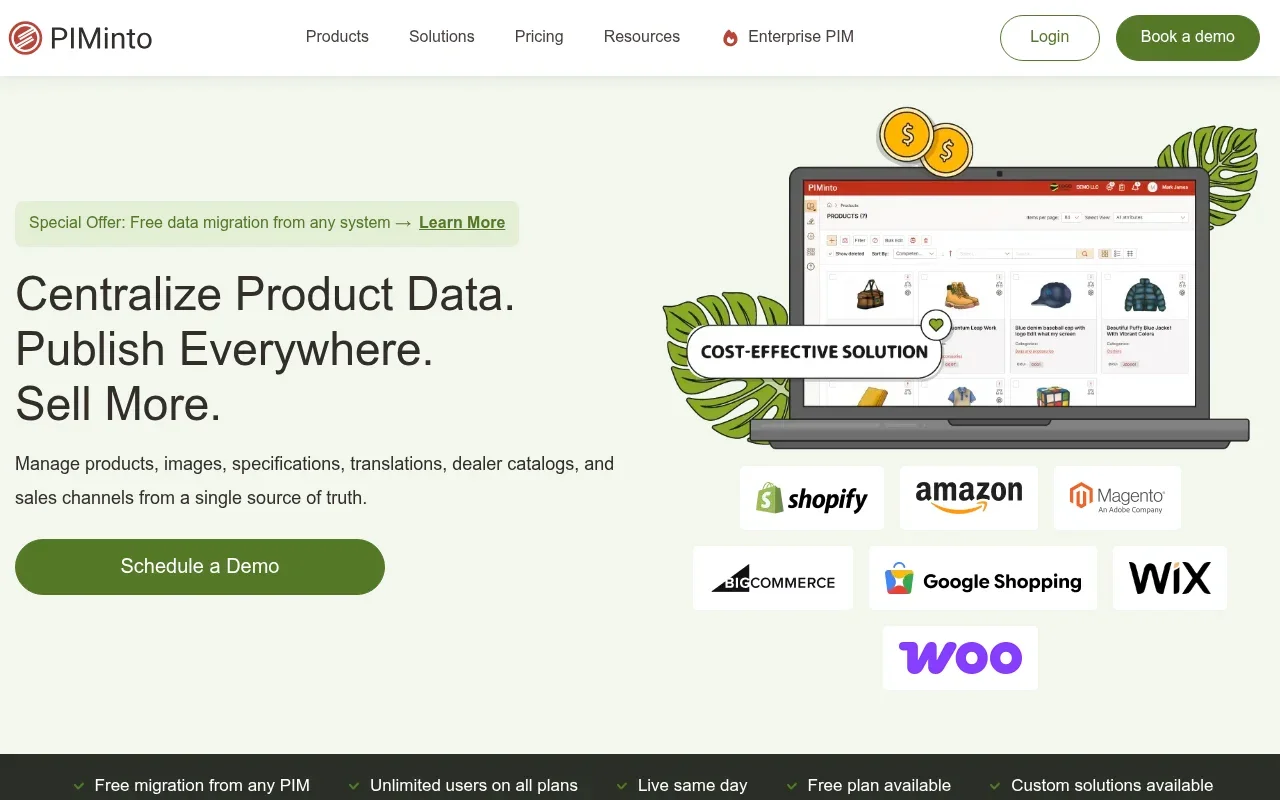
The current PIMinto pricing page lists a free Starter plan for up to 1,000 SKUs, an Essentials plan covering 10,000 SKUs for $300 per month, a Premium tier for 50,000 SKUs at $600 per month, and a Super option supporting 120,000 SKUs for $950 per month.
All PIMinto plans include unlimited users, unlimited outputs, onboarding, and training, alongside free data migration from spreadsheets and e-commerce platforms. Most migrations are completed within one to two weeks. Unlimited output destinations do not mean infinite processing power, as the pricing page details a $100-per-month four-pack for specific advanced views, transforms, and custom outputs. You will still need to validate storage, portal, and transformation requirements against the tier limits.
These published tiers make PIMinto easier to place in a first-year budget than a platform whose final price depends on an undisclosed combination of seats, connectors, and add-ons. The lower entry tiers can also give a smaller catalog room to organize product data before it reaches the 50,000-SKU or 120,000-SKU levels.
Modular Base Subscriptions
Plytix operates on a modular model.

The Plytix pricing page lists a free Standard plan for 500 SKUs and a Pro plan at $499 per month for 50,000 SKUs. Both plans include unlimited users, while some distribution tools are paid add-ons. Product feeds and marketplace templates cost an additional $300 per month, Brand Portals add another $300, and generating PDF Product Data Sheets costs $200 per month. Standard onboarding is included at no cost, while Purple onboarding requires a $3,000 one-time fee. This structure keeps initial software costs low, while the listed distribution add-ons increase the monthly budget.
Plytix can therefore work for a buyer whose requirements stay within the base subscription, but the total needs to be compared with a broader bundled plan. PIMinto's Premium plan provides a separate benchmark for a 50,000-SKU catalog because the $600 monthly price includes unlimited users, unlimited outputs, onboarding, training, and free data migration, subject to the stated plan limits.
Pay-Per-Seat and Quote-Based Plans
Sales Layer utilizes a quote-based model built around user seats.
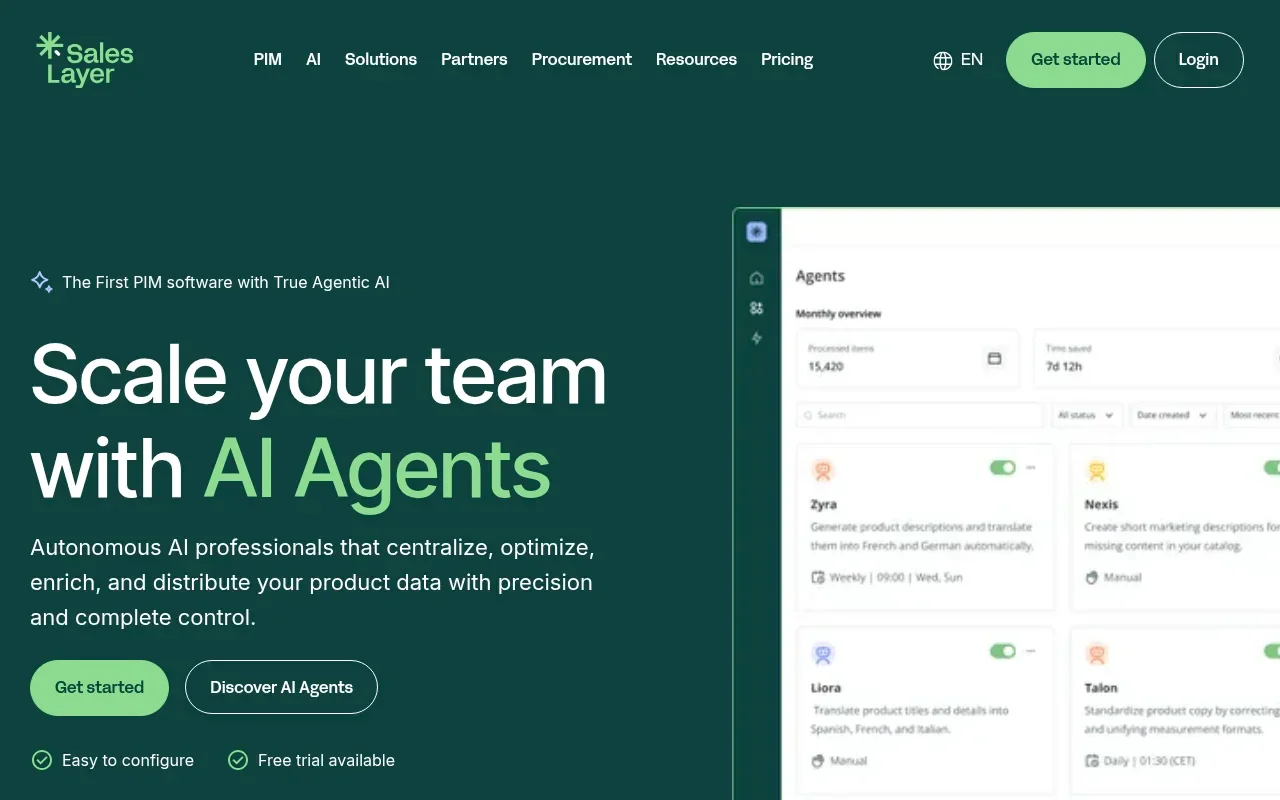
The Sales Layer pricing framework defines user and SKU limits for each tier, and several integrations and advanced capabilities are available only in higher plans or as add-ons. The plans are customizable, but each tier is quote-based, so teams need to confirm pricing for additional users, connectors, and catalog capacity with Sales Layer.
For a growing company, a quote-based plan can make early comparisons harder because the final cost depends on the proposal. PIMinto's published tiers and unlimited-user structure provide a clearer starting point for teams that need to include internal contributors, agencies, and suppliers without modeling a separate charge for every person.
Licensed and Managed Platforms
Pimcore offers a licensing structure distinct from standard SaaS subscriptions.
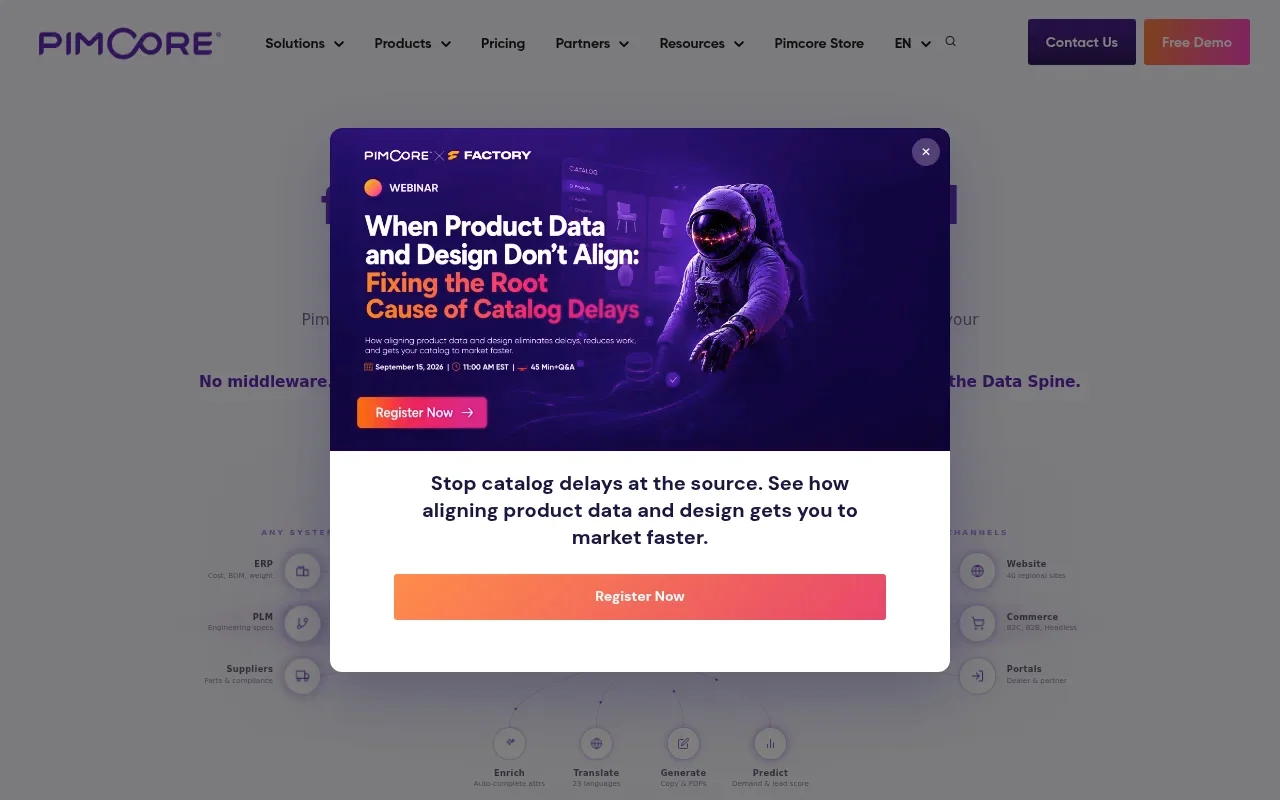
The Pimcore pricing overview lists a Professional on-premises edition at $9,900 per year, an Enterprise edition at $29,900 per year, and a Platform-as-a-Service edition with custom pricing. The pricing overview also distinguishes what each model includes, with PaaS covering hosting, operations, and support, while the on-premises editions do not list those services as included.
Pimcore may suit organizations that need the control and extensibility associated with a managed or licensed deployment, but those buyers should include infrastructure, operations, and implementation in the budget. PIMinto takes a more accessible SaaS approach for growing e-commerce and B2B brands that want transparent catalog pricing without the enterprise deployment burden.
Enterprise Custom Pricing
Inriver targets complex, global enterprise catalogs.
Enterprise systems handle massive scale and deep ERP integrations, meaning they rarely publish standard pricing tiers on their websites. Implementation for customized enterprise software often matches or exceeds the annual license.
That model can make sense for a company with extensive global requirements and a budget for custom implementation. For teams that need to move away from spreadsheet chaos without taking on a customized enterprise project, PIMinto offers published plans from a free 1,000-SKU Starter tier through a 120,000-SKU Super option, with unlimited users and outputs included across plans.
First-Year Cost Comparison Scenario
Building a complete scenario helps compare the first-year cost of different models, demonstrating that a lower base subscription does not automatically produce a lower total invoice.
Assume a company manages 50,000 SKUs and requires marketplace feeds, brand portals, PDF data sheets, and premium onboarding. Under the PIMinto Premium plan, the monthly software cost is $600, or $7,200 annually, with onboarding and data migration included.
Under the Plytix Pro plan with those specific requirements, the base software is $499 per month. Adding feeds ($300), portals ($300), and data sheets ($200) brings the monthly total to $1,299, or $15,588 for the year. The $3,000 Purple onboarding fee then creates a year-one cost of $18,588. While a buyer requiring only the base Plytix database would pay less, this comparison highlights the importance of mapping exact feature requirements before looking at monthly prices.
The same scenario also shows why PIMinto should be evaluated on the complete package rather than on the base subscription alone. Its $600 monthly Premium plan remains $7,200 for the year before costs for any requirements outside the stated plan limits, while onboarding and data migration are included for this comparison.
Calculate PIM Total Cost of Ownership
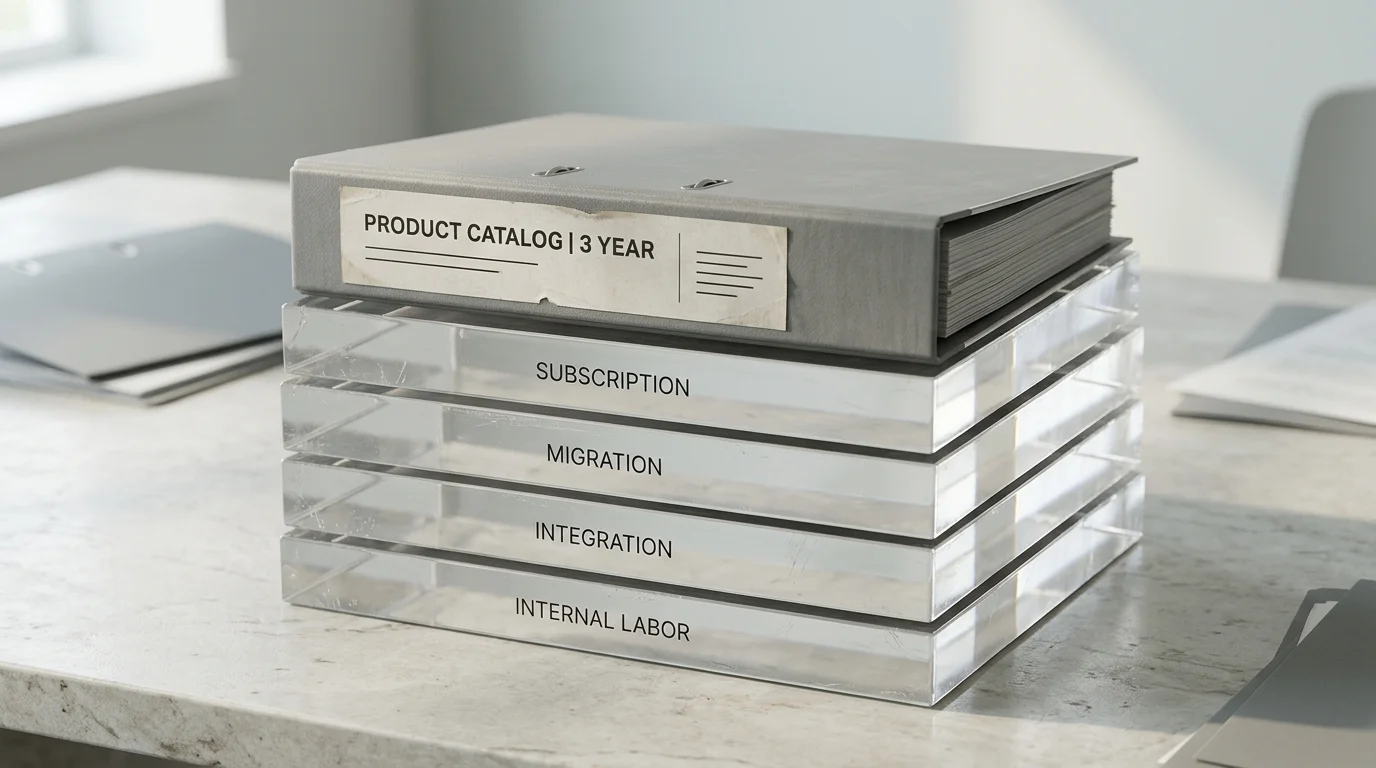
Tracking every expense category over a multi-year horizon reveals the true total cost of ownership, showing that software subscriptions make up only a fraction of the budget. This calculation should include PIMinto's published plan price as well as any storage, portal, transformation, connector, and internal labor requirements that apply to the project.
Build the Year-One Budget
Build your year-one budget using these specific formula components:
- 12 months of the base SaaS subscription
- One-time implementation and data migration fees
- Integration and connector development costs
- Paid channel add-ons, marketplace templates, or portal fees
- Variable storage or AI usage fees
- Internal catalog administration labor required to learn the system
- Mandatory training or consulting fees
Project Three-Year TCO
Projecting your three-year total cost of ownership captures recurring upgrades and scaling costs. Multiply the annual subscription, recurring add-ons, and internal administration costs by three, then add the one-time implementation, initial migration, and future integration development fees. This multi-year view reveals whether a low base price relies on steep scaling penalties as your catalog grows. For a broader comparison with enterprise market options, you can review the total cost of Akeneo implementations.
PIMinto's published tiers make this projection easier to model because the annual subscription can be based on the relevant SKU level, with unlimited users and outputs included in the plan. You should still project the cost of moving into a larger SKU tier and any paid advanced views, transforms, or custom outputs that your team may require.
Test the Break-Even Case
Calculating the monthly labor savings needed to break even involves dividing the monthly subscription by your internal labor rate. A $600 monthly fee requires saving 15 hours per month when valuing labor at $40 per hour. By tracking the specific time your team spends manually updating spreadsheets, correcting marketplace errors, and reformatting images for different sales channels, you will likely find that most operations recover those 15 hours within a few days of centralizing their product data.
For a team considering PIMinto Premium, this calculation provides a direct way to compare the $600 monthly subscription with the time spent maintaining disconnected product records. The result will vary by catalog complexity, channel count, and team process, so use measured labor data rather than an assumed efficiency gain.
Match PIM Cost to Your Business Model
Applying these pricing variables to your specific operational model helps narrow down the best option. PIMinto is particularly relevant for growing e-commerce and B2B brands that need an accessible PIM/DAM foundation, transparent SKU-based pricing, and room for more users and outputs as their catalog operation expands.
E-Commerce Managers
If you manage e-commerce platforms, focus your budget on distribution speed and channel connections. Evaluate the exact scope of native integrations for Shopify, BigCommerce, WooCommerce, Wix, and Google Shopping, and confirm whether marketplace feeds or API calls carry monthly limits. Successfully connecting your storefront to a central PIM involves mapping complex variants, configuring approval workflows, and executing bulk edits without manual data entry. You can then calculate how much the business currently spends maintaining separate product records for every storefront.
PIMinto can serve as the central product information and digital asset workspace in this evaluation, but connector coverage and output requirements still need to be matched to the storefronts and marketplaces in use. Its unlimited users and outputs can also support collaboration between e-commerce managers, marketing teams, agencies, and channel owners without adding per-seat costs.
B2B Manufacturers and Distributors
B2B operations should allocate budget toward asset management, data validation, and partner access. Industrial catalogs feature complex product relationships, technical specifications, CAD files, and compliance manuals, so a combined platform prevents organizations from paying for two separate storage solutions. Evaluate portal costs carefully, as sharing accurate product sheets with retail partners requires controlled access. Selecting software for organizing distributor catalogs with unlimited users allows you to onboard supplier data directly and eliminate the labor of transcribing external spreadsheets.
PIMinto's PIM/DAM positioning fits this budget discussion because product descriptions and digital assets can be considered together instead of treating spreadsheet cleanup and asset organization as separate projects. Confirm the storage, portal, and transformation requirements before selecting a tier, particularly when technical files and compliance documents form a large part of the catalog.
Multichannel Retailers
Multichannel teams should prioritize localization, seasonal updates, and digital asset transformations. Pushing a new product launch across physical point-of-sale systems, mobile applications, and digital marketplaces requires a single source of truth. Factor in the cost of resizing images for different platforms, since relying on an agency to reformat product photos adds variable costs to every catalog update.
PIMinto's unlimited outputs can be part of this comparison because retailers often need to distribute the same approved information to several destinations. Teams should still verify the output types, transformations, and storage capacity required for each seasonal campaign.
Decide Whether a PIM Fits the Budget
Determine if the operational savings justify the software expense. A transparent plan such as PIMinto's can make that decision easier to test because the subscription, user model, output model, onboarding, and migration terms are available before the team commits to a detailed implementation plan.
Signals the Investment Is Justified
A product information management system becomes necessary when manual processes delay revenue, often indicated by specific bottlenecks:
- Managing three or more distinct sales channels.
- Updating identical product details across multiple disconnected spreadsheets.
- Delaying product launches due to missing technical specifications or images.
- Processing frequent returns caused by outdated online marketplace listings.
- Paying external agencies to reformat product sheets and digital assets.
While small catalogs with basic channel requirements may operate well on a free software tier or existing spreadsheet workflows, scaling businesses generally require automation. PIMinto's free Starter plan gives smaller teams a way to assess a PIM workflow for up to 1,000 SKUs before moving to a larger paid tier.
Questions to Ask Before Signing
Protect your budget by asking vendors specific questions during demonstrations:
- Is data migration included, and how many distinct data sources does it cover?
- Does the migration process include data cleanup, deduplication, and taxonomy design?
- Are all required e-commerce platform connectors included in the base price?
- Are marketplace feeds, export templates, or API calls capped at a monthly limit?
- Can external partners, agencies, and suppliers access the system without triggering per-user fees?
- How does the platform bill for video, PDF, and large file storage?
- What are the contractual fees when the catalog exceeds the current SKU tier?
- Does the software vendor handle implementation, or must we hire a third-party integrator?
- Can we export our complete product data and digital assets in standard formats if we cancel the contract?
PIMinto answers several of these budget questions through its published plan details, including unlimited users, unlimited outputs, onboarding, training, and free data migration. You should still ask how your specific sources, assets, connectors, and advanced outputs fit within the applicable limits before signing.
FAQ: Common PIM Cost Questions
What is the exact cost for a 10,000-SKU catalog?
PIMinto offers an Essentials plan at $300 per month for up to 10,000 SKUs, which includes unlimited users, unlimited outputs, onboarding, and training.
What is the exact cost for a 50,000-SKU catalog?
PIMinto provides a Premium plan at $600 per month for up to 50,000 SKUs. Meanwhile, Plytix lists a Pro plan at $499 per month for 50,000 SKUs, prior to any optional add-ons for product feeds, Brand Portals, or document generation. Comparing the complete requirements is important because the lower base Plytix price does not include those listed add-ons.
Do PIM systems charge a fee per user?
Many platforms restrict access to control licensing costs, such as Sales Layer operating on a pay-per-seat model with defined user limits. Conversely, PIMinto provides unlimited users across all plans to encourage collaboration between internal teams and external suppliers.
Are there free PIM systems available?
Several vendors publish free entry tiers for small operations. PIMinto offers a free Starter plan supporting up to 1,000 SKUs, and Plytix lists a free Standard plan for up to 500 SKUs. Evaluate these plans carefully to understand their storage, channel, and transformation limits.
Does PIMinto include data migration?
PIMinto provides free data migration covering spreadsheets, e-commerce platforms, and other PIM systems. Most migrations take one to two weeks, depending on the scope of the project.
What hidden costs affect a PIM budget?
The largest unbudgeted expenses usually stem from data cleanup, system integration, consulting fees, and internal labor. An Inriver guide estimates that migration costs can range from $5,000 to $30,000, while integration work can run $3,000 to $20,000 per connector. Verify whether a vendor includes data migration and standard connectors before signing an annual agreement, and seek out transparent pricing plans publishing explicit limits for storage and SKU capacity.
Stop paying hidden fees for user seats and basic API connectors. PIMinto provides predictable, SKU-based pricing with unlimited users, unlimited outputs, and free data migration included. Centralize your catalogs, manage your digital assets, and syndicate your product listings without hitting artificial paywalls. Explore the plans, compare the tier that fits your catalog, and start your free catalog migration at PIMinto.
Modified on: 2026-09-05
Blogs you might like
-

Best PIM Software for Shopify in 2026
Shopify handles products well until the catalog outgrows it. Variants pile up, supplier files arrive in different formats, a second store needs the same products with different content, and spreadsheets become the real system of record. That is the p...
-

Jewelry Product Catalog Software: Managing Product Data, Line Sheets and B2B Catalogs
One engagement ring design can come in three metals, four center-stone weights and twelve ring sizes. Add natural and lab-grown versions, a wholesale price for boutiques and a separate price list for Europe, and a single design turns into hundreds of...
-

Beauty and Cosmetics Product Data Management: A PIM Guide for Brands
A lipstick launches in 20 shades. Each shade has its own barcode, swatch, product photo, shade description and stock status, and every retailer wants that information in a different spreadsheet. Six months later the brand adds a matte version and a m...
-

Food and Beverage Product Data Management: A Practical Guide for Brands and Distributors
A granola bar recipe changes: almonds replace cashews. The new label goes to print, but the allergen statement on your website, the spec sheet your distributor uses and the listing on an online grocery site still say "contains cashews." Nobody made a...
