What Is a GTIN Number?
Author name: Mark James
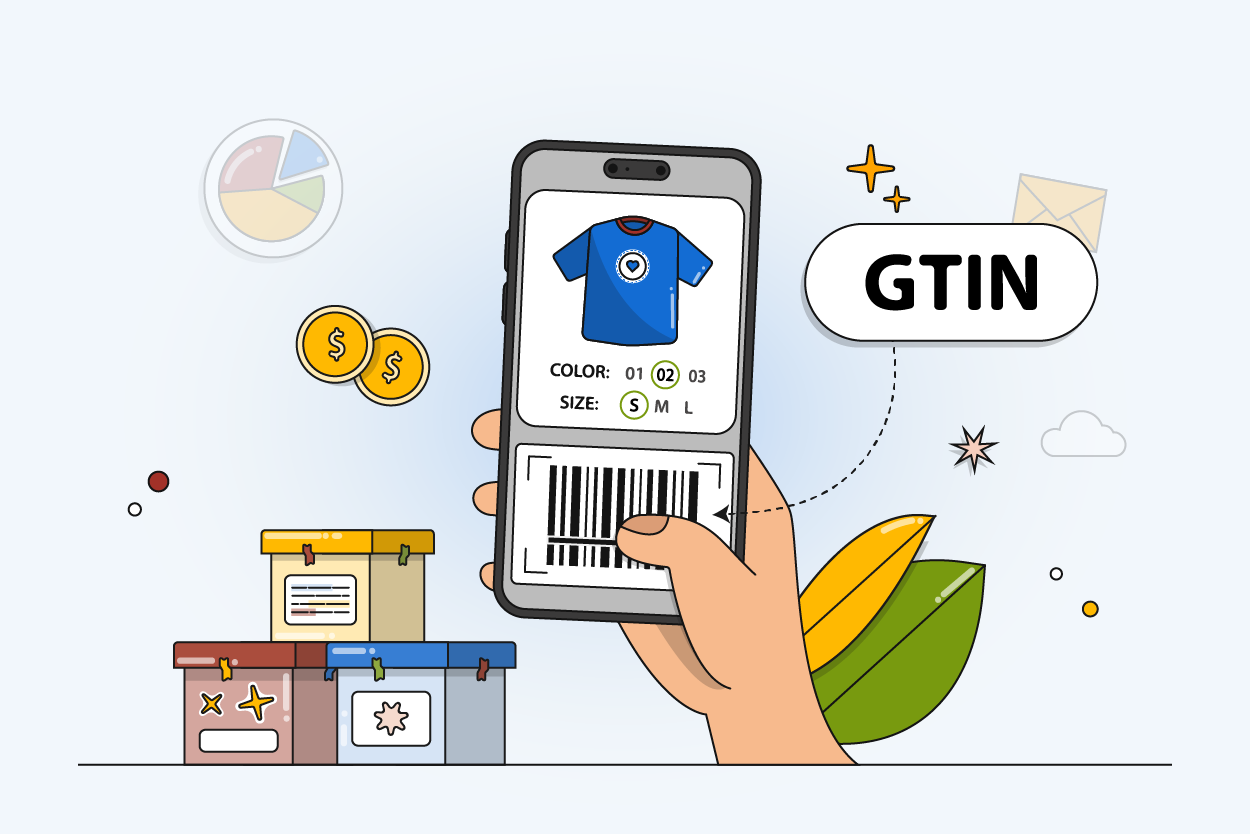
A GTIN, or Global Trade Item Number, is a unique number that identifies a predefined product or service that can be priced, ordered, or invoiced at any point in any supply chain. GS1 says that different products require different GTINs, and the brand owner is normally responsible for allocating them.
When merchants search for the phrase “what is gtin number,” they are usually trying to match manufacturer data to required e-commerce marketplace fields. The brand owner, meaning the organization responsible for the product specifications, normally allocates this identifier regardless of where the product is manufactured. Once those numbers are assigned, you need a secure place to store them. PIMinto provides a central platform to collect these identifiers, connect them to the correct digital assets, and push accurate product records to your sales channels.
Understanding GTIN Formats and Lengths
Numeric product identifiers come in several standard lengths, and the format describes the structure of the identifier alongside its typical application.
| Format | Common Name | Length | Typical Use |
|---|---|---|---|
| GTIN-8 | EAN-8 | 8 digits | Small retail items with limited packaging space |
| GTIN-12 | UPC or UPC-A | 12 digits | Primarily North American retail products |
| GTIN-13 | EAN or JAN | 13 digits | Primarily products sold outside North America |
| GTIN-14 | ITF-14 (barcode) | 14 digits | Cases, packs, and other wholesale packaging levels |
UPC and EAN are names for specific GTIN formats. A 12-digit UPC is a GTIN-12, while a 13-digit EAN is a GTIN-13. GTIN-12 is mostly used in North America, while GTIN-13 is mostly used in Europe and the rest of the world. GTIN-14 is used for cases and packaging, and GTIN-8 is used for smaller-sized items.
The format describes the structure of the data string, meaning the digits do not decode to reveal the product price, item category, or country of manufacture. A number only gains meaning when a computer cross-references it against a database containing the product specifications. While most categories use the formats listed above, books operate under a parallel standard. Retailers map book identifiers to these systems by submitting the ISBN-13 as the GTIN value in their digital feeds.

Differentiating a GTIN From a Barcode
A GTIN represents the numeric product identifier, whereas a barcode provides the machine-readable visual representation scanned by hardware. The distinction matters because the exact same numeric identifier can appear on thousands of copies of identical products. Furthermore, specialized barcode types carry additional information like expiration dates or batch numbers. Not every barcode contains only a GTIN, and the product identifier still exists even if the physical symbol is damaged or missing.
Confusing external identifiers with internal tracking codes causes problems, so keeping these fields distinct prevents inventory mismatches and marketplace disapprovals.
| Identifier | Main Purpose | Assigned By | Example Use |
|---|---|---|---|
| GTIN | Identifies a trade item globally | Brand owner via GS1 | Channel feeds and global catalogs |
| UPC | GTIN-12 format | Brand owner | Point of sale in North America |
| EAN | Common GTIN-13 name | Brand owner | Point of sale internationally |
| SKU | Internal inventory identifier | Retailer or distributor | Warehouse and local merchandising |
| MPN | Manufacturer part identifier | Manufacturer | Parts and technical diagrams |
A SKU is an internal stock keeping unit used by your business, while a GTIN is a product identifier used in the global marketplace. Because they serve different purposes, Google tells merchants not to put an internal store SKU in the GTIN field. Google says using an incorrect identifier, such as an internal SKU in the wrong attribute, can result in product disapproval. It treats GTIN, MPN, and brand as separate product-data attributes.

How to Locate or Register a New GTIN
If you are looking for an existing identifier, the most direct method involves reading the digits printed beneath the barcode on the physical product packaging. Lacking access to the physical item, you can request the manufacturer product data or supplier product sheets instead. You also have the option to run a GTIN lookup through verified GS1 registry services. Existing marketplace records offer helpful clues, but you need to independently verify any number pulled from a public storefront. Copying an identifier from a similar product or variant to satisfy a required form field leads to listing errors.
Brand owners bringing new products to market create their identifiers through the official sequence, and retailers typically request these numbers from the supplier rather than minting new codes for branded items. The brand owner process involves several steps:
- Obtain a GS1 Company Prefix or single identifier allocation.
- Assign a unique item reference number.
- Calculate the mathematical check digit.
- Record the complete identifier against the exact product specifications and packaging level.
- Maintain an auditable record of the allocation to prevent duplication.
The final number in the sequence functions as a check digit, verifying the mathematical structure of the previous numbers to catch data entry errors without encoding product attributes.
Validating your data before publishing a product record prevents costly marketplace rejections. First, confirm the identifier has the correct length for its format and passes check-digit validation. Next, ensure the brand and MPN fields align with the manufacturer record. Finally, verify the identifier matches the exact color, size, and packaging level of the item you intend to sell.
Assigning Identifiers to Variants, Multipacks, and Bundles
A parent product with multiple options requires careful identifier mapping because each sellable variant uses its own unique product identifier for global commerce and advertising feeds. You cannot apply one general identifier to every size in an apparel lineup.
| Product Record | Internal SKU | Variant GTIN |
|---|---|---|
| Blue shirt, small | SHIRT-BLU-S | [GTIN-A] |
| Blue shirt, medium | SHIRT-BLU-M | [GTIN-B] |
| Red shirt, small | SHIRT-RED-S | [GTIN-C] |
Packaging levels demand similar precision. An individual consumer unit, an inner pack, a wholesale case, and a predefined pallet configuration may each function as separate orderable trade items, meaning each level receives its own applicable GTIN. You cannot reuse a consumer-unit identifier for a bulk case without explicit confirmation from the brand owner.
Multipacks and retailer bundles follow different destination rules. A manufacturer-created multipack uses the assigned multipack identifier provided by the brand, whereas retailer-created bundles require a different approach. If you package a digital camera, a memory card, and a carrying case into one promotional offer, the camera's original identifier does not automatically cover the entire bundle. Following the destination channel bundle policy usually involves declaring the main product, listing the included items, and flagging the listing as a custom bundle.
The GS1 standard outlines specific situations requiring a new identifier. Brands assign new numbers for product introductions, changes to declared net content, or formulation changes that require a legal distinction for consumers. Physical dimension or gross-weight changes exceeding 20 percent also trigger an update. Altering the primary brand on the packaging or changing the item quantity inside a predefined case demands a fresh assignment, though minor copy edits or slight graphic updates to packaging do not automatically require a new number.
Keeping parent-child relationships organized becomes difficult in generic spreadsheets. PIMinto allows you to model variants, packaging levels, and multipacks accurately. Setting up these structures inside a centralized system reduces accidental identifier reuse across your sales channels.

Identifying Products That Lack a Global Identifier
Not every product receives an assigned numeric identifier. Widely manufactured branded products almost always carry them, alongside items sold in traditional physical retail environments. Custom goods, handcrafted items, vintage antiques, and original art pieces rarely have global identifiers. Store-brand or private-label products also lack them unless the merchant registers a company prefix to distribute those goods externally.
When a product lacks a global identifier, inventing one creates compliance problems. Attempting to trick a marketplace algorithm with a fake number or an internal SKU results in listing suspensions. Instead, leave the attribute blank and supply the brand and MPN fields where the destination channel supports them. Destination rules vary by platform, making it helpful to verify the specific feed requirements for custom or unbranded goods.
Structuring and Managing Global Identifiers
Consistent product-data formatting helps Google understand the information in a catalog submission. Google Merchant Center recommends submitting the correct GTIN assigned by the manufacturer when a product has one. A GTIN helps make an ad or unpaid listing easier for customers to find, while missing or incorrect GTINs can limit product visibility. Products submitted without any unique product identifiers are difficult to classify and can be ineligible for some Shopping programs or features.
Structuring product data for digital channels requires precision. Search engines and marketplaces read specific structured data properties like gtin8, gtin12, gtin13, gtin14, and isbn. Mapping the identifier to the single corresponding property yields better results than stuffing the same number into every available field.
Building a reliable product record requires a structured database approach. A canonical product entry contains the identifier, specific format, internal SKU, brand, and MPN. The record documents the variant attributes, packaging level, bundle status, and data source. Related barcode artwork and packaging photography then link directly to this canonical entry.
GS1 recommends representing shorter identifiers in a uniform 14-digit database format by adding leading zeroes. Because spreadsheet applications often strip leading zeroes from numeric values, formatting global identifiers as text fields preserves the exact digit count required by API endpoints and feed processors. You can then map this canonical record outward to fit specific channel requirements. When you integrate product information management software into your stack, the platform handles these text conversions and channel mappings natively.
Proper governance relies on a defined workflow. The process involves recording the source of the identifier, determining whether it points to a variant or a case pack, and validating the check digit. After confirming the brand and packaging details align, you link the technical assets to the verified record. Finally, you map the clean data to Google Shopping, marketplace connections, and distributor portals. Maintaining clear ownership and review history ensures a bulk update never accidentally overwrites the identifier for a distinct variant.
Scattered spreadsheets break these governance rules as leading zeroes vanish, variant codes get duplicated, and bundle statuses drop off during manual feed exports. PIMinto replaces disorganized spreadsheets with a single source of truth for product and asset data. The platform combines a dedicated PIM with Digital Asset Management to keep technical specifications alongside product photography and barcode artwork. You can automate data enrichment with the AI PIM Assistant, securely share catalogs through built-in brand portals, and push listings outward using native API connectors. Because PIMinto offers transparent paid subscriptions with unlimited users and outputs, your team can fix catalog bottlenecks without hitting artificial paywalls.
Keep GTINs, SKUs, variants, product specifications, and digital assets organized in one source of truth. PIMinto helps growing e-commerce and B2B teams clean up product data, connect the right assets to the correct products, and syndicate accurate catalogs across channels. Explore PIMinto to stop managing critical identifiers in vulnerable spreadsheets.
Modified on: 2026-09-23
Blogs you might like
-

Jewelry Product Catalog Software: Managing Product Data, Line Sheets and B2B Catalogs
One engagement ring design can come in three metals, four center-stone weights and twelve ring sizes. Add natural and lab-grown versions, a wholesale price for boutiques and a separate price list for Europe, and a single design turns into hundreds of...
-

Beauty and Cosmetics Product Data Management: A PIM Guide for Brands
A lipstick launches in 20 shades. Each shade has its own barcode, swatch, product photo, shade description and stock status, and every retailer wants that information in a different spreadsheet. Six months later the brand adds a matte version and a m...
-

Food and Beverage Product Data Management: A Practical Guide for Brands and Distributors
A granola bar recipe changes: almonds replace cashews. The new label goes to print, but the allergen statement on your website, the spec sheet your distributor uses and the listing on an online grocery site still say "contains cashews." Nobody made a...
-

Multichannel Ecommerce Software: A Practical Guide
A shopper finds your product on Amazon, checks the price in your Shopify store and buys it on Walmart. Behind that one purchase sit three listings, one pool of stock and a product description that has to match everywhere. Multichannel ecommerce softw...
