Implementing a PIM: Detailed Steps
Author name: Mark Chickering
PIM implementation is the process of moving your product data into a product information management system, structuring it, connecting the PIM to your ERP, ecommerce platform, and sales channels, and getting your team to work in it every day. For a single store with clean data, it can take a few weeks; with a large catalog, several data sources, and ERP integration, expect several months.
The software is rarely the hard part. Most delays come from messy source data, decisions about attributes that nobody owns, and integrations that were scoped too late. This guide walks through the steps in the order they actually happen, with a realistic timeline, a section on data migration, the problems that stall projects, and a checklist you can copy.
PIM Implementation Timeline
How long PIM implementation takes depends on three things: catalog size, the number of data sources, and how many systems the PIM has to connect to. Industry guides put full implementations at 3 to 12 months, but that range covers everything from mid-size catalogs to enterprise rollouts. Here is what each phase typically takes:
| Phase | Typical Duration | What Makes It Longer |
|---|---|---|
| Discovery and goals | 1–2 weeks | Many departments and stakeholders to align |
| Data audit and cleanup | 2–6 weeks | Duplicates, inconsistent values, data spread across spreadsheets |
| Data model and attributes | 1–3 weeks | Many product categories, complex variants, several languages |
| Data migration | 1–2 weeks for most projects | Large catalogs, multiple source systems, heavy media libraries |
| Integrations | Days to several weeks | Custom ERP integration, two-way sync, many sales channels |
| Testing and pilot | 2–4 weeks | Several channels and markets to validate |
| Training and rollout | 1–2 weeks | Large teams, external suppliers or dealers using the system |
In practice, phases overlap: cleanup continues during migration, and training starts during the pilot. A single store moving from spreadsheets can be live in 1–2 months. A manufacturer or distributor with an ERP integration, a large catalog, and several channels should plan for 3–6 months or more.
Before You Start: Goals, Team, and Scope
Three decisions made before the first import save the most time later.
- Measurable goals. "Better data" is not a goal. "New products live on all channels within 2 days of arrival" or "zero marketplace listing errors" is. Pick 2–3 metrics and record today's baseline.
- A project owner. One person who knows the catalog and can make decisions about attributes and workflows. Without an owner, every structural question turns into a meeting.
- A defined first scope. Decide which categories, channels, and integrations go live first. Everything else becomes phase two.
Involve the teams that will use the PIM early — product management, marketing, ecommerce, IT, and technical documentation. They know where data comes from today and which fields each channel requires. If you're still comparing systems, start with what a product information management system does and which features your team actually needs.
PIM vs ERP vs MDM: Which System Do You Need?
Choosing the right system is critical for successful implementation. Understand the key differences between PIM, ERP, and MDM to make an informed decision.
PIM Implementation Steps
1. Audit Your Current Product Data
List every place product data lives today: ERP, spreadsheets, supplier files, the ecommerce admin, shared drives with images and PDFs. For each source, note who maintains it and how current it is. Then check the data itself: duplicates, missing values, inconsistent units ("cm" vs "centimeters"), and SKUs that exist in one system but not another. Clean the obvious problems before migration — moving bad data into a new system only makes it faster to publish.
2. Design the Data Model
The data model defines how products are described in the PIM: categories, attribute groups, attributes, and their formats. Define which attributes are required for each product type — a dining table needs dimensions and materials, a spare part needs compatibility and certifications. Decide on units, allowed values, and languages up front. Well-defined attributes are the foundation of PIM best practices; adding them randomly per channel later is how data models become unmaintainable.
3. Set Up Product Variants
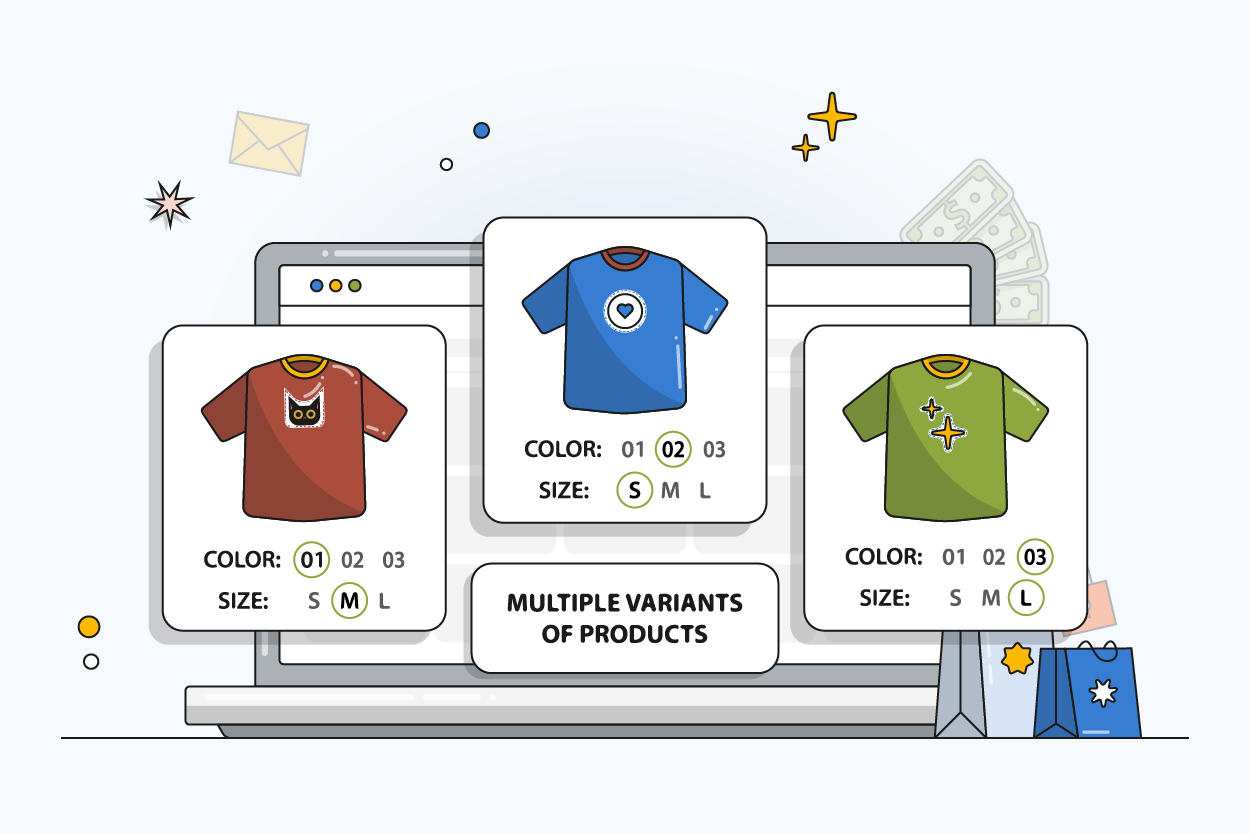
If your products come in several versions, define which attributes vary (size, color, configuration) and which are shared by the parent product. A shirt in three sizes and three colors produces nine variants, each with its own SKU, price, stock, and ideally its own images. Setting up the parent–variant structure correctly now prevents duplicated descriptions and mismatched images later.
4. Migrate Your Product Data
Import products, categories, attributes, and digital assets into the PIM, starting with a sample of one category to test the mapping. Once the sample is correct, run the full import. The next section covers migration in detail.
5. Connect the PIM to Your Systems
The PIM sits between the systems that create product data and the channels that publish it. Typical integrations:
- ERP — sends SKUs, prices, and stock to the PIM.
- Ecommerce platforms — Shopify, WooCommerce, Magento, or a headless storefront receive enriched product data from the PIM.
- Marketplaces and feeds — Amazon, Google Shopping, and retail partners, each with their own attribute requirements.
- Supplier data — spreadsheets or APIs imported on a schedule.
Standard connectors are set up in days. A custom ERP integration takes longer, so scope it early and don't leave it for the end of the project.
6. Set Up Workflows and Data Governance
Decide who creates products, who enriches them, and who approves them before publishing. Assign ownership per field type — for example, product managers own specifications, marketing owns descriptions, and ecommerce owns channel-specific fields. Set user roles and permissions, and use completeness rules and quality control so incomplete products can't go live.
7. Test and Run a Pilot
Start with one category, one channel, or one team. Check that data arrives in each channel correctly: attribute mapping, images, variants, prices, and translations. Collect feedback from the people using the system every day, fix issues, and only then expand to the full catalog.
8. Train Your Team and Go Live
Train users by role, not with one generic session — a content editor and an ERP administrator need different things. Set a date to retire the old spreadsheets. If the team keeps updating the old files "just in case", the PIM never becomes the single source of truth. After launch, track the goals you set at the start and review the data model every quarter as catalogs and channels grow.
Need Help Choosing the Best PIM Software?
With so many PIM solutions available, selecting the right one can be overwhelming. Compare the top 10 PIM platforms for 2026 based on features, pricing, and use cases.
PIM Data Migration: How to Move Your Product Data
PIM data migration is the transfer of products, categories, attributes, and digital assets from your current systems into the new PIM. Most migrations take 1–2 weeks. Large catalogs, several source systems, or large media libraries take longer, mostly because of mapping and cleanup rather than the transfer itself.
A reliable migration follows this order:
- Map fields. Match every source field to a PIM attribute. Decide what to merge, split, or drop.
- Clean before you move. Remove duplicates, standardize units and values, and fix broken SKUs in the source.
- Test with a sample. Import one category and check it field by field.
- Run the full import. Products, variants, categories, attributes, and images, linked to the right SKUs.
- Validate. Compare product counts, completeness, and random samples against the source.
- Switch over. Keep the old system running until the PIM is validated, then move updates to the PIM only.
Migrating from another PIM (Akeneo, Pimcore, Salsify) is usually faster than migrating from spreadsheets, because the data is already structured. Migrating from an ecommerce platform (Shopify, WooCommerce, Magento) is somewhere in between: the products exist, but attributes are often stored as free text.
PIMinto handles migration for new customers at no cost: products, categories, attributes, and images, from other PIM platforms, ecommerce platforms, spreadsheets, or custom solutions. Your current system keeps running while the data is transferred.Common PIM Implementation Problems and How to Avoid Them
- Data cleanup treated as a side task. When cleanup is done "in spare time", it takes months. Assign people and hours to it as part of the project plan.
- No single owner. Every department wants its own attributes and rules, and decisions stall. One project owner with authority to decide fixes this.
- Attributes added per channel on demand. Patching the data model for each new marketplace creates duplicates and conflicts. Design the model first, then map channels to it.
- ERP integration scoped too late. It's usually the longest technical task. Plan it during discovery, not after migration.
- Parallel spreadsheets that never die. If people keep editing old files, data diverges again. Set a firm cut-off date.
- One-size-fits-all training. Non-technical users drop off when training doesn't match their daily tasks. Train by role and give each team a simple workflow.
PIM Implementation Checklist
Use this checklist as a template for your project plan.
| Phase | Task | Owner |
|---|---|---|
| Discovery | Set 2–3 measurable goals and record the baseline | Project owner |
| Discovery | Assign a project owner and involve all teams that use product data | Management |
| Discovery | Define first scope: categories, channels, integrations | Project owner |
| Data audit | List all data sources and who maintains them | Product team |
| Data audit | Remove duplicates, standardize units and values | Product team |
| Data model | Define categories, attribute groups, and required fields per product type | Product team |
| Data model | Define variant structure and SKU rules | Product team |
| Migration | Map source fields to PIM attributes | Product team + PIM vendor |
| Migration | Test import with one category, then run full import | PIM vendor |
| Integrations | Connect ERP, ecommerce platform, marketplaces, and supplier feeds | IT + PIM vendor |
| Governance | Set roles, permissions, approval workflow, and completeness rules | Project owner |
| Pilot | Test one category or channel end to end and collect feedback | All teams |
| Rollout | Train users by role and set a cut-off date for old spreadsheets | Project owner |
| After launch | Track goals and review the data model quarterly | Project owner |
Implementing PIM In-House vs With Your Vendor
You can implement a PIM with your own team, with an implementation partner, or with the vendor's team. Doing it in-house works when you have a small catalog, clean data, and standard connectors. Vendor or partner help pays off when you need data migration from several sources, a custom ERP integration, or a tight launch date.
Here is how three PIMinto customers with very different setups approached implementation.
Hussmann: From Spreadsheets to Real-Time Ecommerce Data
Hussmann, a Panasonic company that manufactures commercial refrigeration equipment, sells thousands of replacement parts online, each with competitor compatibility data. Implementation started with a spreadsheet import to build the product foundation. Feeds were then set up to pull new products and SKUs nightly from external business-system APIs, and the headless ecommerce site was connected to PIMinto's APIs so every change appears on the site immediately. Images and 360° spin sets are uploaded in bulk and assigned to the right SKUs automatically. All of it runs on standard features, without custom development. Read the Hussmann case study.
RBI Corporation: Implementing PIM for 250,000+ SKUs
RBI, a distributor of outdoor power equipment with warehouses in three states, needed a single source of truth for over 250,000 SKUs sold across retail, wholesale, and dealer channels. The implementation combined scheduled imports from business systems, supplier data mapped through a visual tool that non-technical staff can use, and real-time API connections to headless ecommerce sites, each serving its own subset of SKUs. Read the RBI case study.
Vermeer: One Integration Instead of 150
Vermeer, an industrial and agricultural equipment manufacturer operating in 60+ countries, wanted retail customers to order parts online and pick them up from 150 independent dealers. Master parts data was loaded from spreadsheets and APIs, and each dealer received its own access to manage pricing and availability without seeing other dealers' data. Instead of 150 separate integrations, the ecommerce platform connects to PIMinto through a single API. Read the Vermeer case study.
PIMinto's team handles PIM implementation with you: free data migration, integration with your ERP and sales channels, and hands-on support after launch.
Ready to Implement PIM Successfully?
Schedule a free consultation with PIMinto experts. We'll review your current setup and create a custom implementation and migration plan.
Frequently Asked Questions About PIM Implementation
A single store moving from spreadsheets with clean data can go live in 1–2 months. Projects with a large catalog, several data sources, ERP integration, and multiple sales channels usually take 3–6 months or more. Data cleanup and ERP integration are the phases that most often extend the timeline.
Most migrations take 1–2 weeks. Large catalogs, several source systems, or big media libraries take longer, mainly because of field mapping and data cleanup. Migrating from another PIM is usually faster than migrating from spreadsheets.
Measurable goals, a project owner, the first scope (categories, channels, integrations), a data audit, the data model, a migration plan, integrations, governance rules, a pilot, training, and post-launch metrics. The checklist above can be used as a template.
The cost has three parts: the software subscription, implementation help (migration, integrations, setup), and your team's time for data cleanup and enrichment. The internal time is often the largest part and grows with catalog size. PIMinto includes data migration for new customers at no extra cost.
The most common reasons are unresourced data cleanup, no single project owner, attributes added per channel without a data model, ERP integration planned too late, and teams that keep working in old spreadsheets after launch.
Yes. The current system should keep running until the PIM data is validated. Then product updates move to the PIM, and the old system or spreadsheets are retired on a set date.
Modified on: 2026-09-25
Blogs you might like
-

Jewelry Product Catalog Software: Managing Product Data, Line Sheets and B2B Catalogs
One engagement ring design can come in three metals, four center-stone weights and twelve ring sizes. Add natural and lab-grown versions, a wholesale price for boutiques and a separate price list for Europe, and a single design turns into hundreds of...
-

Beauty and Cosmetics Product Data Management: A PIM Guide for Brands
A lipstick launches in 20 shades. Each shade has its own barcode, swatch, product photo, shade description and stock status, and every retailer wants that information in a different spreadsheet. Six months later the brand adds a matte version and a m...
-

Food and Beverage Product Data Management: A Practical Guide for Brands and Distributors
A granola bar recipe changes: almonds replace cashews. The new label goes to print, but the allergen statement on your website, the spec sheet your distributor uses and the listing on an online grocery site still say "contains cashews." Nobody made a...
-
Multichannel Ecommerce Software: A Practical Guide
A shopper finds your product on Amazon, checks the price in your Shopify store and buys it on Walmart. Behind that one purchase sit three listings, one pool of stock and a product description that has to match everywhere. Multichannel ecommerce softw...
